Manage Proxmox VE nodes, VMs, containers, storage and snapshots. Read-only by default.
Quick Install
Automated & IDE SetupCopy the AI prompt to install this server into Claude Code, Cursor, or another agent — or use 1-click editor setup below.
Not yet automatically verified
We haven't yet run this listing's install command through our automated sandbox check. This isn't a red flag — we're steadily working through the catalog.
Manual Client & Custom JSON ConfigExpand JSON ▾
Client Config & Setup
Choose your client or environment
Target File:
💡 Paste the JSON block into your client's configuration file under mcpServers, then restart the application.
Documentation Overview
Proxmox MCP server
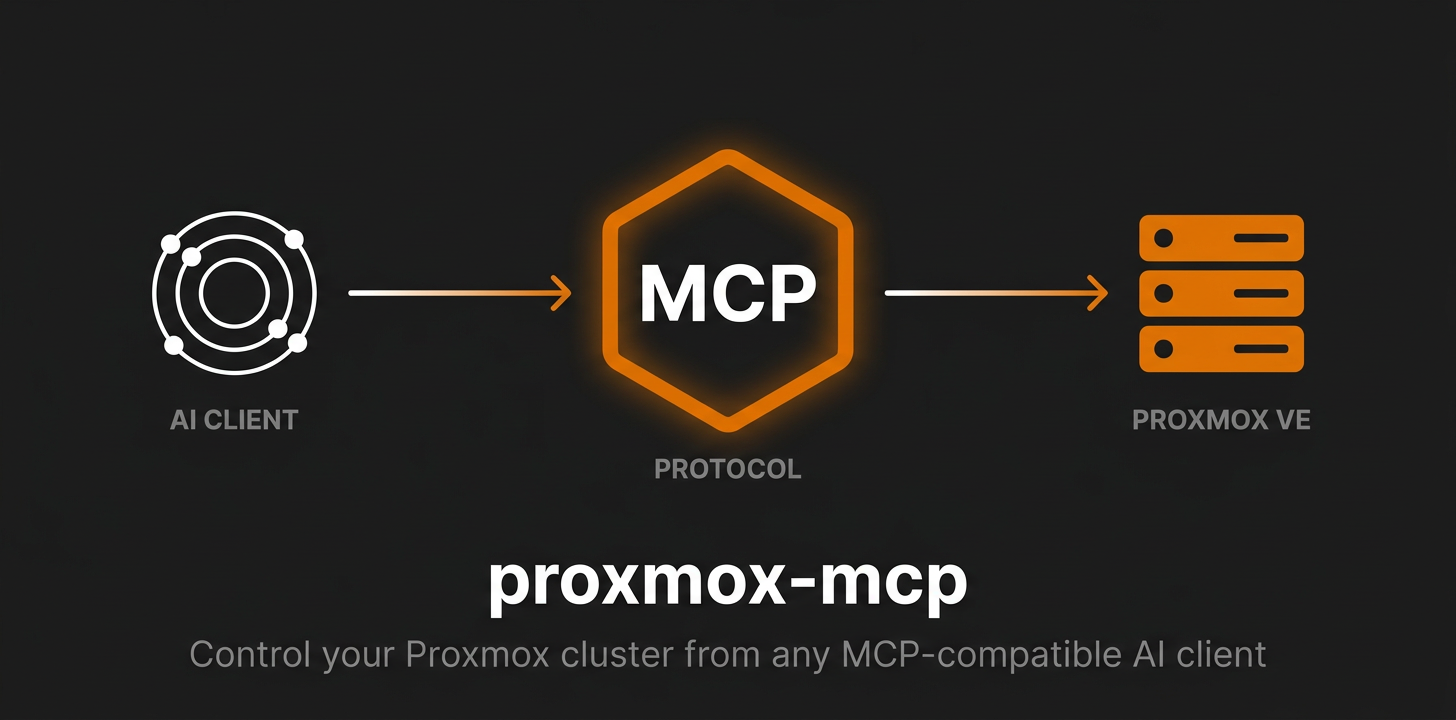





Simple Proxmox MCP

MCP server for managing Proxmox VE
50 tools — nodes, QEMU VMs, LXC containers, storage, cluster, snapshots.
Why this one?
- One image, multi-arch —
docker run ghcr.io/akmalovaa/proxmox-mcp:latestand you're done - Just env vars — no config files, no database, no state
- Read-only by default — destructive ops are gated behind an explicit
PROXMOX_RISK_LEVEL - stdio or Streamable HTTP — one env var apart; stdio by default, HTTP binds loopback
- Tiny codebase — a thin layer over Proxmoxer, no config files, no database, no state
- Raw JSON out — no formatting, no emoji; LLM gets clean data
- Readable failures — a 403, a dead host or a blocked tier come back as a sentence, not a stack trace

Quick start
Image: ghcr.io/akmalovaa/proxmox-mcp:latest (multi-arch: amd64 + arm64).
1. Export credentials in your shell profile (~/.zprofile, ~/.zshrc or ~/.bashrc):
Reload: source ~/.zprofile (or restart the shell).
2. Add to ~/.claude/settings.json (Claude Code) or claude_desktop_config.json (Claude Desktop):
or token auth:
docker run -e VAR without a value passes the host variable through — no secrets in the config file. Restart the client — 32 read-only Proxmox tools become available (more if you raise PROXMOX_RISK_LEVEL).
For password auth, swap the token vars for PROXMOX_PASSWORD.
Note: Claude Desktop on macOS is launched via launchd and does not inherit
~/.zprofile/~/.zshrc. Either put the exports in~/.zshenv, or fall back to an inline"env": { ... }block in the config.
Configuration
All settings are environment variables — set them in your shell profile, pass them inline to docker run -e, or declare them in your MCP client's env block.
| Variable | Default | Description |
|---|---|---|
PROXMOX_HOST | — | Proxmox host (IP or hostname) |
PROXMOX_USER | root@pam | API user |
| Auth | — | token or password — see below |
PROXMOX_PORT | 8006 | API port |
PROXMOX_VERIFY_SSL | false | Verify TLS certificate |
PROXMOX_TIMEOUT | 15 | Seconds to wait for each API request |
PROXMOX_RISK_LEVEL | read | read / lifecycle / all — see Risk levels |
PROXMOX_TOOLS_ALLOW | — | Comma-separated tool names to register, on top of the risk level |
PROXMOX_REDACT_SECRETS | true | Mask cipassword / sshkeys in responses |
Transport settings live under a PROXMOX_MCP_ prefix — see Streamable HTTP.
Authentication: token or password
Pick one. If both are set, the token wins.
Token (recommended):
Setting only one half of the pair is a startup error rather than a silent fallback to
the password — a typo in PROXMOX_TOKEN_NAME used to mean quietly running as whoever
PROXMOX_USER is.
Password (fallback):
Least privilege
An MCP server is reachable by a model acting on text it did not write, so give it its
own user and its own token rather than root@pam. On the Proxmox host:
Check what the token actually ended up with:
PVEAuditor covers all 32 read tools. PVEVMAdmin on /vms adds guest lifecycle and
snapshots; migrate_vm additionally needs VM.Migrate on the target node, and
clone_vm needs Datastore.AllocateSpace on the target storage. Narrow the ACL path
(/vms/101, /pool/homelab) if the server should only see part of the cluster.
root@pam still works and is the quickest thing for a local look around — it is just
not what should be left running.
Risk levels
PROXMOX_RISK_LEVEL controls which tools exist. Tools above the active level are not registered, so they never appear in the MCP client's tool list:
| Level | Tools | Adds |
|---|---|---|
read (default) | 32 | read-only tools |
lifecycle | 46 | + start / stop / reboot / suspend / clone / migrate / create-snapshot |
all | 50 | + delete-snapshot / rollback-snapshot |
Each elevated call is also re-checked at call time and logged to stderr (ALLOW / DENY + tool + tier).
The active level is not otherwise observable from the client side — a tool that is
missing looks the same as a tool that was never written — so get_server_info reports
it, along with the versions and the tool count.
PROXMOX_TOOLS_ALLOW narrows further within the tier, for a deployment that serves
one specific agent:
Names that do not exist are a startup error, so a typo cannot silently amputate the
tool list. Keep get_server_info on the list unless you have a reason not to — it is
how a client learns what the rest of the list means.
Response shape
Inventory listings (list_nodes, list_vms, list_containers, get_cluster_resources)
return a compact subset of each row: identity, status, uptime, CPU and memory. What is
dropped is per-second IO counters and PSI pressure gauges — real data, but nothing a
triage decision turns on, and several times the volume of what is kept. Pass
verbose=true for the untouched rows.
Write tools answer with the task Proxmox accepted, not with a finished result:
cipassword and sshkeys are replaced with ***redacted*** everywhere, keeping the key
so the model can still tell that cloud-init is configured. Set
PROXMOX_REDACT_SECRETS=false to get the raw values.
Streamable HTTP
stdio stays the default and is what an MCP client on your own machine should use. For a shared deployment — a container in a cluster, several clients on one URL — set the transport and nothing else changes:
| Variable | Default | Description |
|---|---|---|
PROXMOX_MCP_TRANSPORT | stdio | stdio or streamable-http |
PROXMOX_MCP_HOST | 127.0.0.1 | Bind address — 0.0.0.0 in a container |
PROXMOX_MCP_PORT | 8000 | Port |
PROXMOX_MCP_PATH | /mcp | Endpoint path |
PROXMOX_MCP_JSON_RESPONSE | true | JSON responses instead of an SSE stream |
PROXMOX_MCP_ALLOWED_HOSTS | — | Host headers to accept; * disables the check |
PROXMOX_MCP_ALLOWED_ORIGINS | — | Browser origins allowed; empty = same-origin only |
The prefix is PROXMOX_MCP_, not PROXMOX_, because Kubernetes injects <SERVICE>_PORT
for every linked Service — a Service named proxmox would otherwise redefine
PROXMOX_PORT.
Sessions are not used (stateless_http): they were removed from the protocol in
revision 2026-07-28, and without them several clients can share one URL and a rolling
update does not cut anyone off.
Related MCP Servers
Reviews
No reviews yet — be the first to share how this listing worked for you.
Frequently Asked Questions about Proxmox VE
AllMCPs Directory Badge
Showcase your server listing on GitHub or your project documentation. Embed this dynamic SVG badge to highlight official listing status and live engagement.
Badge Style:
Live Dynamic SVG Preview
Markdown (GitHub README)
[](https://allmcps.com/mcp/proxmox-ve)HTML Embed
<a href="https://allmcps.com/mcp/proxmox-ve"><img src="https://allmcps.com/api/badge/proxmox-ve?style=directory" alt="Proxmox VE on AllMCPs" /></a>