Proxmox VE README
The full upstream README, mirrored here for reference. Install config, tool schemas, adoption signals, and an original overview live on the Proxmox VE listing page.
Proxmox MCP server
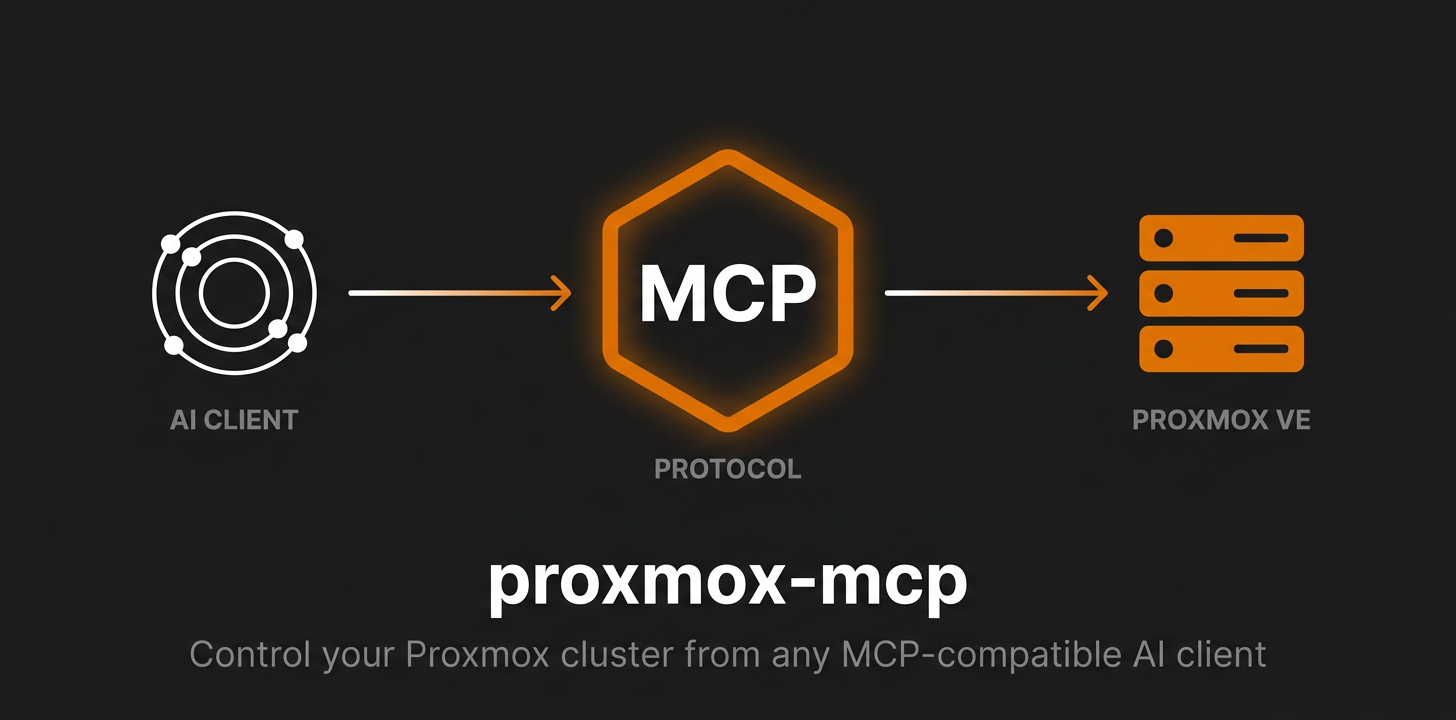





Simple Proxmox MCP

MCP server for managing Proxmox VE
50 tools — nodes, QEMU VMs, LXC containers, storage, cluster, snapshots.
Why this one?
- One image, multi-arch —
docker run ghcr.io/akmalovaa/proxmox-mcp:latestand you're done - Just env vars — no config files, no database, no state
- Read-only by default — destructive ops are gated behind an explicit
PROXMOX_RISK_LEVEL - stdio or Streamable HTTP — one env var apart; stdio by default, HTTP binds loopback
- Tiny codebase — a thin layer over Proxmoxer, no config files, no database, no state
- Raw JSON out — no formatting, no emoji; LLM gets clean data
- Readable failures — a 403, a dead host or a blocked tier come back as a sentence, not a stack trace

Quick start
Image: ghcr.io/akmalovaa/proxmox-mcp:latest (multi-arch: amd64 + arm64).
1. Export credentials in your shell profile (~/.zprofile, ~/.zshrc or ~/.bashrc):
Reload: source ~/.zprofile (or restart the shell).
2. Add to ~/.claude/settings.json (Claude Code) or claude_desktop_config.json (Claude Desktop):
or token auth:
docker run -e VAR without a value passes the host variable through — no secrets in the config file. Restart the client — 32 read-only Proxmox tools become available (more if you raise PROXMOX_RISK_LEVEL).
For password auth, swap the token vars for PROXMOX_PASSWORD.
Note: Claude Desktop on macOS is launched via launchd and does not inherit
~/.zprofile/~/.zshrc. Either put the exports in~/.zshenv, or fall back to an inline"env": { ... }block in the config.
Configuration
All settings are environment variables — set them in your shell profile, pass them inline to docker run -e, or declare them in your MCP client's env block.
| Variable | Default | Description |
|---|---|---|
PROXMOX_HOST | — | Proxmox host (IP or hostname) |
PROXMOX_USER | root@pam | API user |
| Auth | — | token or password — see below |
PROXMOX_PORT | 8006 | API port |
PROXMOX_VERIFY_SSL | false | Verify TLS certificate |
PROXMOX_TIMEOUT | 15 | Seconds to wait for each API request |
PROXMOX_RISK_LEVEL | read | read / lifecycle / all — see Risk levels |
PROXMOX_TOOLS_ALLOW | — | Comma-separated tool names to register, on top of the risk level |
PROXMOX_REDACT_SECRETS | true | Mask cipassword / sshkeys in responses |
Transport settings live under a PROXMOX_MCP_ prefix — see Streamable HTTP.
Authentication: token or password
Pick one. If both are set, the token wins.
Token (recommended):
Setting only one half of the pair is a startup error rather than a silent fallback to
the password — a typo in PROXMOX_TOKEN_NAME used to mean quietly running as whoever
PROXMOX_USER is.
Password (fallback):
Least privilege
An MCP server is reachable by a model acting on text it did not write, so give it its
own user and its own token rather than root@pam. On the Proxmox host:
Check what the token actually ended up with:
PVEAuditor covers all 32 read tools. PVEVMAdmin on /vms adds guest lifecycle and
snapshots; migrate_vm additionally needs VM.Migrate on the target node, and
clone_vm needs Datastore.AllocateSpace on the target storage. Narrow the ACL path
(/vms/101, /pool/homelab) if the server should only see part of the cluster.
root@pam still works and is the quickest thing for a local look around — it is just
not what should be left running.
Risk levels
PROXMOX_RISK_LEVEL controls which tools exist. Tools above the active level are not registered, so they never appear in the MCP client's tool list:
| Level | Tools | Adds |
|---|---|---|
read (default) | 32 | read-only tools |
lifecycle | 46 | + start / stop / reboot / suspend / clone / migrate / create-snapshot |
all | 50 | + delete-snapshot / rollback-snapshot |
Each elevated call is also re-checked at call time and logged to stderr (ALLOW / DENY + tool + tier).
The active level is not otherwise observable from the client side — a tool that is
missing looks the same as a tool that was never written — so get_server_info reports
it, along with the versions and the tool count.
PROXMOX_TOOLS_ALLOW narrows further within the tier, for a deployment that serves
one specific agent:
Names that do not exist are a startup error, so a typo cannot silently amputate the
tool list. Keep get_server_info on the list unless you have a reason not to — it is
how a client learns what the rest of the list means.
Response shape
Inventory listings (list_nodes, list_vms, list_containers, get_cluster_resources)
return a compact subset of each row: identity, status, uptime, CPU and memory. What is
dropped is per-second IO counters and PSI pressure gauges — real data, but nothing a
triage decision turns on, and several times the volume of what is kept. Pass
verbose=true for the untouched rows.
Write tools answer with the task Proxmox accepted, not with a finished result:
cipassword and sshkeys are replaced with ***redacted*** everywhere, keeping the key
so the model can still tell that cloud-init is configured. Set
PROXMOX_REDACT_SECRETS=false to get the raw values.
Streamable HTTP
stdio stays the default and is what an MCP client on your own machine should use. For a shared deployment — a container in a cluster, several clients on one URL — set the transport and nothing else changes:
| Variable | Default | Description |
|---|---|---|
PROXMOX_MCP_TRANSPORT | stdio | stdio or streamable-http |
PROXMOX_MCP_HOST | 127.0.0.1 | Bind address — 0.0.0.0 in a container |
PROXMOX_MCP_PORT | 8000 | Port |
PROXMOX_MCP_PATH | /mcp | Endpoint path |
PROXMOX_MCP_JSON_RESPONSE | true | JSON responses instead of an SSE stream |
PROXMOX_MCP_ALLOWED_HOSTS | — | Host headers to accept; * disables the check |
PROXMOX_MCP_ALLOWED_ORIGINS | — | Browser origins allowed; empty = same-origin only |
The prefix is PROXMOX_MCP_, not PROXMOX_, because Kubernetes injects <SERVICE>_PORT
for every linked Service — a Service named proxmox would otherwise redefine
PROXMOX_PORT.
Sessions are not used (stateless_http): they were removed from the protocol in
revision 2026-07-28, and without them several clients can share one URL and a rolling
update does not cut anyone off.
Host and Origin validation. Binding anything other than loopback requires
PROXMOX_MCP_ALLOWED_HOSTS; the server refuses to start otherwise. A foreign Origin
gets 403 and an unexpected Host gets 421 — this is what stops a page in a browser on
the same LAN from driving the server through DNS rebinding. A request with no Origin
header (curl, MCP clients) always passes. Set PROXMOX_MCP_ALLOWED_HOSTS=* only when
something in front already validates it.
There is no authentication. Anyone who can reach the endpoint gets whatever
PROXMOX_RISK_LEVEL allows. Put it behind a gateway, an authenticating proxy or a
network boundary you trust, and keep PROXMOX_RISK_LEVEL=read unless the path to it is
authenticated.
Health endpoints are served alongside /mcp and need no auth:
| Path | Meaning |
|---|---|
GET /healthz | The process is up. Never touches Proxmox — a liveness probe that fails when Proxmox is down would restart the server in a loop and fix nothing. |
GET /readyz | Proxmox answered version.get(). This is the one that should gate traffic; 503 with a readable reason otherwise. |
Flags mirror the variables for interactive use: uvx proxmox-ve-mcp --transport streamable-http --port 8080.
Sentry (optional)
Tool calls and failures can be shipped to Sentry — every tools/call
becomes a span, every failing tool an issue. Nothing is sent, and the SDK is never even
imported, while SENTRY_DSN is unset.
The ghcr.io image already contains the SDK. From PyPI, install the extra:
| Variable | Default | Description |
|---|---|---|
SENTRY_DSN | — | Set it to enable reporting |
SENTRY_ENVIRONMENT | production | Free-form environment label |
SENTRY_TRACES_SAMPLE_RATE | 1.0 | Share of tool calls traced |
SENTRY_SEND_DEFAULT_PII | false | Send tool arguments and results as span data |
Leave SENTRY_SEND_DEFAULT_PII off unless you mean it: with it on, tool arguments and
results are attached to spans, and get_vm_config returns ssh keys and cipassword
hashes. A DSN set without the extra installed logs a warning and the server runs on.
Tools
Nodes (10)
| Tool | Description |
|---|---|
list_nodes | List all cluster nodes with status, CPU, memory, uptime |
get_node_status | Detailed node metrics (CPU, memory, disk, load, kernel) |
get_node_networks | Network interfaces on a node |
get_node_disks | Physical disks on a node |
get_node_services | Proxmox system services and their state |
get_node_updates | Pending APT package updates |
get_node_rrd_data | Historical CPU/memory/disk/network metrics (RRD) |
get_node_tasks | Recent tasks on a node, optionally errors only |
get_task_status | Status of a specific task by UPID |
get_task_log | Log output from a task |
QEMU VMs (17)
| Tool | Tier | Description |
|---|---|---|
list_vms | read | List all VMs, optionally filter by node |
get_vm_status | read | Current VM status (running/stopped, CPU, memory) |
get_vm_config | read | VM configuration (hardware, disks, network) |
get_vm_network_interfaces | read | IP addresses of a running VM (via QEMU guest agent) |
get_vm_rrd_data | read | Historical CPU/memory/disk/network metrics (RRD) |
list_vm_snapshots | read | List all snapshots of a VM |
start_vm | lifecycle | Start a VM |
stop_vm | lifecycle | Force-stop a VM — annotated destructive, unsaved guest state is lost |
shutdown_vm | lifecycle | Graceful ACPI shutdown with timeout |
reboot_vm | lifecycle | Reboot via ACPI |
suspend_vm | lifecycle | Suspend a VM |
resume_vm | lifecycle | Resume a suspended VM |
clone_vm | lifecycle | Full or linked clone |
migrate_vm | lifecycle | Move a VM to another node, online or offline |
create_vm_snapshot | lifecycle | Create a snapshot |
delete_vm_snapshot | all | Delete a snapshot |
rollback_vm_snapshot | all | Rollback to a snapshot |
LXC Containers (13)
| Tool | Tier | Description |
|---|---|---|
list_containers | read | List all LXC containers, optionally filter by node |
get_container_status | read | Current container status |
get_container_config | read | Container configuration |
get_container_interfaces | read | IP addresses of a running container |
get_container_rrd_data | read | Historical CPU/memory/disk/network metrics (RRD) |
list_container_snapshots | read | List all snapshots |
start_container | lifecycle | Start a container |
stop_container | lifecycle | Force-stop a container — annotated destructive |
shutdown_container | lifecycle | Graceful shutdown with timeout |
reboot_container | lifecycle | Reboot a container |
create_container_snapshot | lifecycle | Create a snapshot |
delete_container_snapshot | all | Delete a snapshot |
rollback_container_snapshot | all | Rollback to a snapshot |
Storage (2)
| Tool | Description |
|---|---|
list_storage | Storage pools with usage, optionally filter by node |
get_storage_content | Contents of a storage pool (ISOs, backups, images, templates) |
Cluster (7)
| Tool | Description |
|---|---|
get_cluster_status | Cluster health, quorum, node membership |
get_cluster_resources | All resources (VMs, containers, storage, nodes) |
get_cluster_backups | Configured backup jobs |
get_ha_status | High-availability resources and their state |
list_pools | Resource pools |
get_cluster_log | Cluster-wide event log, newest first |
get_next_vmid | Next available VM/container ID |
Server (1)
| Tool | Description |
|---|---|
get_server_info | This server's own risk level, tool count, versions and Proxmox reachability |
Architecture
- Read-only by default — elevated tools gated by
PROXMOX_RISK_LEVEL - Gated at registration — a tool above the tier is absent from
tools/list, not refused at call time: what the model cannot see, it cannot retry - Admission and annotations are separate —
tier=is the operator's policy,annotations=is what the client is told a call does, so a force-stop can bedestructiveHint: trueand still live at thelifecycletier - Lazy connection — the Proxmoxer client is built on first use, once, and shared; the server therefore starts cleanly even when Proxmox is unreachable
- Raw JSON output — compact, no formatting; LLM consumes data directly
- Normalized errors — Proxmox and network failures are translated into one
actionable sentence instead of a
requeststraceback
Development
Run standalone (testing)
Without Docker (UV)
MCP client config:
Build from source
The image is multi-stage: uv builds the virtualenv in a throwaway layer, and the
runtime stage carries only Python plus the venv and runs as the unprivileged mcp
user (uid 10001).
Lint, type-check, test
License
MIT