Your local project library: hand any AI a project pack, search it, and write findings back.
Quick Install
Automated & IDE SetupCopy the AI prompt to install this server into Claude Code, Cursor, or another agent — or use 1-click editor setup below.
Manual Client & Custom JSON ConfigExpand JSON ▾
Client Config & Setup
Choose your client or environment
Target File:
💡 Paste the JSON block into your client's configuration file under mcpServers, then restart the application.
Documentation Overview
Spool
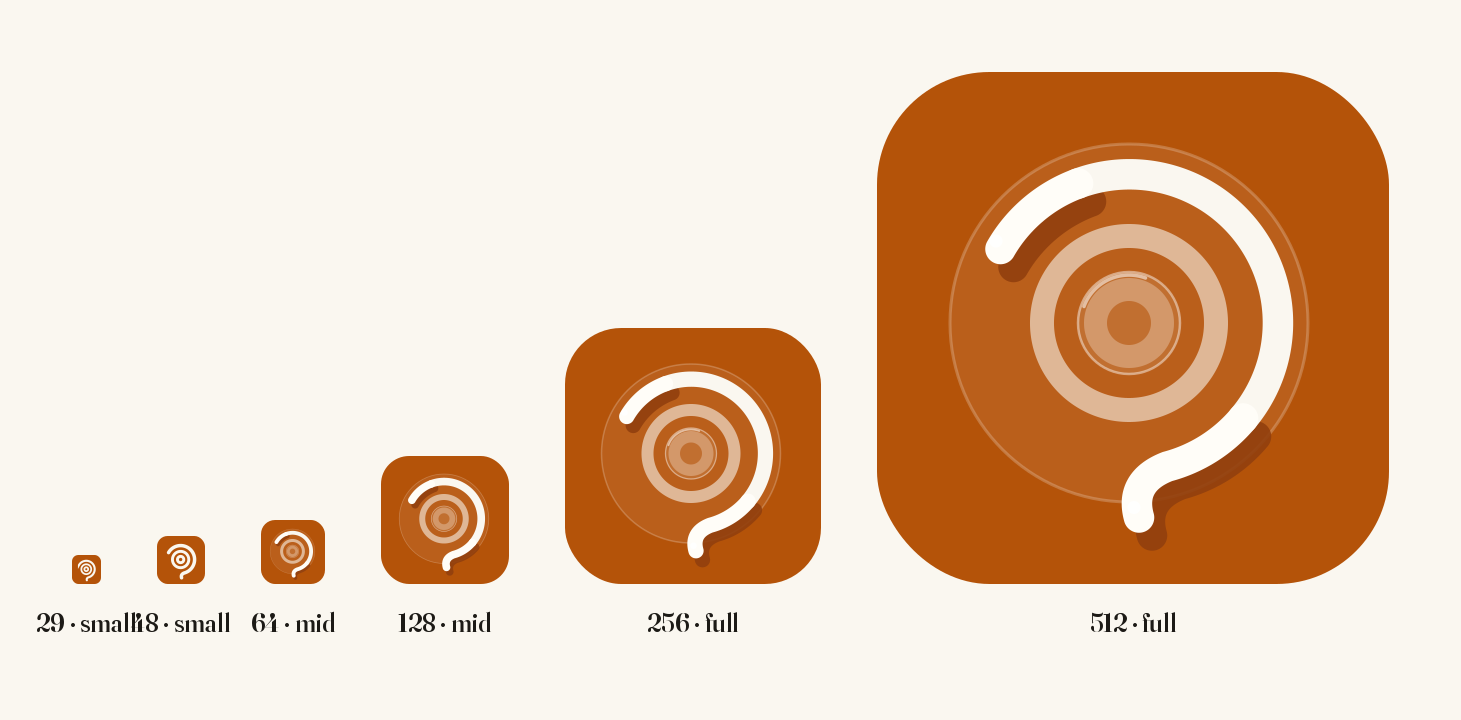
思簿 — a context hub for long-running projects. Logo: a spool viewed from above, its thread pulling free — watch it assemble.
spoolapp.org ·
Download for macOS ·
Download for Windows
The site walks the whole loop in an interactive demo (English / 中文) — no install needed.
macOS: a signed, Apple-notarized .dmg. Windows: an x64 installer, not code-signed yet.
Free, offline, no account.
At the moment you naturally produce a fragment of information — a good answer from an AI, a decision buried in an email, a link to a document, a half-formed thought — Spool lets you capture that fragment effortlessly, files fragments under a two-tier Workspace → Project structure, and packs any project into a paste-ready briefing on demand — so you can re-enter a project, or re-brief an AI, instantly.
Why it exists
LLMs do not remember your project. Every new conversation, you re-explain the context. Across multiple AIs, multiple tabs, multiple emails, spanning many days, a project's context gets shredded — and reassembling it falls on your memory.
Spool compresses "re-explaining" into "a single paste."
The core loop
- Capture — double-tap a modifier key (⌥ on macOS, Ctrl on Windows) and whatever is on your clipboard is written into the current project. Rides existing ⌘C / Ctrl+C muscle memory. No decisions at capture time. The confirmation overlay opens with the cursor already in a note box — type the thought that made you save this and press Enter, or click anywhere to skip. Your own note outlives the excerpt, and connected AIs treat it as the highest-signal line. The main window never has to come forward.
- Project — an append-only timeline of fragments. Two tiers only: Workspace (big topic) → Project (one piece of work). No infinite nesting. On open the feed lands at the newest blocks — they ARE "where you left off," no manual status note to maintain.
- Pack — one click assembles a paste-ready Markdown briefing of the project. Pure string assembly, no AI in the hot path, fully deterministic.
Status
v0.5.0 — feature-complete and shipping on macOS and Windows. The two builds run the same library, the same pack, and the same capture gesture: a double-tap of one modifier key, ⌥ on macOS and Ctrl on Windows. What did not cross over is the macOS-specific work around focus handling and browser tab-title capture, so a Windows capture records the source application rather than the page. Linux is not implemented.
- Distribution — macOS: Developer ID–signed, Apple-notarized
.dmg, straight from Releases. Not on the Mac App Store — sandboxing conflicts structurally with the global capture trigger. - Distribution — Windows: an x64 NSIS installer built by CI, not code-signed in this first release, so SmartScreen warns once before it will install.
- Website: spoolapp.org, with an interactive walkthrough of capture → pack → re-brief → MCP in English and Chinese.
- No auto-update channel yet: direct distribution means new versions are a manual download.
New in v0.5.0
- Windows. NSIS installer, tray icon that stays legible on a dark taskbar, closing the window goes to the tray and says so the first time, and the same MCP hookup as macOS. Capture is a double-tap of Ctrl, read through Raw Input rather than a keyboard hook — which is what lets it work while antivirus software is watching for hook-based keyloggers. Neither platform binds a key combination out of the box; add one in Settings → Shortcuts if you want it.
- Undo covers your own writes. A block you wrote can be undone, and in an empty composer ⌘Z / Ctrl+Z means "undo my last action" rather than nothing.
- Follow-up is a list of lines. Each line is either standing (watch this indefinitely) or one-off (close it once answered). An AI on MCP can propose a line and close one it answered; proposals wait on the review screen, and a standing line refuses to be closed — without that distinction one answer would silently switch off a long-running watch.
- Workspaces nest, projects sort alphabetically, the left rail supports multi-select, and a whole workspace can be packed into a real folder (
INDEX.mdplus one.mdper project, sub-workspaces as sub-directories) that an AI opens a piece at a time. Nothing is summarized away to fit a budget. - Moving to another machine. Settings → Advanced → Moving to another machine exports the whole library and imports it elsewhere. Import merges; it does not replace.
- Provenance on a block: source URL, retrieved-on date, review-by date, with reminders two months, one month and a week ahead. Corrections got a proper interface, and a corrected block keeps its original wording.
- Capture fixes: typing goes straight into the note box again, and the overlay is placed by the screen's usable area so the menu bar no longer eats its top edge.
New in v0.4.0
The optional external-AI routes below add no keys or accounts to Spool: they drive a CLI you installed and logged into yourself. (Spool's own API engine, added in v0.6.2, is the one route that does hold a key — see The API engine.)
- A CLI engine slot. If you already have Claude Code, the Codex CLI, or the Gemini CLI installed and logged in, Spool can run it as a local subprocess to follow up on things you asked it to watch, write a cross-project weekly review, or help draft the lines worth following. The network request happens inside that CLI, on your own account's quota — for this route Spool stores no API key, and its own process makes no HTTP request. Gemini does not run Follow Up.
- Visible runs and honest records. Follow Up runs in the right-hand rail; Weekly Review has its own screen, and completed runs for those two actions leave a record. A follow-up-goal draft stays only in its editor until you save or discard it. Intermediate progress appears when the CLI exposes it, and nothing that would change your existing notes is applied silently.
- Follow up. You write a few plain lines describing what to watch for; the engine searches the web against exactly those lines and files what it finds for your review. It stays quiet when there is no news — the one action that deliberately reaches the open web, and the only one whose web tools are switched on.
- Retirement and correction, instead of overwriting. You can mark a block as no longer valid, or point at the one sentence in an older block that a newer one corrects. Retired blocks leave the pack but stay in the library and stay searchable, and the pack says out loud that they were left out. An append-only log must never silently overwrite a fact.
- Annotations say who wrote them. A note an AI wrote through MCP renders as
ai note:in a pack and can never be read as your own judgement — that distinction is the whole point of the authority header. - A review queue for AI writes. An AI splitting one passage across several projects, or proposing a correction, lands in a queue you approve; it does not land in your timeline.
- Packs are context, full stop. The three "what should the AI do" task types are gone — a pack now carries your context and the reading instructions, and you state the task yourself in whatever chat you paste it into.
All twelve phases of the original implementation roadmap were landed in v0.3.0:
| Phase | Surface |
|---|---|
| 1 | Data layer (SQLite + workspaces / projects / blocks / attachments + FTS5) |
| 2 | UI skeleton + project view |
| 3 | Global shortcut capture |
| 4 | Context packer (the crown feature) — pure function, paste-ready Markdown |
| 5 | Capture hardening: always-on-top overlay window, double-tap ⌥ trigger, editable source badge, browser tab-title auto-detection |
| 6 | Block workbench: file / folder / URL attachments, inline edit, annotations, smart truncation, drag-to-attach |
| 7 | Full-text search: FTS5 trigram tokenizer (Chinese-correct) + short-query LIKE fallback, contextual three-line snippets |
| 8 | Deadlines, active / parked / done status, three-section sidebar (summary + cross-workspace focus + workspace tree), drag-between-workspaces, shortcut configuration UI |
| 9 | Project completion + digest view (conclusion · pinned blocks · files & links) |
| 10 | @-mention references between projects in the same workspace |
| 11 | |
| 12 | Settings panel (shortcuts, language, MCP hookup, autostart, clear data), unified toast surface, tail-window for long projects, packaging |
Design principles (non-negotiable)
Related MCP Servers
Reviews
No reviews yet — be the first to share how this listing worked for you.
Frequently Asked Questions about Spool
AllMCPs Directory Badge
Showcase your server listing on GitHub or your project documentation. Embed this dynamic SVG badge to highlight official listing status and live engagement.
Badge Style:
Live Dynamic SVG Preview
Markdown (GitHub README)
[](https://allmcps.com/mcp/spool)HTML Embed
<a href="https://allmcps.com/mcp/spool"><img src="https://allmcps.com/api/badge/spool?style=directory" alt="Spool on AllMCPs" /></a>