Read and search a folder of Markdown notes: search, backlinks, tags, tasks, outlines, git history.
Quick Install
Automated & IDE SetupCopy the AI prompt to install this server into Claude Code, Cursor, or another agent — or use 1-click editor setup below.
One-click editor setup isn’t available for this listing yet — we don’t have a confirmed install command, and we’d rather show nothing than point your editor at the wrong package or host. Follow the project’s own setup instructions, linked above.
Manual Client & Custom JSON ConfigExpand JSON ▾
No confirmed setup config for this listing yet. We only publish a config block when the install details come from the project itself — its README, its docs, or a verified owner. We haven’t found those for SoloMD, and we’d rather show nothing than a guess you’d paste into your client. Follow the project’s own setup instructions for the current steps.
Documentation Overview
SoloMD
The editor where agents live.




🌐 中文 · 日本語 · 한국어 · Deutsch · Français · Español · Português · Italiano · Polski · Nederlands · Türkçe · Svenska · Українська · 🪞 Gitee mirror → (faster downloads from China)
Download the latest release · Launch post · How we built it · Website · Security
🤖 Built and maintained by Claude
SoloMD is written, tested and released almost entirely by Claude Code, Anthropic's coding agent, working under a human maintainer who sets the direction and decides what ships. Issues and pull requests are triaged and answered by Claude as well — the replies you get here are written by an AI, not typed by a person.
We are telling you this for two reasons. You should know what you are trusting with your notes: read the code, it is MIT and all of it is public. And when a reply is confidently wrong — it happens — say so in the thread. That correction is the mechanism.
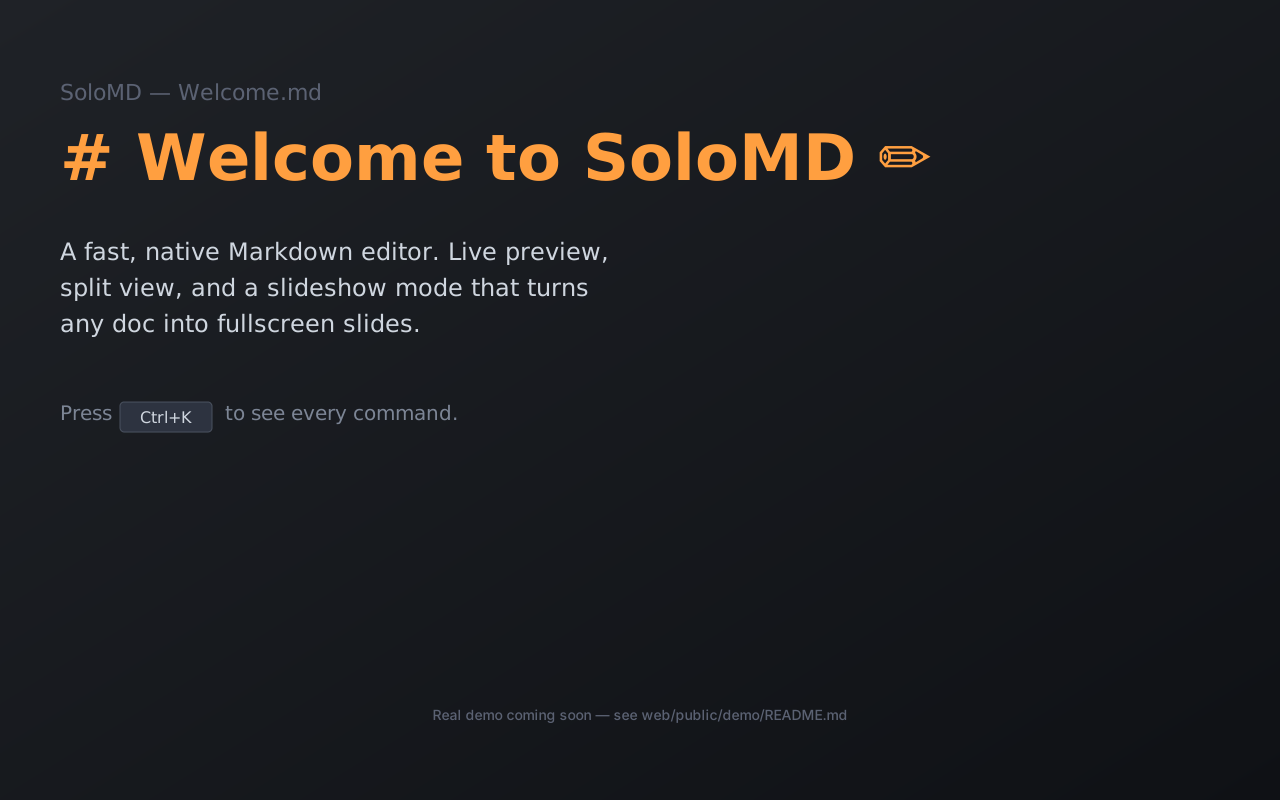
Your notes live in a folder. SoloMD is the editor on top — with a first-class agent surface inside the editor, and the MCP endpoint Claude Code / Cursor can drive from outside. Same .md files. Chat with your vault. Schedule recipes that run when you're not at the keyboard. Hand the same vault to any MCP client.
Built on Tauri 2 + Vue 3 + CodeMirror 6. Universal macOS dmg ~32 MB. Free, MIT, no subscription, no SoloMD-hosted servers. Your notes, AI keys, embeddings index, and git history all stay on your machine.
New in 4.6 — the knowledge-graph layer
The structural half Obsidian and Tolaria had and SoloMD didn't — now built, and on SoloMD's own warm design system:
- Properties inspector (
⌘⇧I) — edit YAML frontmatter with type/date/status/relation pickers; line-surgical writes preserve your comments, inline arrays and quoting byte-for-byte. - Type-driven sidebar — give a note
type: Projectand its members become a first-class collapsible section with custom icon/colour/columns (types-as-lenses). - Typed relationships —
belongs_to/related_to/hasfrontmatter with automatic inverses, resolved server-side for big vaults. - Relationship graph ("Neighborhood") — per-note explorer of outgoing + inverse links; click to navigate, ⌘-click to pivot.
- Saved filtered views — persistent sidebar views (
.solomd/views/*.yml) with a recursive all/any filter builder (type / status / date / regex). - Inbox workflow —
⌘Emark-organized + auto-advance to inbox-zero. - tldraw whiteboards — Markdown-backed boards (
```tldrawfence), cross-compatible with Tolaria's on-disk format, lazy-loaded so the core stays light.
Plus a unified macOS title bar (traffic lights inline in the toolbar) and a from-scratch design-system + Vue component library. Still ~15–32 MB, still free, still local-first. → Compare vs Obsidian / Typora / Tolaria
Three halves of one product
The editor. WYSIWYG live edit (Typora-style), tabs + split panes, KaTeX + Mermaid, image paste to _assets/, slideshow mode (⌘⌥P), Vim mode, Hunspell + CJK proofread, semantic search (⌘⇧F), wikilinks + backlinks, Pandoc export. CJK encodings (GBK / Big5 / Shift-JIS) auto-detected.
The endpoint. A bundled solomd-mcp binary exposes the same vault to any MCP client — 13 tools out of the box, including 5 SoloMD-only ones (autogit_log, autogit_diff, autogit_rollback, sync_status, share_url) that no other markdown server has. v4.0 adds --workspace path1 --workspace path2 federation — one MCP session, many vaults. Plus a solomd agent <prompt> CLI that hands off to Claude Code / Codex CLI with the MCP pre-wired.
The agent surface (v4.0). Right-side Agent Panel: streamed chat-with-vault, [[wikilink]] citations, tool-call cards inline, Insert / Copy buttons drop the reply into the active note. Plus declarative recipes as YAML in <workspace>/.solomd/agents/*.yml — cron / on-save / on-commit / on-tag-add / manual triggers. Every agent write lands on its own AutoGit branch you accept or reject before it touches main; write-cap default 5; refuses to start when the working tree is dirty; replayable trace.jsonl per run with read_agent_trace MCP tool.
| Feature | |
|---|---|
| Agent Panel (v4.0) | Streamed chat-with-vault peer to Outline / Backlinks / Tags / History. Tool-call cards expand inline; reply Insert / Copy to active editor; run history persists as plain markdown under .solomd/agent-runs/. |
| Scheduled recipes (v4.0) | YAML jobs in your vault. AutoGit branch sandbox + accept/reject UI before merge. Per-run write-cap (default 5, ceiling 50). 11-recipe cookbook ships in-tree. |
| Replayable trace (v4.0) | trace.jsonl per step (prompt / model_call / tool_call / tool_result / git_commit). Replay-from-step rewinds and re-executes. |
| Workspace federation (v4.0) | solomd-mcp --workspace path1 --workspace path2. One Claude Desktop session, many vaults. MCP profiles UI in Settings → Integrations. |
| Ollama first-class (v4.0) | Auto-detect at localhost:11434. Three model presets (qwen2.5:1.5b/7b/14b). provider: local recipe alias for zero-cloud-cost autonomous loops. |
| AI rewrite, BYOK | 14 providers — OpenAI · Claude · Gemini · DeepSeek · Qwen · GLM · Kimi · Doubao · SiliconFlow · OpenRouter · Mistral · Groq · xAI · Ollama. Direct vendor calls. Keys in OS keychain. |
| GitHub-backed sync | Push your vault to a private GitHub repo on every save. Optional E2EE (Argon2id + XChaCha20-Poly1305). GitLab / Gitea / any HTTPS git URL works too. |
| AutoGit per note | Every ⌘S is a commit in a local .git inside the workspace. libgit2 vendored, no system git needed. Never auto-pushed. |
| MCP server bundled | solomd-mcp ships in the install. 13 tools (8 generic + 5 SoloMD-only). stdio only, no network port. Read-only by default; --allow-write opt-in. |
| REST API (v4.0) | Localhost only, token auth. Same surface as MCP for clients that don't speak MCP yet — Alfred / Raycast / n8n / your own scripts. |
| BYOK cost meter (v4.0) | Per-provider running tokens-spent counter, opt-in. Settings → Integrations. |
| Cloud-folder mode | If your vault lives in ~/Library/Mobile Documents/... or ~/Dropbox/..., SoloMD detects it and adds cross-device session restore on top — the OS already does the file sync. |
| Public read-only share | Command palette → copy solomd.app/share/?repo=...&path=... link. Renders any file in your public GitHub repo, no SoloMD account needed to view. |
Use it
After installing SoloMD on macOS / Linux:
1. Chat with your vault. Open the right-side Agent Panel (⌘⇧P → "View: Toggle Agent Panel" if hidden). Streamed multi-turn against your notes; tool-call cards show every read/write inline. Reply too long? Insert drops it into the active note at the cursor (replaces selection); Copy to clipboard.
2. Schedule a recipe. Settings → Recipes → Browse cookbook. 11 starters ready: weekly review, daily summary, TODO extraction, translation pass, citation cleanup, CJK proofread agent, link-rot detector, frontmatter normalizer, outline-to-blog, refactor pass, weekly tag triage. Install one, edit the prompt, run it.
3. Drive the same vault from another LLM client. One-shot:
Paste into Claude Desktop / Cursor / etc. For multi-vault federation, repeat --workspace:
4. Or hand a prompt to claude / codex CLI directly:
Path-traversal guarded. No network port. The LLM only sees what you point the workspace at.
Install
Latest release: v4.0.0.
System requirements: Windows 10+, macOS 10.15+, current mainstream Linux, iOS 15+, Android 7+ (API 24). Windows 7/8/8.1 cannot be supported — the Rust toolchain requires Windows 10 (since Rust 1.78) and Microsoft froze WebView2 (SoloMD's rendering engine) at version 109 on Windows 7 with no security updates — and no legacy build exists.
macOS — universal dmg (Apple Silicon + Intel, signed + notarized)
Or download the dmg directly:
Or one-line shell install:
Windows — x64
Related MCP Servers
Reviews
No reviews yet — be the first to share how this listing worked for you.
Frequently Asked Questions about SoloMD
AllMCPs Directory Badge
Showcase your server listing on GitHub or your project documentation. Embed this dynamic SVG badge to highlight official listing status and live engagement.
Badge Style:
Live Dynamic SVG Preview
Markdown (GitHub README)
[](https://allmcps.com/mcp/solomd)HTML Embed
<a href="https://allmcps.com/mcp/solomd"><img src="https://allmcps.com/api/badge/solomd?style=directory" alt="SoloMD on AllMCPs" /></a>