Headless MCP: author and render PromoShot .promo video projects (stills, GIFs, video).
Quick Install
Automated & IDE SetupCopy the AI prompt to install this server into Claude Code, Cursor, or another agent — or use 1-click editor setup below.
Manual Client & Custom JSON ConfigExpand JSON ▾
Client Config & Setup
Choose your client or environment
Target File:
💡 Paste the JSON block into your client's configuration file under mcpServers, then restart the application.
Documentation Overview
promoshot
See it work: demo.md — twenty-four prompts, each given to a fresh agent with only the skill and the MCP, its result beside the hand-built reference. The suite is in demos/.
The rendering engine behind PromoShot
(App Store),
and an open implementation of its project format. A .promo project is a
folder — metadata.json plus its media — and this workspace is everything
needed to validate, inspect, and render one to stills, image sequences, or
mp4 with mixed audio: no app attached, byte-for-byte the same compositor the
apps ship.
The design bet is that the format is the interface. An assistant, a
script, or a person writes metadata.json; the engine renders it the same
everywhere — the Mac and iOS apps (Metal + VideoToolbox), this repo's CLI,
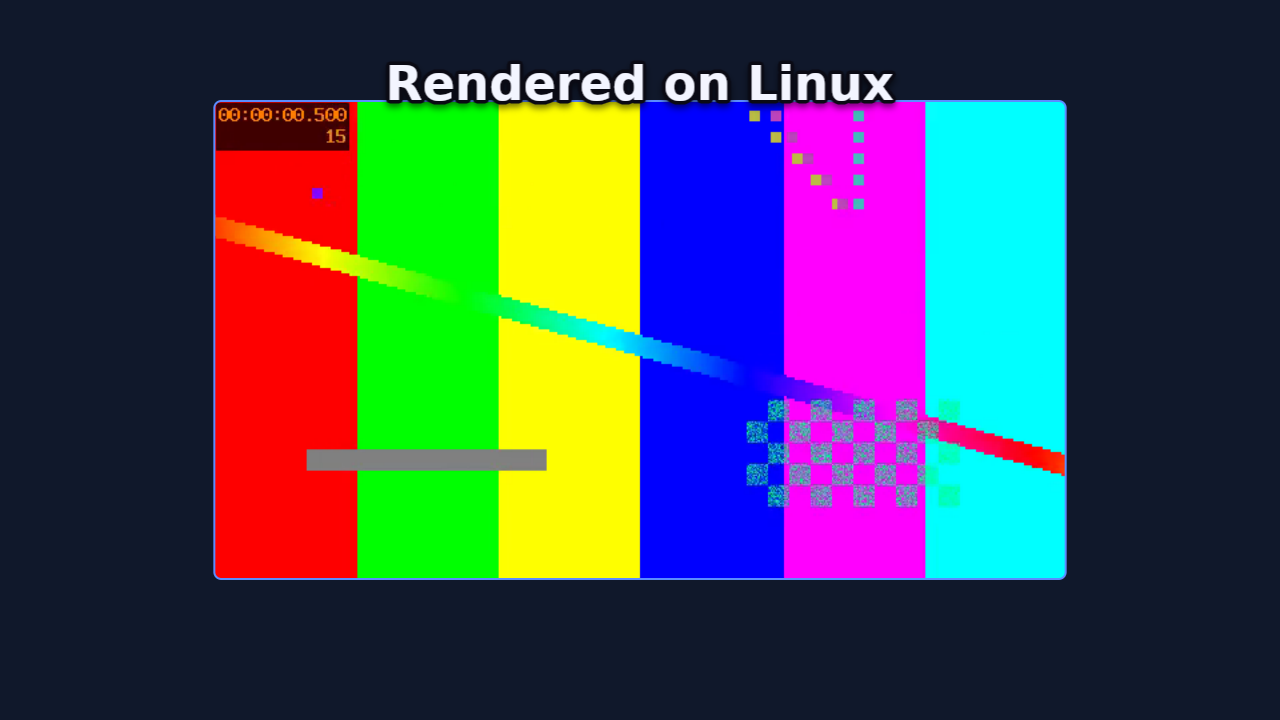
or a headless Linux box with no GPU at all (wgpu on lavapipe, ffmpeg as a
subprocess). The format has three faces behind one truth: an authoring
subset with four validated recipes (promo schema), the full document
(--full), and a types-only JSON Schema generated from the parser's own
structs (--types) — and the parser the validator runs is the parser the
renderers use, so "validates" means "renders".
Crates
| Crate | What it owns |
|---|---|
promo-model | The format: wire structs, migrations, palette roles, schema.md |
promo-timeline | Timeline math: keyframes, trims, attachments, waits, validation |
promo-gpu | wgpu compositing: quads, borders, letterbox, vectors, color conversion |
promo-text | Caption shaping and effects (cosmic-text) |
promo-engine | Preview/export orchestration, frame cache, memory governor, PCM mixer |
promo-media | Decoder/encoder trait registry; ffmpeg-subprocess backend + conformance suite |
promo-editor | The document's edit vocabulary: commands with undo, the wizard's arrangement, theme rules — what promo_apply and promo_slideshow are built on |
promo-cli | promo — render a project from the command line |
promoshot-mcp | MCP server over stdio, for agents |
Build and verify
Rendering video needs ffmpeg (and ffprobe) on PATH — frames are composited
on the GPU and piped to it raw; ffmpeg only decodes and encodes. On a headless
Linux machine, mesa-vulkan-drivers (lavapipe) is enough of a GPU.
The CLI
Add --json to any project command for machine output — one object on
stdout, errors included, exit codes unchanged.
promo video mixes the soundtrack the apps would: trims and media cuts,
held frames, speed with pitch preserved, keyframed volume, a focused
narration ducking everything under it, and only the audio tracks the
project keeps.
Headless renders are CLEAN — no watermark, and no license, serial or key will ever be asked for. (The Mac and iOS apps watermark free-tier renders; that is their App Store Pro line, and it stays on their side of the fence.)
The MCP server
promoshot-mcp speaks Model Context Protocol over stdio, so any MCP client
can author, inspect and render projects. It owns no rendering code — every
render shells to promo (found next to the executable, or on PATH, or via
--promo), so the CLI stays the single contract.
Connect an agent
Two pieces: the MCP server (tools) and the skill (workflow). Neither is vendor-specific. Agents do not find this repo by themselves.
1. Build — or don't
No Rust toolchain? Grab the prebuilt pair from
Releases (linux-x64,
macos-arm64), or pull the image:
docker pull ghcr.io/garalex/promoshot-mcp — both carry promo and
promoshot-mcp together.
Put both on PATH, or pass --promo to the server. Rendering video also
wants ffmpeg/ffprobe on PATH.
2. MCP (required for tools)
Claude Code / Cursor / any mcp.json:
--workspace is where new projects go; --root fences which projects the
server will touch — pointing both at one folder is the tidy setup. Both
optional. --log <file> appends one line per tool call — when,
which tool, how many milliseconds, how it went — for a session's own
accounting; the demo pages are built from it.
Client one-liners:
3. Skill (the workflow)
Same file everywhere: skill/SKILL.md.
Any agent that reads instructions can be handed the file directly; it assumes only these tools (or the CLI).
4. Verify — ask the agent for a render:
Render examples/ProductCard.promo to a still at 3s.
One promo_validate, one promo_render_still, and a device-framed app
demo comes back as a path. From there, "make me a promo for " is
the loop the skill teaches.
The tools
Tools: promo_schema (authoring subset + four validated recipes;
promo_schema_full is the whole format; promo_schema_types is the format
as a generated, types-only JSON Schema — also checked in at
docs/promo.schema.json for $schema editor
autocomplete), promo_validate, promo_inspect (each layer listed with
its id — the handle the editing tools take),
promo_render_still, promo_render_frames, promo_render_video,
promo_render_gif, promo_workspace; the senses — promo_media_probe,
promo_media_filmstrip (a contact sheet of a SOURCE clip, times per cell),
promo_media_silences (silence spans and their inverse) and
promo_media_scenes (scene cuts and the shots between them), so an agent
knows what footage holds before composing with it; the editor trio,
promo_init, promo_upsert_layer and promo_upsert_keyframe: create a
project, add image/video/caption layers with placements, then animate —
a second placement keyframe is a push-in, viewport keyframes a Ken Burns;
your short ids are used verbatim, unnamed ones get canonical UUIDs, pixel
sizes are stamped, and the composition keeps covering its layers. Device
frames bake headless too — the same slab the apps draw. promo_slideshow
is the wizard: pictures and clips in, a complete classic, carousel or
store-listing show out, a caption on any slide becoming a layer that
lives with its picture. promo_voices
lists a provider's voices and promo_speak synthesizes narration with the
person's own provider key, reusing unchanged text by receipt. The authoring tools answer
with an inline thumbnail of the composition, so a misplaced layer is caught
at the moment it happens. The tools write ordinary metadata.json
through the format's own parser — the schema stays the source of truth, and
hand-editing remains first-class. Renders default their output into the
project's Exports/ folder and return the path written, never the bytes.
Flags, all optional: --workspace <dir> (where promo_workspace points;
else $PROMOSHOT_WORKSPACE, else the XDG data dir), --root <dir> (refuse
projects outside this tree), --promo <path>.
Narration keys
Narration spends the person's own provider account, and the key never passes through the agent: no tool takes one, none shows one. Register it once in the OS keyring — macOS Keychain, the Secret Service on Linux (GNOME Keyring, KWallet), the Credential Manager on Windows:
Providers: openai, elevenlabs, google. The key is read from stdin so
it lands in no shell history, no config file and no argument list.
Related MCP Servers
Reviews
No reviews yet — be the first to share how this listing worked for you.
Frequently Asked Questions about Promoshot
AllMCPs Directory Badge
Showcase your server listing on GitHub or your project documentation. Embed this dynamic SVG badge to highlight official listing status and live engagement.
Badge Style:
Live Dynamic SVG Preview
Markdown (GitHub README)
[](https://allmcps.com/mcp/promoshot)HTML Embed
<a href="https://allmcps.com/mcp/promoshot"><img src="https://allmcps.com/api/badge/promoshot?style=directory" alt="Promoshot on AllMCPs" /></a>Technical Specs & Signals
CategoryDeveloper Tools
27Quality signal: Emerging · 27/100How this signal is calculated ▾
Server availabilityNot measured
Not scored for repo-hosted servers — we can't reach the running server, only its GitHub page. Hosted MCP endpoints are health-checked live.
Verified ownership8/20
Documentation & tools11/30
Adoption & activity1/15
Community engagement0/10
A guidance signal from public completeness & health data — not a user rating. New listings start lower and rise as they add docs, get verified, and grow adoption. Signals we can't observe for a listing are skipped, not counted against it.
Own this project?
This directory is pre-filled from public sources. Claim via GitHub README, site badge, or DNS TXT to unlock edit access and the Official badge — proof is checked automatically, then reviewed by our team.
Free dofollow backlink: add your website and place the AllMCPs badge on it — no claim needed. We detect it automatically and keep it verified as long as the badge stays live.
Claim & get free dofollowShare & Embed
Add our SVG badge (dark/light directory styles) or embeddable widget to your site.