LeClap
Compose and render video from one JSON template. Deterministic, runs locally, no generative model.
Install LeClap
Pick your client, then add it in one click or paste the config.
~/Library/Application Support/Claude/claude_desktop_config.json{
"mcpServers": {
"leclap": {
"command": "npx",
"args": [
"-y",
"@leclap/cli"
]
}
}
}
Settings → Developer → Edit Config, merge this into mcpServers, then fully quit and reopen Claude Desktop.
We couldn’t confirm it starts correctly
The install command didn't complete successfully in our automated test.
npx -y @leclap/clinpm WARN EBADENGINE Unsupported engine { npm WARN EBADENGINE package: '@leclap/cli@0.5.0', npm WARN EBADENGINE required: { node: '>=24.11.0' }, npm WARN EBADENGINE current: { node: 'v20.9.0', npm: '10.1.0' } npm WARN EBADENGINE } npm WARN EBADENGINE Unsupported engine { npm WARN EBADENGINE package: 'ffmpeg-video-composer@3.1.0', npm WARN EBADENGINE required: { node: '>=24.11.0' }, npm WARN EBADENGINE current: { node: 'v20.9.0', npm: '10.1.0' } npm WARN EBADENGINE }
This is an experimental automated check and can have false negatives — missing environment variables, a slow cold install, etc. It doesn’t necessarily mean something’s wrong. Last checked 4d ago.
Overview
From the project README

LeClap
Your video from one JSON template: camera, effects, music, transitions, rendered on the device. No server, no upload.




Try it · Examples · Comparison · Docs · Showcase
🎥 Demo

Click the frame: the film plays on leclap.dev, with captions.
⏱ Try it in 30 seconds
Node 24.11 or later. FFmpeg is optional: the CLI brings ffmpeg-static along and uses it when there is no
ffmpeg on your PATH.
npx @leclap/cli init hello --no-remotion --no-mcp
cd hello && npm install && npm run render
That writes build/output.mp4: three seconds of "Hello, LeClap" on a navy card, from the
template.json next to it. Edit the JSON, render again.
If the title is missing, the ffmpeg on your PATH was built without drawtext (Homebrew's current build is
one). npx leclap diagnose lists what your FFmpeg can and can't do.
Rather not install anything? Open the same template in the web builder,
where it renders in the tab through WebAssembly. The template travels in the URL fragment, which browsers
don't send to servers. leclap studio template.json prints that link for any template.
🎞 Template in, video out
Three templates from this repo and what they render to. Click a frame to play the render.
| Template | Render | What it shows |
|---|---|---|
footage-edit.json4 KB of JSON |  | Five recorded clips, five edits: a portrait clip over its own blur, a keyframed pan under a LUT, a speed ramp, a freeze frame, a B-roll cutaway. |
before-after.jsona PR review clip | 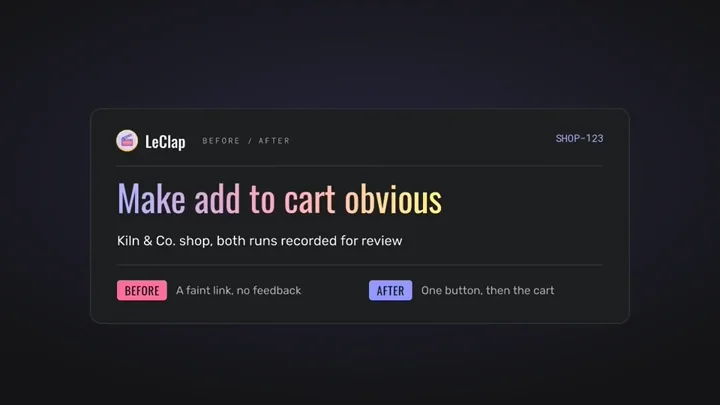 | The video an agent attaches to a pull request: the change named, the old behaviour, a wipe to the new one, what to check. |
effects-tour.jsonten chapters, one template | 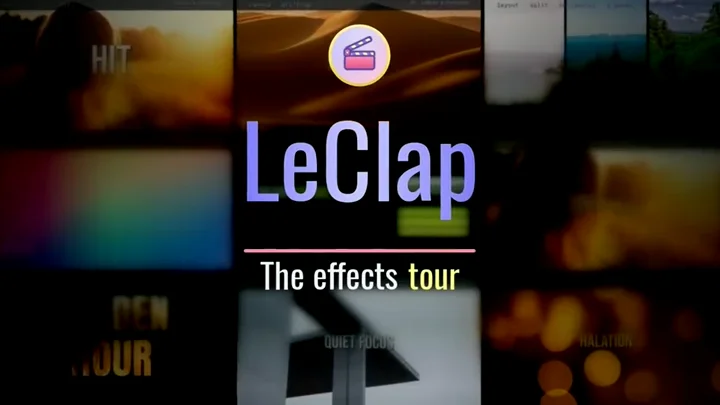 | Seven minutes of kinetic type, camera moves, transitions, captions, light effects, looks, footage edits, sound and music. |
All 59 samples, with their templates, are on the showcase. Each effect, one frame at a time, in the gallery.
🤔 Why LeClap?
Four ways to get a video out of JavaScript, and when each one is the right call. Claims about the others come from their own docs; a "—" means their docs don't say. The full comparison has the sources and the caveats, ours first.
| LeClap | Remotion | editly | fluent-ffmpeg | |
|---|---|---|---|---|
| What it is | A JSON template compiled to FFmpeg | Videos written as React components | Declarative editing, as a CLI and a Node API | A chainable Node API over the ffmpeg CLI |
| You write | JSON, validated against a schema | React (TypeScript) | A JSON5 spec or CLI flags | Chained method calls |
| Node | ✅ | ✅ also Lambda and Vercel | ✅ needs ffmpeg, ffprobe, headless GL | ✅ needs ffmpeg, ffprobe |
| Browser | ✅ WebAssembly | ✅ WebCodecs, since 4.0.491 | — | — |
| React Native, on-device | ✅ FFmpeg linked into the app | — | — | — |
| Same input, same output | ✅ per platform¹ | ✅ if animations derive from the frame number | — | — |
| Agent tooling | ✅ @leclap/mcp: schema, validate, render | ✅ a system prompt for LLMs writing React | — | — |
| Licence | MIT | Free for individuals, non-profits and for-profit companies up to 3 employees; paid above | MIT | MIT, archived in May 2025 |
| Pick it when | The render happens in an app, or a program writes the video | You think in components, render on servers, or want the ecosystem | You want a slideshow from the terminal | You already use it; its README says it's unmaintained |
¹ Per platform, not across them: Node and the browser encode with libx264, Android with libopenh264, iOS
with h264_videotoolbox, and the on-device build drops boxblur and rewrites eq to lutyuv. Same
composition, different pixels.
Remotion wins more of this than a comparison table usually admits: LeClap vs Remotion spells out where.
📦 Packages
| Package | One line |
|---|---|
ffmpeg-video-composer | The engine: compile() a JSON template on Node, in the browser or in React Native. |
@leclap/cli | The leclap command: init, render, validate, snapshot, verify, studio, diagnose. |
@leclap/mcp | The engine as tools an agent can call: read the schema, validate a template, render it. |
Security & health
What it can reach and how reliably it runs — from our own checks, not the maintainer’s claims.
ActiveLast checked 2d ago
Recent health check succeeded.
10/10 checks healthy over the last 56d
Supply-chain signal
No high-severity advisories surfaced by our automated scan.
Critical 0High 0Medium 0Low 0
Scanned 1d ago via OSV.dev · @leclap/cli (npm)
Adoption & maintenance
Factual signals from GitHub, npm, and our automated checks — not a rating.
GitHub stars34Stargazers on the source repository.
npm downloads613Package downloads in the last 30 days.
Last commit2d agoMost recent push to the default branch.
Install checkInconclusiveInstall command did not finish in our automated test.
Directory activity2 viewsConfig copies, upvotes, and views on AllMCPs.
Reviews
No reviews yet — be the first to share how it worked for you.
Frequently Asked Questions about LeClap
LeClap is an MCP server that lets agents describe videos as JSON templates, including sections, filters, music, and overlays. It renders those templates deterministically and locally without uploading media to a server or using a generative model. The same template can run in Node.js, browser WebAssembly, or React Native on-device, with platform-specific encoding differences.
Create one JSON template describing the video composition. The template can include sections, filters, music, and overlays, avoiding imperative FFmpeg orchestration.
LeClap renders on Node.js, in the browser through WebAssembly, and natively on-device in React Native. The shared template and pipeline are designed to run across these environments.
LeClap renders the same template reproducibly on a given platform. Outputs are not guaranteed to have identical pixels across platforms because Node.js and browser use libx264, while Android and iOS use different encoders, and on-device builds apply filter changes.
LeClap does not require uploads, a rendering server, or a generative model. Rendering is performed locally or on-device from the supplied JSON template.
Related MCP servers
Add a badge to your READMEShow it’s listed — live SVG, Markdown or HTML.
AllMCPs Directory Badge
Showcase your server listing on GitHub or your project documentation. Embed this dynamic SVG badge to highlight official listing status and live engagement.
Badge Style:
Live Dynamic SVG Preview
Markdown (GitHub README)
[](https://allmcps.com/mcp/leclap)HTML Embed
<a href="https://allmcps.com/mcp/leclap"><img src="https://allmcps.com/api/badge/leclap?style=directory" alt="LeClap on AllMCPs" /></a>