Lightweight DMARC parser: auto-fetch email reports, visualize compliance in a single all-in-one app
Quick Install
Automated & IDE SetupCopy the AI prompt to install this server into Claude Code, Cursor, or another agent — or use 1-click editor setup below.
Manual Client & Custom JSON ConfigExpand JSON ▾
Client Config & Setup
Choose your client or environment
Target File:
💡 Paste the JSON block into your client's configuration file under mcpServers, then restart the application.
Documentation Overview
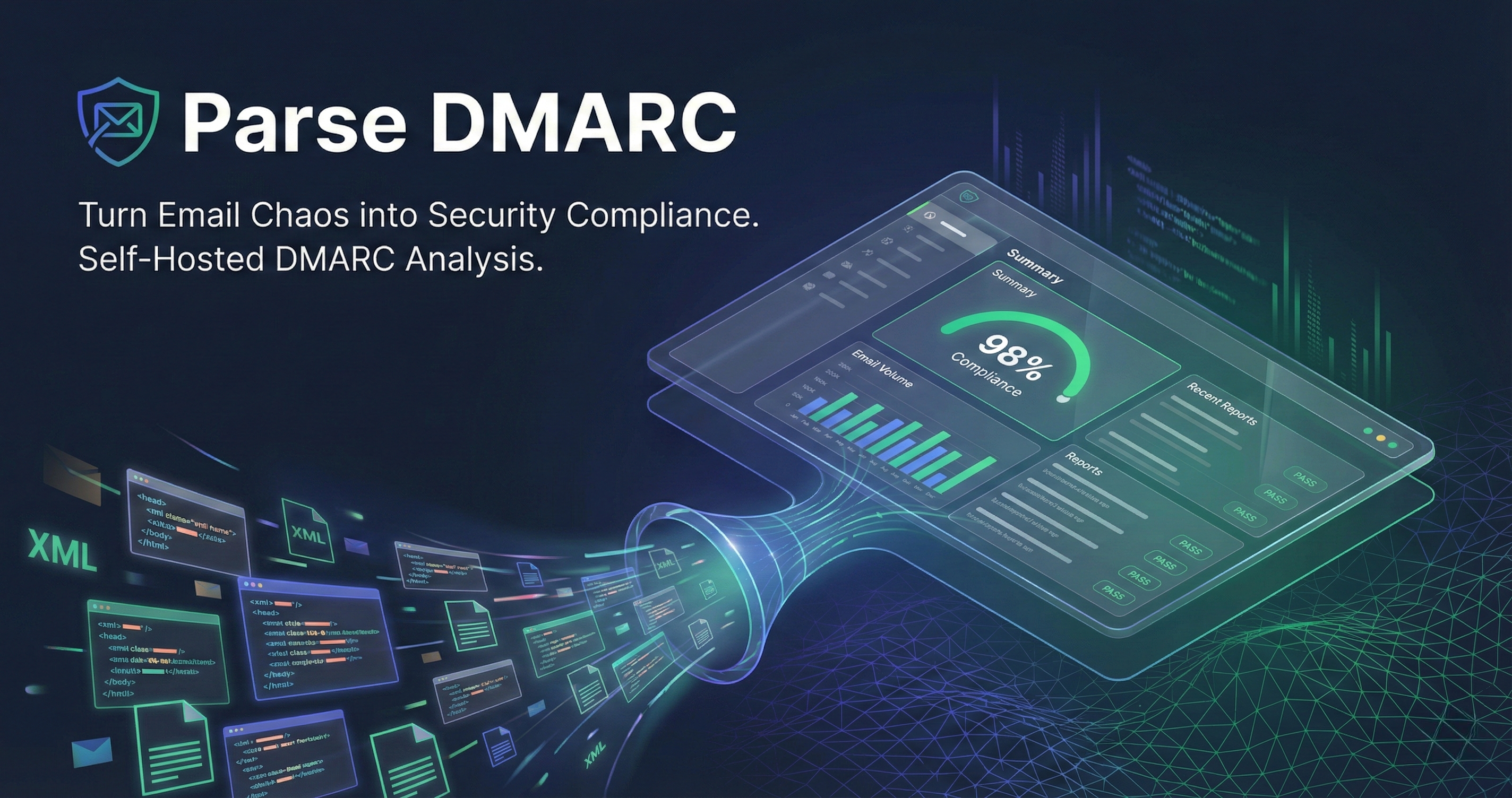
Parse DMARC












Monitor who's sending email on behalf of your domain. Catch spoofing. Stop phishing.
Deploy Your Own Instance
Deploy Parse DMARC to your favorite cloud provider with one click:
Platform as a Service (PaaS)
| Provider | Deploy | Notes |
|---|---|---|
| Railway |  | Recommended for beginners |
| Render |  | Free tier available |
| Koyeb | [ ][koyeb-1click] ][koyeb-1click] | Global edge deployment. Manually mount /data as volume. |
| Zeabur |  | Asia-Pacific optimized |
| Northflank |  | Developer-focused |
Self-Hosted
| Provider | Deploy | Notes |
|---|---|---|
| CapRover |  | Self-hosted PaaS |
| Coolify |  | Open-source Heroku alternative |
| Dokploy |  | Self-hosted deployment platform |
| Docker |  | Run anywhere |
Infrastructure
| Provider | Deploy | Notes |
|---|---|---|
| DigitalOcean Droplet |  | VM with Packer image |
Note: All deployments require IMAP credentials. See Configuration for details on setting up Gmail, Outlook, or other email providers.
Why Do I Need This?
DMARC (Domain-based Message Authentication, Reporting & Conformance) helps protect your domain from email spoofing and phishing. When you enable DMARC on your domain, email providers like Gmail, Outlook, and Yahoo send you aggregate reports showing:
- Who's sending email claiming to be from your domain
- Which emails passed or failed authentication (SPF/DKIM)
- How many emails were sent, and from which IP addresses
- Whether malicious actors are trying to impersonate your domain
The Problem: These reports arrive as compressed XML attachments in your inbox - nearly impossible to read or analyze manually.
The Solution: Parse DMARC automatically fetches these reports from your inbox, parses them, and displays everything in a beautiful dashboard. All in a single 14MB Docker image.
Features
- 📧 Auto-fetches reports from any IMAP inbox (Gmail, Outlook, etc.)
- 📊 Beautiful dashboard with real-time statistics
- 🔍 See exactly who's sending email as your domain
- 🔧 Built-in DNS record generator for easy DMARC setup
- 📦 Single binary - no databases to install, no complex setup
- 🚀 Tiny 14MB Docker image
- 🔒 Secure TLS support
- 🌙 Dark mode support
Installation
Homebrew (macOS/Linux)
Docker
Binary Downloads
Download pre-built binaries from the Releases page.
Quick Start
Step 1: Set Up DNS to Receive DMARC Reports
This is the most important step! Without this, you won't receive any reports to analyze.
Add a DMARC TXT record to your domain's DNS:
What this means:
p=none- Monitor only (don't block emails yet)rua=mailto:dmarc@yourdomain.com- Send aggregate reports to this email address
Important: Replace dmarc@yourdomain.com with an actual email inbox you control. This is where Gmail, Outlook, Yahoo, etc. will send your DMARC reports.
DNS Examples:
- Cloudflare: DNS > Add record > Type: TXT, Name:
_dmarc, Content:v=DMARC1; p=none; rua=mailto:dmarc@yourdomain.com - Google Domains: DNS > Custom records > TXT, Name:
_dmarc, Data:v=DMARC1; p=none; rua=mailto:dmarc@yourdomain.com - AWS Route53: Create record > Type: TXT, Name:
_dmarc.yourdomain.com, Value:"v=DMARC1; p=none; rua=mailto:dmarc@yourdomain.com"
Reports typically start arriving within 24-48 hours.
Step 2: Run Parse DMARC with Docker
Run the container:
For Gmail users: You'll need an App Password, not your regular Gmail password.
Access the dashboard: Open http://localhost:8080 in your browser.
What You'll See
Once DMARC reports start arriving and Parse DMARC processes them, your dashboard will show:
- Total messages analyzed across all reports
- DMARC compliance rate (SPF/DKIM pass rates)
- Top sending sources (IP addresses and organizations sending as your domain)
- Authentication results (which emails passed/failed SPF and DKIM)
- Policy actions (how receiving servers handled your email)
This helps you:
Related MCP Servers
Reviews
No reviews yet — be the first to share how this listing worked for you.
Frequently Asked Questions about Parse DMARC MCP Server
AllMCPs Directory Badge
Showcase your server listing on GitHub or your project documentation. Embed this dynamic SVG badge to highlight official listing status and live engagement.
Badge Style:
Live Dynamic SVG Preview
Markdown (GitHub README)
[](https://allmcps.com/mcp/parse-dmarc-mcp-server)HTML Embed
<a href="https://allmcps.com/mcp/parse-dmarc-mcp-server"><img src="https://allmcps.com/api/badge/parse-dmarc-mcp-server?style=directory" alt="Parse DMARC MCP Server on AllMCPs" /></a>Technical Specs & Signals
CategoryCommunication
36Quality signal: Fair · 36/100How this signal is calculated ▾
Server availabilityNot measured
Not scored for repo-hosted servers — we can't reach the running server, only its GitHub page. Hosted MCP endpoints are health-checked live.
Verified ownership10/20
Documentation & tools12/30
Adoption & activity5/15
Community engagement0/10
A guidance signal from public completeness & health data — not a user rating. New listings start lower and rise as they add docs, get verified, and grow adoption. Signals we can't observe for a listing are skipped, not counted against it.
Own this project?
This directory is pre-filled from public sources. Claim via GitHub README, site badge, or DNS TXT to unlock edit access and the Official badge — proof is checked automatically, then reviewed by our team.
Free dofollow backlink: add your website and place the AllMCPs badge on it — no claim needed. We detect it automatically and keep it verified as long as the badge stays live.
Claim & get free dofollowShare & Embed
Add our SVG badge (dark/light directory styles) or embeddable widget to your site.