Jitapi README
The full upstream README, mirrored here for reference. Install config, tool schemas, adoption signals, and an original overview live on the Jitapi listing page.
JitAPI




Point Claude at any API. JitAPI figures out which endpoints to call and in what order — automatically.
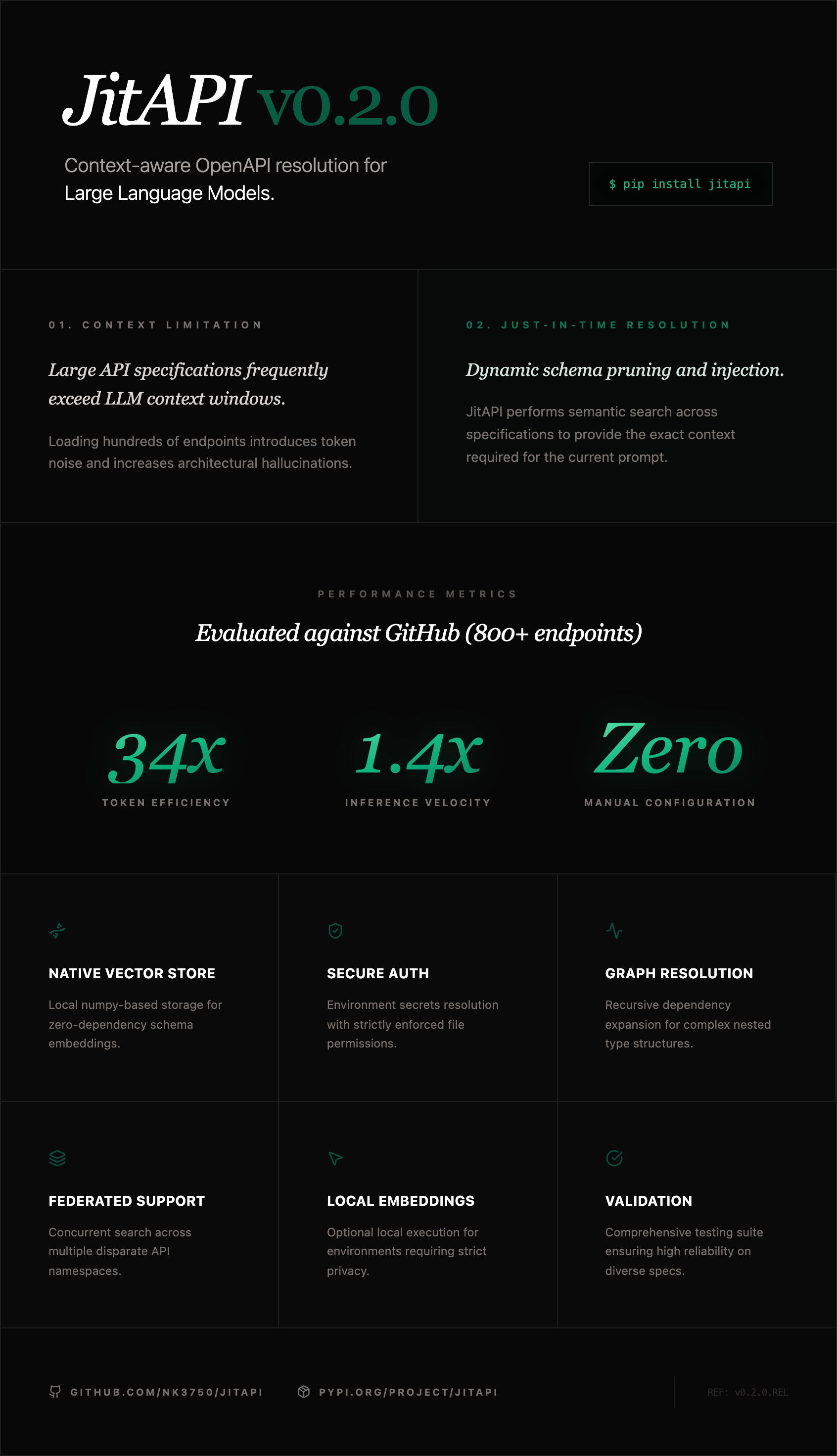
JitAPI is an MCP server that lets Claude interact with any API from its OpenAPI spec. Instead of dumping hundreds of endpoints into context, JitAPI uses semantic search and a dependency graph to surface only what's needed — then Claude plans and executes the calls.
https://github.com/user-attachments/assets/53f72f89-a41a-4a9c-a688-ec876ea05fbd
The Problem
Stripe has 300+ endpoints. GitHub has 800+. Loading the full spec into Claude's context wastes tokens and causes hallucinations. Writing a custom MCP server for every API you use doesn't scale.
JitAPI solves this: register any OpenAPI spec once, then ask for what you need in plain English. It finds the right endpoints, resolves dependencies between them, and lets Claude execute the calls.
Quick Start
Add to your Claude Code config (.mcp.json):
That's it. No API keys required — JitAPI uses local embeddings out of the box.
Then in Claude:
Multi-API Orchestration
The killer feature: register multiple APIs and ask questions that span them. JitAPI searches across all registered APIs and Claude chains the calls.
How It Works
- Register — Parse an OpenAPI spec, build a dependency graph (which endpoints need data from which other endpoints), and create searchable embeddings for all endpoints
- Search — When you ask a question, JitAPI embeds your query and finds the most relevant endpoints via cosine similarity
- Expand — The dependency graph adds any prerequisite endpoints (e.g., "you need to call GET /users first to get the user_id for POST /orders")
- Execute — Claude gets the endpoint schemas and makes the API calls, passing data between steps
MCP Tools
| Tool | Description |
|---|---|
register_api | Register an API from an OpenAPI spec URL |
list_apis | List all registered APIs and their endpoint counts |
search_endpoints | Semantic search across endpoints using natural language |
get_workflow | Find relevant endpoints with dependency resolution and full schemas |
get_endpoint_schema | Get the complete schema for a specific endpoint |
call_api | Execute a single API call with auth, path params, query params, and body |
set_api_auth | Configure authentication (API key header, API key query param, or bearer token) |
delete_api | Remove a registered API and all its data |
Setup
Claude Code
Create .mcp.json in your project directory (or ~/.claude.json for global access):
Claude Desktop
Add to your Claude Desktop config:
| OS | Config path |
|---|---|
| macOS | ~/Library/Application Support/Claude/claude_desktop_config.json |
| Windows | %APPDATA%\Claude\claude_desktop_config.json |
| Linux | ~/.config/Claude/claude_desktop_config.json |
Embedding Providers
JitAPI works out of the box with local embeddings (fastembed) — no API keys needed. For better search quality on large APIs, you can add a cloud embedding provider:
| Provider | Quality | Setup |
|---|---|---|
| Local (default) | Good | Nothing — works immediately |
| Voyage AI (recommended) | Excellent | pip install jitapi[voyage] + set VOYAGE_API_KEY |
| OpenAI | Excellent | pip install jitapi[openai] + set OPENAI_API_KEY |
| Cohere | Very good | pip install jitapi[cohere] + set COHERE_API_KEY |
Set the API key in your MCP config's env block:
Provider is auto-detected from available environment variables. Priority: Voyage AI > OpenAI > Cohere > local.
Authentication
Configure API authentication after registering. Supported auth types: bearer, api_key (custom header), and api_key_query (query parameter). The recommended approach uses environment variables so secrets are never written to disk:
Then tell Claude to use the env var:
With env_var, JitAPI reads the secret from the environment at request time — only the env var name is persisted, never the credential itself.
You can also pass credentials directly (they'll be stored in ~/.jitapi/auth.json with 0600 permissions):
Supported auth types: bearer, api_key (custom header, default X-API-Key), api_key_query (query parameter).
Security note: When using
env_var, credentials are resolved at runtime and never touch the filesystem. When passingcredentialdirectly, secrets are stored as plaintext JSON at~/.jitapi/auth.json(file permissions0600, directory0700). For production use, prefer theenv_varapproach.
Environment Variables
| Variable | Required | Description |
|---|---|---|
VOYAGE_API_KEY | No | Voyage AI API key (recommended cloud provider) |
OPENAI_API_KEY | No | OpenAI API key (alternative cloud provider) |
COHERE_API_KEY | No | Cohere API key (alternative cloud provider) |
JITAPI_STORAGE_DIR | No | Data directory (default: ~/.jitapi) |
JITAPI_LOG_LEVEL | No | DEBUG, INFO, WARNING, ERROR (default: INFO) |
Development
License
MIT
Built by Neelabh Kumar — AI engineer and builder.