MROffice
MR Office — the open-source editors of the AI office suite closest to Microsoft Office: documents, spreadsheets, presentations, PDF and code in the browser. Copilot in every editor edits real Word, Excel and PowerPoint files with you; an MCP server lets Claude, ChatGPT, Cursor and Codex create and edit them; embed it in your app with one line.
Install MROffice
Pick your client, then add it in one click or paste the config.
No confirmed install command yet
We only publish a config when the install details come from the project itself — its README, its docs, or a verified owner. We haven’t found those for MROffice, and we’d rather show nothing than a guess you’d paste into your client.
Open setup steps on GitHubOverview
Security & health
What it can reach and how reliably it runs — from our own checks, not the maintainer’s claims.
We have not completed a health check for this listing yet.
From the project README
MR Office
🌐 English · English (UK) · 简体中文 · 繁體中文 · 日本語 · 한국어 · Deutsch · Français · Español · Español (Latinoamérica) · Português (Brasil) · Italiano · Nederlands · Svenska · Dansk · Norsk · Suomi · Bahasa Indonesia · ไทย · Tiếng Việt
The open-source editors of MR Office, the editor closest to Microsoft Office — documents, spreadsheets, presentations, PDF, handwriting and code — running in the browser.
▶ Try online · ⬇ Download · 🌐 mroffice.ai
🧑💻 Developers · 🧩 Embed · 🤖 MCP for AI apps · 📦 npm SDK · 🔑 Sign in with MR Office


🔊 Watch the 50-second tour with sound
 Documents | 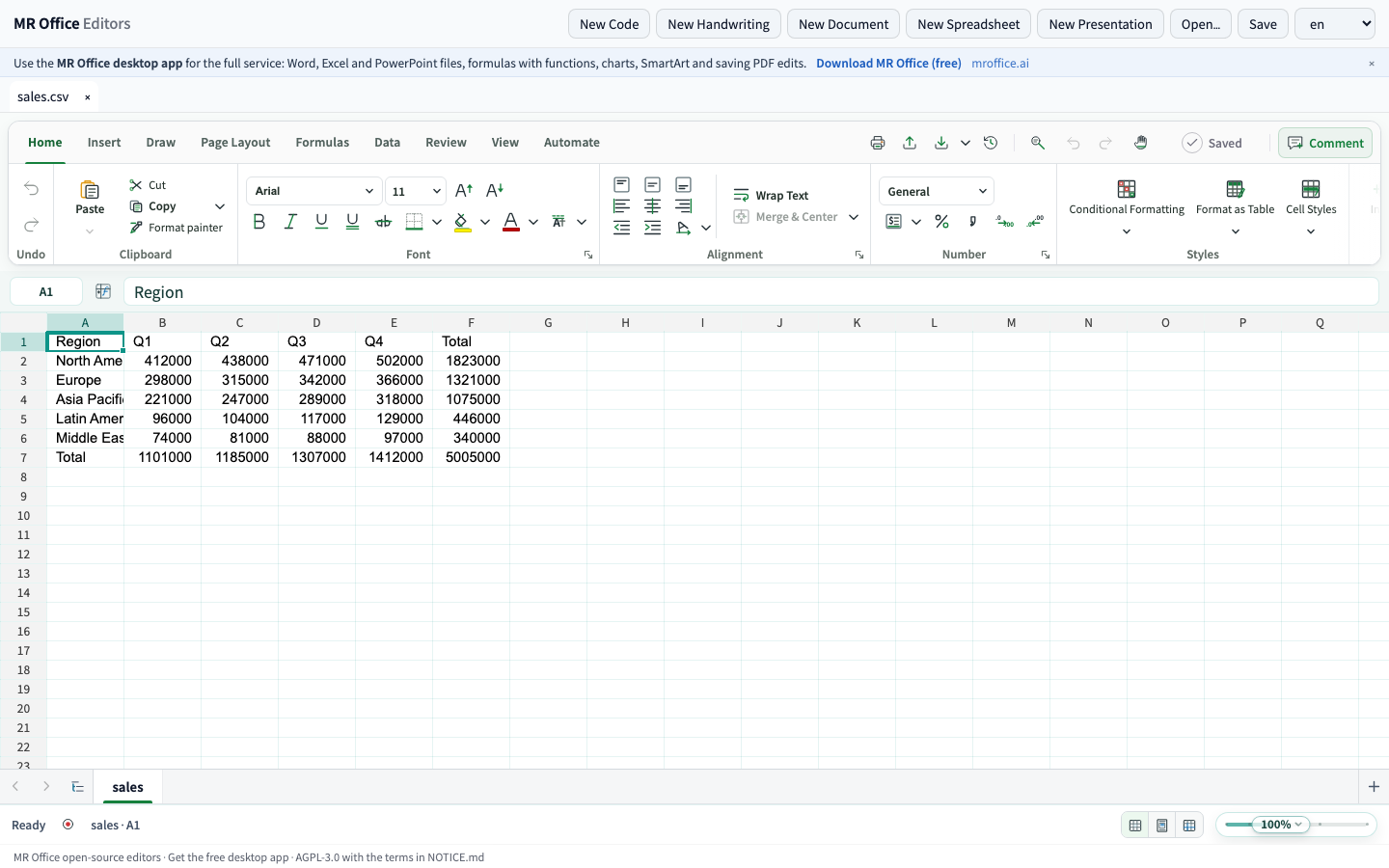 Spreadsheets |
 Presentations | 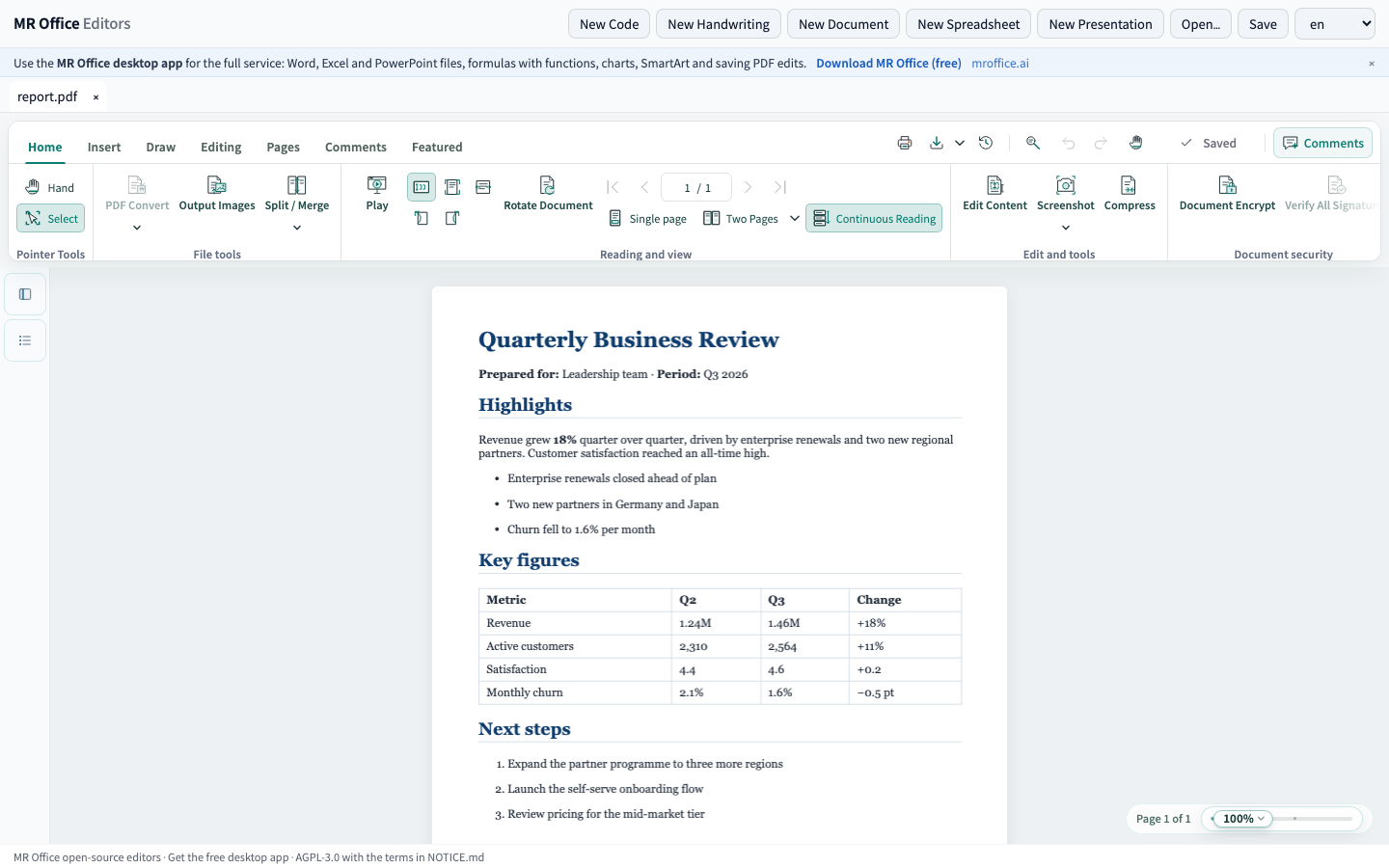 |
 Handwriting | 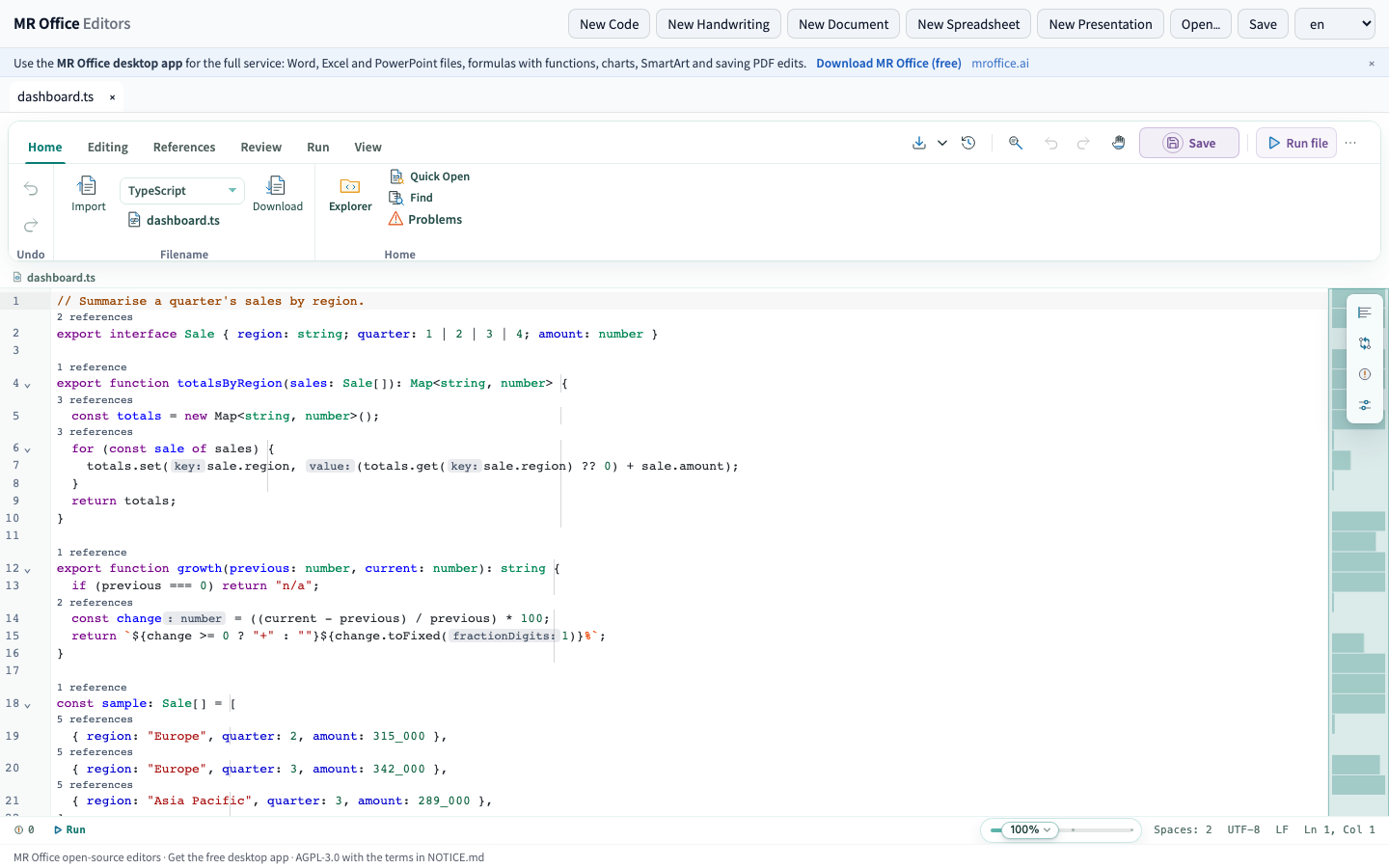 Code |
MR Office is a workspace for notes, AI and real files. This repository publishes the source code of its editors: the same editors MR Office runs, which you can build, run and embed on your own. They are open-source editors, not a complete open-source office suite: the reading and writing of Microsoft Office files stays in MR Office (see below).
For developers
Everything for developers is at MR Office Developers — self-serve, no application: sign in with any MR Office account and start.
Embed the editors in your web app (recommended)
MR Office hosts the editors; your server signs a short-lived session token and your page opens the editor. It edits real Word, Excel, PowerPoint and PDF files (.docx, .xlsx, .pptx, .pdf), with co-editing, uploads, every export format, printing, and saves sent back to your server in a signed callback. Free plan: 1,000 sessions a month on localhost, 100 on your own domains, up to 2 apps. It is a hosted commercial service, so your own app is not bound by this repository's AGPL license.
- In your project's folder run
npx mroffice-embed init(or create an app in the developer console): one "Allow" in the browser, and the app's keys are written to.env.local/.env. - Your server mints a session token with
createSessionTokenfrommroffice-embed/server; the secret key never leaves the server. - Your page opens the editor with
open()frommroffice-embed(or the scripthttps://mroffice.ai/embed/v1/embed.js).
// server: GET /api/mroffice/session (check who is signed in first)
import { createSessionToken } from "mroffice-embed/server";
const token = await createSessionToken({
  appId: process.env.MROFFICE_APP_ID,
  secretKey: process.env.MROFFICE_SECRET_KEY, // mro_sk_..., server only
  file: { key: "contract-42", name: "contract.docx", url: signedUrlToTheFile },
  user: { id: user.id, name: user.name },
  mode: "edit",
});

// page
import { open } from "mroffice-embed";
open({ container: "#editor", token: () => fetch("/api/mroffice/session").then((r) => r.json()).then((b) => b.token) });
Embed guide · The guide as Markdown (for AI agents) · Pricing and limits · Developer console · Live demo
AI apps: the MCP server
AI apps open, read, edit and export documents in the real MR Office editor through its MCP server: connect the hosted endpoint https://mcp.mroffice.ai/mcp (sign in with your MR Office account, no key), or run npx -y mroffice-mcp on your own computer. Its source is in apps/mcp. MCP guide →
Sign in with MR Office (OAuth)
MR Office is an OAuth 2.1 authorization server (PKCE, client ID metadata documents, dynamic registration): your app can sign people in with their MR Office account and act with the scopes they allow. OAuth guide →
Self-host the open-source editors
The six editors in this repository can be built into your own product under the AGPL-3.0: if people use a modified version over a network, you must offer them its complete source code, and keep the "MR Office" attribution (NOTICE.md). They open their own formats, CSV, HTML, Markdown and PDF; Word, Excel and PowerPoint files are not part of the open-source editors (the hosted embed above has them). A commercial license is available from support@mr-note.com. Open-source guide →
The editors are on npm as React components: npm i mroffice-docs mroffice-core (and mroffice-sheets, mroffice-slides, mroffice-pdf, mroffice-ink, mroffice-code); each package's README shows how to embed it.
The editors
What each editor does in this repository:
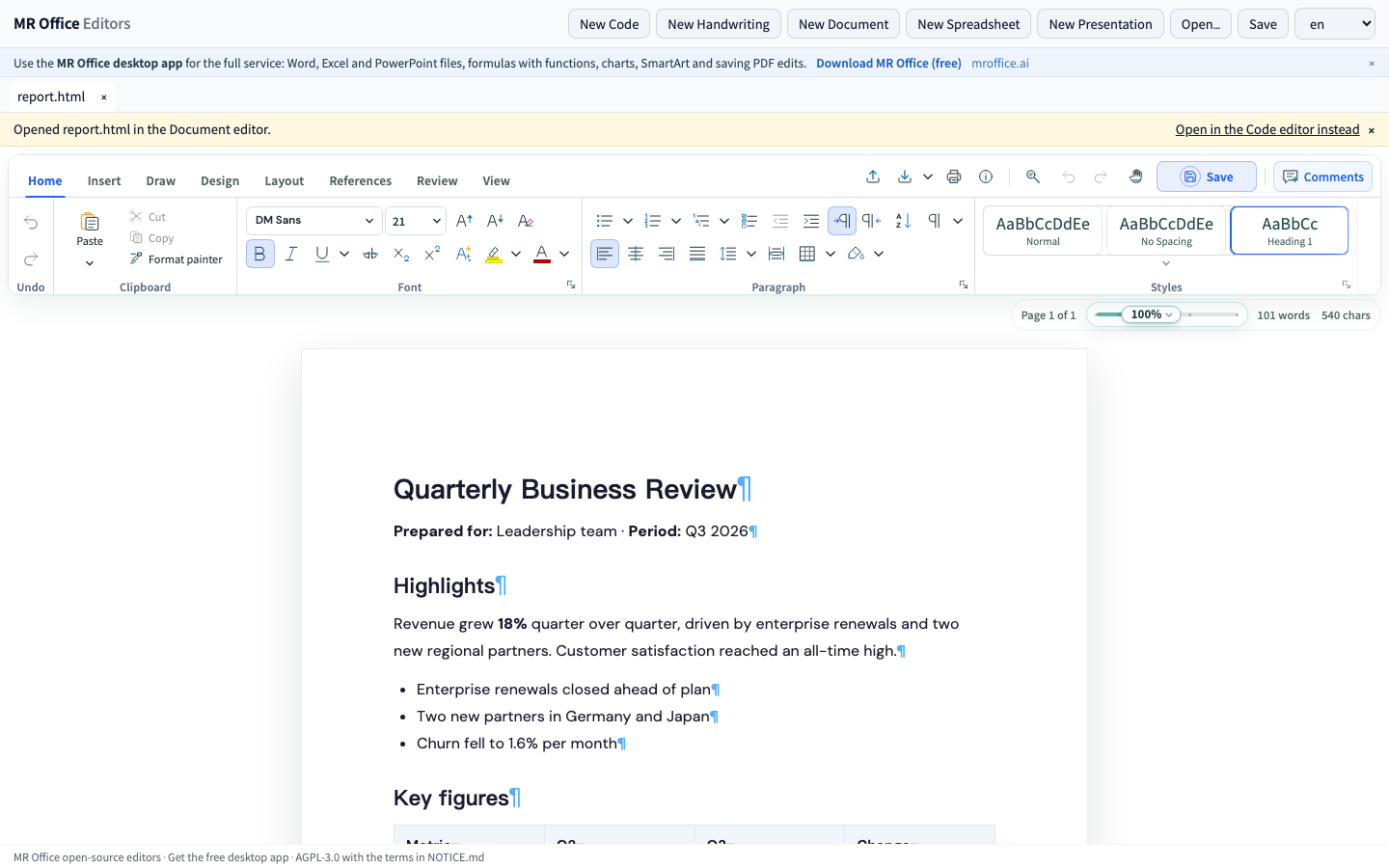
- Documents — a paged word processor: styles, fonts, lists, tables, headers and footers, sections and columns, shapes and equations, cover pages and tables of contents, comments and tracked changes, and pen ink on the page. Saves its own format (.mrdoc); opens HTML, Markdown and plain text.
- Spreadsheets — cells and formulas, number formats, conditional formatting, sorting and filtering, frozen panes and several sheets, with sums and averages of the selection. Arithmetic between cells (=A1*B1+10) is calculated in the browser as you type; formulas with functions (SUM, IF, VLOOKUP …) are kept as written. Saves its own format (.mrsheet); opens and saves CSV and TSV.
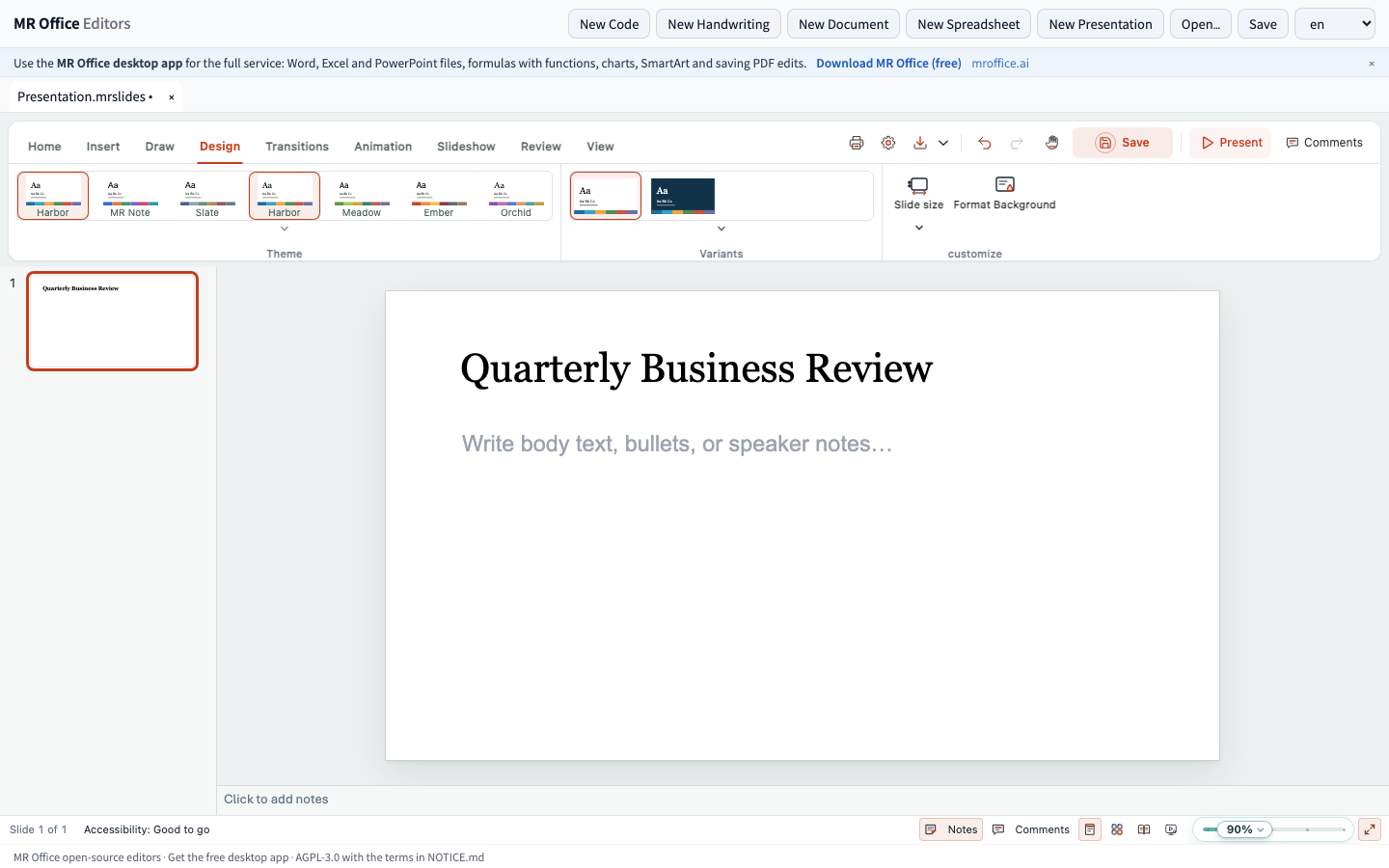
- Presentations — slides with eight themes of its own, layouts, slide master and layout views, text, shapes, text boxes, tables, WordArt and equations, comments, sections, transitions and animations with preview, and a slide show. Saves its own format (.mrslides).
- PDF — read, search, present and print PDF files, copy and read aloud their text, and mark up selected text (highlight, underline, strikethrough, squiggly) with notes and a comments panel while a file is open; saving hands back the file as it was opened.
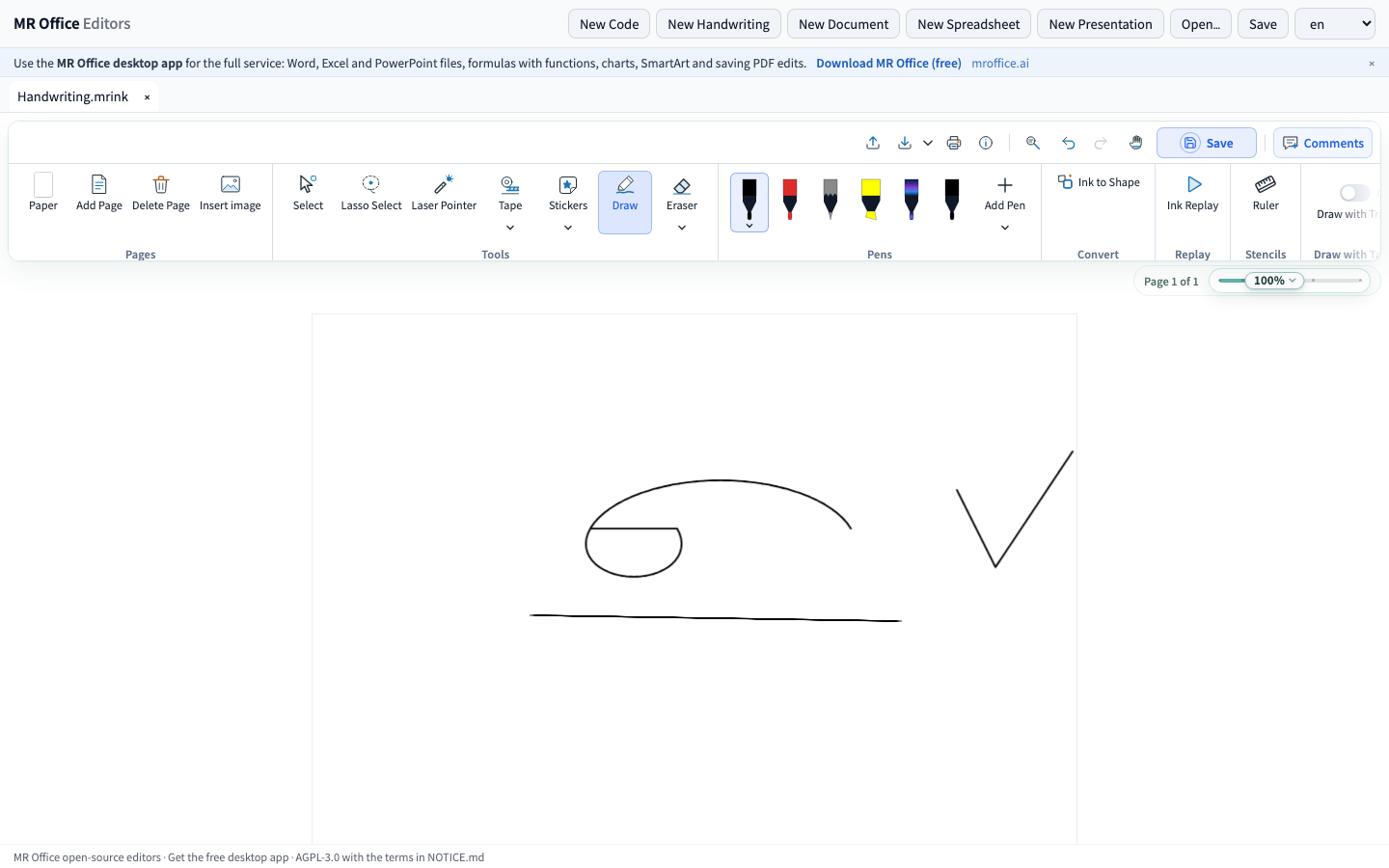
- Handwriting — handwritten notes with pressure-sensitive pens, highlighters, erasers, lasso and ruler, and ink turned into shapes. Saves its own format (.mrink).
- Code — a lightweight code editor with syntax highlighting for many languages, an outline, and find and replace; JavaScript/TypeScript, Python, SQL, Lua and shell run right in the browser.
Calculating formulas with functions, drawing charts and laying out SmartArt run in MR Office's own engine, in the MR Office desktop app: the open-source editors keep the formulas, charts and SmartArt a file holds, and show SmartArt as it was saved.
Run the editors
▶ Try the live demo — no install
The six editors are in packages/ (@mrnote/docs, sheets, slides, pdf, ink, code, sharing @mrnote/core) and run together in apps/playground:
npm install
npm run fonts     # the open substitutes for Office's fonts
npm run build
npm run preview   # http://localhost:5178
Reviews
No reviews yet — be the first to share how it worked for you.
Frequently Asked Questions about MROffice
Related MCP servers

Add a badge to your READMEShow it’s listed — live SVG, Markdown or HTML.
AllMCPs Directory Badge
Showcase your server listing on GitHub or your project documentation. Embed this dynamic SVG badge to highlight official listing status and live engagement.
[](https://allmcps.com/mcp/mroffice)<a href="https://allmcps.com/mcp/mroffice"><img src="https://allmcps.com/api/badge/mroffice?style=directory" alt="MROffice on AllMCPs" /></a>