Server Raygun vs Sessy — Amazon SES observability
A side-by-side look at the Server Raygun and Sessy — Amazon SES observability MCP servers: transport, auth, tools, quality signals, and the config to install either one in Claude, Cursor, Windsurf or VS Code.
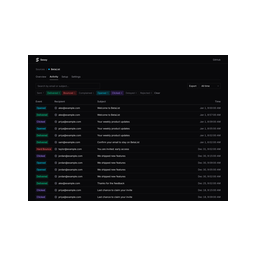 Sessy — Amazon SES observabilityMonitoring · Remote HTTP/SSERead-only Amazon SES observability: search events, inspect bounces, pull delivery stats.48FairAuth: not declared
Verdict: choose Server Raygun for monitoring work over a hosted endpoint; choose Sessy — Amazon SES observability for monitoring over a hosted endpoint. You can also run both side by side in one mcpServers block.