AllMCPs
BrowseBestCategoriesStackCompareToolsGuidesBlog
Log in Submit MCP

Stay in the loop

Get new MCP servers and top picks in your inbox.

AllMCPs

The open directory for discovering and installing Model Context Protocol servers.

AllMCPs on GitHub (opens in a new tab)
Launched onTiny Startupstinystartups.com
Explore
  • Browse servers
  • Best MCP servers
  • Categories
  • MCP clients
  • Agent prompts
  • Stack Builder
  • Compare servers
  • Random discovery New
  • Submit a server
  • Pricing & Boost Boost
Learn
  • Guides hub
  • What is MCP?
  • Install guide
  • Build an MCP server
  • Deploy an MCP server
  • Security guide
  • Troubleshooting
  • MCP for SEO & AEO
  • Protocol versioning
  • Blog & updates
Tools
  • All developer tools
  • Config generator
  • Config validator
  • Config auditor
  • MCP playground
  • Token calculator
  • OpenAPI β†’ MCP
  • Badge generator
For agents
  • REST API docs
  • Trust & traffic Live
  • Remote MCP server SSE β†— (opens in a new tab)
  • llms.txt β†— (opens in a new tab)
  • Catalog JSON β†— (opens in a new tab)
Company
  • About
  • Advertise Sponsor
  • Contact
  • GitHub β†— (opens in a new tab)
  • Terms
  • Privacy
AllMCPs VerifiedAllMCPs VerifiedFeatured on Nick LaunchesFeatured on Nick LaunchesLaunch Llama NewsletterLaunch Llama NewsletterVerified DR - allmcps.comVerified DR - allmcps.comFeatured on SaaSGrowFeatured on SaaSGrowFeatured on Twelve ToolsFeatured on Twelve ToolsFeatured on Saaspa.geFeatured on Saaspa.geFeatured on Findly.toolsFeatured on Findly.toolsFeatured on Startup FameFeatured on Startup FameFeatured on LaunchKiwiFeatured on LaunchKiwiFeatured on ScrollLaunchFeatured on ScrollLaunchFeatured on DailyPingsFeatured on DailyPingsFazier badgeFazier badgeFeatured on NewTool.siteFeatured on NewTool.siteFeatured on saasfame.comFeatured on saasfame.comDR Checker - Domain RatingDR Checker - Domain RatingListed on Turbo0Listed on Turbo0Launched on LaunchBoard - Product Launch PlatformLaunched on LaunchBoard - Product Launch PlatformList on SimilarlabsList on Similarlabshttps://codetrendy.comhttps://codetrendy.comListed on DevTool.ioFeatured on BuildlistFeatured on BuildlistLaunched on Tiny StartupsFeatured on ShowMeBestAIFeatured on ShowMeBestAIFind us on LaunchZoneFind us on LaunchZoneAllMCPs VerifiedAllMCPs VerifiedFeatured on Nick LaunchesFeatured on Nick LaunchesLaunch Llama NewsletterLaunch Llama NewsletterVerified DR - allmcps.comVerified DR - allmcps.comFeatured on SaaSGrowFeatured on SaaSGrowFeatured on Twelve ToolsFeatured on Twelve ToolsFeatured on Saaspa.geFeatured on Saaspa.geFeatured on Findly.toolsFeatured on Findly.toolsFeatured on Startup FameFeatured on Startup FameFeatured on LaunchKiwiFeatured on LaunchKiwiFeatured on ScrollLaunchFeatured on ScrollLaunchFeatured on DailyPingsFeatured on DailyPingsFazier badgeFazier badgeFeatured on NewTool.siteFeatured on NewTool.siteFeatured on saasfame.comFeatured on saasfame.comDR Checker - Domain RatingDR Checker - Domain RatingListed on Turbo0Listed on Turbo0Launched on LaunchBoard - Product Launch PlatformLaunched on LaunchBoard - Product Launch PlatformList on SimilarlabsList on Similarlabshttps://codetrendy.comhttps://codetrendy.comListed on DevTool.ioFeatured on BuildlistFeatured on BuildlistLaunched on Tiny StartupsFeatured on ShowMeBestAIFeatured on ShowMeBestAIFind us on LaunchZoneFind us on LaunchZone
Β© 2026 Jackalope Digital LLC. All rights reserved.
  1. Home
  2. 🧠 Knowledge & Memory
  3. MCP Light Memory
M
Health: Not checked yetWe have not completed a health check for this listing yet.No health check has run yet.

MCP Light Memory

User RatingsBe the first to rate and review this MCP server! Enrichment pendingWe haven’t run our AI enrichment pass on this listing yet, so the overview, use cases, and FAQ below may be sparse or missing. We work through the catalog over time β€” check back soon.
View Repository

Local-first persistent memory for coding agents and MCP clients.

Quick Install

Automated & IDE Setup

Copy the AI prompt to install this server into Claude Code, Cursor, or another agent β€” or use 1-click editor setup below.

Add to CursorAdd to VS Code
Manual Client & Custom JSON ConfigExpand JSON β–Ύ

Client Config & Setup

Choose your client or environment
Target File:~/Library/Application Support/Claude/claude_desktop_config.json
claude_desktop_config.json
{
  "mcpServers": {
    "mcp-light-memory": {
      "command": "npx",
      "args": [
        "-y",
        "mcp-light-memory"
      ]
    }
  }
}

πŸ’‘ Paste the JSON block into your client's configuration file under mcpServers, then restart the application.

Install Directory Badge Claim listing Alternatives🧠 More in Knowledge & Memory

Documentation Overview

MCP Light Memory

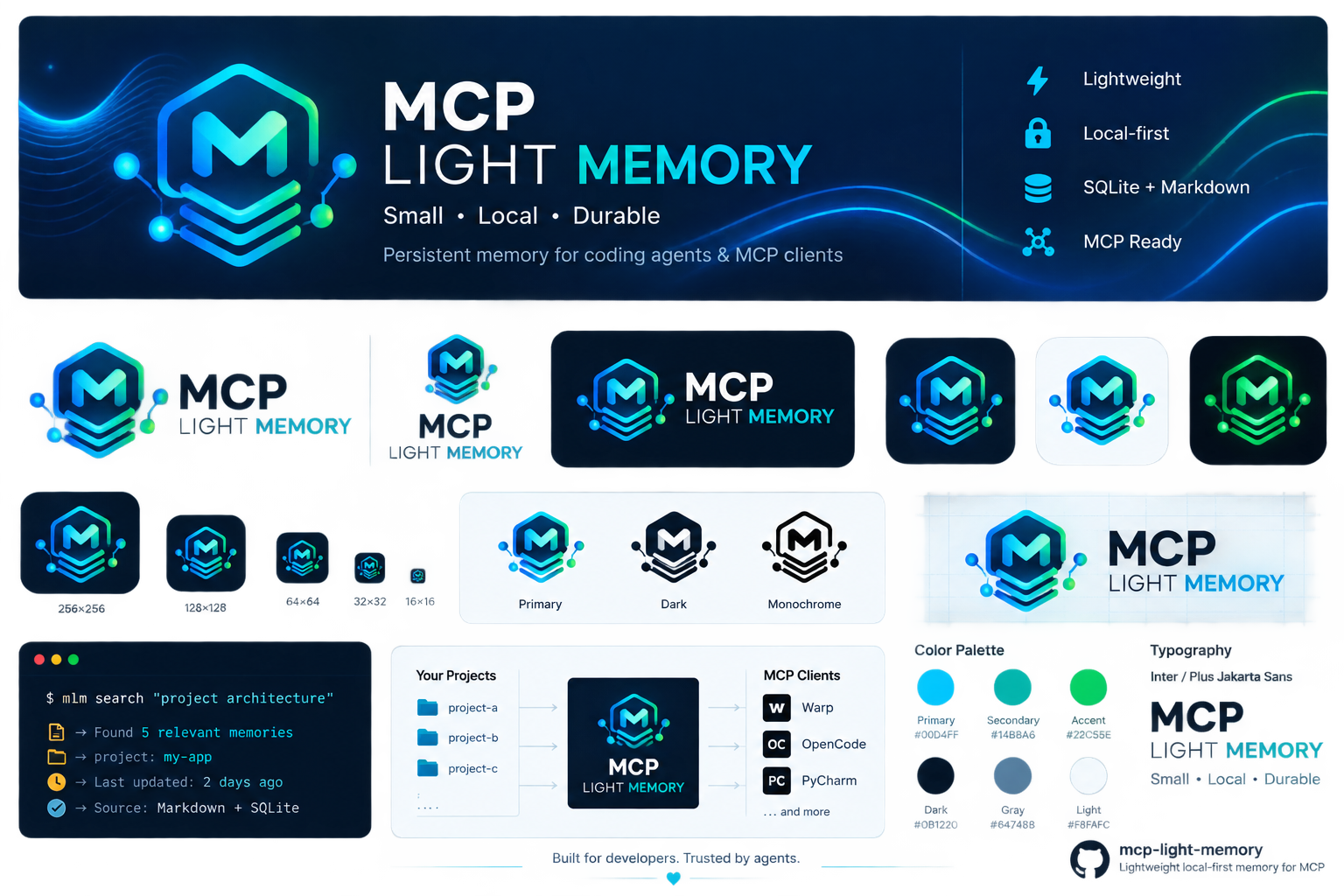
MCP Light Memory icon

MCP Light Memory

Lightweight local-first persistent memory for coding agents and MCP clients.
formerly internal-rag

version license python deps mcp


What is this?

MCP Light Memory is a lightweight, local-first, persistent memory system for coding agents and MCP clients (Warp, OpenCode, JetBrains AI Assistant / PyCharm, Claude Code, Cursor). It acts as a checkpoint + retrieval layer β€” it stores the minimum durable state needed to resume complex work across sessions, without keeping the full conversation in the model's context window.

When your agent starts a task, it calls context and gets back relevant past decisions, gotchas, constraints, and hypotheses β€” ranked, deduplicated, and trust-bounded. When it finishes, it checkpoints the working state. Next session, even after a restart, the memory is there.

Why use it?

ProblemHow MCP Light Memory solves it
Agents forget everything between sessionsMarkdown files persist on disk; the agent retrieves them via BM25 + optional embeddings
Full session history is too large for contextOnly relevant memories are retrieved (token-budgeted, MMR-diversified)
Cloud dependency / privacy concerns100% local, offline, zero network calls, no daemon
Heavy setup / dependenciesZero required runtime deps (pure Python 3.8+ stdlib); optional sentence-transformers for better semantic retrieval
Prompt injection via stored memoryEvery retrieved memory is explicitly trust: untrusted evidence with an injection-warning heuristic (ADR-015)
Multi-project isolationRouter with registry allowlist, write:false hard boundary, per-call subprocess isolation
MCP protocol driftDual-era support: modern 2026-07-28 + legacy 2024-11-05…2025-11-25

How it works (mechanisms)

  • Markdown is the source of truth. Every memory is a .md file with YAML frontmatter (id, type, status, tags, sources, links, valid_from, valid_to, supersedes). Human-readable, diffable, durable.
  • SQLite is a rebuildable cache. BM25/FTS5 index + optional embedding vectors + usage tracking. Delete it and everything rebuilds from Markdown.
  • Retrieval: pure-Python BM25 + optional dense embeddings β†’ RRF fusion β†’ MMR diversification β†’ policy boosts (type/status/temporal) β†’ token-budget cut. Adaptive mode: sparse first, dense only if weak.
  • Lifecycle: remember β†’ update β†’ supersede (links both directions, never deletes history) β†’ forget (archives, never deletes) β†’ timeline (temporal view). search --at YYYY-MM-DD for historical queries.
  • Trust boundary: retrieved content is wrapped in === BEGIN/END INTERNAL_RAG MEMORY === with a SECURITY NOTICE header. Structured JSON/MCP carries trust: untrusted + optional security_flags: ["instruction_like_content"].
  • Evidence freshness: each result includes evidence_state (present/missing/unverifiable) for local path-like evidence β€” derived at retrieval time, never persisted.
  • Multi-project router: one MCP stdio server in front of many projects via a JSON registry. write:false blocks mutating tools before spawning a child. Per-call subprocess isolation (no shared state).

Setup

Prerequisites

  • Python 3.8+ (uses py launcher, python, or python3 β€” the installer auto-detects the real interpreter and rejects the WindowsApps stub)
  • Git (the target project must be a git repo)
  • Optional: pip install sentence-transformers numpy for better semantic retrieval

The current version is defined by the VERSION file β€” check it (or run mlm.py --version) instead of hard-coding an expected number.

Quick start

Clone this repo once, then install into any project:

powershell
# Windows (PowerShell)
git clone https://github.com/PeterPirog/mcp-light-memory.git ~/mcp-light-memory
python ~/mcp-light-memory/install.py . --client warp
bash
# Linux/macOS
git clone https://github.com/PeterPirog/mcp-light-memory.git ~/mcp-light-memory
python3 ~/mcp-light-memory/install.py . --client warp

The installer:

  • copies skill files + creates INTERNAL_RAG/ + AGENTS.md
  • runs init + checkpoint + validate (so guard is OK immediately)
  • auto-registers the MCP server in the client config when it can do so safely (or reports MANUAL_REQUIRED / prints JetBrains instructions)
  • writes the absolute path to the verified Python interpreter (survives Windows PATH issues)
powershell
python .agents\skills\internal-rag\mlm.py --version   # reports the installed version
python .agents\skills\internal-rag\mlm.py status       # expect: INTERNAL_RAG ready
python .agents\skills\internal-rag\mlm.py guard        # expect: GUARD OK

Installation matrix

One installer, four clients, two config scopes. Full guide: docs/INSTALLATION.md.

ClientProject scopeGlobal scope
Warp (config write automatic; project activation may require approval)install.py . --client warpinstall.py . --client warp --global
OpenCode stable (V1) (automatic for safe JSON config writes)install.py . --client opencodeinstall.py . --client opencode --global
OpenCode 2 (V2, beta) (automatic for safe JSON config writes)install.py . --client opencode2install.py . --client opencode2 --global
JetBrains AI / PyCharm (manual in IDE UI)install.py . --client jetbrainsinstall.py . --client jetbrains --global
  • --global changes the scope of the CLIENT CONFIG (~/.warp/.mcp.json vs {repo}/.warp/.mcp.json, ~/.config/opencode/opencode.json vs project opencode.json). The server still points at the target project you installed into.
  • Need one global MCP endpoint for many repositories? Use the multi-project router β€” docs/MCP-MULTI-PROJECT.md.
  • JetBrains/PyCharm is assisted, not fully automatic: the installer prepares the JSON + Working Directory; you add the server in Settings β†’ Tools β†’ AI Assistant β†’ MCP and choose Server level = Project or Global.
  • Manual setup (no installer) per client: docs/INSTALLATION.md + client pages (Warp Β· OpenCode).

Zero-shot: copy-paste prompts for Warp and OpenCode

You can paste one of these directly into the client agent. Replace C:\Projects\App with the real target repository path.

Warp β€” install for one project:

text
Install and configure MCP Light Memory (mcp-light-memory) as an MCP server for project C:\Projects\App in Warp, using project scope. Use the repository https://github.com/PeterPirog/mcp-light-memory. If the tool is not cloned yet, clone it to a stable location outside the project; if it already exists, update it with git pull --ff-only. Apply the canonical installation contract from the repository and run install.py with TARGET_PROJECT=C:\Projects\App and --client warp without --global. Do not force-overwrite an existing configuration. After installation, verify from cwd=C:\Projects\App: mlm.py --version, mlm.py status, and mlm.py guard, and confirm that the Warp configuration contains mcp-light-memory and the C:\Projects\App path. Report success only after MCP REGISTRATION: REGISTERED and successful verification. If Warp requires an additional project activation/toggle/approval, state the exact client-side step and do not claim the server is active before it is completed.

Warp β€” global client config for one project:

text
Install and configure MCP Light Memory (mcp-light-memory) in Warp globally for project C:\Projects\App. Use the repository https://github.com/PeterPirog/mcp-light-memory. If the tool is not cloned yet, clone it to a stable location outside the project; if it already exists, run git pull --ff-only. Apply the canonical installation contract and run install.py with TARGET_PROJECT=C:\Projects\App, --client warp, and --global. Remember: --global means the global Warp client configuration, while the server must still be bound to C:\Projects\App; do not use the multi-project router. After installation, verify from cwd=C:\Projects\App: mlm.py --version, mlm.py status, and mlm.py guard, and confirm that the global Warp configuration contains mcp-light-memory and the C:\Projects\App path. Report success only after MCP REGISTRATION: REGISTERED and successful verification.

OpenCode β€” install for one project (stable/V1):

Read the full README β†’View source on GitHub β†’

Related MCP Servers

View all in Knowledge & Memory View all alternatives
  • Memorix logoMemorix

    Local-first persistent project memory for AI coding agents across MCP clients and sessions.

    🧠 Knowledge & Memory1 views
    Compare vs Memorix β†’
  • C
    CP Memory

    Local-first, governable long-term memory for AI coding agents

    🧠 Knowledge & Memory0 views
    Compare vs CP Memory β†’
  • Moxie Docs MCP logoMoxie Docs MCP
    β˜… Featured

    MCP & Agent Skills for Automated Documentation, and codebase conventions + context

    🧠 Knowledge & Memory21 views
    Compare vs Moxie Docs MCP β†’
  • Mindswap logoMindswap

    Local-first AI context and memory server for cross-tool coding continuity.

    🧠 Knowledge & Memory0 views
    Compare vs Mindswap β†’

Reviews

No reviews yet β€” be the first to share how this listing worked for you.

Frequently Asked Questions about MCP Light Memory

Add the following block to your claude_desktop_config.json under mcpServers: "mcpServers": { "mcp-light-memory": { "command": "npx", "args": ["-y", "MCP Light Memory"] } }

AllMCPs Directory Badge

Full Badge Customizer

Showcase your server listing on GitHub or your project documentation. Embed this dynamic SVG badge to highlight official listing status and live engagement.

Badge Style:
Live Dynamic SVG PreviewMCP Light Memory AllMCPs Directory Badge

Markdown (GitHub README)
[![AllMCPs](https://allmcps.com/api/badge/mcp-light-memory?style=directory)](https://allmcps.com/mcp/mcp-light-memory)
HTML Embed
<a href="https://allmcps.com/mcp/mcp-light-memory"><img src="https://allmcps.com/api/badge/mcp-light-memory?style=directory" alt="MCP Light Memory on AllMCPs" /></a>

Technical Specs & Signals

Category🧠Knowledge & Memory
More technical detailsExpand β–Ύ
TransportSTDIO
RuntimeNode.js
Last updatedSep 7, 2026
Views0
Unique ViewsTotal visits recorded for this listing page on AllMCPs.
Installs0
Installs & Copy ActionsTotal times users copied install commands or configuration snippets for this server.
25Quality signal: Emerging Β· 25/100How this signal is calculated β–Ύ
Server availabilityNot measured

Not scored for repo-hosted servers β€” we can't reach the running server, only its GitHub page. Hosted MCP endpoints are health-checked live.

Verified ownership8/20
Documentation & tools10/30
Adoption & activity1/15
Community engagement0/10

A guidance signal from public completeness & health data β€” not a user rating. New listings start lower and rise as they add docs, get verified, and grow adoption. Signals we can't observe for a listing are skipped, not counted against it.

β˜… FeaturedMoxie Docs MCP logo

Moxie Docs MCP

MCP & Agent Skills for Automated Documentation, and codebase conventions + context

Explore Server β†’

Own this project?

This directory is pre-filled from public sources. Claim via GitHub README, site badge, or DNS TXT to unlock edit access and the Official badge and attach your website β€” proof is checked automatically, then reviewed by our team.

Free dofollow backlink: add your website and place the AllMCPs badge on it β€” no claim needed. We detect it automatically and keep it verified as long as the badge stays live.

Claim & get free dofollow

Share & Embed

Add our SVG badge (dark/light directory styles) or embeddable widget to your site.

Explore more

More in 🧠 Knowledge & Memory β†’Best MCP servers for Memory & Knowledge β†’Alternatives to MCP Light Memory β†’Install in Claude DesktopInstall in CursorInstall in VS Code