Local-first MCP for supported Adobe Premiere Pro workflows; start with a read-only connection check.
Quick Install
Automated & IDE SetupCopy the AI prompt to install this server into Claude Code, Cursor, or another agent — or use 1-click editor setup below.
One-click editor setup isn’t available for this listing yet — we don’t have a confirmed install command, and we’d rather show nothing than point your editor at the wrong package or host. Follow the project’s own setup instructions, linked above.
Manual Client & Custom JSON ConfigExpand JSON ▾
No confirmed setup config for this listing yet. We only publish a config block when the install details come from the project itself — its README, its docs, or a verified owner. We haven’t found those for MCP for Adobe Premiere Pro, and we’d rather show nothing than a guess you’d paste into your client. Follow the project’s own setup instructions for the current steps.
Documentation Overview
MCP for Adobe Premiere Pro

Adobe Premiere Pro MCP server for reviewable, local-first workflows with compatible AI assistants.
Premiere Pro automation for Claude, Cursor, Codex, and other MCP clients: AI-assisted editing, project organization, and export checks through Adobe's documented UXP and CEP/ExtendScript APIs.
Free, MIT licensed, local-first, and published to npm as premiere-pro-mcp — the only package name that installs this project.
Website · Recorded demo · Compare servers · Setup guides · Search tools · Troubleshooting · Release facts
Development source: 384 core tools across 57 modules, 4 resources, and 19 guided workflows. A connected UXP host adds 96 capability-gated tools.
The completed AE render handoff previews and confirms importing one finished render into an existing Premiere bin, with host and file rechecks and an import receipt.











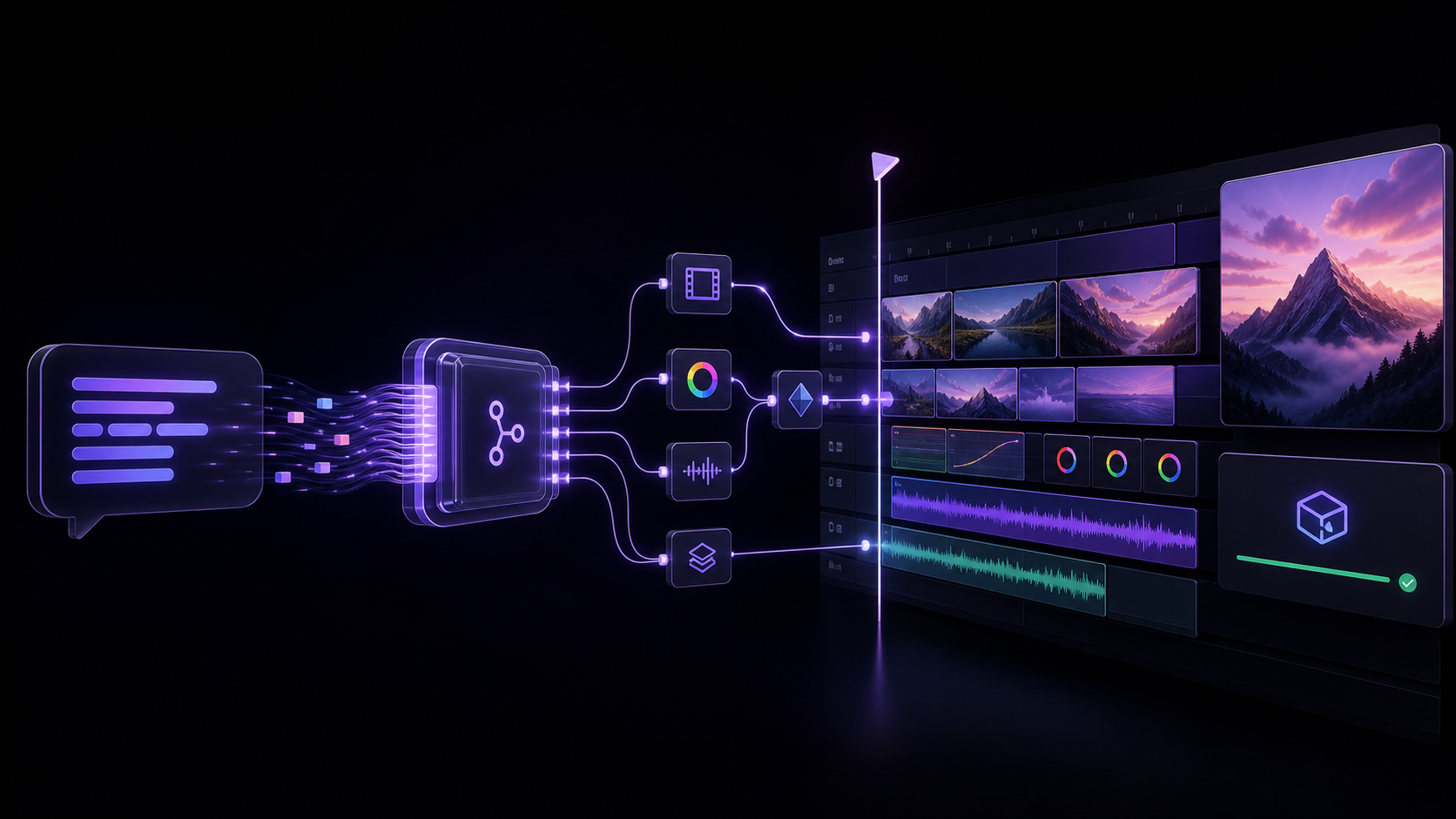
Table of contents
- What is this?
- For editors evaluating an AI workflow
- Quick Start
- Clients and capability coverage
- Architecture
- Tools
- MCP Resources
- Remote Deployment (Fly.io)
- Environment Variables
- Project Structure
- Technical Details
- Frequently asked questions
- Troubleshooting
- Star history
- Support the project
- Contributing · License
What is this?
An MCP (Model Context Protocol) server that lets AI assistants like Claude, Windsurf, Cursor, GitHub Copilot, or any MCP-compatible client directly control Adobe Premiere Pro — importing media, editing timelines, applying effects, managing keyframes, exporting, and more.
At a glance
| Display name | MCP for Adobe Premiere Pro |
| npm package | premiere-pro-mcp |
| Install (npm route) | npm install -g premiere-pro-mcp |
| Connector install | premiere-pro-mcp --install-cep |
| MCP server name | io.github.leancoderkavy/premiere-pro |
| Repository | https://github.com/leancoderkavy/premiere-pro-mcp |
| Website | https://premiere-pro-mcp.com |
| License | MIT |
| Hosts | Windows and macOS, Premiere Pro 2020-2026 |
This project is independent and is not affiliated with or endorsed by Adobe Inc.
It is also separate from other MCP servers for Premiere Pro. The only npm package
published from this repository is premiere-pro-mcp, and no other package name
installs it.
Comparing similarly named packages? Both this package and
adobe-premiere-pro-mcp declare a premiere-pro-mcp executable. Verify the package
and repository before configuring a client. The new
local configuration helper prints Claude, Cursor,
VS Code, or Codex settings that point directly to this installation. It is a
feature included in v1.15.1 and later.
The current source exposes 384 core tools for supported workflow steps spanning the supported ExtendScript, QE DOM, local media and interchange analysis, revisioned project-context retrieval, safe edit-planning, project-intake preview, review handoff, connection verification, and guarded After Effects MOGRT authoring, batch, library, render-queue, inspection, and Premiere-handoff workflows. A compatible, authenticated UXP panel adds 96 documented, capability-gated tools without replacing the production CEP bridge.
Latest release: 1.18.2
The published v1.18.2 npm artifact contains 384 core tools, 382 in its default profile, and 478 with a compatible UXP connection. The development catalog above can include unreleased work. See the versioned facts and package provenance.
Try a bounded workflow
Choose a setup guide: Claude Desktop, Codex, other local MCP clients, or ChatGPT connection options.
Download the workflow starter kit for synthetic media and three evaluation recipes: a read-only sequence check, an explicitly confirmed review-frame export, and a product-spot preview. No email is required. The kit has no recorded Premiere demo or verified host result. Start with a disposable project and use setup and recovery if the connection is unavailable.
Release highlights
- Editorial planning: film evidence, transcript cleanup, caption authoring, shorts and chapter planning, rhythm and speaker layouts, timeline QA, and platform delivery plans.
- Cross-app handoff: capability-aware workflow routes and guarded After Effects render-to-Premiere handoff.
- Editing correctness: verified readback and explicit capability or committed-but-unverified failures across transition, import, effects, source identity, and track operations. Insert edits ripple QE sync-locked tracks instead of silently desyncing neighbours.
Related MCP Servers
Reviews
No reviews yet — be the first to share how this listing worked for you.
Frequently Asked Questions about MCP for Adobe Premiere Pro
AllMCPs Directory Badge
Showcase your server listing on GitHub or your project documentation. Embed this dynamic SVG badge to highlight official listing status and live engagement.
Badge Style:
Live Dynamic SVG Preview
Markdown (GitHub README)
[](https://allmcps.com/mcp/mcp-for-adobe-premiere-pro)HTML Embed
<a href="https://allmcps.com/mcp/mcp-for-adobe-premiere-pro"><img src="https://allmcps.com/api/badge/mcp-for-adobe-premiere-pro?style=directory" alt="MCP for Adobe Premiere Pro on AllMCPs" /></a>Technical Specs & Signals
CategoryDeveloper Tools
28Quality signal: Emerging · 28/100How this signal is calculated ▾
Server availabilityNot measured
Not scored for repo-hosted servers — we can't reach the running server, only its GitHub page. Hosted MCP endpoints are health-checked live.
Verified ownership8/20
Documentation & tools12/30
Adoption & activity1/15
Community engagement0/10
A guidance signal from public completeness & health data — not a user rating. New listings start lower and rise as they add docs, get verified, and grow adoption. Signals we can't observe for a listing are skipped, not counted against it.
Own this project?
This directory is pre-filled from public sources. Claim via GitHub README, site badge, or DNS TXT to unlock edit access and the Official badge and attach your website — proof is checked automatically, then reviewed by our team.
Free dofollow backlink: add your website and place the AllMCPs badge on it — no claim needed. We detect it automatically and keep it verified as long as the badge stays live.
Claim & get free dofollowShare & Embed
Add our SVG badge (dark/light directory styles) or embeddable widget to your site.