A line for the current minute, from literature, copyright-free books, or an original voice.
Quick Install
Automated & IDE SetupCopy the AI prompt to install this server into Claude Code, Cursor, or another agent — or use 1-click editor setup below.
One-click editor setup isn’t available for this listing yet — we don’t have a confirmed install command, and we’d rather show nothing than point your editor at the wrong package or host. Follow the project’s own setup instructions, linked above.
Manual Client & Custom JSON ConfigExpand JSON ▾
No confirmed setup config for this listing yet. We only publish a config block when the install details come from the project itself — its README, its docs, or a verified owner. We haven’t found those for Literature Clock, and we’d rather show nothing than a guess you’d paste into your client. Follow the project’s own setup instructions for the current steps.
Documentation Overview

Literature Clock MCP
A line for the current minute, from literature, copyright-free books, or an original voice.










mcp
model-context-protocol
mcp-server
literature-clock
ink-clock
quotes
books
voices
stdio
streamable-http
cursor
vscode
claude
Client pages
clients/ is a set of HTML pages for Cursor, VS Code, Claude Desktop, a browser that calls get_quote, a page that subscribes to the quote push on GET /events, and a page that reads and changes settings. Open clients/index.html, or serve the folder on localhost so those pages can reach the server.
Add the server
Cursor — ~/.cursor/mcp.json
VS Code — user or workspace mcp.json
Claude Desktop — ~/Library/Application Support/Claude/claude_desktop_config.json on macOS, %APPDATA%\Claude\claude_desktop_config.json on Windows
This repository is the project home. It does not contain the server source. Install the published package with the npx blocks above.
Add a hosted server
The same configs work for Render, IBM Code Engine, or any host that serves this app over HTTPS. The MCP URL is the site plus /mcp. The live Render server is https://literature-clock-mcp.onrender.com/mcp. A Code Engine app looks like https://<app>.<region>.codeengine.appdomain.cloud/mcp.
The host must run MCP_MODE=http HOST=0.0.0.0 npx -y literature-clock-mcp@1.6.5 and leave PORT for the platform. Deploy steps for Render are under Render.
When auth mode is write or all, add a header Authorization: Bearer <key>. Auth is off on a fresh server, so the blocks below need no key.
Cursor — this project: .cursor/mcp.json. Every project: ~/.cursor/mcp.json.
Save the file. Open Cursor Settings → MCP and turn literature-clock-mcp on. A green dot means the handshake worked. In Agent chat, ask: ask literature-clock-mcp for the current quote.
VS Code — workspace .vscode/mcp.json, or Command Palette → MCP: Open User Configuration.
Command Palette → MCP: List Servers → start literature-clock-mcp. In Copilot Chat, confirm the server is selected in the tools list, then ask for the current quote.
Claude Desktop — the desktop file only starts a local process. mcp-remote opens the hosted URL. Config path: ~/Library/Application Support/Claude/claude_desktop_config.json on macOS, %APPDATA%\Claude\claude_desktop_config.json on Windows. Quit Claude and open it again after you save.
The first call after a free Render instance has been idle can take a moment while the process wakes. The clock on the server is that machine’s clock. On Render that is UTC, so “now” is four hours ahead of Toronto.
An MCP server that tells the time the way a literature clock does: one sentence that names that exact minute.
The default source is Literature, Johannes Enevoldsen's literature-clock collection (CC BY-NC-SA 2.5). Books are copyright-free lines bundled with the server. The other sources are original voices written for this clock, not quotations from films or living authors.
No account and no analytics. Books and voices stay on the machine. Literature tries those bundled exact-minute lines first, then the public collection, and falls back to copyright-free books if the library does not answer.
| npm | literature-clock-mcp |
| MCP name | io.github.markusvankempen/literature-clock-mcp |
| Name | Literature Clock · package literature-clock-mcp |
| Version | 1.6.5 on npm. This git tree does not contain src/. |
| Transports | stdio, Streamable HTTP (/mcp), legacy SSE (/sse). Each can be turned off in Settings. One stays on. |
| Source | literature-clock-mcp · Chrome twin chrome-ext-ink-clock |
Screenshots
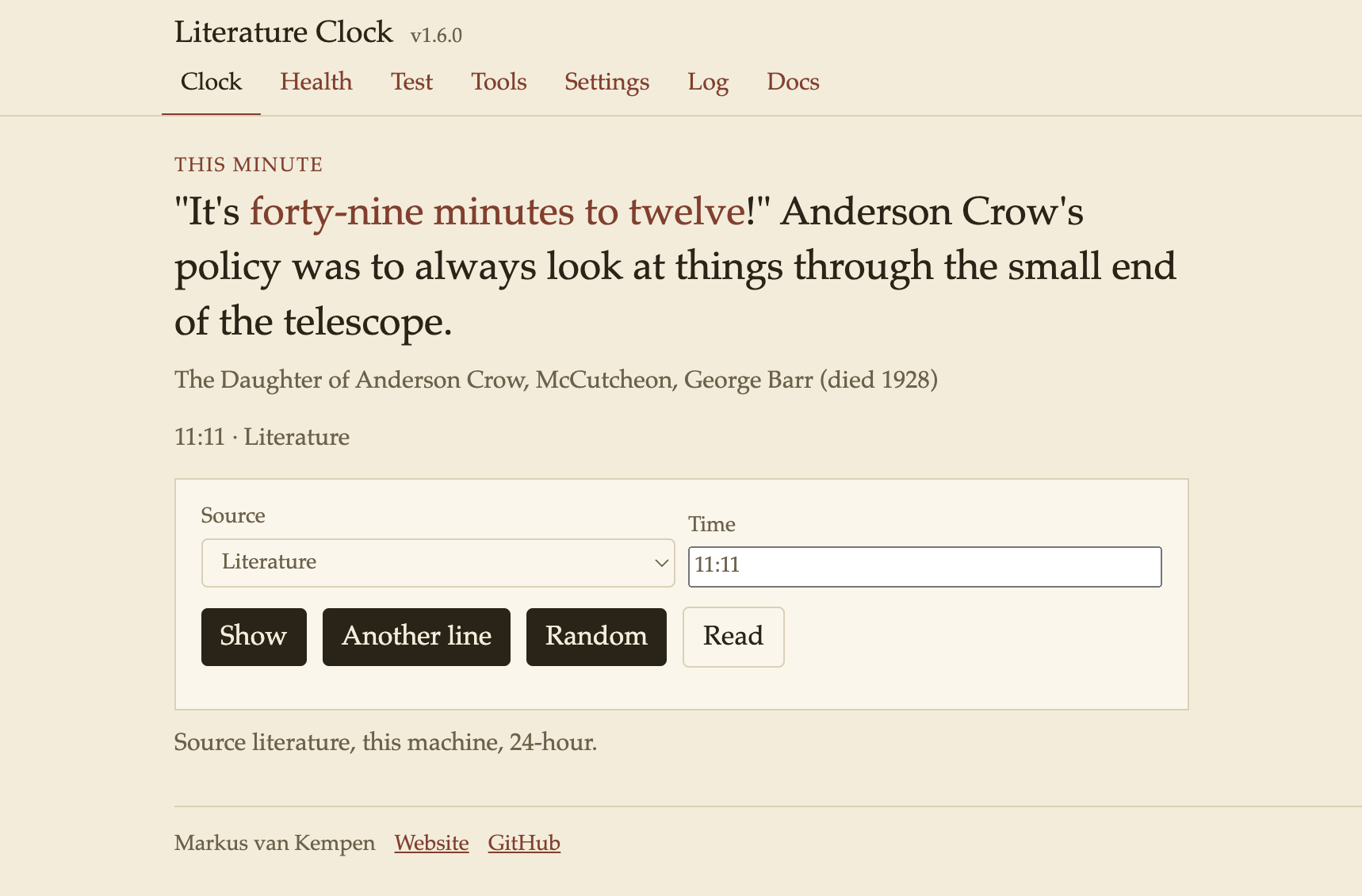
The HTTP clock, with Literature selected for 11:11.
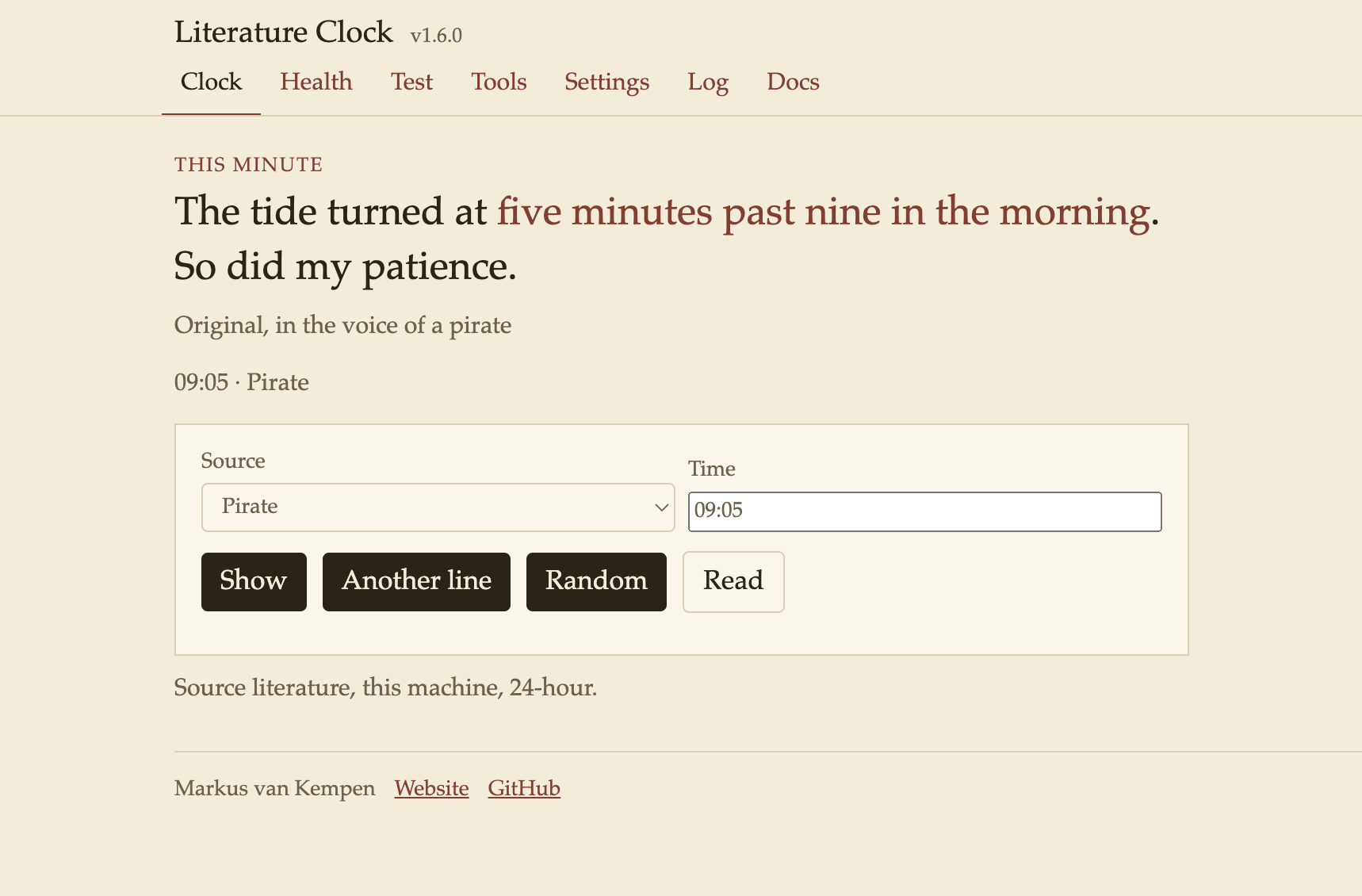
An original voice, not a book quotation.
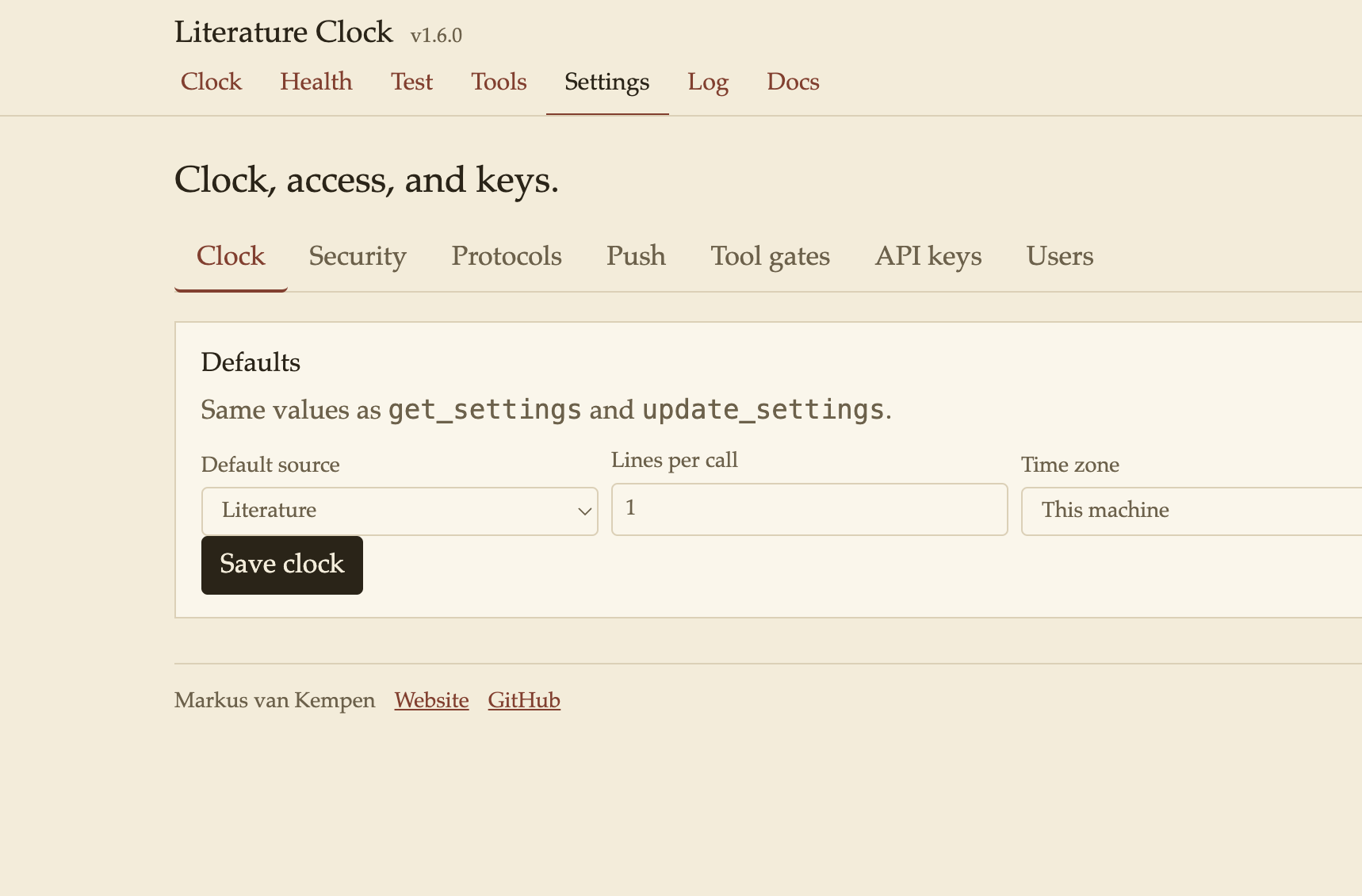
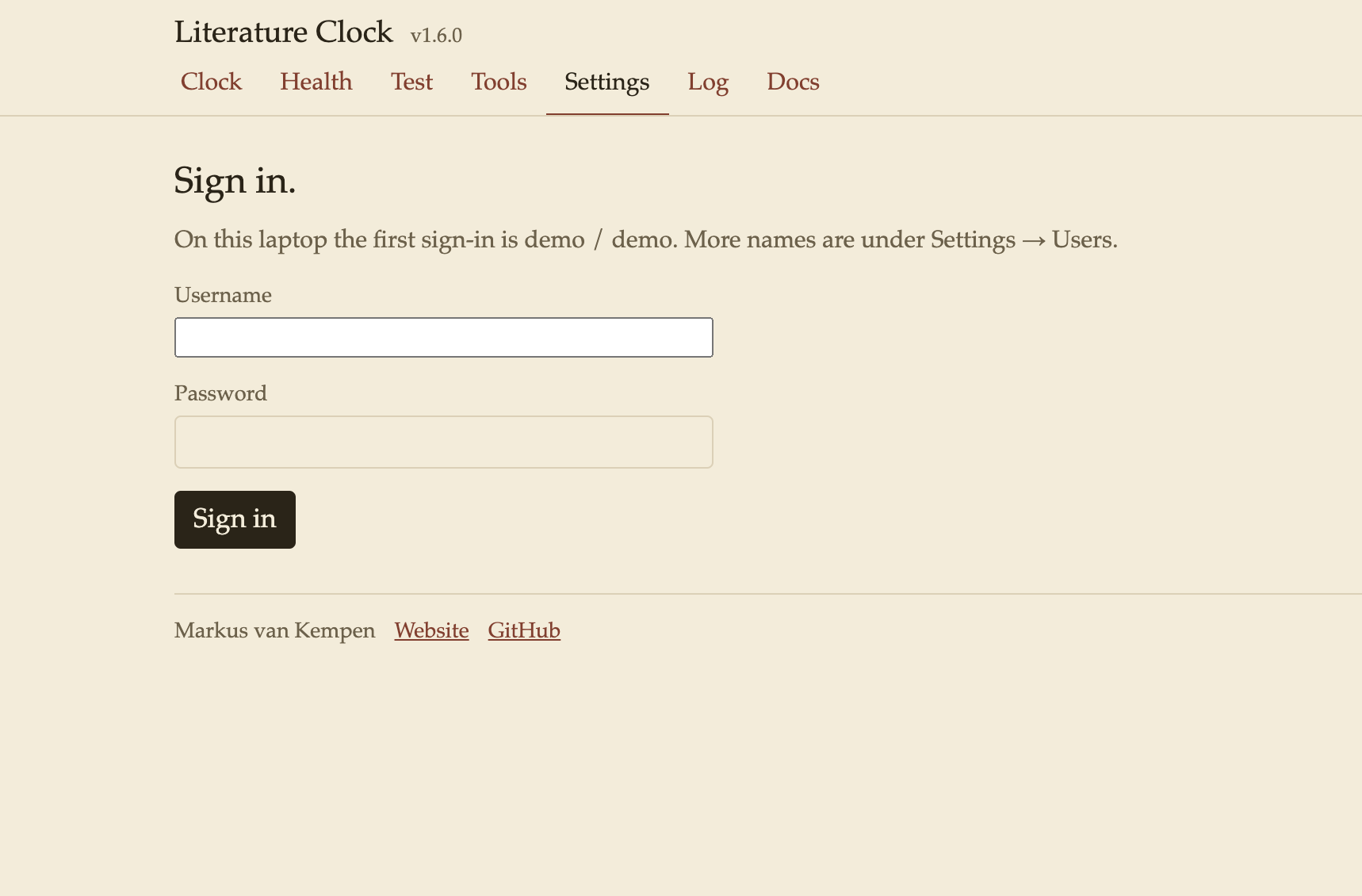
Settings (laptop sign-in demo / demo). Default source, time zone, 12-hour or 24-hour clock, users and passwords, auth, and rate limit.
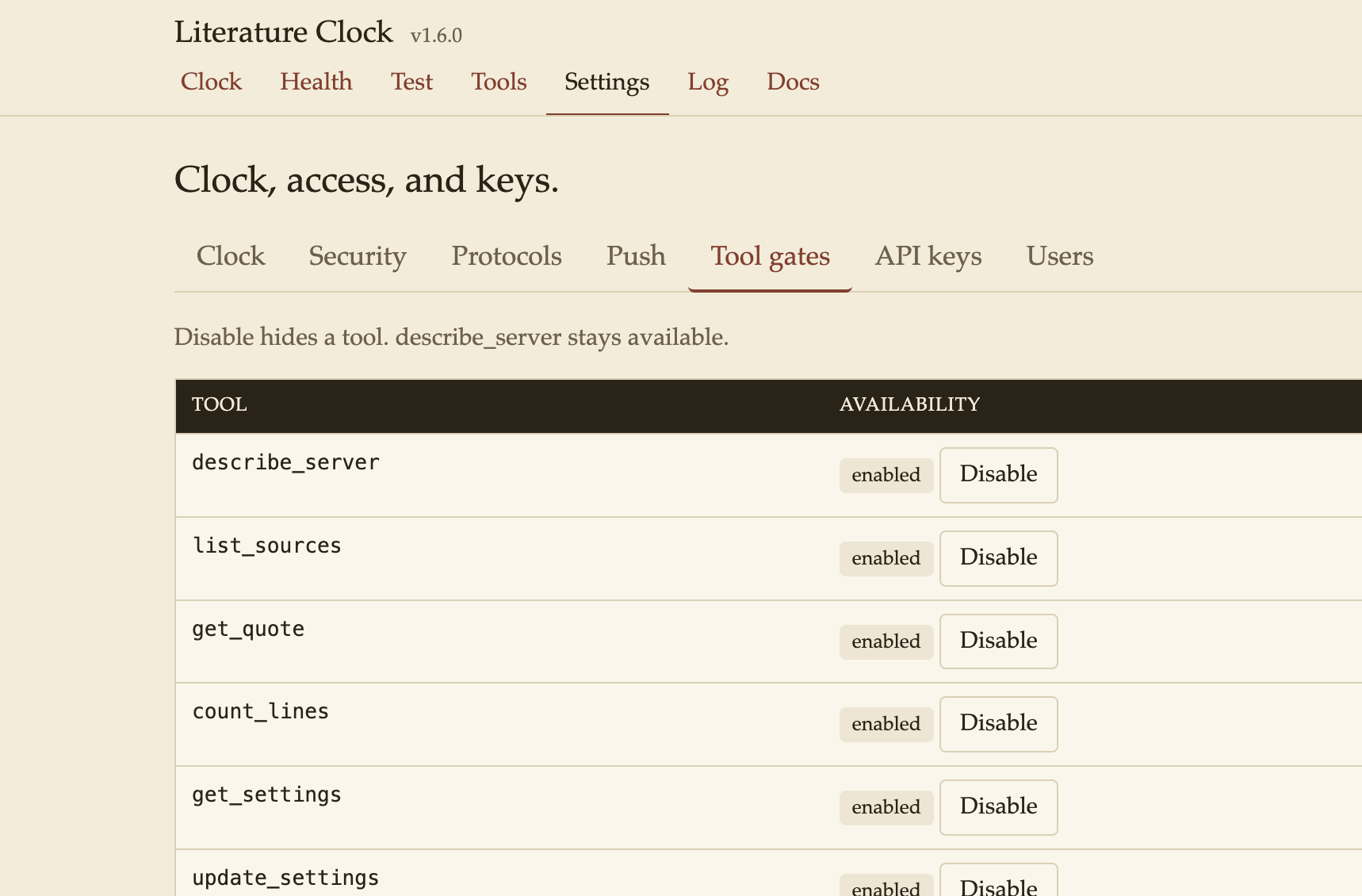
Sign-in before Settings on a fresh session.
Features
Related MCP Servers
Reviews
No reviews yet — be the first to share how this listing worked for you.
Frequently Asked Questions about Literature Clock
AllMCPs Directory Badge
Showcase your server listing on GitHub or your project documentation. Embed this dynamic SVG badge to highlight official listing status and live engagement.
Badge Style:
Live Dynamic SVG Preview
Markdown (GitHub README)
[](https://allmcps.com/mcp/literature-clock)HTML Embed
<a href="https://allmcps.com/mcp/literature-clock"><img src="https://allmcps.com/api/badge/literature-clock?style=directory" alt="Literature Clock on AllMCPs" /></a>