Kybase README
The full upstream README, mirrored here for reference. Install config, tool schemas, adoption signals, and an original overview live on the Kybase listing page.
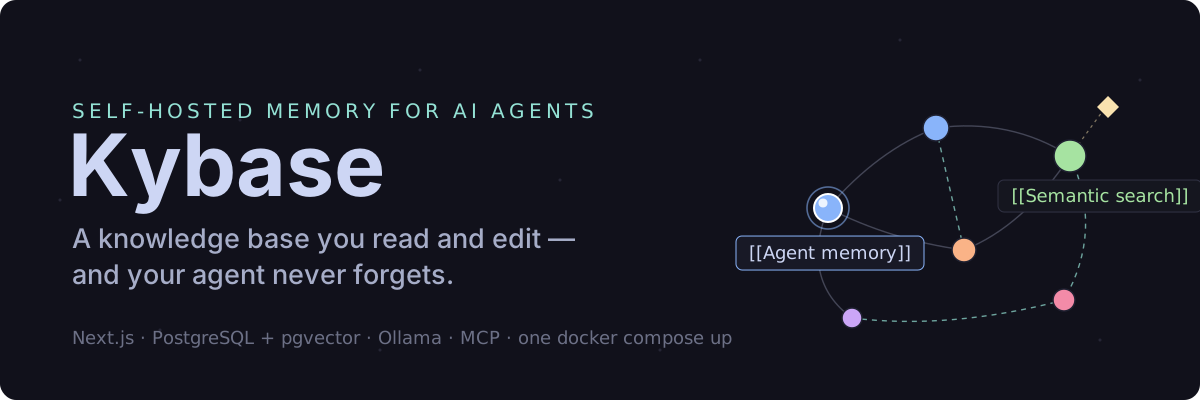





Your AI forgets when the session ends. Kybase remembers.
Kybase gives Claude, Cursor, Windsurf and any other MCP-speaking agent a long-term memory you own: one Markdown knowledge base, running on your own machine, that every agent can search, read and update — and that you can open in a browser and edit by hand.
Self-hosted. Private by default. Plain Markdown. Yours.
The problem · Quick start · Connect your agent · What you get · Settings · Sharing · Backups · Upgrading
The problem
You tell your agent how the staging deploy works. It helps, and the session ends.
Tomorrow you open a new one:
You: what did we decide about the staging database?
Agent: I don't have that context — could you tell me again?
So you explain it again. Then you switch editors, and explain it there too.
With Kybase, the knowledge lives outside the agent:
You: what did we decide about the staging database?
Agent: (searches Kybase) You moved staging to its own Postgres instance so migrations could be tested against real data first — that's in "Staging environment", under "Database".
New session, same memory. Different tool, same memory.
Quick start
One local agent
Nothing to install, no Docker, no database to run:
Put that in your client's MCP config and restart it. Your notes live under
~/.kybase, and kybase-mcp export vault.zip gets them back out as plain
Markdown at any time.
The full app
For the web UI, the graph view, share links, and several agents against one knowledge base:
macOS and Linux
Windows (PowerShell) — no openssl or sed there, so the secrets are
generated by .NET instead:
Either block generates the only two secrets you need and starts the stack.
Open http://localhost:3000, log in with your KYBASE_SECRET — grep KYBASE_SECRET .env shows it, or Select-String KYBASE_SECRET .env on
Windows — then connect an agent.
That installs the app and its database — around 1 GB. Notes and text search work right away.
Semantic search needs an embedding provider. Open Settings and pick one:
-
Google or OpenAI — paste an API key and you are done.
-
Ollama, on your own machine — start it once, then pick a model in Settings:
It is not in the default install because its image carries NVIDIA and AMD GPU runtimes whatever your hardware is — about 4 GB that someone using a cloud provider would never run. Starting it later touches nothing else: the app keeps running and no note is affected.
Connect your agent
Kybase speaks MCP over Streamable HTTP at /api/mcp, so any client that
speaks it can connect.
Claude Code — .mcp.json in your project (or claude mcp add):
That's it — the agent can now search your notes, read them, write new ones, update existing ones and link them together.
Other clients — Claude Desktop, claude.ai, Cursor, Windsurf
Claude Desktop — the same JSON shape, in claude_desktop_config.json
(macOS: ~/Library/Application Support/Claude/claude_desktop_config.json,
Windows: %APPDATA%\Claude\claude_desktop_config.json).
Cursor — the same shape without "type", in .cursor/mcp.json
(project) or ~/.cursor/mcp.json (global).
Windsurf — ~/.codeium/windsurf/mcp_config.json, with serverUrl
instead of url:
claude.ai — Settings → Connectors → Add custom connector, same URL (the instance has to be reachable over HTTPS). No key to paste: the connector registers itself, sends you to your own instance to enter the key once, and gets its own revocable token — see Settings → Connected clients in the web UI.
Clients that only speak stdio use the npx -y kybase-mcp block from
Quick start, in the same file.
What you get
- Markdown, not an opaque memory blob — every note is plain text; read
it, edit it,
grepit, back it up withcp - One knowledge base, every agent — Claude, Cursor, Windsurf and the web UI all look at the same notes
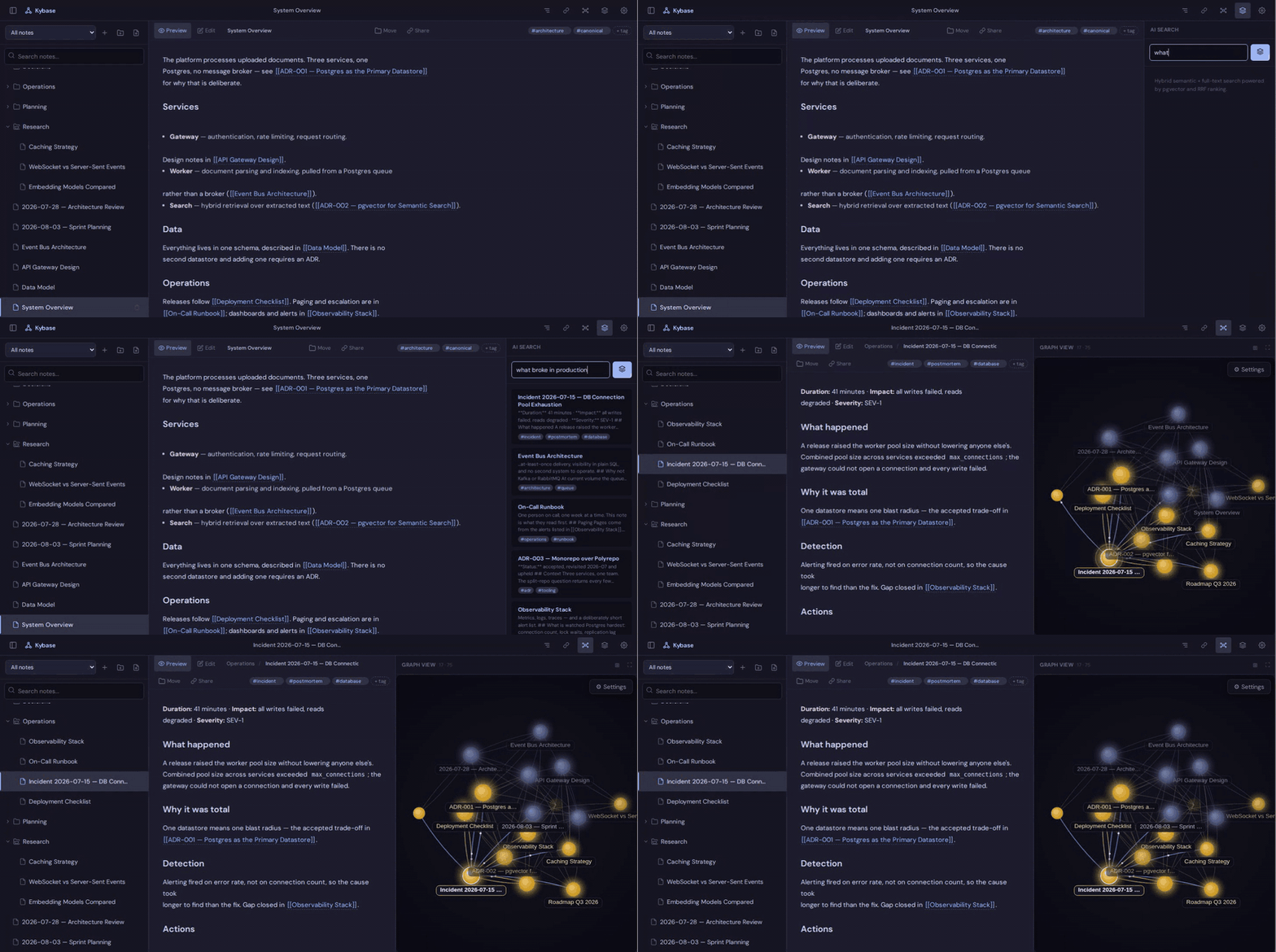
- Hybrid search — full-text and meaning-based search fused into one ranked result, so an agent finds the note whether it knows the exact wording or not
- Section-level reads and writes — an agent reads or edits the part of a note it needs, not the whole file
- Backlinks and a knowledge graph —
[[wikilinks]]connect related notes automatically - Yours to take — Settings → Export .zip gives plain Markdown with folders as directories, readable by any editor, Obsidian included. Import .zip merges one back.
Obsidian and Notion are built for a person reading and writing. Kybase is built for the loop between you ↔ your knowledge ↔ your agent: you edit in the browser, an agent searches and updates over MCP, and both are looking at the same Markdown. If the agent remembered something wrong, you open the note and fix the sentence.
Private by default
Kybase runs on your infrastructure. No SaaS account, no external memory service, no cloud database — your own Postgres, local embeddings through Ollama, and a secret you generate.
Cloud embedding providers are optional. Choosing one sends your notes' full text to that provider to compute embeddings; Ollama keeps everything on your machine.
How agents use it
Search says which section of a note matched, not just which note. On a long note that can mean reading a fraction of the content — cheaper for every step after the first search, and it is how the agent writes back too.
The server ships with instructions that teach the agent to search before
writing and to add [[wikilinks]] to related notes, so the graph grows as
the agent works instead of filling up with orphans.
Settings
Everything else goes in .env, copied from .env.example, which documents
each option. Only KYBASE_SECRET and POSTGRES_PASSWORD are required;
KYBASE_PORT changes the host port, and KYBASE_TAG pins a version (e.g.
1.4) instead of tracking latest.
Embedding provider. Open Settings in the web UI, pick a provider (Ollama, Google or OpenAI), choose a model, add an API key if it needs one, and click Save & Apply. Switching re-embeds every note, and the database adapts to the new model's vector size on its own.
[!IMPORTANT] Ollama keeps everything on your machine. Google and OpenAI are convenience options: picking either sends your notes' full text to that provider.
Sharing notes
The Share button on a note creates a public read-only link — rendered Markdown, no login, wikilinks shown as plain text so nothing else in your vault is reachable. The link is the access: revoke links you no longer need under Settings → Active share links.
Backups
Everything lives in one Postgres volume, so a nightly pg_dump is one line.
Full recipe including cron and restore: docs/backup.md.
Upgrading
Migrations apply automatically on startup. Details: docs/upgrading.md.
More documentation
SECURITY.md (threat model) · CONTRIBUTING.md (running it locally, opening a PR) · docs/backup.md · docs/upgrading.md · packages/kybase-mcp (the standalone stdio package)
License
AGPL-3.0 — free to use, modify, and self-host. If you run a modified version as a network service, you must make its source available to your users under the same license.
For a commercial license (e.g. embedding Kybase in a closed-source product or service), contact the author.
Copyright © Denis Kurzin (https://github.com/Kyrzin)