Figma MCP Express
Fast, quota-free, token-efficient Figma MCP via a local plugin bridge.
Install Figma MCP Express
Pick your client, then add it in one click or paste the config.
No confirmed install command yet
We only publish a config when the install details come from the project itself — its README, its docs, or a verified owner. We haven’t found those for figma-mcp-express, and we’d rather show nothing than a guess you’d paste into your client.
Open setup steps on GitHubOverview
Security & health
What it can reach and how reliably it runs — from our own checks, not the maintainer’s claims.
Recent health check succeeded.
Adoption & maintenance
Factual signals from GitHub, npm, and our automated checks — not a rating.
From the project README
figma-mcp-express
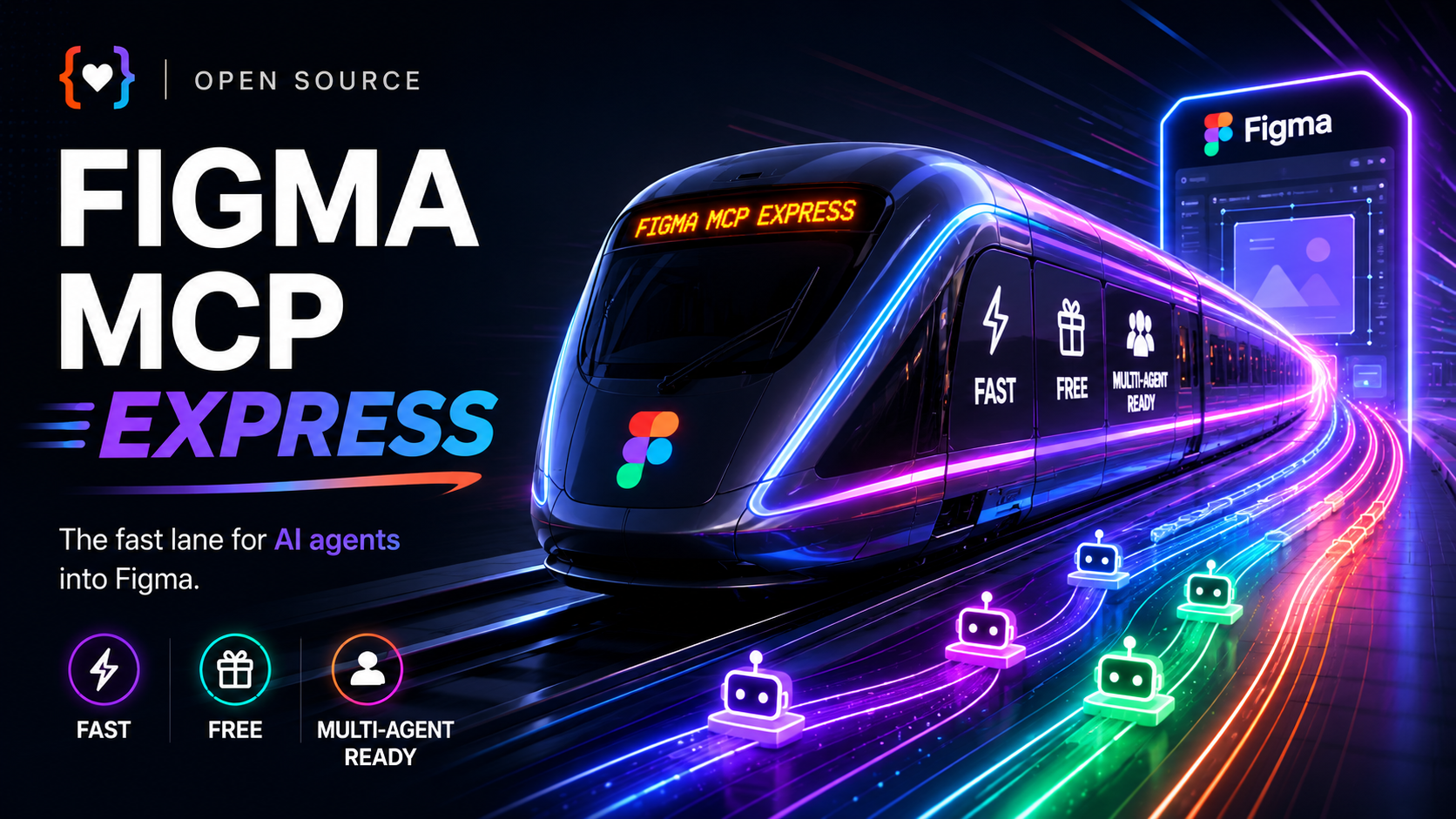




Fast, quota-free, stable Figma automation for coding agents. figma-mcp-express lets Claude Code, Codex, and other local agents read, edit, migrate, audit, screenshot, and prototype inside the real Figma Desktop file. It is built for serious design-system work: batch edits, multi-file routing, large-file reads, visible multi-agent activity, and prototype wiring without burning through official Figma MCP tool-call quotas.
Use it when screenshots and comments are not enough. The agent can inspect actual nodes, components, variables, styles, frames, prototype reactions, and connected files, then make targeted changes in the file designers already use.
Demo
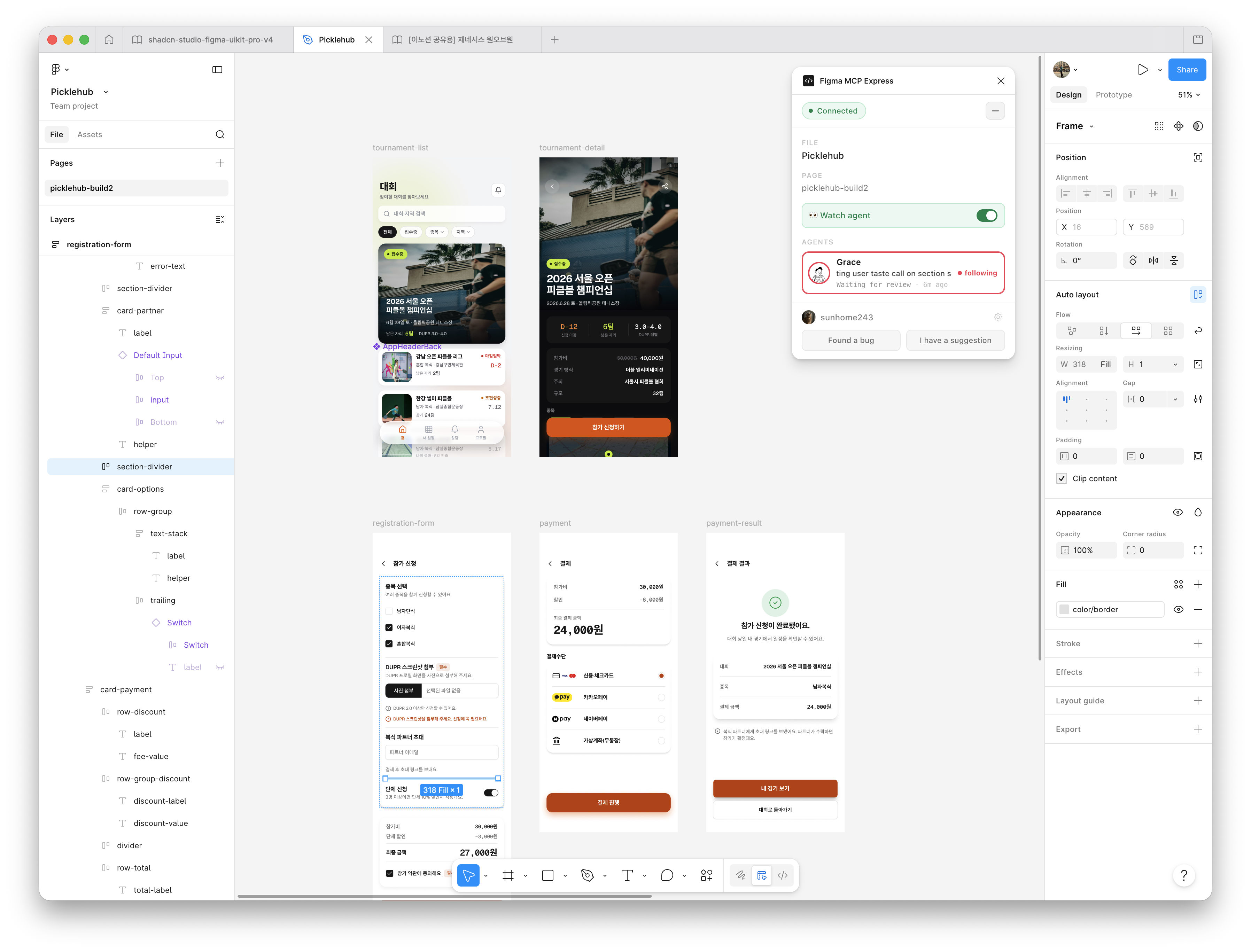
Follow AI agents live as they fix issues, edit layouts, and design screens directly in Figma.
Why teams use it
- More automation, fewer quota walls. Normal plugin-side work is not capped by the official Figma MCP server's seat-based tool-call limits.
- Compact tool surface. Compared with
vkhanhqui/figma-mcp-go@fe6cd768(the intermediate fork baseline used for this measurement), the defaulttools/listdrops from 73 tools / 12,214o200k_basetokens to 21 tools / 3,283 tokens (73.1% smaller) — less context burned before the agent does any work. - Real Figma context, not screenshots. Agents work with live nodes, components, variables, styles, frames, screenshots, and prototype links in the open Desktop file.
- Built for design-system migration. Route a source library and product file through separate channels, then rebuild screens with the right components and tokens.
- Made for multi-agent runs. Watch agent activity live, follow one agent's edits, and keep file sessions separated by channel.
- Large files stay usable. Big reads spill to disk so agents can inspect only the useful slice instead of flooding the model context.
- Prototype automation is part of the workflow. Read prototype flows, set reactions, and set flow starting points.
Capabilities
- Watch live agent activity in the Figma plugin.
- Build polished Figma screens with built-in AI agent skills.
- Route multiple open files through separate channels.
- Migrate design systems with real components, variables, and styles.
- Read and wire prototype flows directly in the open Figma file.
Good fit
- Design system migrations and component-library swaps
- Large file audits, cleanup, and token rebinding
- Design-to-code handoff that needs real token and component context
- Prompt-to-Figma workflows that should use your actual library instead of raw shapes
- Prototype audits and wiring for navigation, overlays, transitions, and flow starts
Quick start
1. Install the server
Plugin install is the shortest path.
Claude Code
claude plugin marketplace add sunhome243/figma-mcp-express
claude plugin install figma-mcp-express@figma-mcp-express
Codex
codex plugin marketplace add sunhome243/figma-mcp-express
codex plugin add figma-mcp-express@figma-mcp-express
2. Import the Figma Desktop plugin
- Download
plugin.zipor build from source. - In Figma Desktop, go to
Plugins -> Development -> Import plugin from manifest.... - Select
manifest.jsonfrom the unzipped plugin folder or from this repo'splugin/directory.
3. Run it
- Open the target file in Figma Desktop.
- Start
Plugins -> Development -> Figma MCP Express. - Keep the plugin running while the agent works.
- If you open multiple files, each file gets its own channel ID for multi-file workflows.
Important limits
- Most live tools require the target file to be open in Figma Desktop with the plugin running.
fetch_library_catalogis the main REST-only exception and requiresFIGMA_TOKEN.- Plugin execution is still single-threaded per file; the server reduces contention, but it does not make one file fully parallel.
- Community kits must be published as a library before
import_component_by_keycan use them. - Remote follower (beta) is private Tailnet-only. It is not a public MCP URL: keep the leader loopback-only, expose it with Tailscale Serve (never Funnel), and connect the AI client to the follower's local
/mcp. See DEV-SETUP.md.
Build from source
For other MCP clients, or if you want to modify the server:
git clone https://github.com/sunhome243/figma-mcp-express.git
cd figma-mcp-express
make build
This produces bin/figma-mcp-express and plugin/dist/.
Add it to your .mcp.json:
{
  "mcpServers": {
    "figma-mcp-express": {
      "command": "/absolute/path/to/bin/figma-mcp-express",
      "args": ["--port", "1994"]
    }
  }
}
Restart your MCP client after building.
Advanced environment variables
FIGMA_TOKEN
Most workflows do not need a token. Live read/write tools talk directly to Figma Desktop through the plugin.
You only need FIGMA_TOKEN for REST-backed library catalog lookups such as fetch_library_catalog.
- Generate it in Figma at
Account Settings -> Personal access tokens - Read-only file access is enough for catalog lookup
- Treat it like a password and never commit it
If you installed from the marketplace, set it in your shell profile:
echo 'export FIGMA_TOKEN=your_token_here' >> ~/.zshrc
source ~/.zshrc
If you built from source, you can either export it in your shell or place it in a local .env file:
cat <<'EOF' > .env
FIGMA_TOKEN=your_token_here
EOF
Shell environment variables take precedence over .env.
| Variable | Default | Description |
|---|---|---|
FIGMA_TOKEN | - | Required only for fetch_library_catalog. |
FIGMA_MCP_TOOL_PROFILE | core | core keeps the compact default tool surface. full restores the legacy compatibility/debugging surface. |
FIGMA_MCP_TOOL_SCHEMA_MODE | compact | compact trims tools/list descriptions to reduce MCP context tokens. Use verbose for full in-schema guidance. |
FIGMA_MCP_BATCH_MAX_OPS | 200 | Maximum top-level batch.ops entries accepted before plugin execution. |
FIGMA_MCP_BATCH_MAX_BYTES | 2097152 | Maximum encoded batch.ops payload size in bytes before plugin execution. |
FIGMA_MCP_STDIO_WORKERS | 16 | Number of stdio tool-call workers. Server-local tools can run concurrently; plugin-facing calls still serialize per Figma file. |
FIGMA_MCP_STDIO_QUEUE | 1000 | Buffered stdio tool-call queue size before mcp-go falls back to synchronous handling. |
FIGMA_MCP_SPILL_BYTES | 25000 | Response size threshold. Larger responses spill to .figma-mcp-cache/. |
FIGMA_MCP_TIMEOUT | 120 | Inactivity ceiling in seconds for lightweight ops. Resets on each progress heartbeat. |
FIGMA_MCP_READ_TIMEOUT | 600 | Inactivity ceiling in seconds for heavy reads and batch. Resets on each progress heartbeat. |
FIGMA_MCP_STALL_THRESHOLD | 45 | Seconds an op may hold a channel's serial slot with no progress before a new call on that channel is fast-rejected. |
More docs
- TOOLS.md for the full tool catalog
- ARCHITECTURE.md for queueing, routing, spill-to-disk, and recovery behavior
- DEV-SETUP.md for local build, rebuild, and test instructions
Credits
The original bridge architecture and implementation underlying this project were created by GETHOPP LTD in gethopp/figma-mcp-bridge@82b28bc and released under the MIT License.
figma-mcp-express was initially created from an intermediate fork without knowing this earlier provenance. After learning the full lineage, we restored GETHOPP LTD's copyright notice and now credit the original project directly. We value a healthy, transparent open-source ecosystem and aim to make authorship and derivation explicit.
Required third-party copyright notices are preserved in LICENSE. figma-mcp-express is MIT-licensed and permits commercial use.
Reviews
No reviews yet — be the first to share how it worked for you.
Frequently Asked Questions about Figma MCP Express
Related MCP servers
Add a badge to your READMEShow it’s listed — live SVG, Markdown or HTML.
AllMCPs Directory Badge
Showcase your server listing on GitHub or your project documentation. Embed this dynamic SVG badge to highlight official listing status and live engagement.
[](https://allmcps.com/mcp/figma-mcp-express)<a href="https://allmcps.com/mcp/figma-mcp-express"><img src="https://allmcps.com/api/badge/figma-mcp-express?style=directory" alt="Figma MCP Express on AllMCPs" /></a>