Edumints SCORM MCP
Compiles structured specs into SCORM 1.2/2004 e-learning packages. 30 tools, quality gate, no LLM.
Install Edumints SCORM MCP
Pick your client, then add it in one click or paste the config.
https://scorm.edumints.com/mcp
Remote servers are added in the app, not the config file: Customize → Connectors → Add custom connector, then paste this URL.
Overview
Security & health
What it can reach and how reliably it runs — from our own checks, not the maintainer’s claims.
Recent health check succeeded.
Adoption & maintenance
Factual signals from GitHub, npm, and our automated checks — not a rating.
From the project README
edumints SCORM MCP



An MCP server that compiles interactive, standards-conformant e-learning courses. You (or an AI client like Claude) are the author; this server is the compiler. Describe a course as a structured spec — the server validates it, renders it, and packages it as a self-contained SCORM zip that runs in any LMS (Moodle, SCORM Cloud, Rustici Engine, …). Deterministic — no LLM runs on the server.
🌐 Languages: English · Türkçe · Español · Русский · 简体中文 · Azərbaycanca · Қазақша · Кыргызча
Live demos
Four complete courses — four audiences, four visual identities — built entirely with this server and served from a live deploy. Click any screenshot to launch.
| Be a Password Hero! | Spot the Phish | The Ad Hominem Argument | Grafik Dedektifi |
|---|---|---|---|
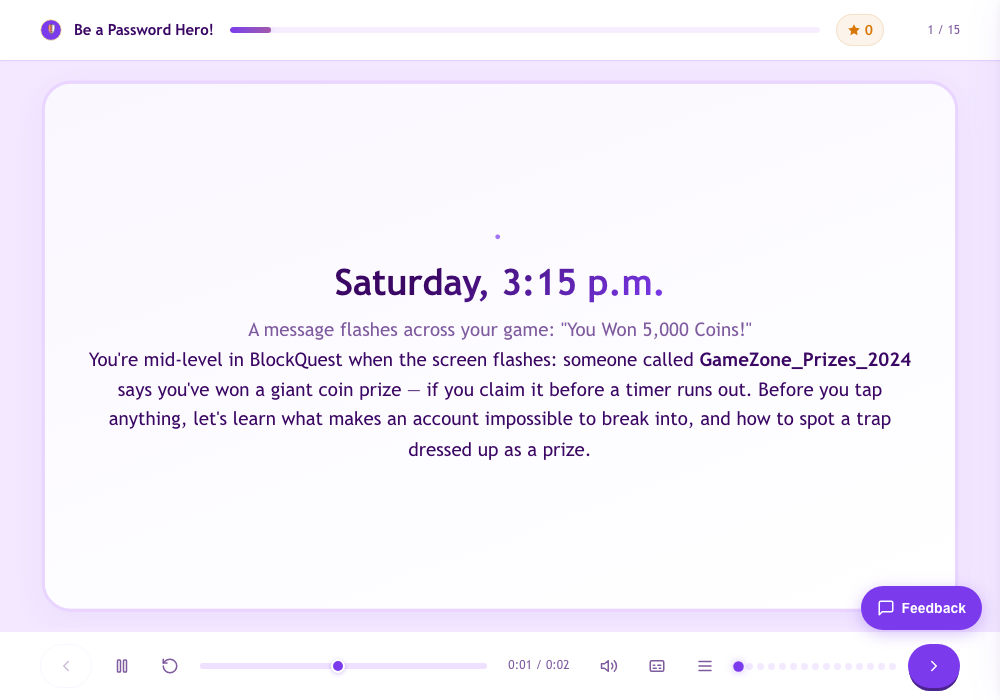 | 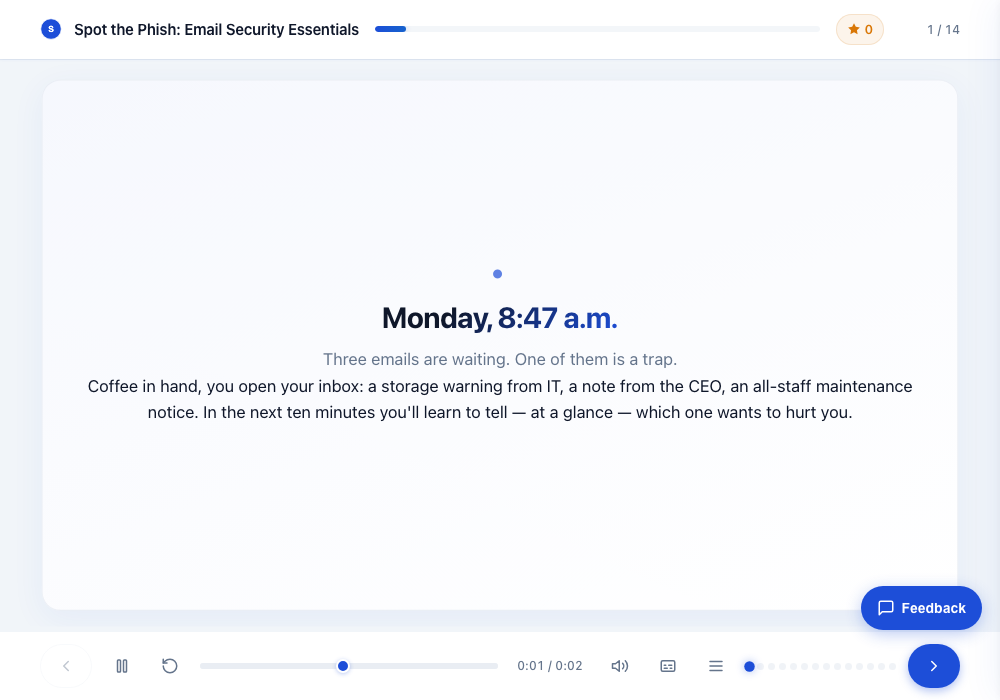 | 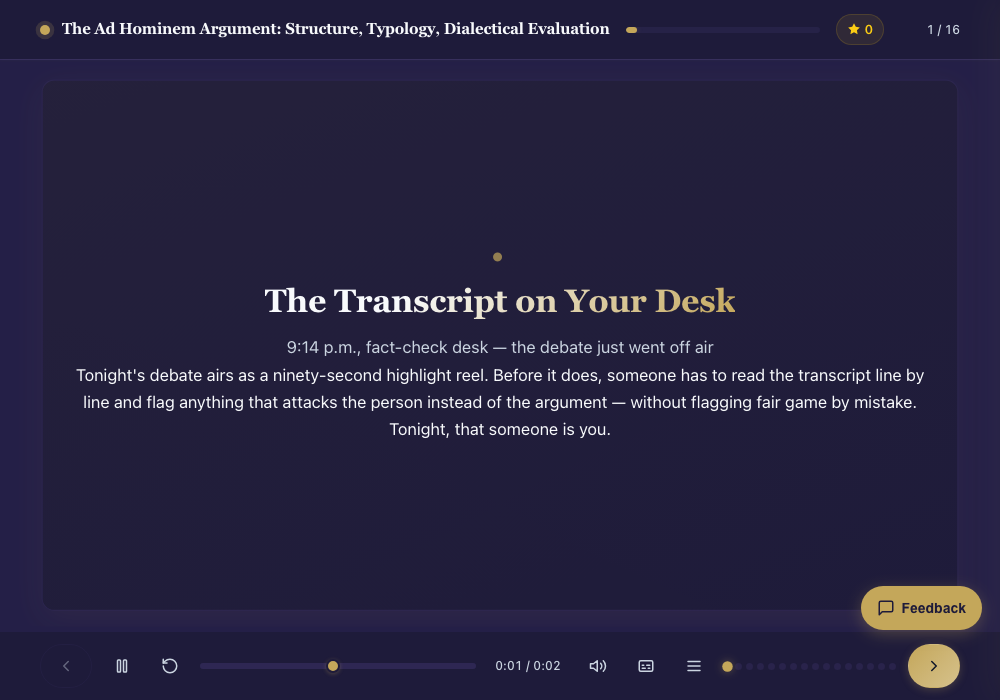 | 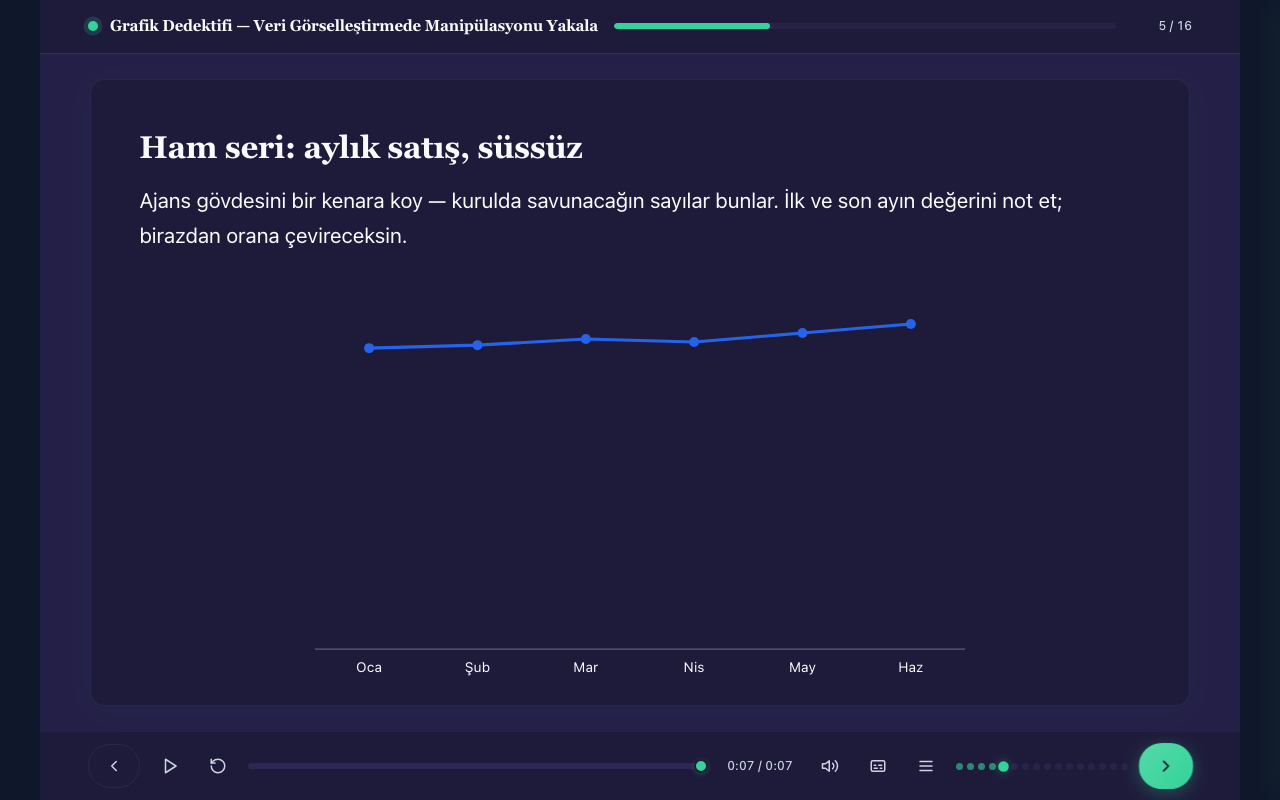 |
Ages 9–13 · internet safety · style-playful + custom brand | Corporate onboarding · email security · style-minimal + corporate brand | Graduate level · argumentation theory · style-premium | Turkish · data literacy · inquiry-based (5E) · evidence-bound assessment |
Each demo features a narrative thread, realistic artifact-mockup SVGs, flag-hunting simulations, before/after comparisons, timelines, a case game, and adaptive feedback — with question-level SCORM reporting underneath.
Why this exists
E-learning is usually hand-crafted in heavy desktop authoring tools. This project treats course production as infrastructure for AI agents instead:
- Zero-install authoring. Connect any MCP client to the hosted endpoint and start building — no toolchain, no local setup. The client describes the course (objectives, screens, quizzes, branching, media) over the Model Context Protocol; the server does the hard part: validation, theming, accessible HTML rendering, the SCORM runtime bridge, and packaging.
- A quality gate that says no. AI can generate a lot of mediocre content fast. This server
pushes back: schema validation on every spec, an anti-slop lint (
lint_course) whose error tier blocks builds, and a CI proof chain (XSD + real SCORM Cloud imports + behavioral probe) so that what ships actually works in an LMS — see Standards & evidence. - No vendor lock-in. Output is a plain SCORM 1.2/2004 zip with a self-contained player. MIT licensed, self-hostable, and open to contributions.
Author = the MCP client · Compiler = this server.
Quickstart
Option 1 — Hosted MCP (zero install)
Point any MCP client (Claude desktop/web/Code, Antigravity, …) at:
https://scorm.edumints.com/mcp
Sign in via OAuth or get an API key at the portal: https://mcp.edumints.com. Then ask: "Build a 6-minute interactive course on X with a quiz and a summary." — you get a downloadable SCORM zip back.
Works best together with the authoring skill (a Claude Agent Skill that teaches an AI client how to author high-quality courses with this server): https://github.com/kemalyy/edumints-scorm-skill
Option 2 — Docker (self-hosted)
docker run -p 8000:8000 -v "$PWD/data:/data" ghcr.io/kemalyy/edumints-scorm-mcp:latest
# MCP endpoint: http://localhost:8000/mcp   ·   health: http://localhost:8000/health
The image includes all optional features (ffmpeg, Node + HyperFrames for video, Piper TTS).
Apple Silicon + Docker Desktop: if the container crashes with
Illegal instruction(SIGILL), it is an upstream native-ARM64 issue incryptography's Rust bindings (pyca/cryptography#14733) — not this repo. Workaround: run with--platform linux/amd64(emulated).
Option 3 — Local (Python)
python -m venv .venv && source .venv/bin/activate
pip install ".[tts]"          # ".[tts]" adds offline Turkish TTS (Piper); drop it if unwanted
python server.py              # serves MCP over HTTP
For video generation also install Node 22+ with HyperFrames (npm i -g hyperframes) plus ffmpeg.
Configuration: copy .env.example and adapt (data dir, quotas, base URL, TTLs). No secrets are
required to run locally.
Example
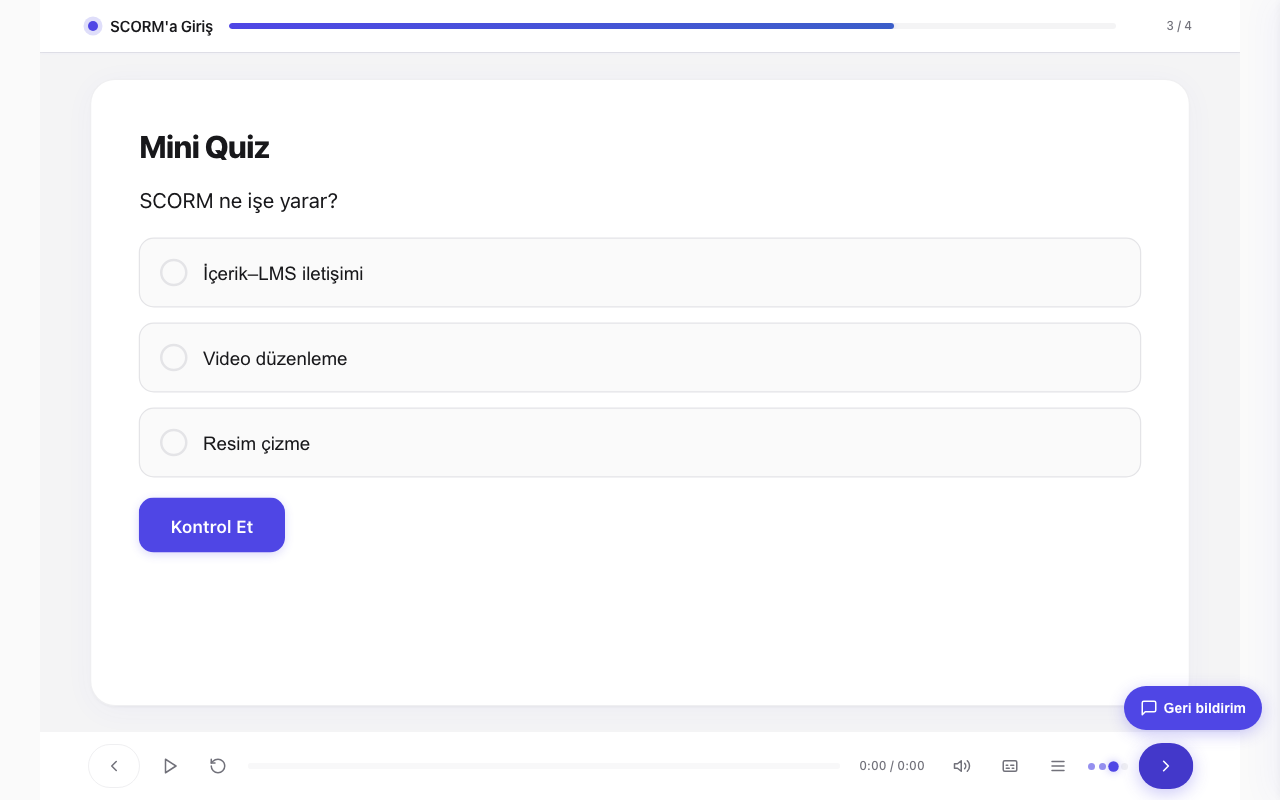
A course is produced from a single build_from_spec call (this is examples/small.json, abridged):
{
  "title": "Intro to SCORM",
  "scorm_version": "1.2",
  "language": "en",
  "tracking": { "completion_rule": "viewed_all_and_passed", "passing_score": 50 },
  "screens": [
    { "type": "title_slide", "id": "t1", "title": "Intro to SCORM", "subtitle": "Core concepts in 5 minutes" },
    { "type": "content_slide", "id": "c1", "title": "What is SCORM?", "body_html": "<p><strong>SCORM</strong> lets e-learning content talk to an LMS.</p>" },
    { "type": "mcq", "id": "q1", "title": "Mini quiz", "prompt_html": "<p>What is SCORM for?</p>",
      "options": [
        { "id": "a", "text_html": "Content–LMS communication", "correct": true },
        { "id": "b", "text_html": "Video editing" }
      ], "points": 10 },
    { "type": "summary", "id": "s1", "title": "Well done", "body_html": "<p>You learned the basics.</p>" }
  ]
}
build_from_spec(spec) → { project_id, screens: 4, warnings: [] }
build_package(project_id) → downloadable SCORM zip
                              ├─ imsmanifest.xml
                              ├─ index.html          (self-contained player + runtime)
                              └─ assets/
Full working specs live in examples/ (games, branching, themed and i18n courses).
Features
Reviews
No reviews yet — be the first to share how it worked for you.
Frequently Asked Questions about Edumints SCORM MCP
Related MCP servers
Add a badge to your READMEShow it’s listed — live SVG, Markdown or HTML.
AllMCPs Directory Badge
Showcase your server listing on GitHub or your project documentation. Embed this dynamic SVG badge to highlight official listing status and live engagement.
[](https://allmcps.com/mcp/edumints-scorm-mcp)<a href="https://allmcps.com/mcp/edumints-scorm-mcp"><img src="https://allmcps.com/api/badge/edumints-scorm-mcp?style=directory" alt="Edumints SCORM MCP on AllMCPs" /></a>