Spawn Claude Code instances from 7 platforms when 'Dear Claude' is mentioned.
Quick Install
Automated & IDE SetupCopy the AI prompt to install this server into Claude Code, Cursor, or another agent — or use 1-click editor setup below.
Manual Client & Custom JSON ConfigExpand JSON ▾
Client Config & Setup
Choose your client or environment
Target File:
💡 Paste the JSON block into your client's configuration file under mcpServers, then restart the application.
Documentation Overview
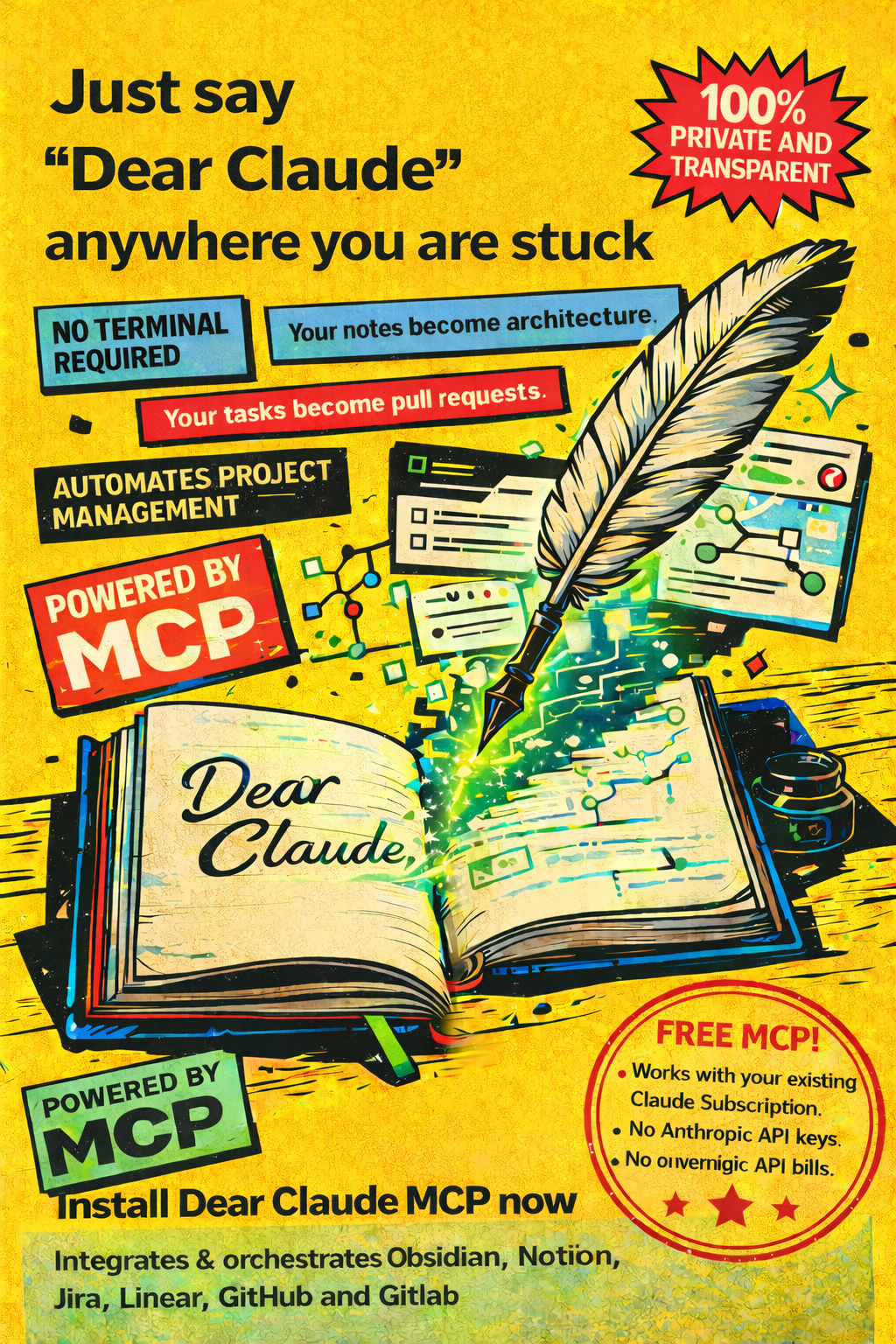
Dear Claude
MCP server that triggers local Claude Code instances from external platforms.
Say "Dear Claude" in Linear, GitHub, Jira, GitLab, Notion, or Obsidian — and a Claude Code instance spins up to handle it.
Your notes become architecture. Your tasks become pull requests.
What is this?
Dear Claude is an MCP (Model Context Protocol) server that watches your project management tools for the phrase "Dear Claude". When detected, it spawns a local Claude Code instance that:
- Reads the issue/comment/note context
- Executes the requested task (code, review, create tasks, etc.)
- Posts results back to the originating platform
- Persists sessions for 7 days so you can have multi-turn conversations
No Anthropic API keys needed. Works with your existing Claude Code subscription. 100% local and private — your code never leaves your machine.
Supported Platforms
| Platform | Trigger on issue/PR | Trigger on comment | Comment back | Emoji reactions | Sub-tasks | PR/MR review |
|---|---|---|---|---|---|---|
| GitHub | Yes | Yes | Yes | Yes | - | Yes |
| Linear | Yes | Yes | Yes | Yes | Yes | - |
| Jira | Yes | Yes | Yes | - | Yes | - |
| GitLab | Yes | Yes | Yes | Yes | - | Yes |
| Notion | Yes | Yes | Yes | - | - | - |
| Obsidian | Yes | - | Yes | - | - | - |
Cross-Platform Orchestration
Instances from any platform get API access to all configured platforms. This enables workflows like:
- Write a spec in Obsidian → "Dear Claude, create these tasks in Linear"
- Discuss on Linear → "Dear Claude, code this on GitHub"
- Review on GitHub → "Dear Claude, resolve the merge conflicts"
- Parallel coding → Claude spawns multiple instances, one per branch, using git worktrees
Quick Start
Install in one line
That's it. Start Claude Code and Dear Claude is ready.
Prerequisites
- Claude Code CLI installed (
claudecommand available) - Bun runtime (for
bunx) - Tailscale with Funnel enabled (for webhooks from external platforms)
Manual setup (alternative)
If you prefer manual configuration, add to ~/.claude.json under mcpServers:
Then start Claude Code:
The MCP server starts automatically, sets up Tailscale Funnel, and prints your public webhook URLs.
Platform Setup
Tailscale Funnel
Dear Claude uses Tailscale Funnel for stable public HTTPS URLs to receive webhooks. Setup is mostly automatic.
-
Install Tailscale:
-
Authenticate:
tailscale up -
Enable Funnel in the admin console: https://login.tailscale.com/admin/acls
- Add the
"funnel"capability to your ACL policy
- Add the
-
The server auto-configures Funnel on startup. Your public URL will be:
Tip: Run
tailscale serve status --jsonto verify your config. The health check auto-repairs the Funnel config every 10 seconds.
GitHub
Option A: GitHub App (recommended)
- Go to GitHub Settings → Developer settings → GitHub Apps → New GitHub App
- Set these fields:
- Homepage URL:
https://<your-hostname>.ts.net/dc - Callback URL:
https://<your-hostname>.ts.net/dc/oauth/callback/github - Webhook URL:
https://<your-hostname>.ts.net/dc/webhook/github - Webhook secret: generate a random string
- Homepage URL:
- Under Permissions:
- Repository: Issues (Read & Write), Pull Requests (Read & Write), Contents (Read & Write)
- Under Subscribe to events:
- Issue comments, Pull request review comments
- Copy credentials and set env vars:
- Install the app on your repos
- Complete OAuth: visit
https://<your-hostname>.ts.net/dc/setup/github
Option B: Personal Access Token (simpler, no webhooks)
- Go to GitHub Settings → Developer settings → Personal access tokens → Tokens (classic)
- Create a token with scopes:
repo,write:discussion - Set:
GITHUB_ACCESS_TOKEN=ghp_...
Note: With a PAT alone you won't get webhook-triggered instances. You'd use the
spawn_instanceMCP tool or/api/spawnendpoint instead.
| Environment Variable | Description |
|---|---|
GITHUB_CLIENT_ID | GitHub App client ID |
GITHUB_CLIENT_SECRET | GitHub App client secret |
GITHUB_WEBHOOK_SECRET | Webhook signature verification secret |
GITHUB_ACCESS_TOKEN | Personal access token (alternative to OAuth) |
Linear
- Go to Linear Settings → API → OAuth Applications → New Application
- Set the callback URL:
https://<your-hostname>.ts.net/dc/oauth/callback/linear - Copy Client ID and Client Secret
- Enable the Webhooks toggle on the OAuth app
- Go to Linear Settings → API → Webhooks → New Webhook:
- URL:
https://<your-hostname>.ts.net/dc/webhook/linear - Copy the Signing Secret
- Enable events: Comments (create), Issues (create, update)
- URL:
- Set env vars:
- Complete OAuth: visit
https://<your-hostname>.ts.net/dc/setup/linear
After OAuth, only issues/comments from your authenticated Linear account trigger Claude.
Alternative: Use a Personal API Key (LINEAR_ACCESS_TOKEN=lin_api_...) from Linear Settings → Account → API.
| Environment Variable | Description |
|---|---|
LINEAR_CLIENT_ID | OAuth client ID |
LINEAR_CLIENT_SECRET | OAuth client secret |
LINEAR_WEBHOOK_SECRET | Webhook signing secret |
LINEAR_ACCESS_TOKEN | Personal API key (alternative to OAuth) |
Jira Cloud
- Create an API token at https://id.atlassian.com/manage-profile/security/api-tokens
- Set env vars:
- Create a webhook in Jira:
- Go to Jira Admin → System → Webhooks → Create webhook
- URL:
https://<your-hostname>.ts.net/dc/webhook/jira- If using
JIRA_WEBHOOK_SECRET, append it:?secret=YOUR_SECRET
- If using
- Select events:
issue_created,issue_updated,comment_created
- Save the webhook
Claude can create sub-tasks, transition issue status, and add comments via the Jira REST API v2.
| Environment Variable | Description |
|---|---|
JIRA_DOMAIN | Jira subdomain (e.g. mycompany for mycompany.atlassian.net) |
JIRA_USER_EMAIL | Your Atlassian email |
JIRA_API_TOKEN | API token from Atlassian |
JIRA_WEBHOOK_SECRET | Optional shared secret for webhook verification |
GitLab
- Create a Personal Access Token at GitLab → Settings → Access Tokens
- Scopes:
api,read_repository,write_repository
- Scopes:
- Set env vars:
- Add a webhook to your project (or group):
- Go to Settings → Webhooks
- URL:
https://<your-hostname>.ts.net/dc/webhook/gitlab - Secret token: same as
GITLAB_WEBHOOK_SECRET - Trigger events: Comments, Issues events, Merge request events
- Save
For self-hosted GitLab, also set GITLAB_URL=https://your-gitlab-instance.com.
| Environment Variable | Description |
|---|---|
GITLAB_ACCESS_TOKEN | Personal access token |
GITLAB_WEBHOOK_SECRET | Webhook secret token |
GITLAB_URL | GitLab instance URL (default: https://gitlab.com) |
Notion
Option A: Internal Integration (simpler)
- Go to https://www.notion.so/my-integrations → New integration
- Give it a name, select your workspace
- Copy the Internal Integration Secret
- Set:
NOTION_ACCESS_TOKEN=ntn_... - Share pages/databases with the integration (click "..." on a page → Connections → Add your integration)
Option B: OAuth (public app)
- Create an OAuth integration at https://www.notion.so/my-integrations
- Set callback URL:
https://<your-hostname>.ts.net/dc/oauth/callback/notion - Set env vars:
- Complete OAuth: visit
https://<your-hostname>.ts.net/dc/setup/notion
Webhook setup
Related MCP Servers
Reviews
No reviews yet — be the first to share how this listing worked for you.
Frequently Asked Questions about Dear Claude
AllMCPs Directory Badge
Showcase your server listing on GitHub or your project documentation. Embed this dynamic SVG badge to highlight official listing status and live engagement.
Badge Style:
Live Dynamic SVG Preview
Markdown (GitHub README)
[](https://allmcps.com/mcp/dear-claude)HTML Embed
<a href="https://allmcps.com/mcp/dear-claude"><img src="https://allmcps.com/api/badge/dear-claude?style=directory" alt="Dear Claude on AllMCPs" /></a>Technical Specs & Signals
CategoryDeveloper Tools
27Quality signal: Emerging · 27/100How this signal is calculated ▾
Server availabilityNot measured
Not scored for repo-hosted servers — we can't reach the running server, only its GitHub page. Hosted MCP endpoints are health-checked live.
Verified ownership8/20
Documentation & tools11/30
Adoption & activity1/15
Community engagement0/10
A guidance signal from public completeness & health data — not a user rating. New listings start lower and rise as they add docs, get verified, and grow adoption. Signals we can't observe for a listing are skipped, not counted against it.
Own this project?
This directory is pre-filled from public sources. Claim via GitHub README, site badge, or DNS TXT to unlock edit access and the Official badge and attach your website — proof is checked automatically, then reviewed by our team.
Free dofollow backlink: add your website and place the AllMCPs badge on it — no claim needed. We detect it automatically and keep it verified as long as the badge stays live.
Claim & get free dofollowShare & Embed
Add our SVG badge (dark/light directory styles) or embeddable widget to your site.