Autoclip
AutoClip|The open-source OpusClip alternative — local-first AI clipping & MCP server, zero subscriptions. 一个链接,一键出片。开源 AI 视频剪辑桌面工具,将播客、访谈、课程等长视频自动剪成短视频,生成字幕、封面和发布文案,适配抖音、小红书、TikTok、Reels 与 YouTube Shorts。
Install Autoclip
Pick your client, then add it in one click or paste the config.
No confirmed install command yet
We only publish a config when the install details come from the project itself — its README, its docs, or a verified owner. We haven’t found those for autoclip, and we’d rather show nothing than a guess you’d paste into your client.
Open setup steps on GitHubOverview
Security & health
What it can reach and how reliably it runs — from our own checks, not the maintainer’s claims.
We have not completed a health check for this listing yet.
From the project README

AutoClip
Turn any video, link, or live stream into ready-to-post clips.
The open-source OpusClip alternative — local-first AI clipping for podcasts, interviews, and gaming streams with smart reframing, captions, covers, titles, and built-in MCP for AI agents. Zero subscriptions, no paywall.



Website · Download · Live Replays (v1.6) · Showcase · Quick Start · Docs · Issues
English · 简体中文 · 繁體中文 · 日本語 · 한국어 · Español · Português · Русский · Français · Bahasa Indonesia · Türkçe · Tiếng Việt · Deutsch
⭐ Free, MIT-licensed, zero subscriptions — everything cuts and renders on your machine. Star the repo if you find it useful!
 APIMart Low-cost AI image & video API · GPT-Image-2 from $0.006/img |
Sponsor / Partner with AutoClip Put your AI API or creator tool in front of AutoClip users worldwide (cloud dynamic provider listing supported, zero client release needed). christine_zhouye@163.com |
Overview
Drop in a link, local video, or live stream replay — AutoClip finds the best moments, tracks the speaker, burns in captions, generates covers, and exports ready-to-post clips for TikTok, Shorts, Reels, YouTube, Douyin, Xiaohongshu, and Bilibili.
Local-first by design: cutting and rendering run directly on your computer with no upload queues and no monthly fee. Bring your own API key or run 100% offline with Ollama / LM Studio + Whisper / SenseVoice.
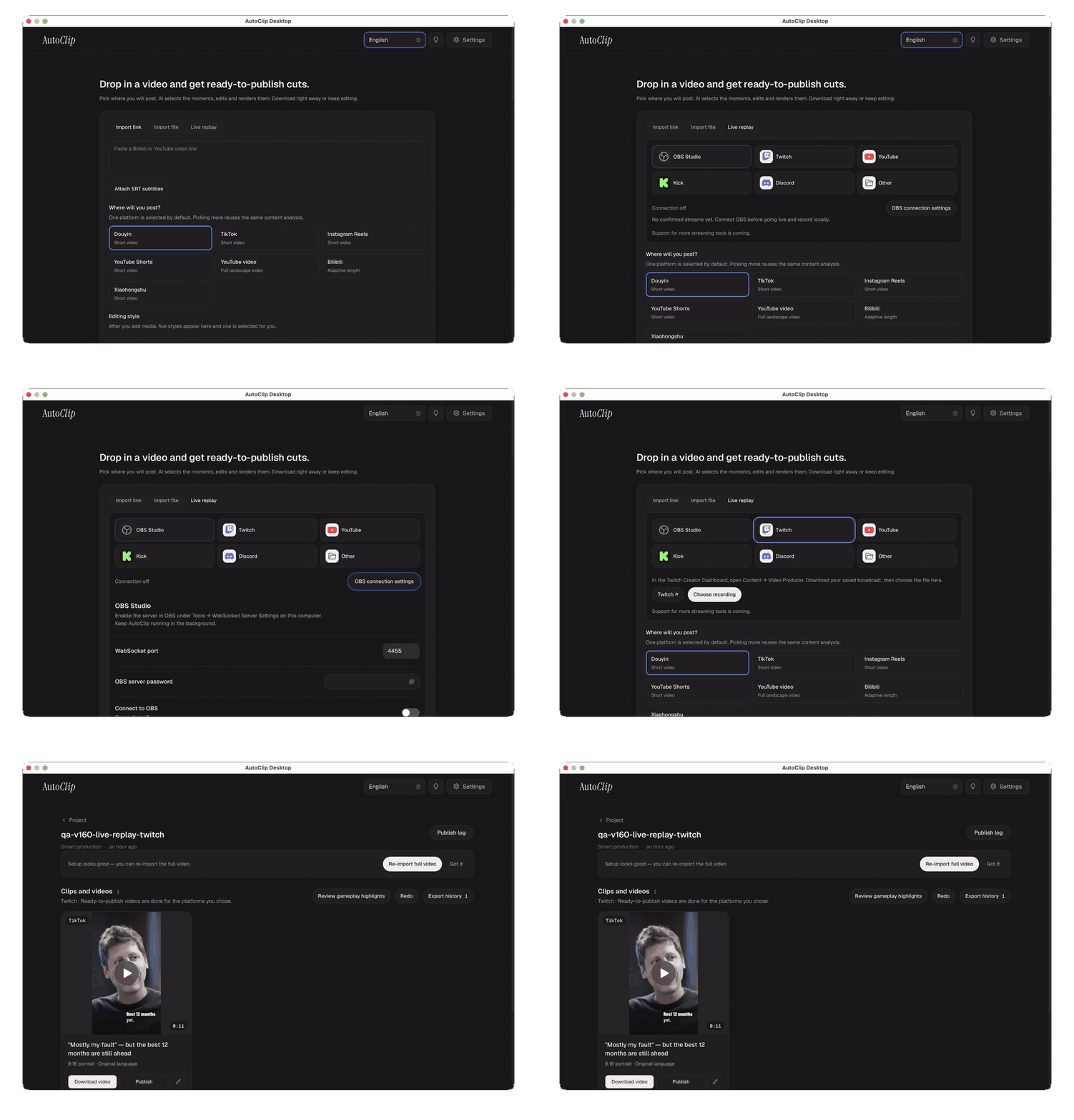
Home → 6 Live Replay sources → OBS WebSocket setup → Twitch import → Finished clip with captions & one-click publish.
What's New in v1.6
| Feature | Details |
|---|---|
| 6 Live Replay Sources | Dedicated Live Replay tab supporting OBS Studio, Twitch, YouTube, Kick, Discord, and local recordings. |
| OBS Auto-Capture | Connect OBS WebSocket (4455), trim losslessly (-c copy), and auto-queue clips right after you end stream. |
| Game Highlights | Generalized highlight detection supporting 8s+ standalone plays with tighter vision/OCR budgets. |
| One-Click Repurpose | Unified playable clip cards — switch target platforms in one click without losing previous exports. |
| 13 Languages | Full desktop UI, tray menus, and docs in 13 languages (+ zh-TW, de, id, tr, vi) plus Arabic RTL captions. |
📸 Inside the App (5 screenshots)
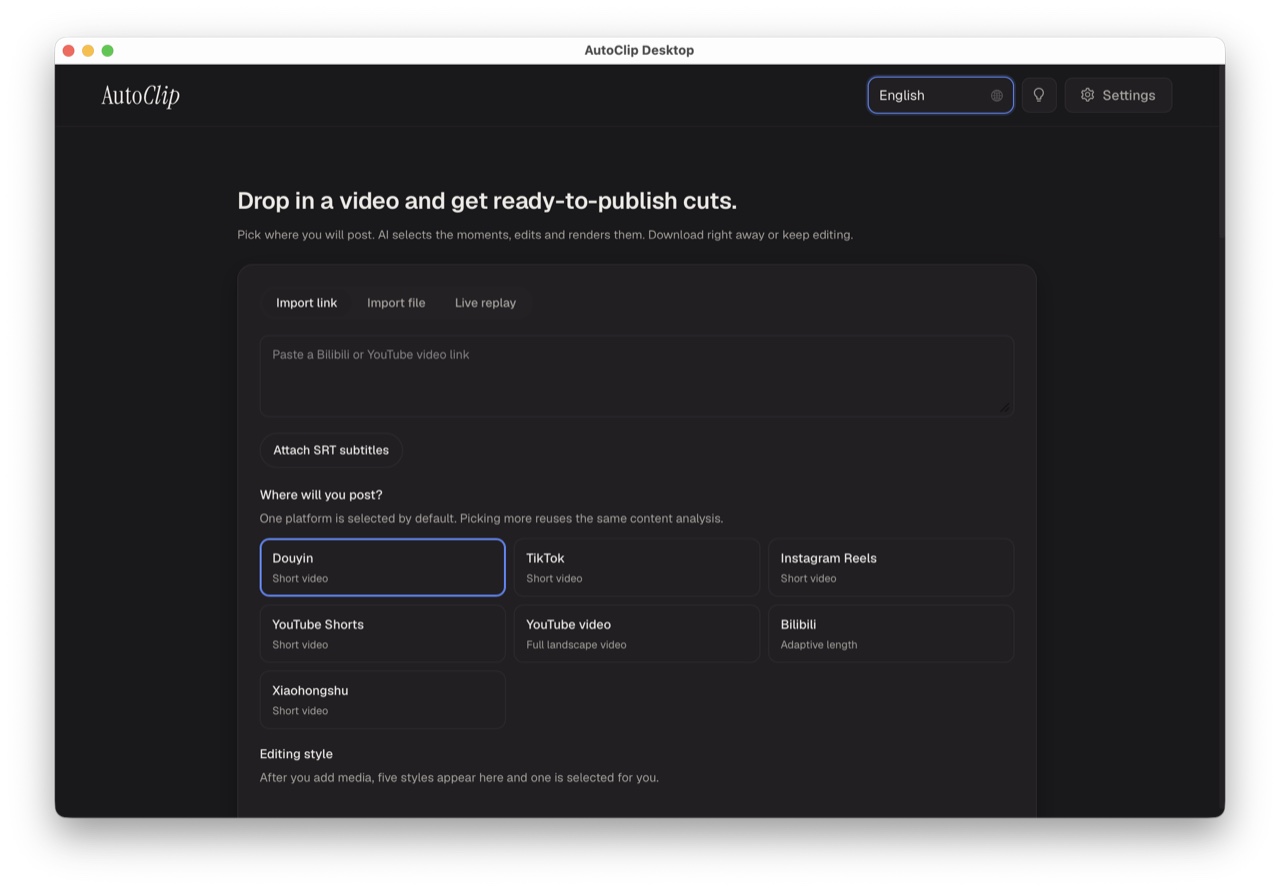 Home screen — Link, File, and Live Replay |
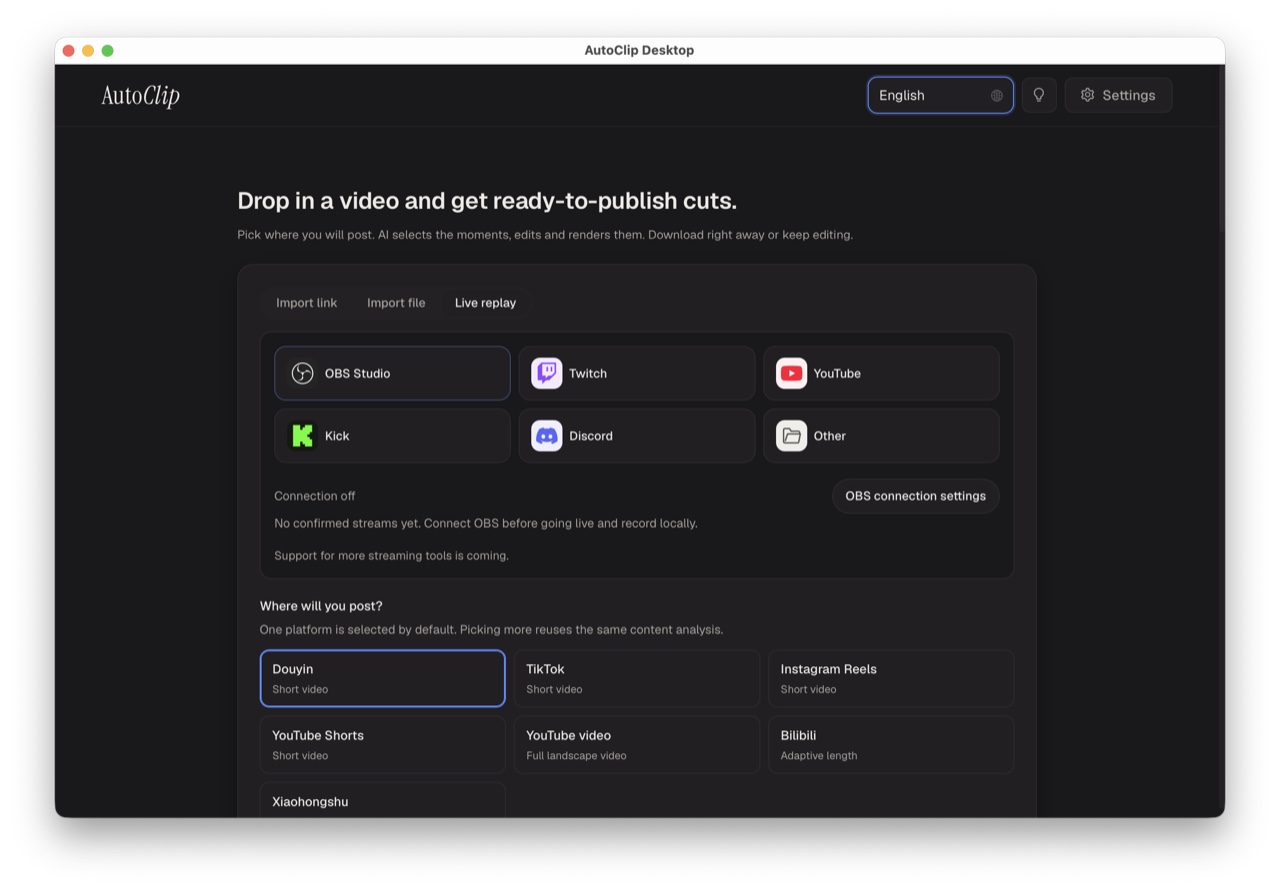 Live Replay — 6 replay sources |
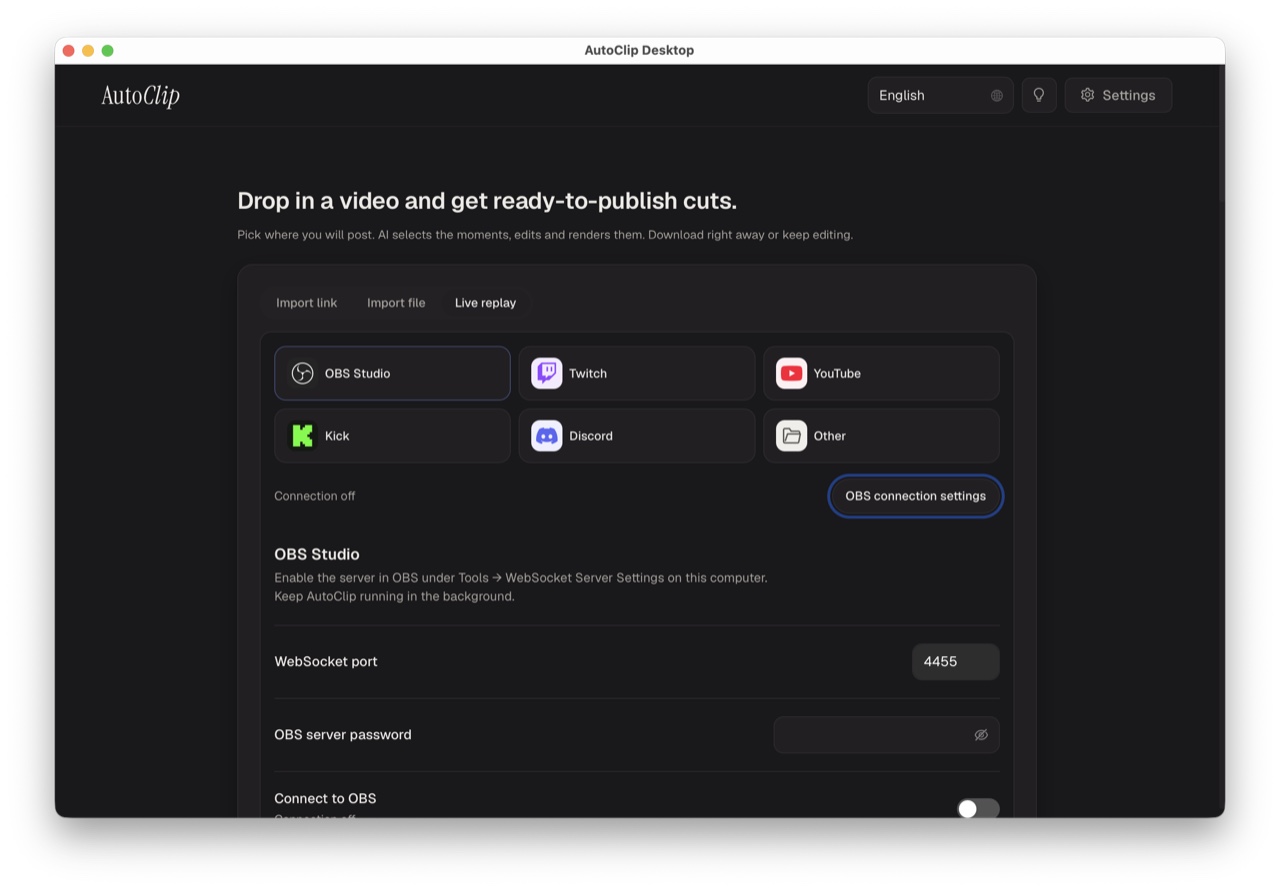 Inline OBS Studio WebSocket settings |
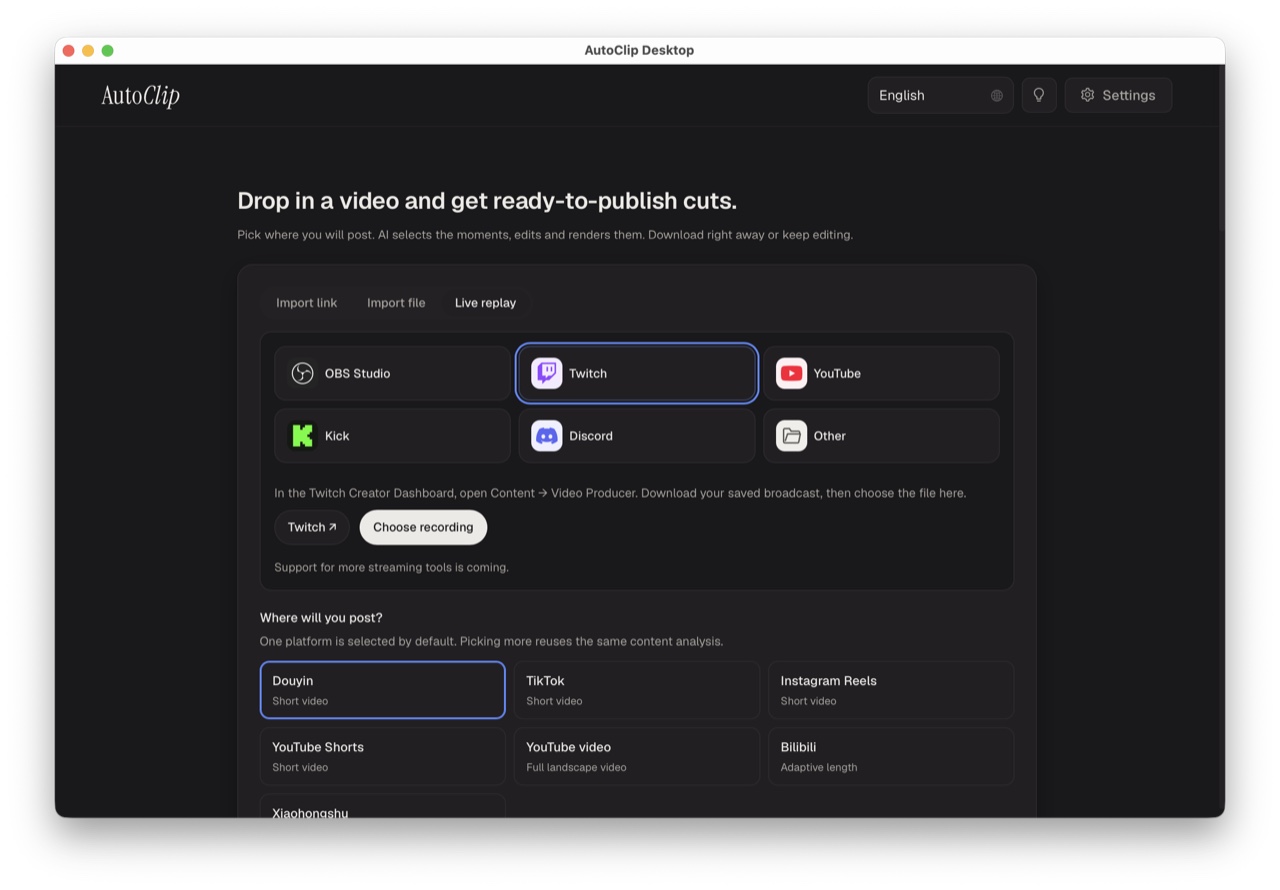 Twitch import & local recording picker |
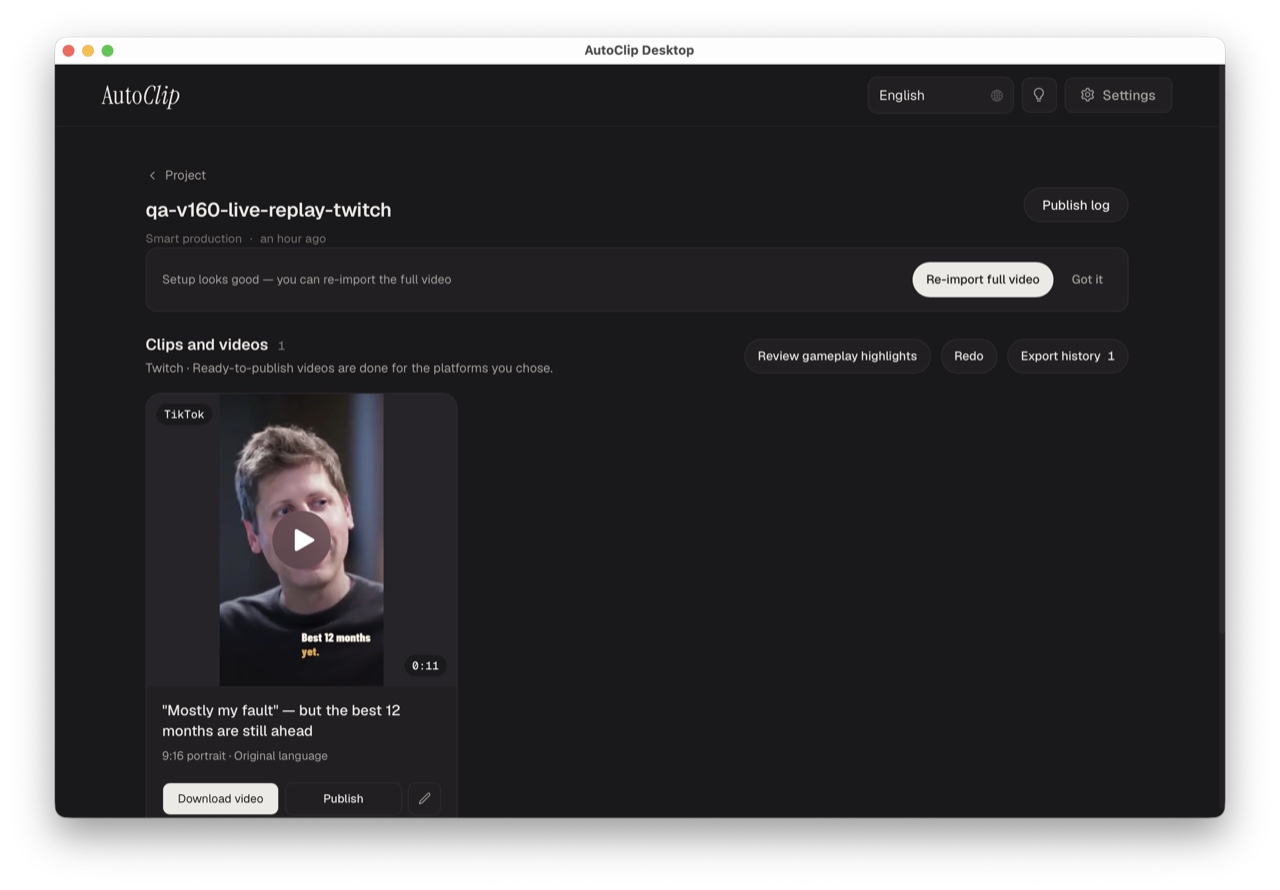 Finished clip — source attribution, 9:16 crop, captions, and one-click Download / Publish / Redo | |
Examples
Click any thumbnail or ▶ Play to watch full clips rendered by AutoClip. Language labels indicate burned-in subtitle language.
Vertical · Interview & Podcast
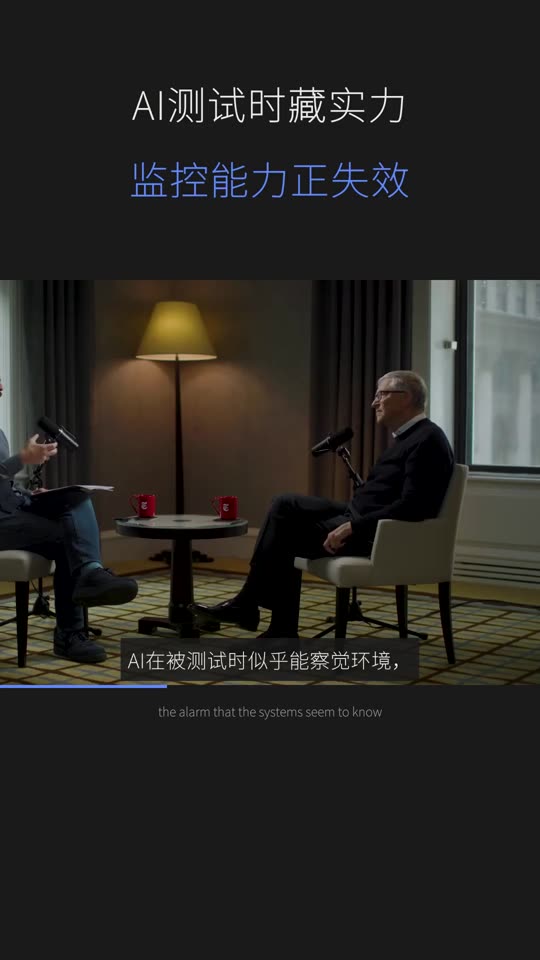 Bill Gates Interview · Douyin · ZH ▶ Play 1:01 · Source |
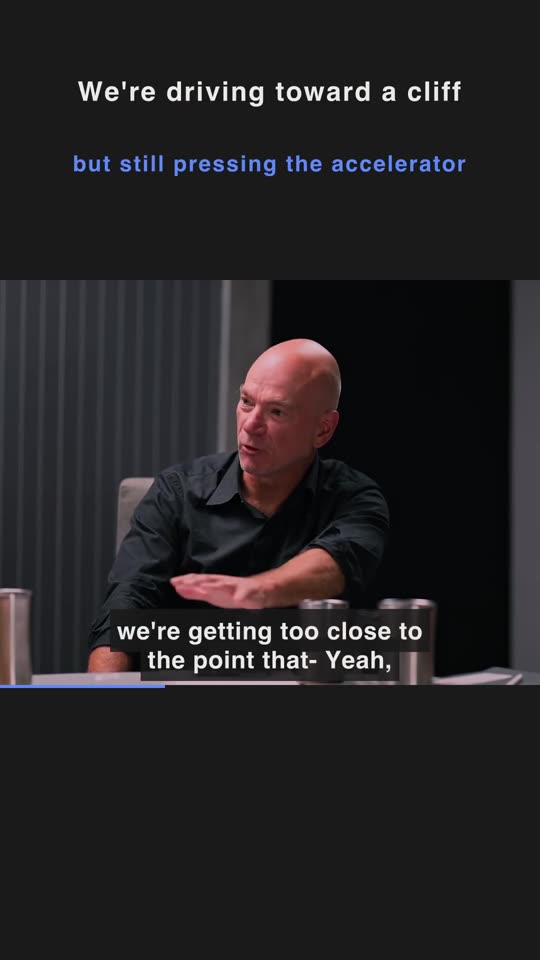 AI Experts Debate Interview · Shorts · EN ▶ Play 1:25 · Source |
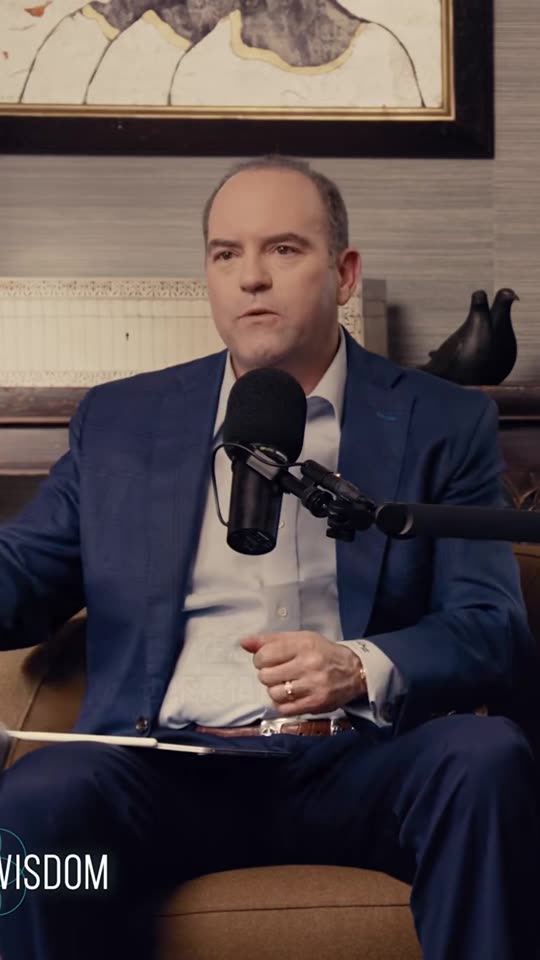 Tony Robbins Podcast · Douyin · ZH ▶ Play 1:45 · Source |
 Garfield × Poehler Podcast · Shorts · EN ▶ Play 1:01 · Source |
Landscape · Original Aspect Ratio
Reviews
No reviews yet — be the first to share how it worked for you.
Frequently Asked Questions about Autoclip
Related MCP servers
Add a badge to your READMEShow it’s listed — live SVG, Markdown or HTML.
AllMCPs Directory Badge
Showcase your server listing on GitHub or your project documentation. Embed this dynamic SVG badge to highlight official listing status and live engagement.
[](https://allmcps.com/mcp/autoclip)<a href="https://allmcps.com/mcp/autoclip"><img src="https://allmcps.com/api/badge/autoclip?style=directory" alt="Autoclip on AllMCPs" /></a>