memorycoding-agentssqlitecoordinationlocal-first
Local MCP memory for coding agents, with governed records, retrieval, coordination signals, and recoverable run histories.
Quick Install
Automated & IDE SetupCopy the AI prompt to install this server into Claude Code, Cursor, or another agent — or use 1-click editor setup below.
Not yet automatically verified
We haven't yet run this listing's install command through our automated sandbox check. This isn't a red flag — we're steadily working through the catalog.
Manual Client & Custom JSON ConfigExpand JSON ▾
Client Config & Setup
Choose your client or environment
Target File:
💡 Paste the JSON block into your client's configuration file under mcpServers, then restart the application.
Overview
Use cases
Share project decisions and gotchas across coding agents
Retrieve procedures, concepts, beliefs, and supporting records
Coordinate lightweight handoffs with claim, lease, and acknowledgment signals
Review and promote proposed learning into durable memory
Recover run state and evidence-bound outcomes after reconnects or compaction
Key features
Durable local memory backed by SQLite/WAL
FTS5 lexical retrieval with optional local embeddings
Review-first promotion, annotation, revision, and deletion workflows
Signal lifecycle with claims, leases, and acknowledgments
Receipt-bound feedback and evidence-context digests
Durable runs, structured events, recovery projections, and outcomes
Capabilities & Tool Schemas (17)
Inspect callable tools, capabilities, and parameters exposed to AI agents by Agent Memory Bridge.
storeCallable MCP tool function
recallCallable MCP tool function
browseCallable MCP tool function
statsCallable MCP tool function
forgetCallable MCP tool function
feedbackCallable MCP tool function
Documentation Overview
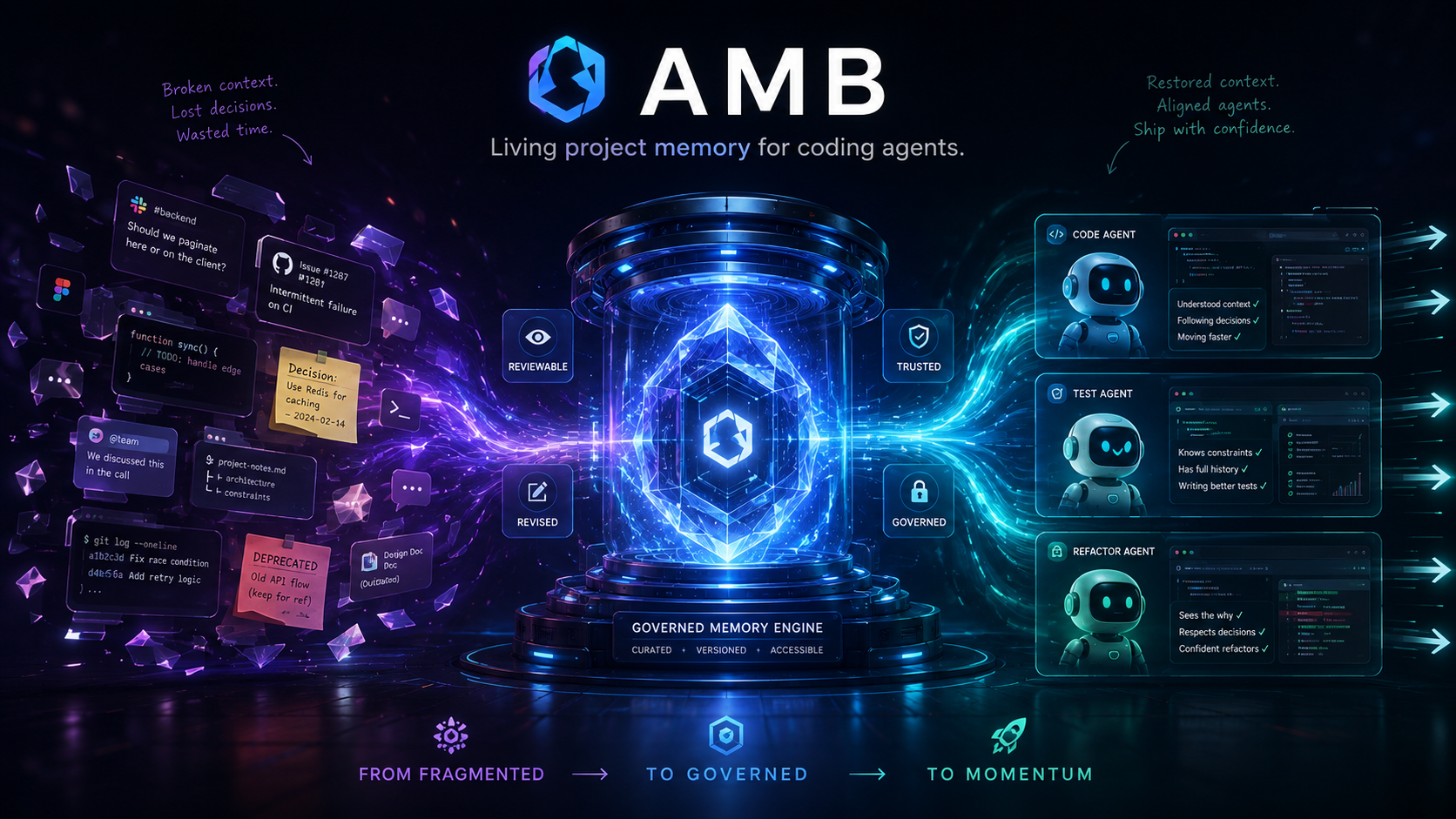
Agent Memory Bridge
Carry project decisions into the next coding session.
AMB helps coding agents remember the decisions that matter — across sessions, tools, and time.




Install once; connect each coding client separately. Installing the package does not register AMB with every coding agent. Each client you want to use must be configured to launch AMB as an MCP stdio server. Clients that should share memory need to use the same configured local AMB home.
Your project should not start over with every session
A project is more than its current files. Over time, useful context gets scattered across repositories, chats, coding agents, reviews, fixes, and one-off decisions. A new session can see the code but still miss the reasons that make the project make sense.
AMB gives those decisions a durable place to live. The first win is simple: teach one real decision, close the session, open a fresh coding-agent session, and hear the same decision come back from AMB.
| Without shared project memory | With AMB |
|---|---|
| Each session reconstructs context | Useful project knowledge carries forward |
| Decisions disappear into old chats | Explicit decisions and reasons stay with the project |
| Different tools build different partial pictures | Supported MCP clients can use the same configured local AMB home |
| Memory can become stale or ambiguous | Provenance, revision, supersession, and inspection keep it governable |
AMB is local-first and inspectable. It does not silently archive every conversation or treat every remembered statement as equal authority.
Quick Start
AMB requires Python 3.11+, Git, and an MCP-compatible coding client that can launch a local stdio server.
Current package/source version: 0.33.0.
Published releases: see GitHub Releases.
The first win happens inside the coding agent, in a fresh session. CLI Explore/Inspect and doctor/verify are later checks, not that win.
1. Install AMB
For the Quick Start, use a virtual environment so every coding client can point at one stable Python launcher. Replace <venv-python> with the Python executable inside .amb-venv for your operating system.
For development or audit work against an exact source checkout, use:
2. Connect the coding client you actually use
Installation and client registration are separate. Preview the setup for one client first:
setup is read-only by default: it detects or inspects only bounded client configuration locations and shows the exact AMB fragment or action it recommends. Use a supported client name such as codex, claude-code, vscode, cursor, cline, opencode, or another client listed in Integrations. Codex is the reference workflow.
If the preview marks that client as eligible for safe automatic configuration, you can explicitly apply it after review:
Some clients remain preview/manual because AMB will not guess or rewrite an unsafe configuration format or path. In that case, copy the rendered fragment or follow the client-specific Integration guide. Repeat this step for every coding client you want to connect. To share the same project memory across clients, keep them pointed at the same configured AGENT_MEMORY_BRIDGE_HOME, then reload each client after registration.
Connection is proven when the coding client itself lists AMB tools such as store and recall. doctor and verify do not prove that an external client loaded MCP config.
3. Initialize the project
Project Init detects the local Git repository, proposes a namespace such as project:my-app, and waits for confirmation. It then derives a current repository baseline. It does not automatically learn decisions.
4. Teach one real project decision
In the connected coding agent, teach a decision you actually made. For example:
Remember that we merge pull requests only after CI is green on the target branch, because broken main blocked two releases this month.
The connected agent uses AMB's public store tool to persist the explicit decision and reason. AMB does not infer a durable decision from the code or archive the whole conversation.
Another valid example is a stack choice, such as staying local-first instead of adding Redis. The win is the decision plus reason, not any one technology.
5. Close the session, then ask again in a fresh one
End the first agent session completely. Open a new session against the same project, same client registration, and same AMB home. Ask a generic question:
What is required before we merge a pull request?
The first win is when the new session answers with the stored decision and reason because AMB recalled it. Seeing the same fact in CLI Explore or Inspect is useful review, not the success check.
Exact Codex observation steps live in First-win acceptance.
After the first win
Once one decision survives a fresh session, you can inspect what AMB knows, keep repository facts current, and use the governance model below.
Optional review, refresh, and troubleshooting
Human-first Explore answers “What does AMB currently know about this project?” Inspect answers “Why did this information surface for this question?” Both are local and read-only.
This is a conceptual view, not verbatim CLI output:
Code tells AMB WHAT the project is.
Conversations teach AMB WHY it is that way.
That distinction is a trust boundary: derived facts can be rebuilt from current code, while durable project knowledge remains explicit, reviewable, and governed.
Repository WHAT comes from a clean Git commit. If HEAD changes or the worktree is dirty, AMB will not present an old snapshot as current truth. Refresh is not automatic. Rerun the explicit primitive:
Refreshing repository WHAT leaves durable project WHY unchanged. Explore is CLI-only, not MCP tool #18, and it does not rank context for the model.
first-run remains optional guided help; it is not the first-win path:
Use health checks only when setup is uncertain. They do not prove that a coding client loaded MCP config:
Integrations
AMB works through local stdio MCP. Generic MCP clients are supported; Codex is the reference workflow; Claude Code, Claude Desktop, Cursor, and Cline are documented; and Antigravity, OpenCode, and Hermes have locally tested configuration paths.
Integration labels are deliberately narrow and do not imply client certification. See Integrations for current setup instructions and boundaries.
Why the memory stays trustworthy
The useful part of long-lived project memory is not simply remembering more. It is being able to tell where knowledge came from, whether it is still current, and how it changed.
AMB therefore keeps several boundaries explicit:
| Memory concern | AMB approach |
|---|---|
| Current repository truth | Derived from a clean repository state and refreshed explicitly |
| Human decisions and constraints | Stored explicitly as governed durable memory |
| Changed knowledge | Revised or superseded instead of silently overwritten |
| Why context surfaced | Inspectable through local derived views and evidence paths |
| Cross-session reuse | Shared through the same configured local AMB home |
| Privacy | Local-first; no hosted memory service is required |
Related MCP Servers
Adoption & maintenance
Factual signals from GitHub, npm, and our automated checks — not a rating.
GitHub stars
6
Stargazers on the source repository.
Last commit
5d ago
Most recent push to the default branch.
Tools exposed
17
Callable tools this server registers over MCP.
Directory activity
1 views
Config copies, upvotes, and views on AllMCPs.
Reviews
No reviews yet — be the first to share how this listing worked for you.
Frequently Asked Questions about Agent Memory Bridge
AllMCPs Directory Badge
Showcase your server listing on GitHub or your project documentation. Embed this dynamic SVG badge to highlight official listing status and live engagement.
Badge Style:
Live Dynamic SVG Preview
Markdown (GitHub README)
[](https://allmcps.com/mcp/zzhang82-agent-memory-bridge)HTML Embed
<a href="https://allmcps.com/mcp/zzhang82-agent-memory-bridge"><img src="https://allmcps.com/api/badge/zzhang82-agent-memory-bridge?style=directory" alt="Agent Memory Bridge on AllMCPs" /></a>Technical Specs & Signals
CategoryKnowledge & Memory
PricingFree
4/5 checks healthy over the last 31d
57Quality signal: Good · 57/100How this signal is calculated ▾
Server availabilityNot measured
Not scored for repo-hosted servers — we can't reach the running server, only its GitHub page. Hosted MCP endpoints are health-checked live.
Verified ownership10/20
Documentation & tools28/30
Adoption & activity5/15
Community engagement0/10
A guidance signal from public completeness & health data — not a user rating. New listings start lower and rise as they add docs, get verified, and grow adoption. Signals we can't observe for a listing are skipped, not counted against it.
Supply-chain signal
No high-severity advisories surfaced by our automated scan.
Critical 0High 0Medium 0Low 0
Scanned 25d ago via OSV.dev · agent-memory-bridge (PyPI)
Own this project?
This directory is pre-filled from public sources. Claim via GitHub README, site badge, or DNS TXT to unlock edit access and the Official badge — proof is checked automatically, then reviewed by our team.
Free dofollow backlink: add your website and place the AllMCPs badge on it — no claim needed. We detect it automatically and keep it verified as long as the badge stays live.
Claim & get free dofollowShare & Embed
Add our SVG badge (dark/light directory styles) or embeddable widget to your site.