ZelesIA README
The full upstream README, mirrored here for reference. Install config, tool schemas, adoption signals, and an original overview live on the ZelesIA listing page.
ZelesIA MCP Server
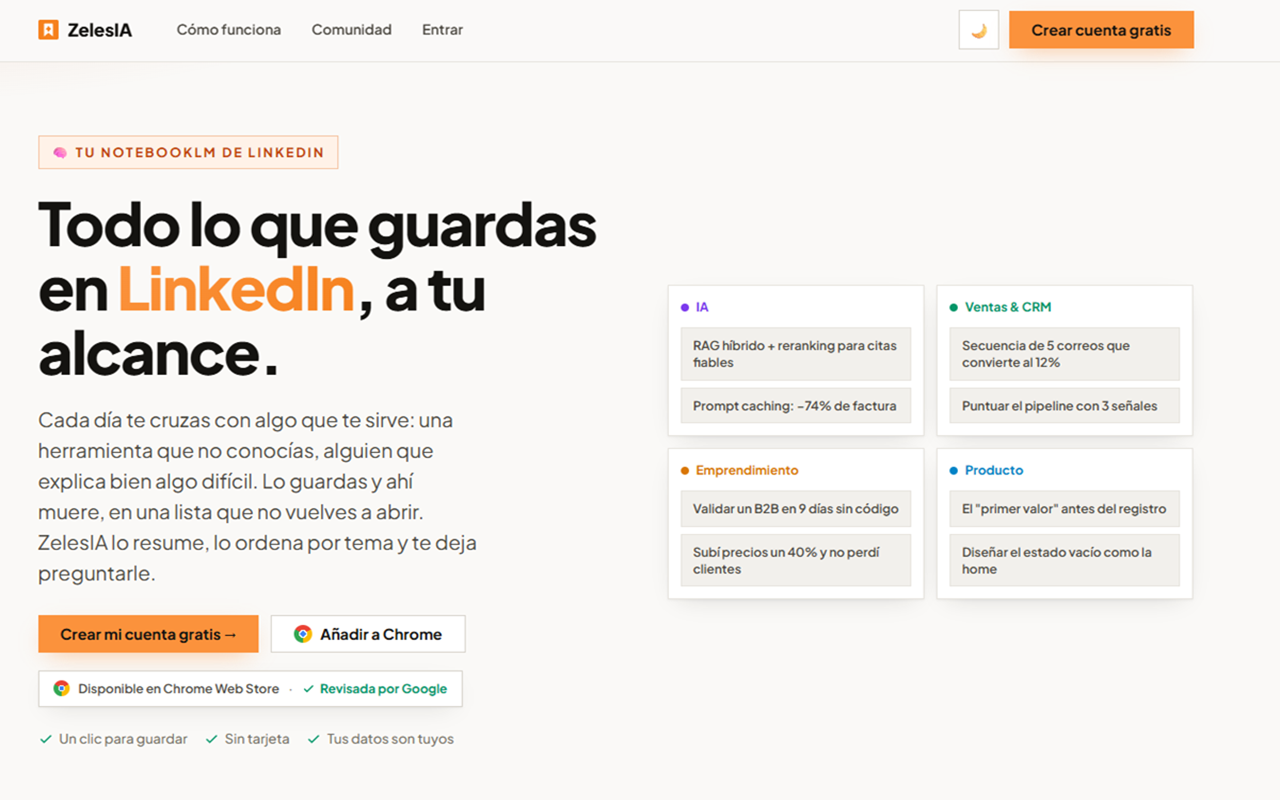
Turn the LinkedIn posts you save into a knowledge base your assistant can search and cite.
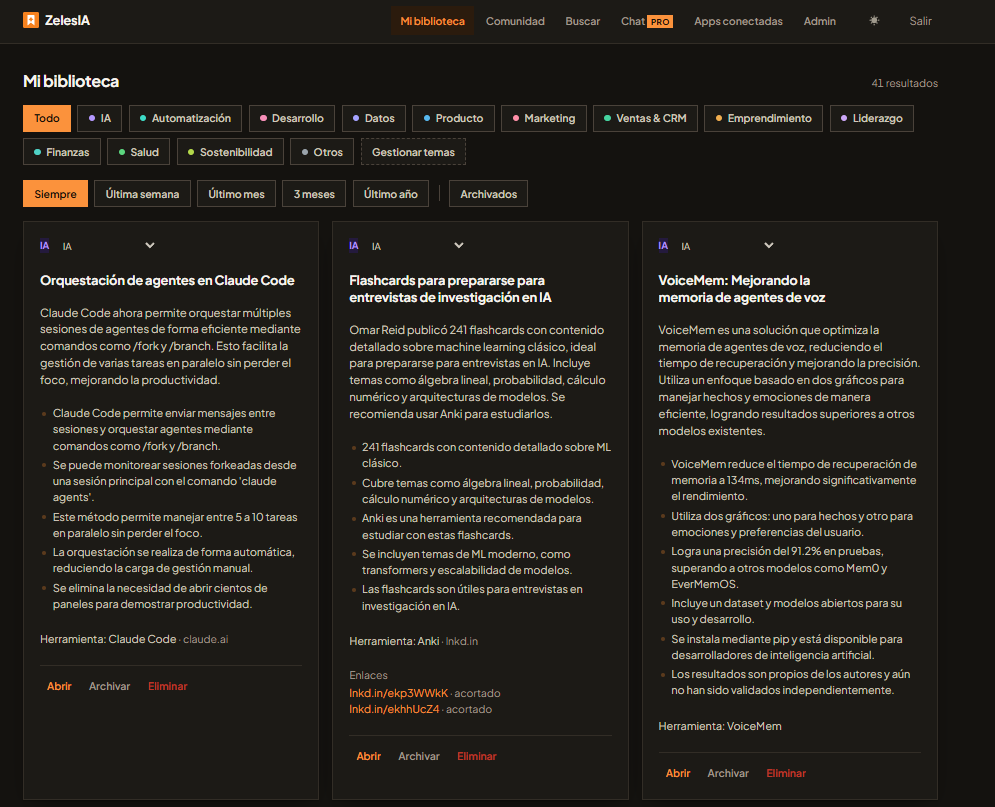
You save a post on LinkedIn with one click. ZelesIA summarises it, groups it by topic, and keeps it. Connect this MCP server and Claude — or ChatGPT, or Cursor — answers from what you saved, citing the original post.
This repository is the connection guide for the hosted server. There is nothing to install.
- Endpoint:
https://mcp.zelesia.com/mcp(Streamable HTTP) - Registry:
com.zelesia/zelesia - Website: zelesia.com
Connect it
You need a ZelesIA account with something saved. The server only ever reads your own library.
Claude (web and desktop)
Settings → Connectors → Add custom connector, and paste https://mcp.zelesia.com/mcp.
A ZelesIA consent screen opens; approve it and the tools appear.
Claude Code
Cursor, VS Code and other MCP clients
Point them at the same URL over Streamable HTTP:
ChatGPT
The server also publishes the search / fetch pair that ChatGPT's connectors expect, backed by
the same library. Add it as a custom connector with the endpoint above.
What the assistant reads
Your own library: every post you saved, summarised, with its key points and its link back to LinkedIn.
Tools
| Tool | What it does |
|---|---|
library_map | An index of your library: how many posts, over what date range, which topics and headlines. Cheap — call it before searching, so the assistant doesn't guess at words you never saved. |
search_library | Searches your saved posts by meaning and by keyword. Returns the topic, a link to the original post, and an excerpt — usually enough to answer and cite without opening anything. Paginated by cursor. |
search / fetch | The ChatGPT-compatible pair, over the same library. |
Every tool is read-only. Nothing the assistant does can change or delete what you saved.
Access and privacy
- OAuth 2.1. You approve the connection on a ZelesIA consent screen. No API key to paste, no password shared with the client.
- Your library only. A grant reads the posts of the account that approved it, and nothing else.
- Revocable. Remove the grant from your ZelesIA account and the connection stops working straight away.
Terms: zelesia.com/terms · Privacy, including how to reach us: zelesia.com/privacy
Support
Open an issue in this repository.