Vidlens MCP
YouTube as a queryable database for AI agents. 41 tools, zero config.
Install Vidlens MCP
Pick your client, then add it in one click or paste the config.
~/Library/Application Support/Claude/claude_desktop_config.json{
"mcpServers": {
"vidlens-mcp-2": {
"command": "npx",
"args": [
"-y",
"vidlens-mcp"
]
}
}
}
Settings → Developer → Edit Config, merge this into mcpServers, then fully quit and reopen Claude Desktop.
We couldn’t confirm it starts correctly
We ran the install command but it didn't respond within our test window — this can mean a slow first-time install rather than a real problem.
npx -y vidlens-mcpNo response to initialize.
This is an experimental automated check and can have false negatives — missing environment variables, a slow cold install, etc. It doesn’t necessarily mean something’s wrong. Last checked 7d ago.
Overview
Security & health
What it can reach and how reliably it runs — from our own checks, not the maintainer’s claims.
Recent health check succeeded.
Supply-chain signal
No high-severity advisories surfaced by our automated scan.
Scanned 12d ago via OSV.dev · vidlens-mcp (npm)
Adoption & maintenance
Factual signals from GitHub, npm, and our automated checks — not a rating.
From the project README


Your AI can read the web.
Now it can also watch it.
npx vidlens-mcp setup
- Research video: search, transcribe, compare, and cite YouTube and public social video.
- Build a local library: import once, then search transcripts, comments, frames, and OCR without fetching the same video again.
- Inspect visual evidence: find the exact frame, timestamp, match reason, and source in a visual gallery plus structured client output.
VidLens is an MCP server that gives your AI agent eyes on video — YouTube, X, TikTok, Instagram, other video pages, or a file on your disk. Paste a link and ask a question. VidLens reads the transcript, looks at the frames, and answers with timestamps you can check. Everything it ingests lands in a library on your own machine, so your agent never has to watch the same video twice.
No API keys to start. Works in Claude Desktop, Claude Code, and Codex. Capable clients can turn VidLens's structured results into native charts, cards, tables, and visual reports in their own response surfaces.
Watch VidLens in action
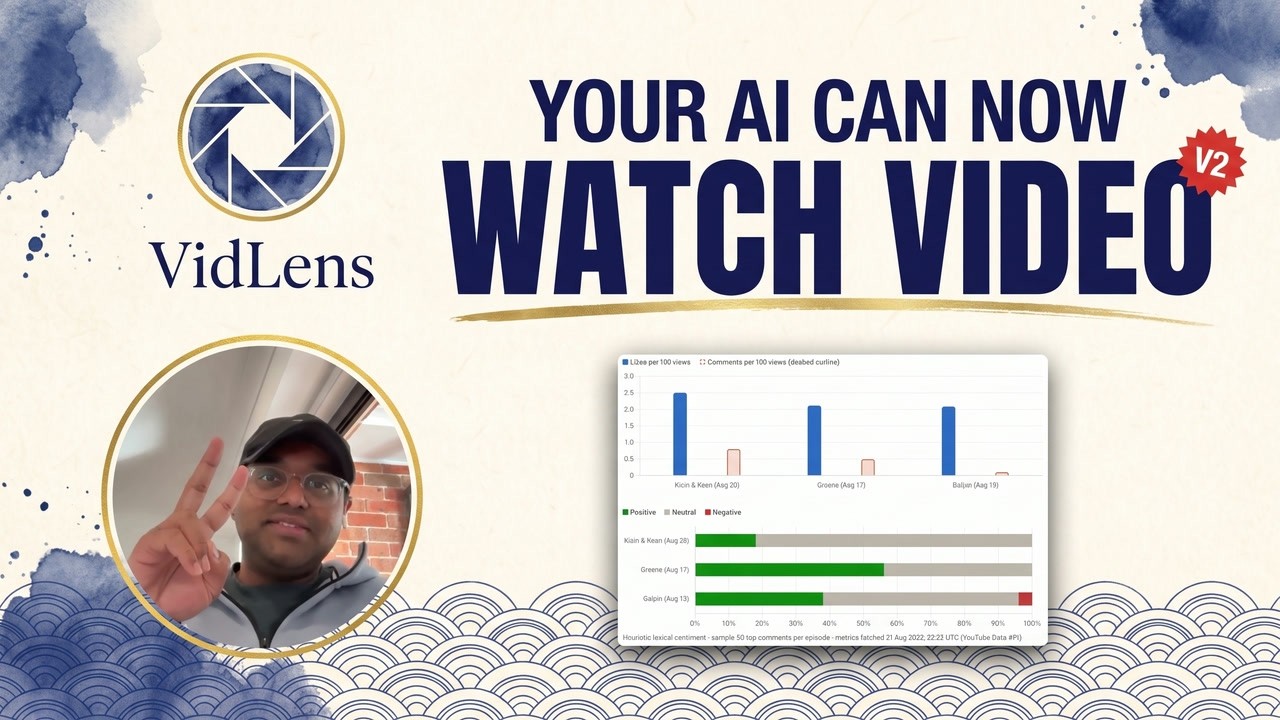
▶ Watch the 1:46 demo on YouTube
Try it
Once VidLens is set up, paste any of these into your AI client:
"Search YouTube for M5 Max MacBook Pro reviews. What do reviewers agree on, and where do they disagree?"
VidLens searches, reads the transcripts across reviewers, and synthesizes consensus and disagreement with sources and timestamps.

"Transcribe this video and summarize it: https://x.com/username/status/123..."
A single public X, Instagram, or TikTok video URL usually needs no API key at all. VidLens fetches it, transcribes it, and keeps the transcript so you can ask follow-up questions later — in this session or any future one.

"Find the frame in this video where they show the benchmark chart."
Visual search looks at what is on screen — slides, charts, whiteboards, product shots — and shows the actual frame image with its timestamp in the local browser gallery, not just a text guess.
Native client presentation
VidLens returns portable structured evidence: sources, timestamps, scores, OCR, descriptions, provenance, and limitations. Codex, Claude, and other capable clients can compose that evidence into their own native charts, comparison cards, tables, and visual reports.

The presentation belongs to the client rather than an embedded VidLens UI. For extracted-frame inspection, searchVisualContent can also open the browser gallery.
How it works

Video sources go in on the left. VidLens ingests them through whichever route works — the YouTube API when a key is configured, yt-dlp, or direct page extraction — and stores the results in a local library: transcripts, frames, and embeddings. Your agents query that library from any MCP client.
Two honesty guarantees are built in:
- Fallbacks, not failures. Every YouTube data tool tries multiple routes before giving up, so a missing key or an exhausted quota degrades gracefully instead of breaking.
- Provenance on responses. Tool responses report which route served the data and whether anything was partial. No silent degradation.
Everything lives in one directory on your disk. No external database, no Docker. Back it up by copying it; delete it to start fresh.
Install
Setup wizard (recommended)
npx vidlens-mcp setup
The wizard detects Claude Desktop, Claude Code, and Codex, checks the local dependencies VidLens needs, and offers one simple choice:
- Free setup (recommended): no API keys. YouTube search, transcripts, metadata, and the local library work immediately.
- Enhanced setup: add optional APIs, speech-to-text, web search, or browser cookies one at a time. Press Enter to skip anything you do not need; saved values are kept and never shown.
Press Enter to choose Free, or run npx vidlens-mcp setup --enhanced whenever you want Enhanced capabilities. For Claude Code, setup also registers VidLens in the user MCP registry, installs the shared VidLens workflow skill, and checks the result with claude mcp list when possible.
Manual configuration
Claude Desktop — add to ~/Library/Application Support/Claude/claude_desktop_config.json:
{
  "mcpServers": {
    "vidlens-mcp": {
      "command": "npx",
      "args": ["-y", "vidlens-mcp", "serve"]
    }
  }
}
Claude Code — prefer the wizard:
npx vidlens-mcp setup --client claude_code
claude mcp list
If you configure it by hand instead, add the same mcpServers.vidlens-mcp entry to ~/.claude.json.
Codex — use the setup helper so the MCP server and bundled VidLens skills are registered together:
npx vidlens-mcp setup --client codex
Restart your client
Fully quit and reopen Claude Desktop (⌘Q, not just close the window) — MCP servers load on startup. For Claude Code, start a new session or run /mcp after setup.
From a local checkout
npm install in a checkout does not put the binary on your PATH. Use npm run setup from the checkout, or npm install -g . / npm link if you want the bare vidlens-mcp command while developing.
Your library
VidLens is durable memory for video work, not a per-session scratchpad. Everything you import persists on disk under VIDLENS_DATA_DIR: transcript collections, comment collections, downloaded media, and visual indexes. Even the active collection is remembered.
Recall it in one call. At the start of a session, recallWorkspace returns a compact digest of everything already stored, so an agent knows what it has before searching or importing again. Tool descriptions carry the same reminder into every client, so agents check first instead of re-fetching.
Reuse by URL or asset key. An imported social video's transcript can be pulled up again by its original URL or by its asset key — no re-download, no re-transcription.
One shared library across agents. The default data directory is the same for every client, so Claude Desktop, Claude Code, and Codex all share one library — import a video in one, search it from another.
⚠️ Do not put
VIDLENS_DATA_DIRinside Dropbox, iCloud, Google Drive, or any file-sync folder. VidLens uses SQLite (with WAL), and live databases under a file syncer get corrupted or spawn conflict copies. Keep the data dir on a local disk — the default location already does.
Beyond YouTube
For X, Instagram, TikTok, and generic video pages, VidLens uses a capability ladder: it takes the cheapest route that works, and an API key is an uplift, not a prerequisite.

| Route | Cost | Best for | What happens |
|---|---|---|---|
| Local reuse | Free | Anything imported before | recallWorkspace finds the stored transcript or media; nothing is re-fetched |
| Public direct URL | Free | One X status, Instagram reel/post, or TikTok video | yt-dlp tries the canonical post URL anonymously; ffmpeg and local or configured STT handle media with no captions |
| Browser-assisted | Free with a supported host | Finding or verifying a post, or using an existing signed-in session | Your client's browser control captures the canonical URL and visible metadata, then hands the URL back to VidLens |
| Local-file handoff | Free | A video you are permitted to save | Import the saved file for transcription and visual indexing |
| API-enhanced | Provider pricing | Bulk, unattended, or repeatable discovery | Configured ScrapeCreators, Brave, SerpAPI, YouTube, Gemini, or OpenAI capabilities are selected automatically |
Three caveats, stated plainly:
Reviews
No reviews yet — be the first to share how it worked for you.
Frequently Asked Questions about Vidlens MCP
Related MCP servers
Add a badge to your READMEShow it’s listed — live SVG, Markdown or HTML.
AllMCPs Directory Badge
Showcase your server listing on GitHub or your project documentation. Embed this dynamic SVG badge to highlight official listing status and live engagement.
[](https://allmcps.com/mcp/vidlens-mcp-2)<a href="https://allmcps.com/mcp/vidlens-mcp-2"><img src="https://allmcps.com/api/badge/vidlens-mcp-2?style=directory" alt="Vidlens MCP on AllMCPs" /></a>