Render Mermaid and source-code diagrams via MCP.
Quick Install
Automated & IDE SetupCopy the AI prompt to install this server into Claude Code, Cursor, or another agent — or use 1-click editor setup below.
Not yet automatically verified
We haven't yet run this listing's install command through our automated sandbox check. This isn't a red flag — we're steadily working through the catalog.
Manual Client & Custom JSON ConfigExpand JSON ▾
Client Config & Setup
Choose your client or environment
Target File:
💡 Paste the JSON block into your client's configuration file under mcpServers, then restart the application.
Capabilities & Tool Schemas (3)
Inspect callable tools, capabilities, and parameters exposed to AI agents by Vaults Diagram Tools.
render_mermaid_textCallable MCP tool function
render_mermaid_fileCallable MCP tool function
generate_source_diagramsCallable MCP tool function
Documentation Overview
vaults-diagram-tools
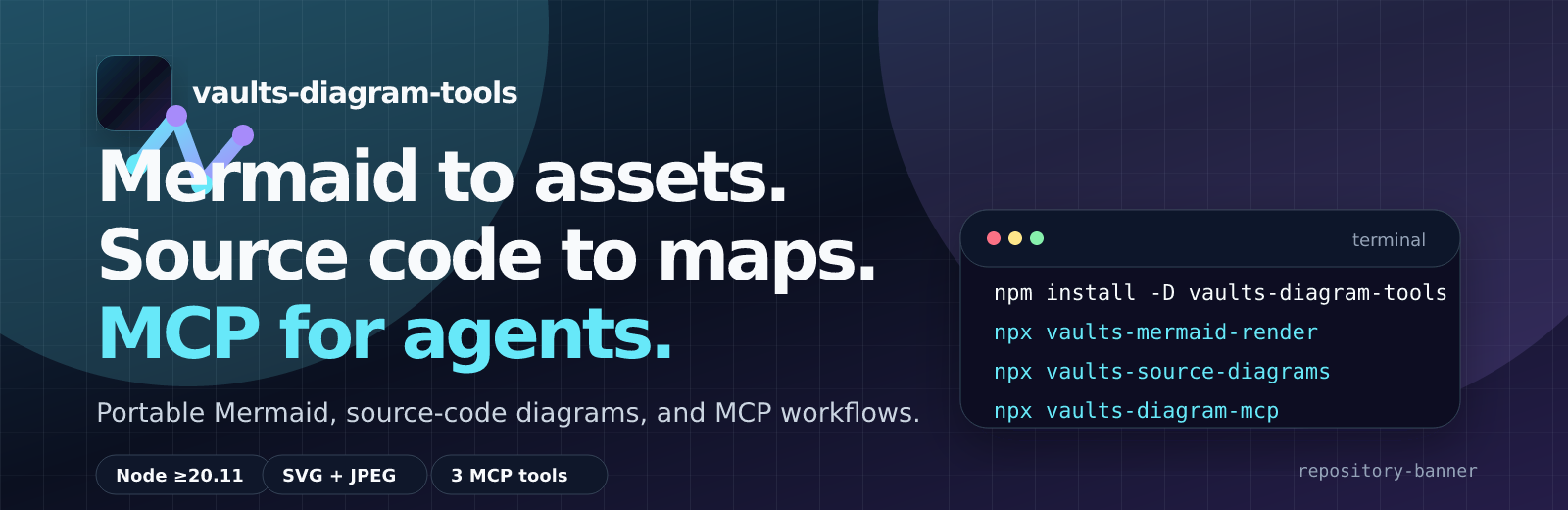





Mermaid to assets. Source code to maps. MCP for agents.
vaults-diagram-tools is a standalone toolkit for teams that need reproducible Mermaid SVG/JPEG assets, source-code diagrams, and agent-friendly diagram workflows without carrying Vault-specific content.
- GitHub Pages documentation
- npm package
vaults-diagram-tools@0.1.4 - GitHub Actions Marketplace Action
Vaults Diagram Tools(repo) - MCP Registry
io.github.Malnati/vaults-diagram-tools - Smithery server
- GitHub release v0.1.4
- Quay.io Podman image
quay.io/ricardomalnati/vaults-diagram-tools:v0.1.0 - GitHub App
- Brand assets
- Homebrewery package page
What is included
- Mermaid renderer extracted from the Vaults toolchain.
- Source-code to Mermaid diagram generator.
- MCP stdio server with three explicit tools, published in MCP Registry as
io.github.Malnati/vaults-diagram-tools. - Offline-capable release assets for zip and container distribution.
- Dedicated GitHub Actions Marketplace wrapper repository for render/source/policy automation.
- Packaging templates for Homebrew, deb/rpm, CDN, Docker, and Podman, plus a publishable VS Code extension package.
Content-management workflows outside diagram generation are not part of this package.
Quick start
Install in a project:
Render one Mermaid source to durable assets:
Generate Mermaid diagrams from source code:
Run the MCP stdio server:
Use one-shot npx when the project should not keep a dependency:
Core tools
| Command | Purpose |
|---|---|
vaults-mermaid-render | Render .mmd or .mermaid files to SVG/JPEG, manifests, and optional PNG/text sidecars. |
vaults-source-diagrams | Generate Mermaid diagrams from source-code structure, including focused selections and traceability metadata. |
vaults-diagram-mcp | Expose render_mermaid_text, render_mermaid_file, and generate_source_diagrams through MCP stdio. |
Additional package binaries are compatibility entrypoints for older Vaults paths, optional text renderers, and Podman workflows.
Workflows
- Markdown docs: keep the Mermaid source as a linked
.mmd, render.svgand.jpg, and show source inline with a fencedmermaidblock. - Source graph reviews: generate diagrams from real source paths and inspect manifest selection data for requested files, omitted connectors, and rendered outputs.
- Agent automation: use the MCP server when clients need diagram rendering through a narrow, explicit tool surface. Current registry entry is active at version
0.1.4, and the Smithery server page is already published. - Release packaging: ship npm, zip, container, and offline vendor artifacts while preserving license and notice files.
Download and distribution
npm registry
Use the published npm package when you want the normal Node.js toolchain installation. Current npm latest is vaults-diagram-tools@0.1.4:
One-shot with npx
Use --package when the project should not keep the dependency:
GitHub Actions Marketplace
Use the dedicated Marketplace action when the diagram workflow should run inside GitHub Actions without adding project-local scripts:
- GitHub Actions Marketplace listing
- Action repository
- Initial action release:
v0.1.4; moving compatibility tag:v0.
npm package from GitHub
Use the GitHub package source when testing a commit before a registry release:
GitHub release assets
The latest GitHub Release, GHCR image, npm package, MCP Registry metadata, and VS Code VSIX are published at v0.1.4; the Quay.io Podman image remains at v0.1.0:
- vaults-diagram-tools-0.1.4.tgz
- vaults-diagram-tools-0.1.4.zip
- vaults-diagram-tools-vscode-0.1.4.vsix
ghcr.io/malnati/vaults-diagram-tools:v0.1.4quay.io/ricardomalnati/vaults-diagram-tools:v0.1.0
Local checkout
Use the checkout for development, validation, or release preparation:
Container, Docker, and Podman
Build locally:
Run a render from the GHCR image:
Run the published Podman image from Quay.io:
Quay.io also exposes 0.1.0 and latest tags for the same published package line.
Podman helper scripts are available through vaults-mermaid-podman-build, vaults-mermaid-podman-render, and vaults-mermaid-podman-test.
CDN facade
The package is CLI-first. CDN endpoints expose browser-safe metadata/helpers only; SVG/JPEG rendering still runs through Node.js, MCP, or the container runtime.
VS Code extension
The desktop VS Code extension is published as malnati.vaults-diagram-tools and can also be installed directly from the GitHub Release VSIX. It uses a hybrid runtime: a bundled offline fallback plus a managed cache that can follow vaults-diagram-tools@latest without republishing the extension. It contributes:
Related MCP Servers
Adoption & maintenance
Factual signals from GitHub, npm, and our automated checks — not a rating.
Last commit
2mo ago
Most recent push to the default branch.
Tools exposed
3
Callable tools this server registers over MCP.
Directory activity
1 views
Config copies, upvotes, and views on AllMCPs.
Reviews
No reviews yet — be the first to share how this listing worked for you.
Frequently Asked Questions about Vaults Diagram Tools
AllMCPs Directory Badge
Showcase your server listing on GitHub or your project documentation. Embed this dynamic SVG badge to highlight official listing status and live engagement.
Badge Style:
Live Dynamic SVG Preview
Markdown (GitHub README)
[](https://allmcps.com/mcp/vaults-diagram-tools)HTML Embed
<a href="https://allmcps.com/mcp/vaults-diagram-tools"><img src="https://allmcps.com/api/badge/vaults-diagram-tools?style=directory" alt="Vaults Diagram Tools on AllMCPs" /></a>Technical Specs & Signals
CategoryData Visualization
11/16 checks healthy over the last 45d
47Quality signal: Fair · 47/100How this signal is calculated ▾
Server availabilityNot measured
Not scored for repo-hosted servers — we can't reach the running server, only its GitHub page. Hosted MCP endpoints are health-checked live.
Verified ownership10/20
Documentation & tools23/30
Adoption & activity2/15
Community engagement0/10
A guidance signal from public completeness & health data — not a user rating. New listings start lower and rise as they add docs, get verified, and grow adoption. Signals we can't observe for a listing are skipped, not counted against it.
Supply-chain signal
No high-severity advisories surfaced by our automated scan.
Critical 0High 0Medium 0Low 0
Scanned 2d ago via OSV.dev · vaults-mermaid-render (npm)
Own this project?
This directory is pre-filled from public sources. Claim via GitHub README, site badge, or DNS TXT to unlock edit access and the Official badge — proof is checked automatically, then reviewed by our team.
Free dofollow backlink: add your website and place the AllMCPs badge on it — no claim needed. We detect it automatically and keep it verified as long as the badge stays live.
Claim & get free dofollowShare & Embed
Add our SVG badge (dark/light directory styles) or embeddable widget to your site.