Image generation with Google Gemini 3.1 Flash: 512px-4K, reference images, search grounding
Quick Install
Automated & IDE SetupCopy the AI prompt to install this server into Claude Code, Cursor, or another agent — or use 1-click editor setup below.
One-click editor setup isn’t available for this listing yet — we don’t have a confirmed install command, and we’d rather show nothing than point your editor at the wrong package or host. Follow the project’s own setup instructions, linked above.
Manual Client & Custom JSON ConfigExpand JSON ▾
No confirmed setup config for this listing yet. We only publish a config block when the install details come from the project itself — its README, its docs, or a verified owner. We haven’t found those for Ultimate Gemini MCP, and we’d rather show nothing than a guess you’d paste into your client. Follow the project’s own setup instructions for the current steps.
Documentation Overview
Ultimate Gemini MCP
MCP server for Google's Gemini 3.1 Flash Image — fast image generation with advanced reasoning, 512px–4K resolution, up to 14 reference images, Google Search grounding, and automatic thinking mode.
Setup
Claude Desktop
Add to your mcp config (mcp.json / .claude.json):
All generated images include invisible SynthID watermarks for authenticity and provenance tracking.
Features
Gemini 3.1 Flash Image
- High-Resolution Output: 512px, 1K, 2K, and 4K resolution
- Advanced Text Rendering: Legible, stylized text in infographics, menus, diagrams, and logos
- Up to 14 Reference Images: Up to 10 objects + 4 characters for style/character consistency
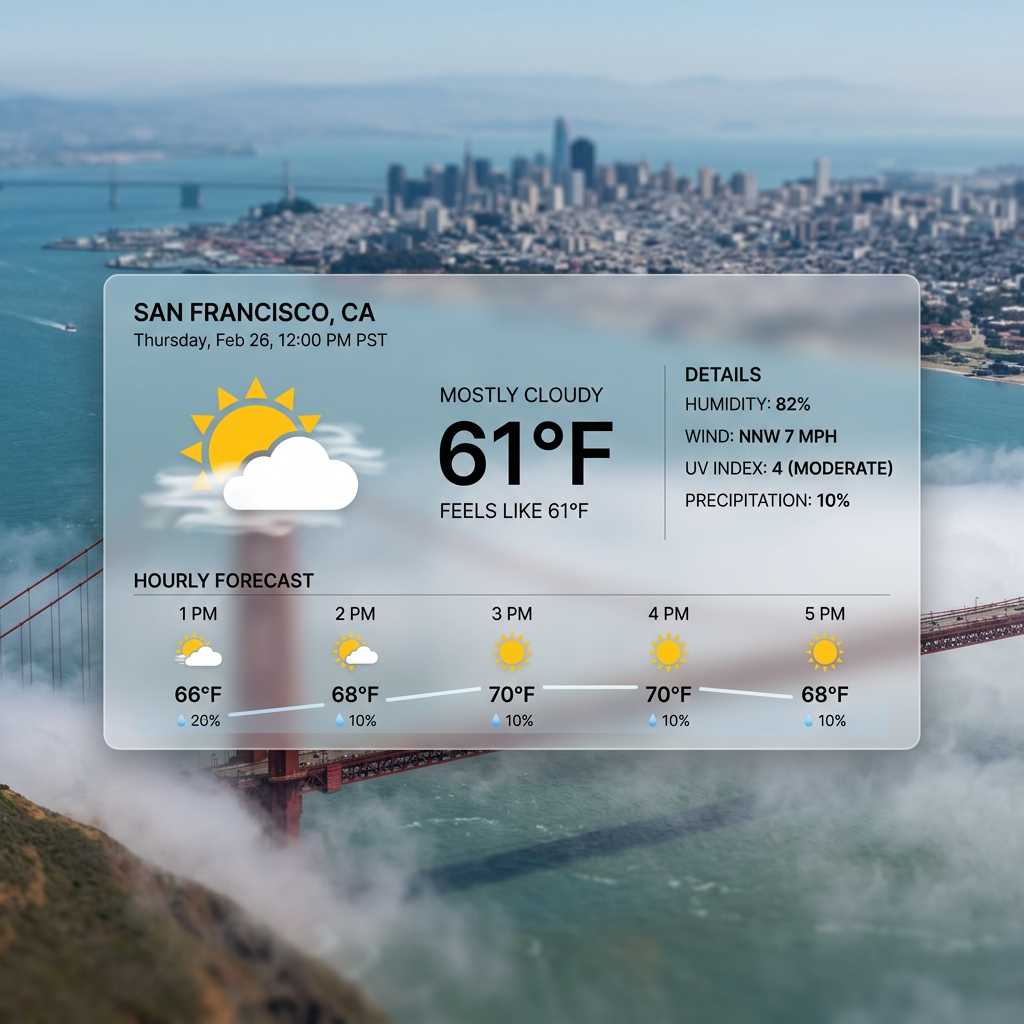
- Google Search Grounding: Real-time data (weather, stocks, events, maps)
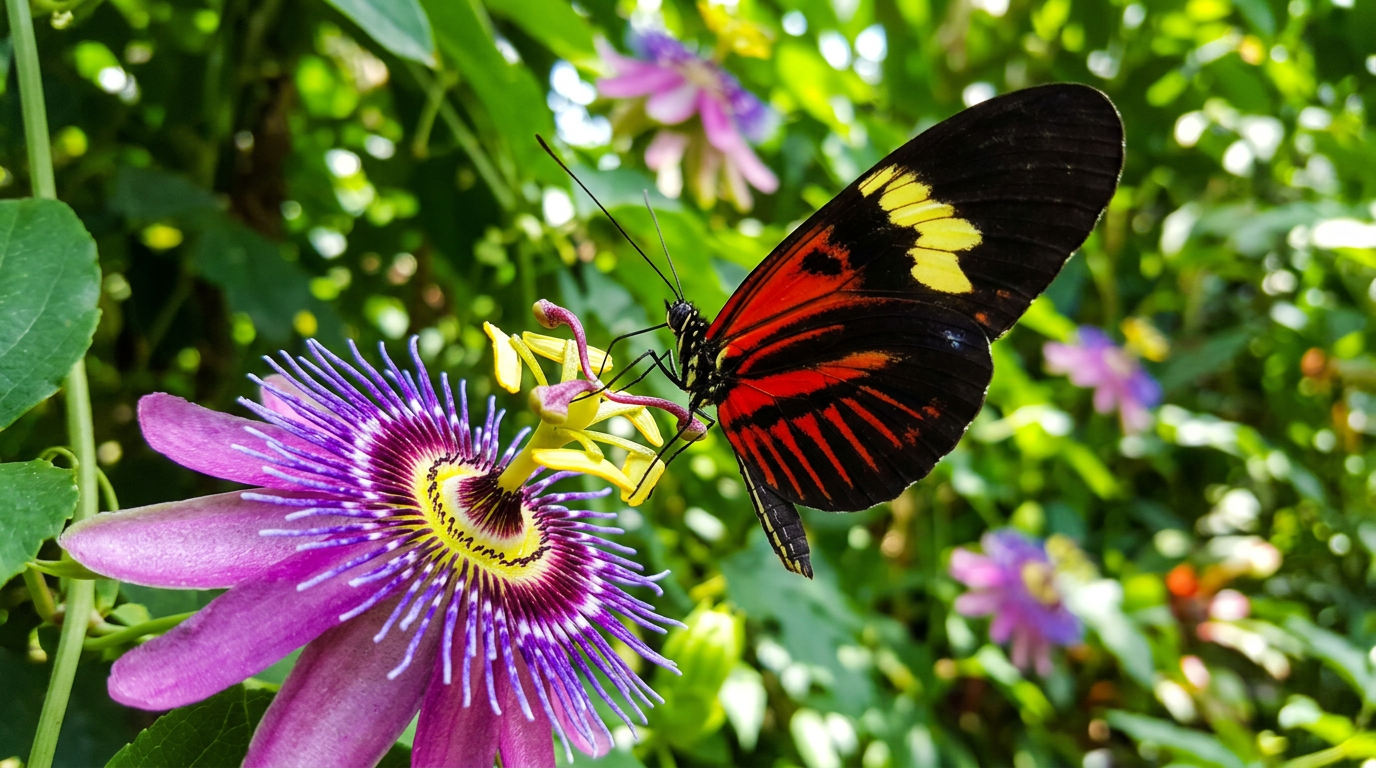
- Google Image Search: Visual context from web images — the model can FIND real images of anything
- Thinking Mode: Configurable reasoning - "minimal" (fast) or "high" (best quality)
- Transparent Backgrounds: Flip one flag → ready-to-use transparent PNG/WebP cut-outs with a real alpha channel, recovered by a two-pass difference matte (generate on white → edit to black → solve for alpha). True soft edges/glow/glass, no color halo. Pillow only — no extra dependencies. Costs a second model call (~2x).
- Dedicated App-Icon / Logo Tool:
generate_app_iconforces a square, transparent, 1024px PNG every time — no way to get a non-square or opaque-background icon
This model is different. Unlike traditional image generators that rely solely on training data, Gemini 3.1 Flash has live access to Google Search and Image Search. It can find actual references for products, people, events, or anything that exists online. "Way of Wade 12" → generates the REAL shoe. "Tony Hawk" → finds real photos. Don't over-prompt — let the model cook.
Server Features
- Batch Processing: Generate multiple images in parallel (up to 8 concurrent)
- 26 Expert Prompt Templates: MCP slash commands for photography, cinematics, storyboards, and more
- Flexible Aspect Ratios: 14 options — 1:1, 1:4, 1:8, 2:3, 3:2, 3:4, 4:1, 4:3, 4:5, 5:4, 8:1, 9:16, 16:9, 21:9
- Configurable via Environment Variables: Output directory, default size, timeouts, and more
Showcase
Photorealistic Capabilities
Jensen Huang — GPU Surfing

Elon Musk — Mars Chess Match

Jensen Huang — GPU Kitchen

Elon Musk — Cybertruck Symphony

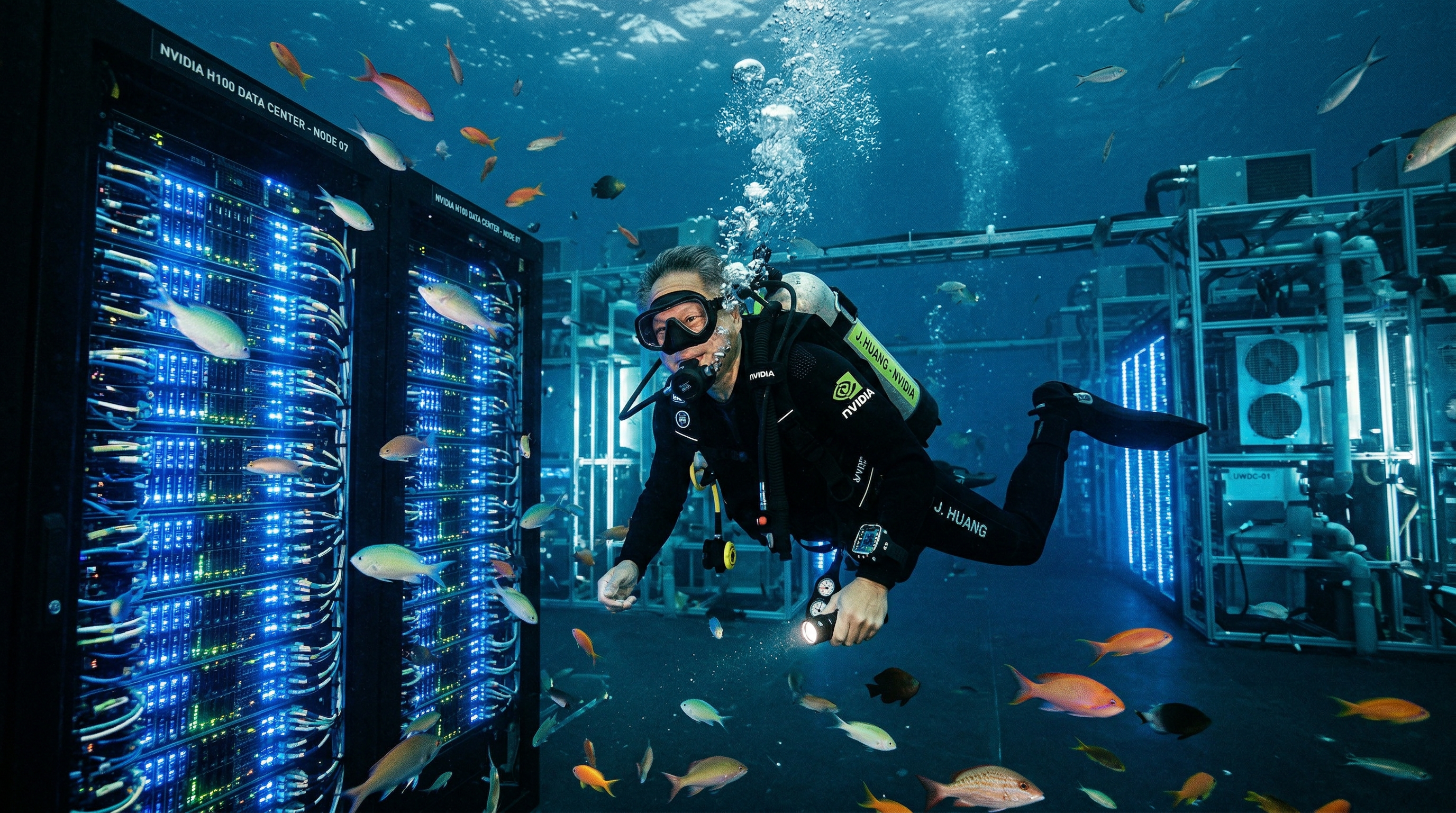
Jensen Huang — Underwater Data Center
Elon Musk — SpaceX Skateboarding

Google Search Grounding
Current Weather in San Francisco
Google Image Search
Butterfly on Flower
Different Resolutions
512px (fastest)
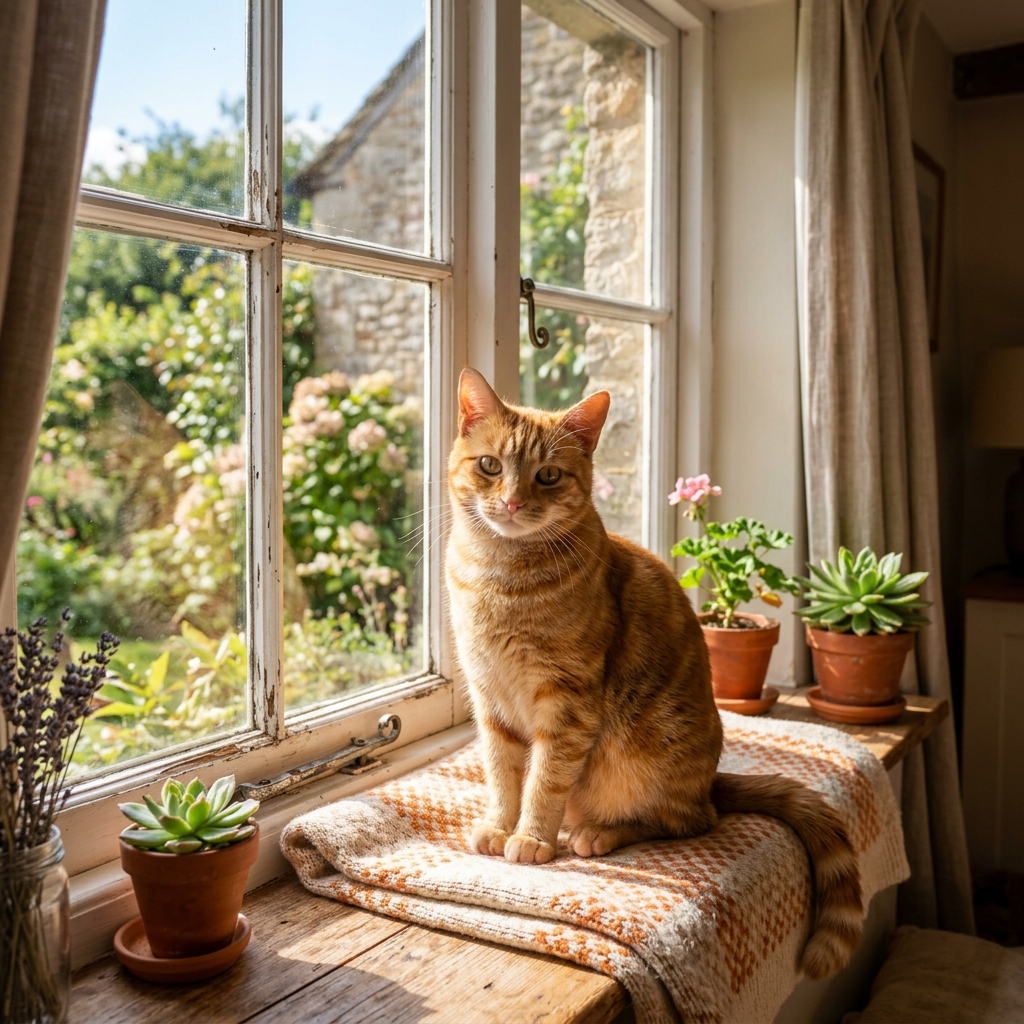
1K
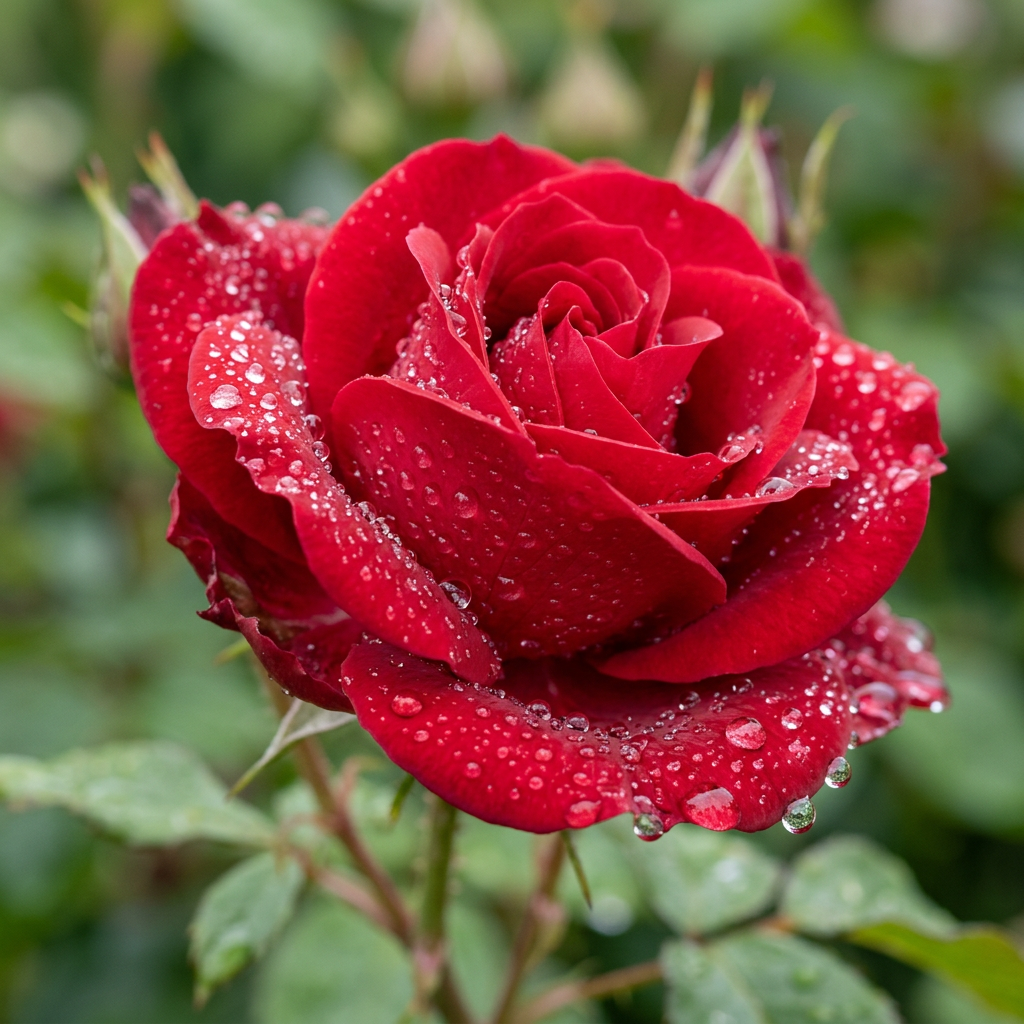
2K
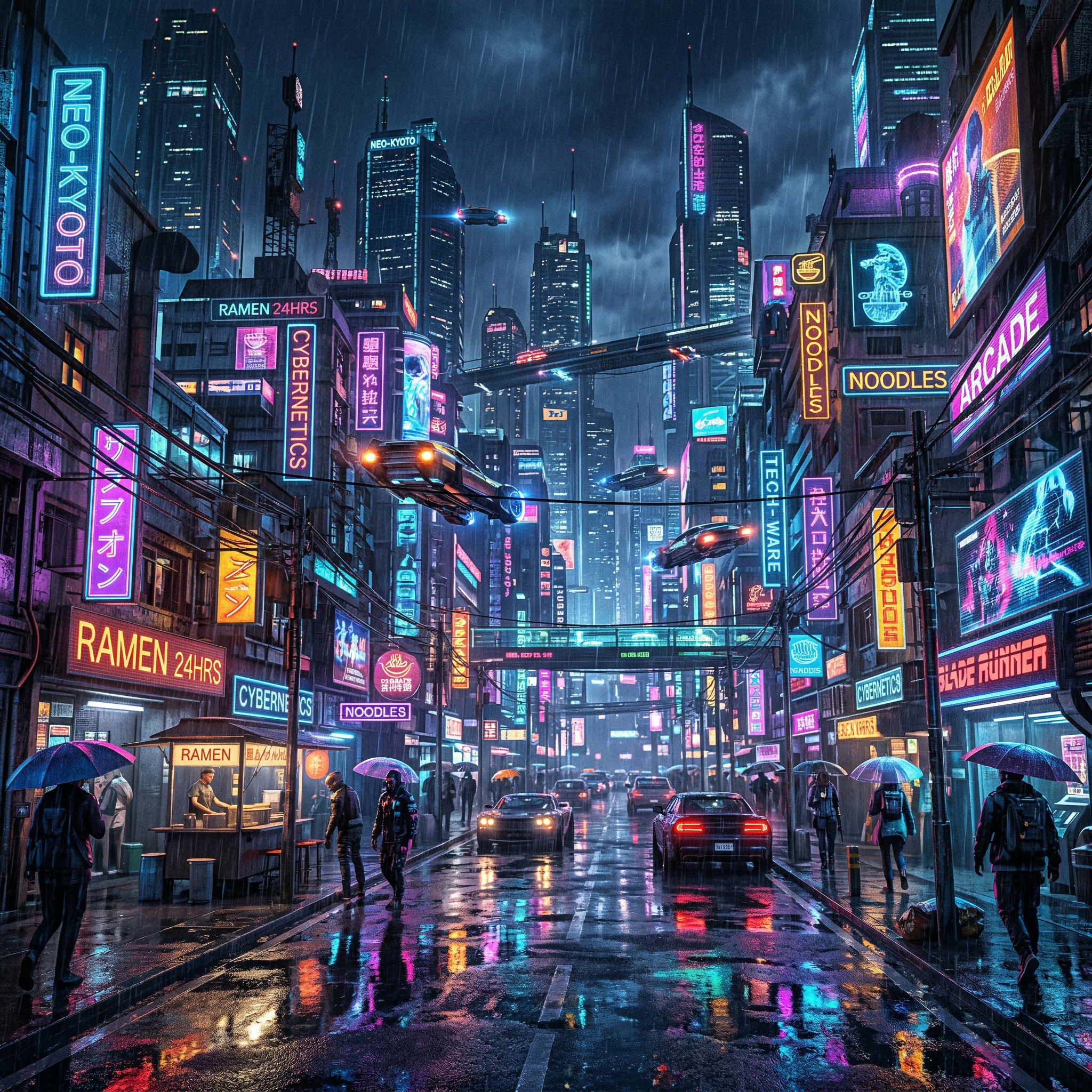
Quick Start
Prerequisites
- Python 3.11+
- Google Gemini API key (free tier available)
Installation
Using uvx (recommended — no install needed):
Note: Use
@latestto ensure uv always fetches the newest version from PyPI. Without it, uv may use a cached environment.
Using pip:
From source:
Config file locations:
- macOS:
~/Library/Application Support/Claude/claude_desktop_config.json - Windows:
%APPDATA%\Claude\claude_desktop_config.json
macOS
spawn uvx ENOENTerror: Use the full path — find it withwhich uvx, then set"command": "/Users/you/.local/bin/uvx".
Claude Code
Cursor
Add to .cursor/mcp.json:
Images are saved to ~/gemini_images by default. Add "OUTPUT_DIR": "/your/path" to customize.
Tools
generate_image
Generate an image with Gemini 3.1 Flash Image.
| Parameter | Type | Default | Description |
|---|---|---|---|
prompt | string | required | Text description. Less is more — "Tony Hawk kickflip" beats a long description. The model with search can find references automatically. |
aspect_ratio | string | 1:1 | One of: 1:1 1:4 1:8 2:3 3:2 3:4 4:1 4:3 4:5 5:4 8:1 9:16 16:9 21:9 |
image_size | string | 2K | 512px, 1K, 2K, or 4K |
output_format | string | png | png, jpeg, or webp |
reference_image_paths | list | [] | Up to 14 local image paths (10 objects + 4 characters) |
enable_google_search | bool | false | USE THIS for products, people, events — anything that exists now. The model searches Google for real info. |
enable_image_search | bool | false | USE THIS for visual references. The model finds actual images to work from. This is huge — it can reference real photos of anyone/anything. |
thinking_level | string | minimal | minimal (fast) or high (best quality) |
response_modalities | list | ["TEXT","IMAGE"] | ["TEXT","IMAGE"], ["IMAGE"], or ["TEXT"] |
transparent_background | bool | false | Produce a transparent PNG/WebP cut-out via the two-pass difference matte (~2x cost; see below) |
preserve_original | bool | true | Also keep the pass-1 (white-background) image, not just the cut-out |
alpha_output_format | string | png | Alpha-capable output format: png or webp |
Image size guide:
512px— fastest, lowest cost (0.5K)1K— fast, good for testing (~1-2 MB)2K— recommended for most use cases (~3-5 MB)4K— maximum quality for production assets (~8-15 MB)
Transparent backgrounds — set one flag, get a real alpha cut-out
Just set transparent_background=true. You get back a ready-to-use transparent PNG/WebP (real alpha channel) at transparent_path — no manual masking, no second tool, no follow-up steps.
Generating an app icon or logo? Use the dedicated
generate_app_icontool instead — it forces square + transparent + 1024px PNG so the icon constraints can't be set wrong.
Under the hood this is a two-pass difference matte. The subject is rendered once on a pure white (#FFFFFF) background, that image is edited to a pure black (#000000) background, and the two frames are combined to solve for alpha per pixel: since obs_white − obs_black = (1−α)·255 on every channel, α = 1 − mean(obs_white − obs_black)/255, and the foreground colour is un-premultiplied from the black frame. Because there's no colour key, there's no green spill/halo; alpha is fractional, so soft edges, glow, glass, and faint shadows all survive. Pillow-only, zero ML downloads — but it costs a second model call (~2x tokens/latency).
The technique assumes the edit pass changed only the background. If the model drifts the subject between passes, the matte degrades — the result still returns (aligned/alignment_error flag it, with a loud post_processing_warnings entry) so you can decide whether to regenerate.
Each returned image gains: transparent_path, background_removed, background_removal_mode ("difference_matte"), aligned, alignment_error, alpha_output_format, and post_processing_warnings. By default the pass-1 (white-background) original is preserved alongside the cut-out (preserve_original=true).
Related MCP Servers
Reviews
No reviews yet — be the first to share how this listing worked for you.
Frequently Asked Questions about Ultimate Gemini MCP
AllMCPs Directory Badge
Showcase your server listing on GitHub or your project documentation. Embed this dynamic SVG badge to highlight official listing status and live engagement.
Badge Style:
Live Dynamic SVG Preview
Markdown (GitHub README)
[](https://allmcps.com/mcp/ultimate-gemini-mcp)HTML Embed
<a href="https://allmcps.com/mcp/ultimate-gemini-mcp"><img src="https://allmcps.com/api/badge/ultimate-gemini-mcp?style=directory" alt="Ultimate Gemini MCP on AllMCPs" /></a>