AllMCPs
BrowseBestCategoriesStackCompareToolsGuidesBlog Log in Submit MCP

Stay in the loop

Get new MCP servers and top picks in your inbox.

AllMCPs

The open directory for discovering and installing Model Context Protocol servers.

Explore

  • Browse servers
  • Best MCP servers
  • Categories
  • MCP clients
  • Agent prompts
  • Stack Builder
  • Compare servers
  • Tags index
  • Submit a server
  • Pricing

Learn

  • Guides hub
  • What is MCP?
  • Install guide
  • Troubleshooting
  • Security
  • Blog
  • Blog RSS

Tools

  • All tools
  • Config generator
  • Config validator
  • MCP playground
  • OpenAPI β†’ MCP
  • Badge generator

For agents

  • API docs
  • Trust & traffic
  • llms.txt β†— (opens in a new tab)
  • Catalog JSON β†— (opens in a new tab)
  • Remote MCP β†— (opens in a new tab)

Company

  • About
  • Contact
  • X (@AllMCPs) β†— (opens in a new tab)
  • GitHub β†— (opens in a new tab)
  • Terms
  • Privacy
AllMCPs VerifiedAllMCPs VerifiedFeatured on Nick LaunchesFeatured on Nick LaunchesLaunch Llama NewsletterLaunch Llama NewsletterVerified DR - allmcps.comVerified DR - allmcps.comFeatured on SaaSGrowFeatured on SaaSGrowFeatured on Twelve ToolsFeatured on Twelve ToolsFeatured on Saaspa.geFeatured on Saaspa.geFeatured on Findly.toolsFeatured on Findly.toolsFeatured on Startup FameFeatured on Startup FameFeatured on LaunchKiwiFeatured on LaunchKiwiFeatured on ScrollLaunchFeatured on ScrollLaunchFeatured on DailyPingsFeatured on DailyPingsFazier badgeFazier badgeFeatured on NewTool.siteFeatured on NewTool.siteFeatured on saasfame.comFeatured on saasfame.comDR Checker - Domain RatingDR Checker - Domain RatingListed on Turbo0Listed on Turbo0Launched on LaunchBoard - Product Launch PlatformLaunched on LaunchBoard - Product Launch PlatformList on SimilarlabsList on Similarlabshttps://codetrendy.comhttps://codetrendy.comListed on DevTool.ioFeatured on BuildlistFeatured on BuildlistAllMCPs VerifiedAllMCPs VerifiedFeatured on Nick LaunchesFeatured on Nick LaunchesLaunch Llama NewsletterLaunch Llama NewsletterVerified DR - allmcps.comVerified DR - allmcps.comFeatured on SaaSGrowFeatured on SaaSGrowFeatured on Twelve ToolsFeatured on Twelve ToolsFeatured on Saaspa.geFeatured on Saaspa.geFeatured on Findly.toolsFeatured on Findly.toolsFeatured on Startup FameFeatured on Startup FameFeatured on LaunchKiwiFeatured on LaunchKiwiFeatured on ScrollLaunchFeatured on ScrollLaunchFeatured on DailyPingsFeatured on DailyPingsFazier badgeFazier badgeFeatured on NewTool.siteFeatured on NewTool.siteFeatured on saasfame.comFeatured on saasfame.comDR Checker - Domain RatingDR Checker - Domain RatingListed on Turbo0Listed on Turbo0Launched on LaunchBoard - Product Launch PlatformLaunched on LaunchBoard - Product Launch PlatformList on SimilarlabsList on Similarlabshttps://codetrendy.comhttps://codetrendy.comListed on DevTool.ioFeatured on BuildlistFeatured on Buildlist
Β© 2026 Jackalope Digital LLC. All rights reserved.
  1. Home
  2. πŸ’» Developer Tools
  3. UIcockpit
U
Health: Not checked yetWe have not completed a health check for this listing yet.Last checked 8/10/2026, 11:35:42 PM

UIcockpit

Enrichment pendingWe haven’t run our AI enrichment pass on this listing yet, so the overview, use cases, and FAQ below may be sparse or missing. We work through the catalog over time β€” check back soon.
View Repository

Generate a design system from a brief, then verify your AI stays on it.

Quick Install

Automated & IDE Setup

Copy the AI prompt to install this server into Claude Code, Cursor, or another agent β€” or use 1-click editor setup below.

Add to CursorAdd to VS Code
Manual Client & Custom JSON ConfigExpand JSON β–Ύ

Install Config Generator

Choose your client
claude_desktop_config.json
{
  "mcpServers": {
    "uicockpit": {
      "command": "npx",
      "args": [
        "-y",
        "uicockpit"
      ]
    }
  }
}

πŸ’‘ Paste into ~/Library/Application Support/Claude/claude_desktop_config.json (macOS) or %APPDATA%\Claude\claude_desktop_config.json (Windows)

Install Directory Badge Claim listing AlternativesπŸ’» More in Developer Tools

Documentation Overview

UIcockpit

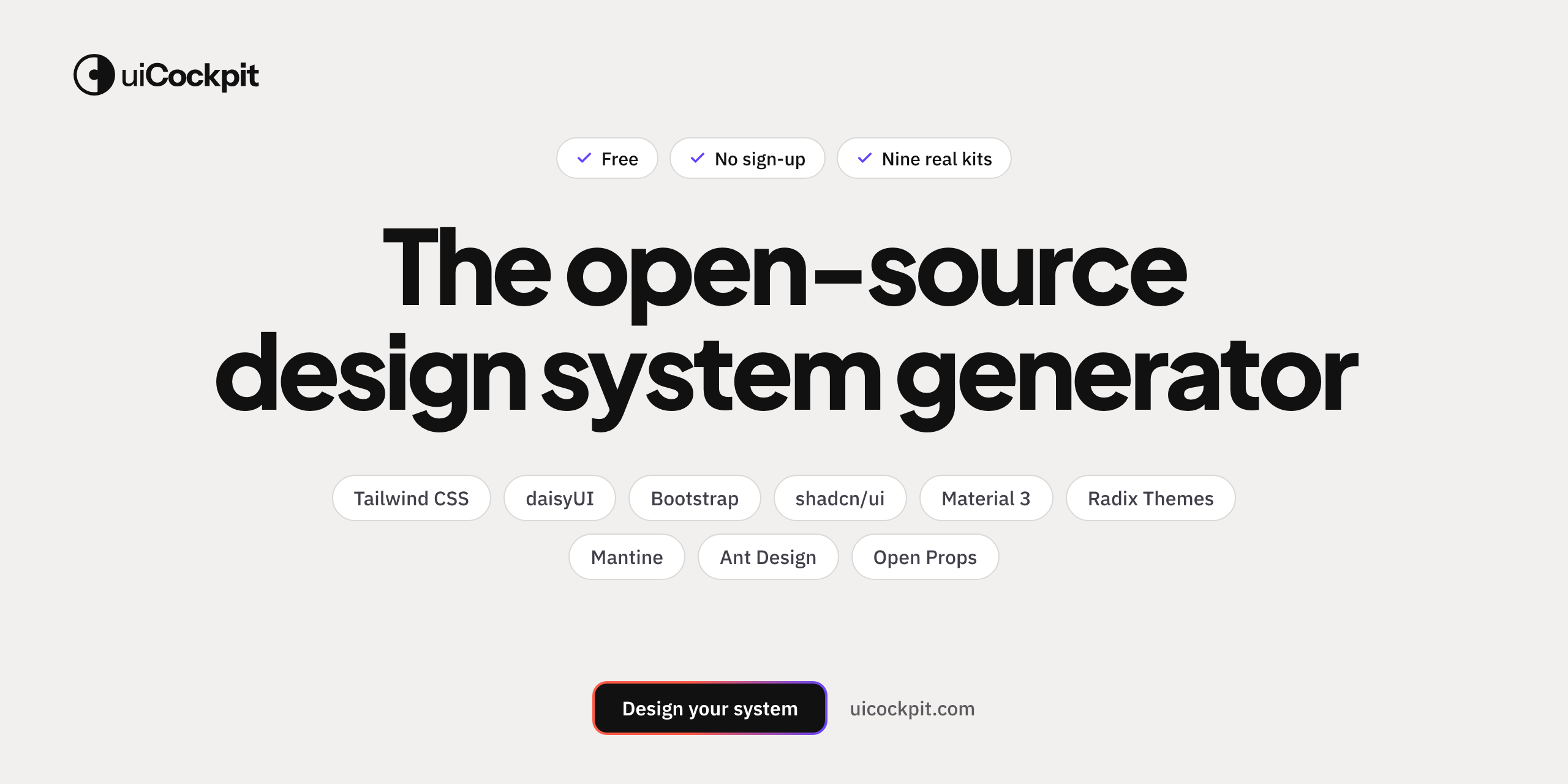
The open-source design system generator β€” AI fluent, drift-proof.

Not another design system β€” the machine that makes yours. Dial in your design language visually, export it framework-neutral, and keep it up to date behind one link β€” then hand it to your coding agent and uicockpit check makes sure it stays on it. --k-* tokens + 100+ accessible components (real recipes with state contracts) with a built-in WCAG audit of your kit, delivered as a hosted <link>, a download, or natively inside your agent (CLI + MCP).

Free Β· no account Β· paste it anywhere.

Try it β†’ uicockpit.com Β· Use a kit β†’ kit.uicockpit.com Β· Docs

License: MIT npm: uicockpit npm: uicockpit-mcp Live kit CDN Price

UIcockpit β€” ship AI apps that look designed, not generated: one design language, real components


Why I made this πŸ‘‹

If you've ever vibe-coded an app, you know the feeling. You're moving fast, the AI is reaching for the same components for the twentieth time, and somewhere along the way you lose the thread. The radii drift. The greys don't quite agree. There's always one button that's just… a little off. It all works β€” but none of it feels like yours.

I built UIcockpit to get out of that: a calm place to make the design decisions once, hand them to your agent as a real contract, and have a one-command check that catches the drift before it ships. No spreadsheet of tokens, no hand-tuning forty little things β€” a coherent system that survives contact with an AI that builds faster than you can review.

Framework-neutral (plain HTML, Vue, Svelte, React β€” whatever you're in), free, no account, no lock-in. β€” Alexander


Where it sits in the stack

A design system hands you someone else's taste, themed β€” a generator ships your own. Tailwind is how you style. shadcn is what you assemble. UIcockpit is the design language that makes it yours β€” and the only layer that keeps it coherent as your app (and your AI) grow. It sits above them, framework-neutral.

You already have…which is…so UIcockpit is…
Tailwind / CSShow you write stylesthe decisions those styles encode β€” the layer above
shadcn / Radixthe components (+ behaviour)the design language that makes any components look like one product
Figma / design tokensthe design source (authoring)the same language, but executable, framework-neutral, and self-enforcing

The loop it lives in: Define your language β†’ your AI applies it β†’ uicockpit check verifies it. Not a one-off asset β€” a layer in the build loop.

β†’ The thinking behind this: VISION.md.


1. Pick a starting point, make it yours

Open uicockpit.com, pick one of 7 named styles grounded in the best modern apps, then tweak with 19 clear controls:

StyleGrounded inFeel
Cleanshadcn / Linearthe balanced default
PrecisionLinear / Figmacrisp, flat, cool
MinimalVercelmono headings, stark
RefinedStripeultralight headlines
CalmNotionsystem font, seamless
Softβ€”rounded and warm
Editorialβ€”serif headings

Your brand colour rides through every style. And the engine keeps it coherent: pick any combination of the controls and it straightens the corners that would otherwise look wrong β€” a dense layout never gets giant headings, a card always stays visible against the page, the selected tab is always legible. Make whatever you want; we straighten it.


2. Ship it β€” two tracks

πŸ€– Agent-native β€” the check loop (best for AI builds)

Give your coding agent the system and the guardrail, no copy-paste:

Terminal
npx uicockpit init <kit-hash>   # writes tokens.css + contract.json + AGENTS.md
#  β†’ your agent builds with the --k-* tokens and the house rules
npx uicockpit check --strict    # fails on any drift from the contract β€” the moat

Or run it as an MCP server (Claude Code, Cursor, Windsurf, Claude Desktop):

config.json
{ "mcpServers": { "uicockpit": { "command": "npx", "args": ["-y", "uicockpit-mcp"] } } }

Four tools: create_kit (generate a kit from a brief β€” brand, radius, density) Β· install_kit (pull it into the project) Β· get_design_context (the kit's grammar β€” tokens + component anatomy + composition rules + intent routing) Β· check_conformance (verify the output). The agent can spin up your language, build on it, and check itself.

β†’ uicockpit CLI Β· uicockpit-mcp

🎨 Web / paste

  • One hosted <link> β€” the whole kit (tokens + component recipes with real hover/focus/disabled states) served from the edge:
    html
    <link rel="stylesheet" href="https://kit.uicockpit.com/k/<your-kit-key>.css">
    
  • Own the files β€” download tokens.css, tokens.json, a Tailwind v4 @theme block, or shadcn/ui globals.css. No runtime, no dependency.
  • Quick-paste into v0, Lovable, bolt, … via the in-app "Use in [your tool]" router.

What's in the box

  • 250+ design tokens β€” OKLCH colour ramps (contrast-clamped to WCAG), a type scale with weight + label-case control, spacing grid, radii, shadows, a 3-tier motion system, a brand-harmonised multi-hue chart/avatar palette.
  • 100+ components β€” real per-component recipes, all token-driven, all with full hover/focus/disabled state contracts, shipped in tokens.css and over the CDN.
  • Coherence guarantees β€” the foundation self-corrects incoherent control combinations (height harmony, surface separation, type-density contrast) and a WCAG contrast check is baked in, so the kit you configure is always shippable.
  • Many outputs from one config β€” tokens.css, tokens.json, a Tailwind v4 @theme block, shadcn/ui globals.css, plus the machine-readable contract.json, agent rules, and a full design.md β€” with a live preview on a real app and a full component gallery: change one control, watch the whole thing move.

How it works

One configuration β†’ one single source β†’ every surface:

Code
19 visual controls ──▢ --k-* tokens ──▢ β”Œβ”€ live preview (gallery + a real app that dogfoods the export)
   (Style Β· Brand Β· Type Β·              β”œβ”€ tokens.css / json / Tailwind / shadcn / design.md / AGENTS.md / contract.json
    Shape Β· Surface Β· Motion)           β”œβ”€ hosted kit: kit.uicockpit.com/k/<key>.css
                                        └─ npx uicockpit init/check Β· the MCP server

The CDN runs the exact same function the download uses, so the hosted link is byte-identical to the file you'd export, and the contract check reads always agrees with the CSS. The demo app renders from the kit alone β€” if the kit ever breaks, the app breaks too, and we catch it.


Not a component library β€” a coherence compiler

A catalog of components is always finite; the agent building your app isn't. Sooner or later it needs a component you never drew β€” and it guesses, and the guess drifts off your language.

So the real product isn't 100 components, or 200. It's the grammar underneath them β€” the parts and composition rules every component is quietly made of β€” handed to the agent through get_design_context, with uicockpit check making sure that whatever it assembles, even a screen nobody drew, is built only from your language.

A finite kit can, at best, be "complete." A grammar plus a verifier is generative β€” it covers the screens nobody drew. That's the north star, and the spine is already live: configure β†’ CDN β†’ CLI/MCP β†’ check.

The mechanism has a name: the Role Canvas. A small, closed set of roles β€” control Β· selectable Β· surface Β· tone-bearer Β· text-slot Β· overlay β€” each guarantees one perceptual treatment (a height, a selected edge, a legible tint, a truncation…). Any element that tags a role β€” through a thin data-role, or simply the ARIA state that already names it (aria-selected, role="menu") β€” inherits that treatment for free, so even a component we never built comes out coherent. It's a set of zero-specificity CSS floors, enforced in the build, and you can flip it on and off live in the app's loupe.

β†’ The full thinking lives in VISION.md.


Run it locally

bash
git clone https://github.com/AlexanderKaan/uicockpit.git
cd uicockpit/cockpit
npm install
npm run dev          # configurator at http://localhost:5173
npm run build        # the build gate (icon-verify β†’ audits β†’ tsc β†’ vite build)
npx vitest run       # tests

Vite + React 19 + TypeScript (strict). The CLI (cli/) and MCP server (mcp/) are separate zero-dependency packages.


Contributing

Come on in. A new named style, a missing component recipe, an export adapter (Style Dictionary, Figma variables), a framework adapter, an accessibility fix β€” all welcome. Start with CONTRIBUTING.md and the Code of Conduct, then open an issue or a discussion.

See docs/roadmap.md for what's shipped, in progress, and next β€” the gaps you hit while using it are the best input we get.


Thanks πŸ™

If UIcockpit is useful to you, a ⭐ genuinely makes my day and helps other makers find it.

Made with care by Alexander Kaan at Pageminds Β· MIT, free forever.

Related MCP Servers

View all in Developer Tools View all alternatives
  • Claude Task Master logoClaude Task Master

    AI-powered task management system for AI-driven development. Features PRD parsing, task expansion, multi-provider support (Claude, OpenAI, Gemini, Perplexity, xAI), and selective tool loading for optimized context usage.

    πŸ’» Developer Tools7 views
    Compare vs Claude Task Master β†’
  • A
    Ai Netcafe

    Compare LLM cost & latency on one prompt, translate PDF keeping layout, cited research, make PPTX

    πŸ’» Developer Tools0 views
    Compare vs Ai Netcafe β†’
  • H
    Hash Utils Ai Mcp

    MCP server for hash utils ai. Features hash text, verify hash, generate uuid. From MEOK AI L...

    πŸ’» Developer Tools0 views
    Compare vs Hash Utils Ai Mcp β†’
  • O
    Otp Ai Mcp

    Otp Ai MCP server. Tools: generate secret, generate totp, verify totp. Built by MEOK AI Labs.

    πŸ’» Developer Tools0 views
    Compare vs Otp Ai Mcp β†’

Frequently Asked Questions about UIcockpit

Add the following block to your claude_desktop_config.json under mcpServers: "mcpServers": { "uicockpit": { "command": "npx", "args": ["-y", "UIcockpit"] } }

AllMCPs Directory Badge

Full Badge Customizer

Showcase your server listing on GitHub or your project documentation. Embed this dynamic SVG badge to highlight official listing status and live engagement.

Badge Style:
Live Dynamic SVG PreviewUIcockpit AllMCPs Directory Badge

Markdown (GitHub README)
[![AllMCPs](https://allmcps.com/api/badge/uicockpit?style=directory)](https://allmcps.com/mcp/uicockpit)
HTML Embed
<a href="https://allmcps.com/mcp/uicockpit"><img src="https://allmcps.com/api/badge/uicockpit?style=directory" alt="UIcockpit on AllMCPs" /></a>

Technical Specs & Signals

CategoryπŸ’»Developer Tools
More technical detailsExpand β–Ύ
TransportSTDIO
RuntimeNode.js
Views0
Unique ViewsTotal visits recorded for this listing page on AllMCPs.
Installs0
Installs & Copy ActionsTotal times users copied install commands or configuration snippets for this server.
27Quality signal: Emerging Β· 27/100How this signal is calculated β–Ύ
Server availabilityNot measured

Not scored for repo-hosted servers β€” we can't reach the running server, only its GitHub page. Hosted MCP endpoints are health-checked live.

Verified ownership8/20
Documentation & tools11/30
Adoption & activity1/15
Community engagement0/10

A guidance signal from public completeness & health data β€” not a user rating. New listings start lower and rise as they add docs, get verified, and grow adoption. Signals we can't observe for a listing are skipped, not counted against it.

β˜… Spotlight Slot

Feature Your MCP Server

Get maximum visibility for your server across our directory, search results, and detail pages.

Spotlight Your Server

Own this project?

This directory is pre-filled from public sources. Claim via GitHub README, site badge, or DNS TXT to get the verified badge and attach your website.

Free dofollow backlink: after claiming, verify your product site and place a dofollow AllMCPs badge β€” we recheck it stays live.

Claim & get free dofollow

Share & Embed

Add our SVG badge (dark/light directory styles) or embeddable widget to your site.

Explore more

More in πŸ’» Developer Tools β†’Best MCP servers for Developers β†’Alternatives to UIcockpit β†’Install in Claude DesktopInstall in CursorInstall in VS Code