TwitterTools


A free and open-source suite of Twitter tools for X (Twitter). Ten tools, no login, no tracking, no paid X API. Most features run directly in your browser; the server only provides a stateless media proxy when a download needs one.
TwitterTools is an independent project and is not affiliated with X Corp.
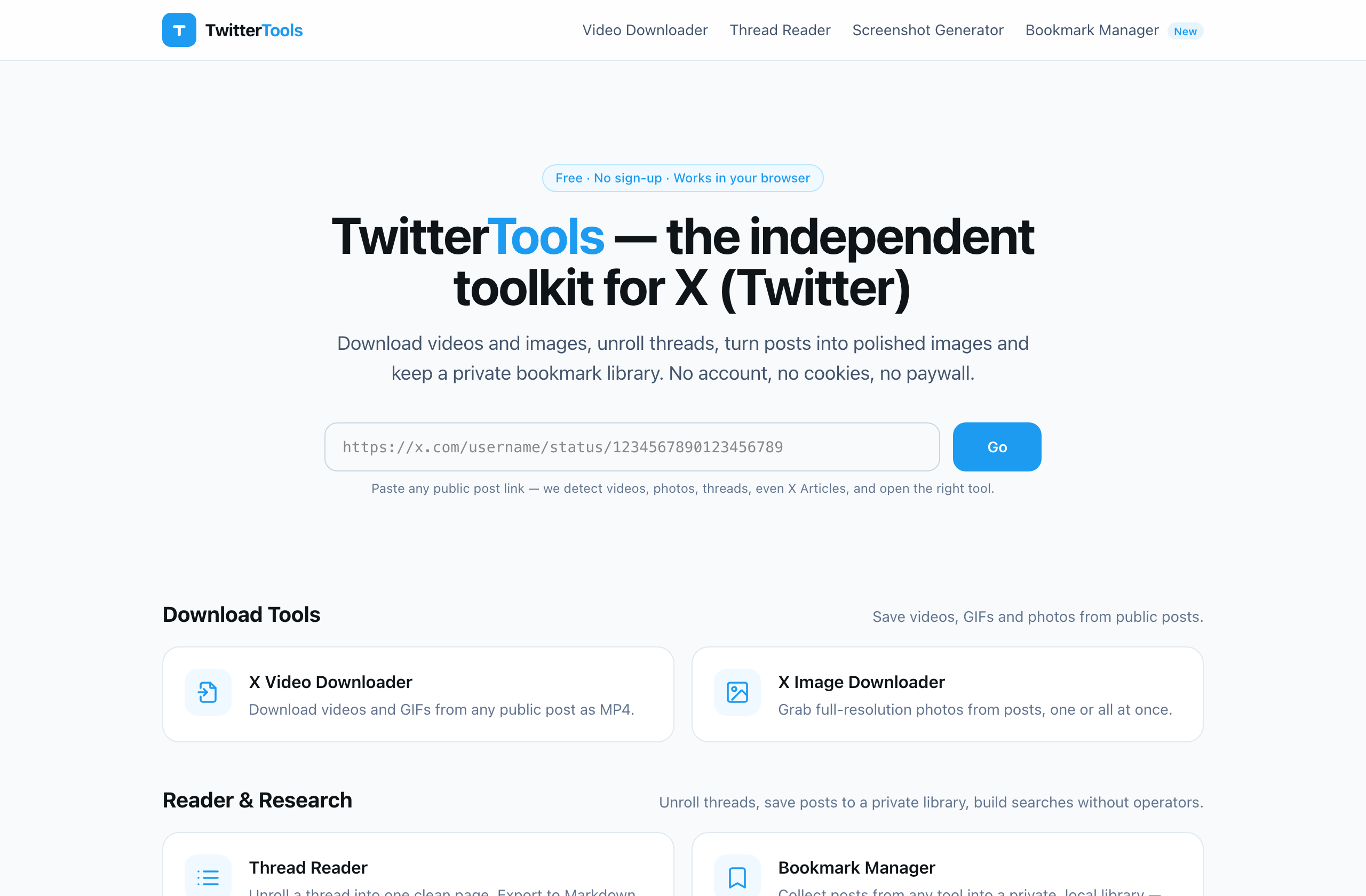
Features
Download
- Video Downloader — save videos & GIFs as MP4 in every available quality, with file-size estimates
- Image Downloader — original-resolution photos, one at a time or all at once
Reader & Research
- Thread Reader — unroll a thread into one readable page; export Markdown, TXT, HTML or PDF
- Advanced Search Builder — build search-operator queries with a GUI, then open them on X
Writing
- Tweet Splitter — break long text into a numbered 280-character thread using X's real counting rules
- Character Counter — weighted counting exactly like X: CJK counts double, links always count 23
- Font Generator — bold, italic, script and more Unicode styles for posts and bios
Create & Share
- Screenshot Generator — render a post (or a thread with its replies) into a polished PNG card, light or dark
Developer
- URL & ID Parser — convert post URLs to IDs and Snowflake timestamps, and back
For AI agents
TwitterTools MCP — a Model Context Protocol
server (npx twittertools-mcp) that lets AI assistants fetch posts and threads,
count characters, and split text with X's real rules. No login, no tracking.
Highlight: a privacy-first bookmark manager
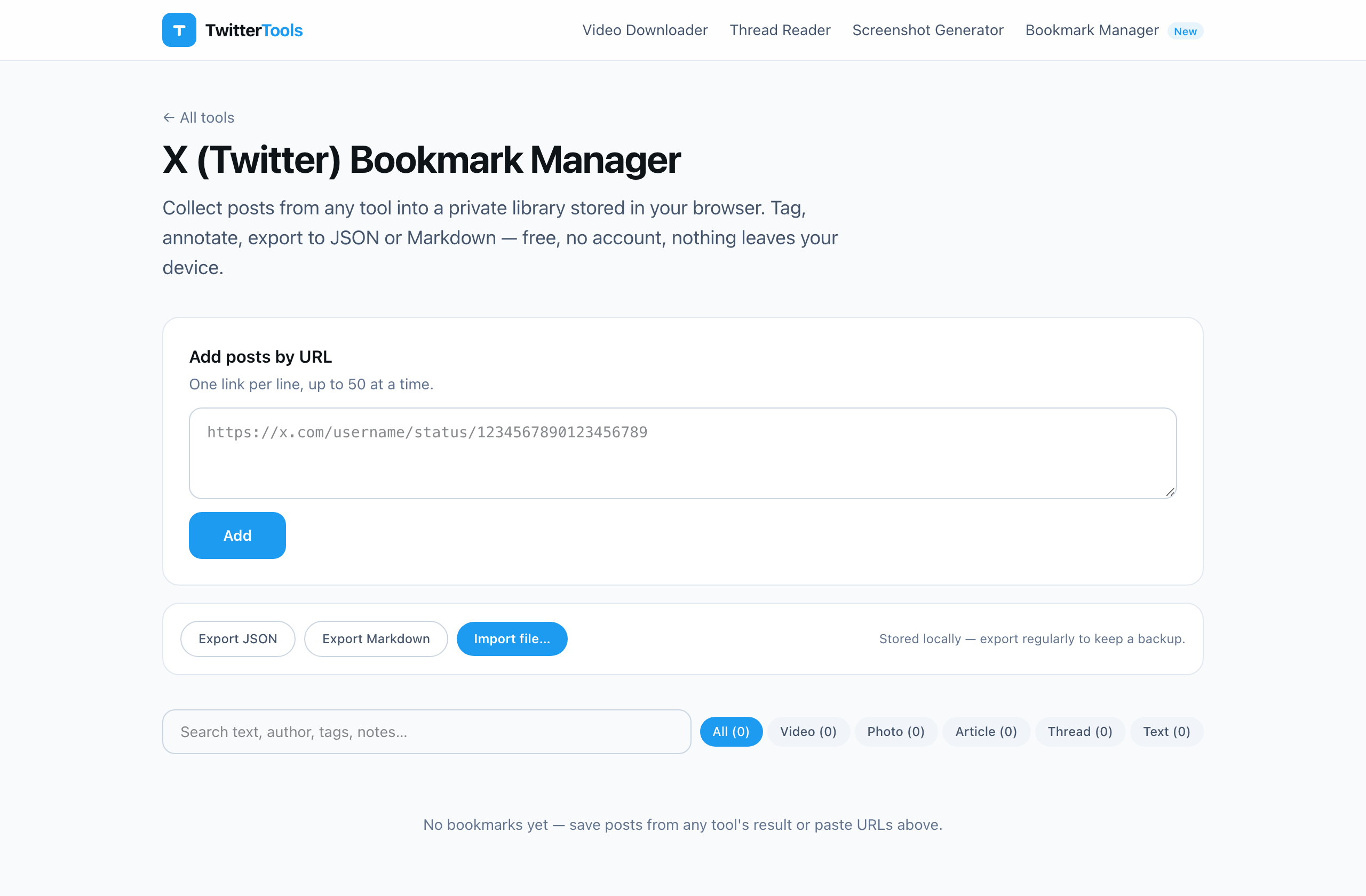
Bookmark Manager is the most distinctive tool in the suite — a local-first X bookmark library:
- No account required — your bookmarks never leave your device (IndexedDB)
- Snapshots public posts (text, media, author) so they survive deletion
- Tags, notes, search, a built-in media viewer, JSON & Markdown export
- Installable as a PWA — viewed items stay available offline
Demo
https://twittertools.com — every tool works without an account.
Why open source?
Twitter tools often demand accounts, OAuth permissions, or opaque black-box services. TwitterTools is open source so you can verify the opposite: nothing is tracked, nothing is stored, and every claim on the site can be checked against the code.
Tech Stack
Frontend: Astro + TypeScript + Tailwind CSS (a scoped service worker powers the installable Bookmark Manager)
Backend: Python 3.8+ (3.11+ recommended) + aiohttp. Public posts are resolved through X's free syndication endpoint (the same one that powers embeds on publisher sites) — no developer account, no OAuth, no per-read billing.
Tests: vitest (frontend units) + Playwright (page smoke tests) + an offline mock suite for the backend — all run in CI on every push.
Self Hosting
The site is a static build (dist/) plus one small API service. Any host that can
reach cdn.syndication.twimg.com, pbs.twimg.com and video.twimg.com can run it.
1. Build the frontend
npm install
npm run build        # -> dist/
2. Run the API
cd server
python3 -m venv .venv && .venv/bin/pip install -r requirements.txt
.venv/bin/python downloader_server.py    # serves 127.0.0.1:8787
3. Serve it
Point a web server at dist/ and reverse-proxy /api/ to 127.0.0.1:8787.
A ready-made Apache vhost example lives in deploy/.
Two rules matter:
- Point the document root at
dist/, never at the repo root — that would exposeserver/anddeploy/to the web. video.twimg.com403s hotlink requests that carry a non-XReferer; the backend already sends none — don't add one back.
For production, run the API under the provided systemd unit
(server/twittertools-api.service) and create
its state directory first (install -d -o www-data -g www-data /var/lib/twittertools)
so the tweet cache can persist across restarts. If persistence fails, the backend
logs a one-time "staying memory-only" warning and keeps working.
Configuration
| Variable | Default | Purpose |
|---|---|---|
TT_CACHE_FILE | next to the script (dev) | Disk path for the 10-minute tweet cache; "" disables persistence |
TT_GLOBAL_TWEET_RATE | 300/60 | Global lookup limiter, limit/window-seconds |
TT_GLOBAL_DOWNLOAD_RATE | 120/60 | Global download limiter |
TT_THREAD_DOWNWALK | 0 | 1 enables best-effort conversation down-walk (guest GraphQL) |
TT_MEDIA_HOSTS | — | Extra allowed media hosts (for tests) |
TT_PROXY | — | Optional outbound proxy (e.g. socks5h://127.0.0.1:1080) for hosts that can't reach X directly |
Per-IP limits (60 lookups/min, 40 downloads/min) are built in. Aggregate, anonymous
counters are served at GET /api/healthz.
Updating
git pull && npm install && npm run build
# rsync dist/ to your web root; rsync server/ and restart the service when it changes
Local development
npm run dev                                  # site on :4321, API auto-wired to :8787
cd server && .venv/bin/python mock_test.py   # offline integration suite (no network)
Honest limitation: the syndication endpoint is undocumented and has no SLA. If X
changes it, only the fetch layer in
server/downloader_server.py
(fetch_syndication() / candidate_tokens()) needs updating — GET /api/healthz
shows the upstream status distribution.