Three.js DevTools MCP README
The full upstream README, mirrored here for reference. Install config, tool schemas, adoption signals, and an original overview live on the Three.js DevTools MCP listing page.
threejs-devtools-mcp


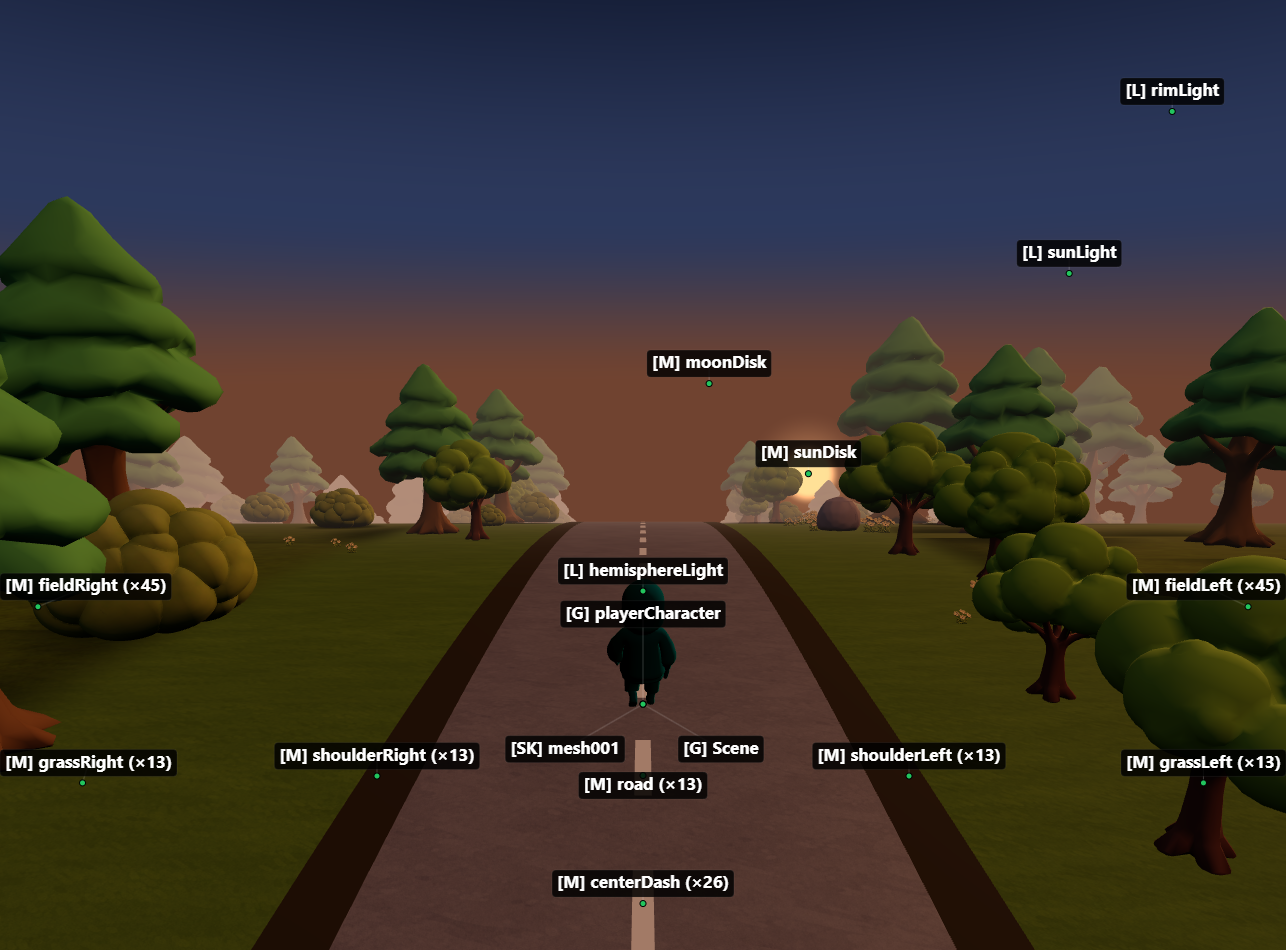
MCP server for inspecting and modifying Three.js scenes in real time — 59 tools for objects, materials, shaders, textures, animations, performance monitoring, memory diagnostics, and code generation.
Zero changes to your project. Works with vanilla Three.js, React Three Fiber, and any framework.
Setup
1. Add the MCP server
Claude Code
Claude Desktop
Add to claude_desktop_config.json:
Windsurf
Add to ~/.codeium/windsurf/mcp_config.json:
VS Code (Copilot)
Add to .vscode/mcp.json:
OpenCode
Add to opencode.json in your project:
2. Start your dev server and open the browser
Start your Three.js dev server as usual (npm run dev). The MCP server auto-detects the port from package.json and opens a browser at localhost:9222 with the devtools bridge injected.
Keep the browser tab open. The MCP server talks to your scene through a WebSocket bridge. Close the tab = tools stop working.
3. Ask the AI about your scene
In-browser overlay
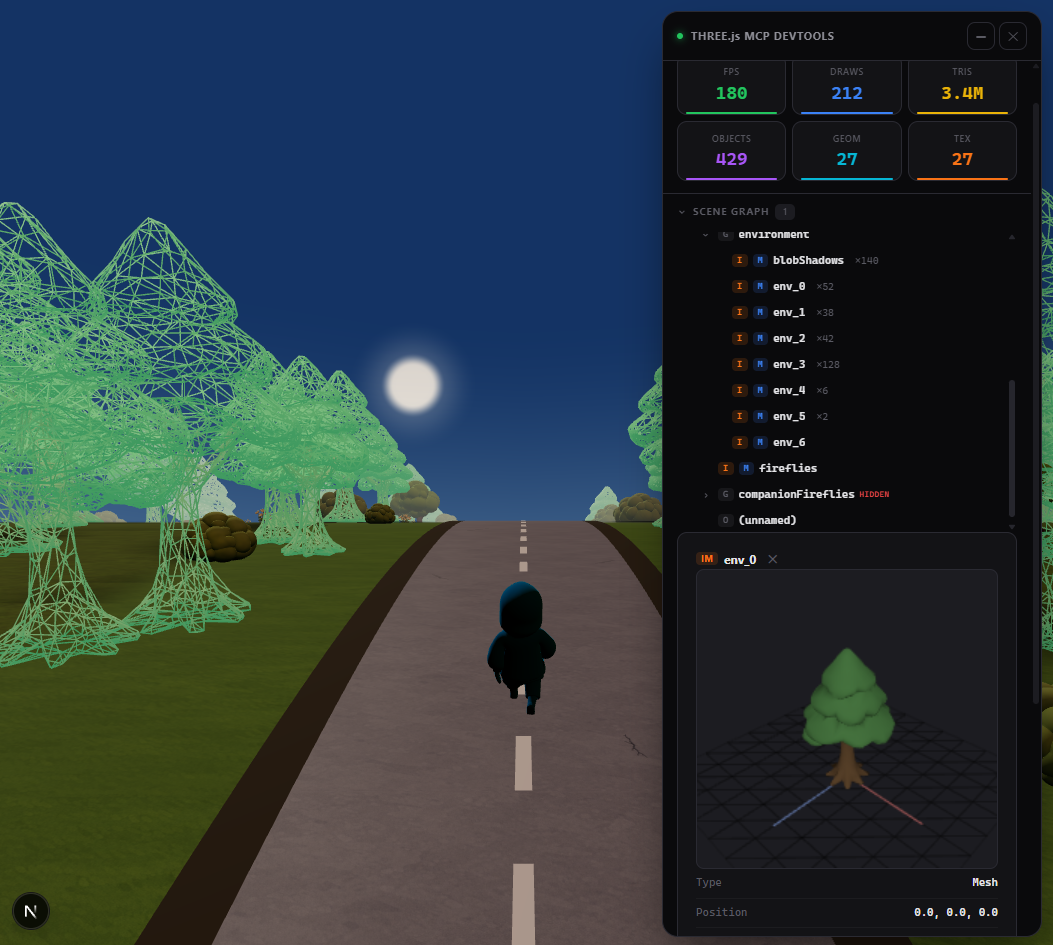
A built-in devtools panel with live performance stats, interactive scene graph, material editor, and 3D object preview. Activated automatically or via the toggle_overlay tool.
Tip: name your objects
Unnamed objects show as (unnamed) in the scene tree. Named objects are easier to find and modify:
Documentation
- Tools reference — all 59 tools with parameters
- Advanced setup — animations, scene export, configuration, transports
- Cursor setup — step-by-step guide for Cursor
- Token-efficient workflow — best practices for saving context
License
MIT