documentationragdeveloper-toolsknowledge-base
Connects IDEs and chat tools to Biel.ai for answers grounded in your product documentation and knowledge base.
Quick Install
Automated & IDE SetupCopy the AI prompt to install this server into Claude Code, Cursor, or another agent — or use 1-click editor setup below.
Not yet automatically verified
We haven't yet run this listing's install command through our automated sandbox check. This isn't a red flag — we're steadily working through the catalog.
Manual Client & Custom JSON ConfigExpand JSON ▾
Client Config & Setup
Choose your client or environment
Target File:
💡 Paste the JSON block into your client's configuration file under mcpServers, then restart the application.
Overview
Use cases
Query product documentation from an IDE
Answer technical questions using company knowledge
Check API details such as authentication headers
Provide documentation context for code completions
Key features
Queries Biel.ai-hosted documentation
Supports product APIs and knowledge bases
Connects through an MCP server
Supports public and private projects
Can be self-hosted with Python or Docker
Capabilities & Tool Schemas
Inspect callable tools, capabilities, and parameters exposed to AI agents by Biel MCP.
Extracted Tool Capabilities
Queries Biel.ai-hosted documentation
Supports product APIs and knowledge bases
Connects through an MCP server
Supports public and private projects
Can be self-hosted with Python or Docker
Documentation Overview

Biel.ai MCP Server
Connect your IDE to your product docs
Give AI tools like Cursor, VS Code, and Claude Desktop access to your company's product knowledge through the Biel.ai platform.
Biel.ai provides a hosted Retrieval-Augmented Generation (RAG) layer that makes your documentation searchable and useful to AI tools. This enables smarter completions, accurate technical answers, and context-aware suggestions—directly in your IDE or chat environment.
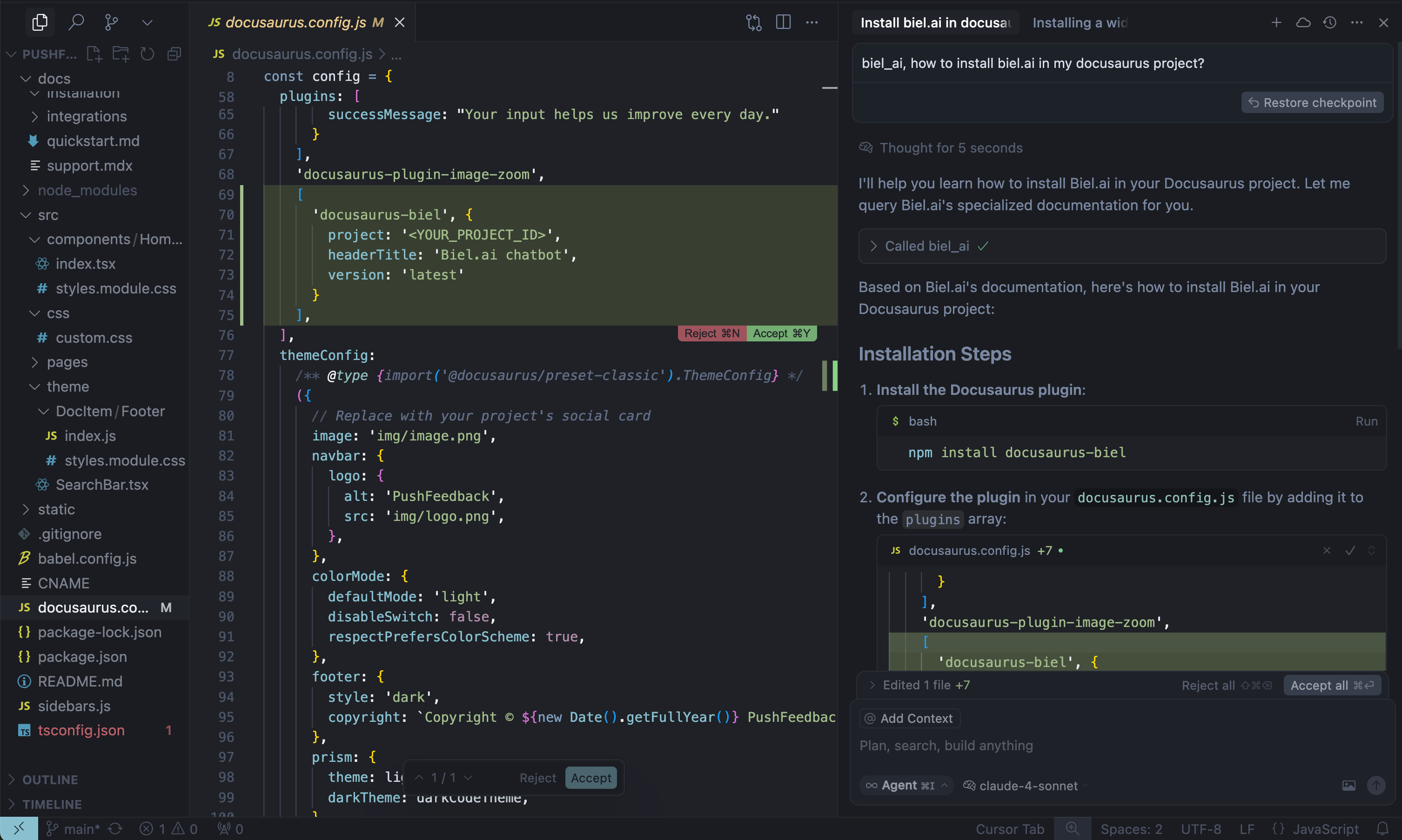
When AI tools can read your product documentation, they become significantly more helpful—generating more accurate code completions, answering technical questions with context, and guiding developers with real-time product knowledge.
Note: Requires a Biel.ai account and project setup. Start your free 15-day trial.
See quickstart instructions →
Getting started
1. Get your MCP configuration
Required: project_slug and domain
Optional: api_key (only needed for private projects)
2. Add to your AI tool
- Cursor: Settings → *Tools & Integrations → New MCP server.
- Claude Desktop: Edit
claude_desktop_config.json - VS Code: Install MCP extension.
3. Start asking questions
Self-hosting (Optional)
For advanced users who prefer to run their own MCP server instance:
Local development
Use as a Python package
Applications that host their own ASGI stack can install the server directly from a tagged revision and import its FastAPI application:
Docker deployment
Support
- Issues: GitHub Issues
- Contact: support@biel.ai
- Custom Demo: Book a demo
Related MCP Servers
Adoption & maintenance
Factual signals from GitHub, npm, and our automated checks — not a rating.
GitHub stars
3
Stargazers on the source repository.
Last commit
16d ago
Most recent push to the default branch.
Directory activity
2 views
Config copies, upvotes, and views on AllMCPs.
Reviews
No reviews yet — be the first to share how this listing worked for you.
Frequently Asked Questions about Biel MCP
AllMCPs Directory Badge
Showcase your server listing on GitHub or your project documentation. Embed this dynamic SVG badge to highlight official listing status and live engagement.
Badge Style:
Live Dynamic SVG Preview
Markdown (GitHub README)
[](https://allmcps.com/mcp/techdocsstudio-biel-mcp)HTML Embed
<a href="https://allmcps.com/mcp/techdocsstudio-biel-mcp"><img src="https://allmcps.com/api/badge/techdocsstudio-biel-mcp?style=directory" alt="Biel MCP on AllMCPs" /></a>