Private, portable memory and reusable skills for AI agents.
Quick Install
Automated & IDE SetupCopy the AI prompt to install this server into Claude Code, Cursor, or another agent — or use 1-click editor setup below.
Manual Client & Custom JSON ConfigExpand JSON ▾
Client Config & Setup
Choose your client or environment
Target File:
💡 Paste the JSON block into your client's configuration file under mcpServers, then restart the application.
Documentation Overview
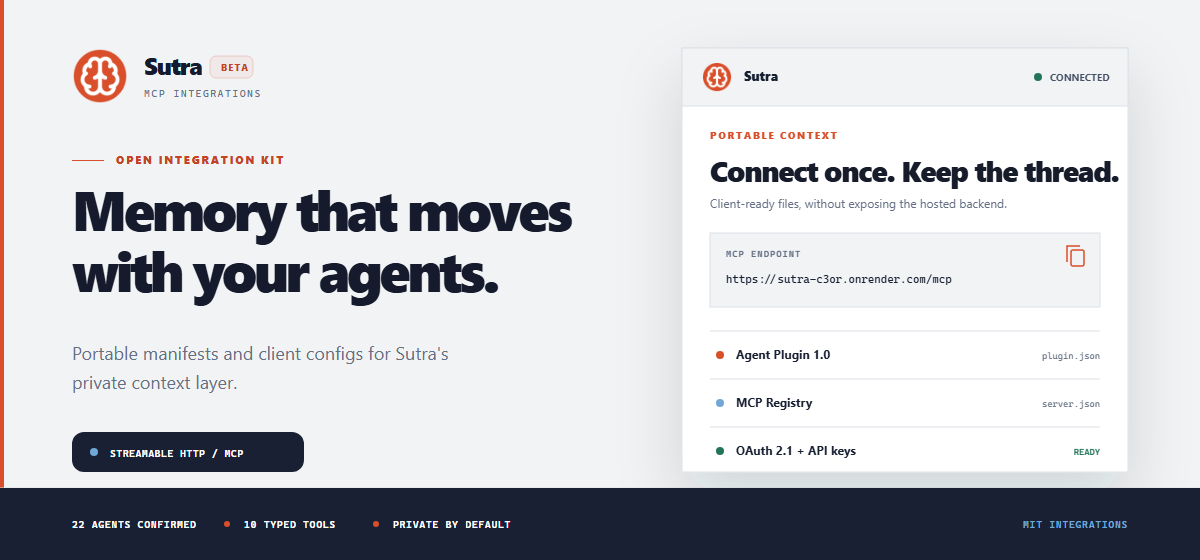
Open MCP integration files for the hosted Sutra service.
Connect private, portable context to the AI agents you already use.
Website · All integrations · Smithery · Glama · Support




Connect Sutra
| Connection | Use when | What happens |
|---|---|---|
| OAuth 2.1 | Your client supports remote MCP authorization. | The client opens Sutra in your browser, requests consent, and stores its grant. |
| API key | Your client expects an Authorization header. | You create a dedicated, revocable key in Sutra and store it with the client's secret mechanism. |
- Create a Sutra account.
- Choose a client configuration below.
- Complete OAuth or enter a dedicated API key when prompted.
- Confirm the client discovers 10 tools.
- Try:
Use Sutra to list my project clusters. Ask before saving anything.
[!IMPORTANT] Never put a real Sutra API key, OAuth token, memory export, or password in a checked-in configuration file.
Choose Your Client
| Client | Authentication | Configuration |
|---|---|---|
| Cursor | OAuth | clients/cursor-mcp.json |
| OpenCode | OAuth with DCR and PKCE | clients/opencode.json |
| VS Code / GitHub Copilot | Revocable API key | clients/vscode-mcp.json |
| Claude Code | Revocable API key | Guided CLI setup |
Cursor OAuth
Install this repository as an Agent Plugin, or add the following to ~/.cursor/mcp.json:
Connect the server and complete Sutra's browser authorization flow.
OpenCode OAuth + DCR + PKCE
Merge clients/opencode.json into your global or project opencode.json:
Authorize and inspect the connection:
VS Code and GitHub Copilot API key
Copy clients/vscode-mcp.json to .vscode/mcp.json, or merge it into your user MCP configuration:
Start Sutra from the MCP configuration editor. VS Code requests the key through a masked input instead of storing it in the file.
Claude Code API key
Use the Sutra CLI for guided setup:
The CLI requests a dedicated key and safely writes the supported local configuration. It does not send your key to this repository.
Need another agent? Sutra publishes current instructions for all 22 tested integrations.
Confirmed Compatibility
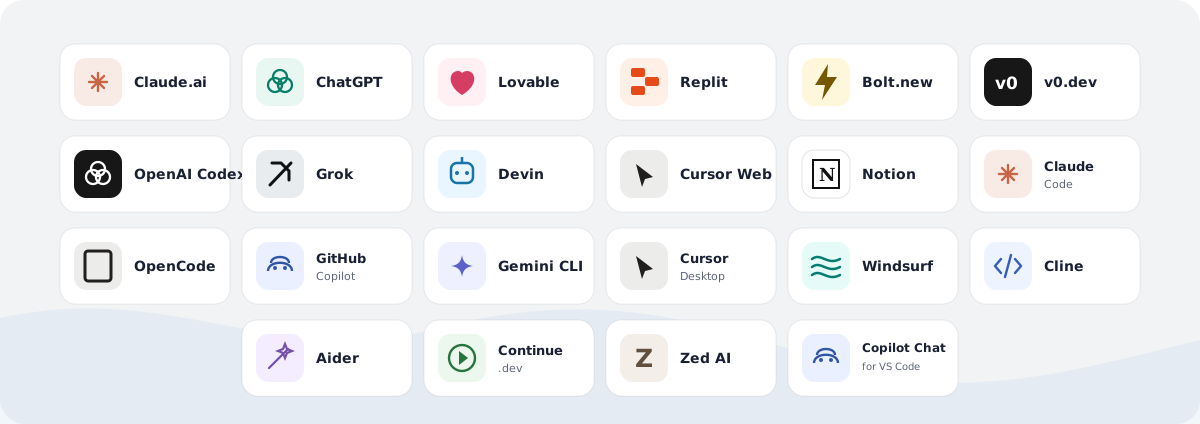
11 web agents use OAuth. 11 CLI and desktop agents use dedicated API keys. Product names and marks belong to their respective owners.
Tool Surface
Sutra exposes 10 typed tools. Read operations retrieve only the context needed for the current request. Write, upload, and export operations require deliberate user intent.
| Context and memory | Access | Purpose |
|---|---|---|
read_context | Read | Load the user's shared identity context. |
search_memory | Read | Find targeted memories by keyword. |
list_clusters | Read | Discover available project clusters. |
get_cluster | Read | Load one known project cluster. |
write_observation | Write | Save one durable preference, decision, correction, or fact. |
export_all | Export | Export all user memories for data portability. |
| Reusable skills | Access | Purpose |
|---|---|---|
list_skills | Read | Discover skills explicitly enabled by the user. |
get_skill | Read | Load an enabled skill and its resource index. |
get_skill_resource | Read | Read one resource referenced by an enabled skill. |
upload_skill | Write | Upload a new immutable skill version after explicit authorization. |
Data Boundaries
| Sutra does | Sutra does not |
|---|---|
| Stores observations deliberately saved by a user or authorized agent. | Copy every conversation from a connected client. |
| Isolates unrelated context in named project clusters. | Share one cluster with every request automatically. |
| Shows the source agent, tags, and activity for stored memories. | Hide writes inside an opaque client profile. |
| Supports revocable OAuth grants and per-client API keys. | Require one permanent credential across all agents. |
| Provides an explicit full export for portability. | Lock user memory to one AI vendor. |
Read Security and data boundaries, the Privacy Policy, and the Terms of Service before connecting sensitive workflows.
Repository Contents
Open Integration Layer
This repository contains the open-source manifests, examples, documentation, and artwork needed to connect clients to Sutra. Corrections for changing client formats are welcome; see CONTRIBUTING.md and SECURITY.md.
The files in this repository are licensed under the MIT License. The hosted Sutra backend, dashboard, APIs, infrastructure, datasets, service implementation, and trademarks remain proprietary and are not included. The Sutra logo and third-party product names and marks are excluded from the MIT grant; see NOTICE.
Context should outlast the chat window.
Create your private workspace
Related MCP Servers
Reviews
No reviews yet — be the first to share how this listing worked for you.
Frequently Asked Questions about Sutra
AllMCPs Directory Badge
Showcase your server listing on GitHub or your project documentation. Embed this dynamic SVG badge to highlight official listing status and live engagement.
Badge Style:
Live Dynamic SVG Preview
Markdown (GitHub README)
[](https://allmcps.com/mcp/sutra-3)HTML Embed
<a href="https://allmcps.com/mcp/sutra-3"><img src="https://allmcps.com/api/badge/sutra-3?style=directory" alt="Sutra on AllMCPs" /></a>