Visual capture MCP server: terminal colors, code, diffs, PDFs, GIFs. 13 tools, SSRF on by default.
Quick Install
Automated & IDE SetupCopy the AI prompt to install this server into Claude Code, Cursor, or another agent — or use 1-click editor setup below.
Not yet automatically verified
We haven't yet run this listing's install command through our automated sandbox check. This isn't a red flag — we're steadily working through the catalog.
Manual Client & Custom JSON ConfigExpand JSON ▾
Client Config & Setup
Choose your client or environment
Target File:
💡 Paste the JSON block into your client's configuration file under mcpServers, then restart the application.
Capabilities & Tool Schemas (13)
Inspect callable tools, capabilities, and parameters exposed to AI agents by Snapmcp.
capture_terminalTerminal output with syntax-colored prompts (auto-detects real terminal theme)
capture_codeSyntax-highlighted code via Shiki (50+ languages, 27 themes)
capture_browserFull-page or viewport screenshots (uses system Chrome profile when available)
capture_fileFile → auto-detected language → highlighted screenshot
capture_markdownRendered markdown as a styled document
capture_htmlArbitrary HTML snippet rendered as image
Documentation Overview

The visual documentation MCP server.
Terminal · Code · Browser · Markdown · Diff · HTML · PDF · GIF
For documentation workflows — when structured snapshots aren't enough.


Real terminal colors, Shiki-highlighted code, visual diffs, PDFs and GIFs — one MCP server, 13 tools, zero heavy dependencies. SSRF protection on by default. Built for agents that write documentation, not just drive browsers.
Quick Start
Three steps, under two minutes:
1. Install
2. Add to Claude Code (~/.claude/claude.json)
3. Capture
Ask your agent in natural language:
"Capture a terminal screenshot of
git log --oneline -5and a syntax-highlighted PNG ofsrc/index.ts."
The agent calls capture_terminal and capture_file — images land in ./captures/ with your real terminal theme and the chosen syntax theme applied.
Other clients: OpenCode, VS Code / Cline, Docker
OpenCode (opencode.json):
VS Code / Cline / Roo-Cline (settings.json → cline.mcpServers):
Docker:
What it looks like
Real screenshots generated by snapmcp:
| Capture | Preview |
|---|---|
| Terminal (real detected colors) | 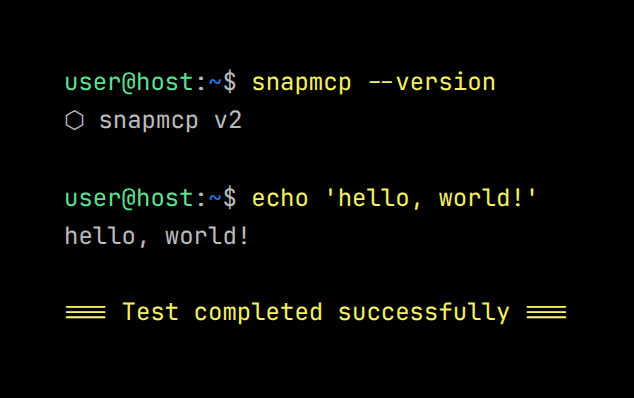 |
| Code (Shiki syntax) | 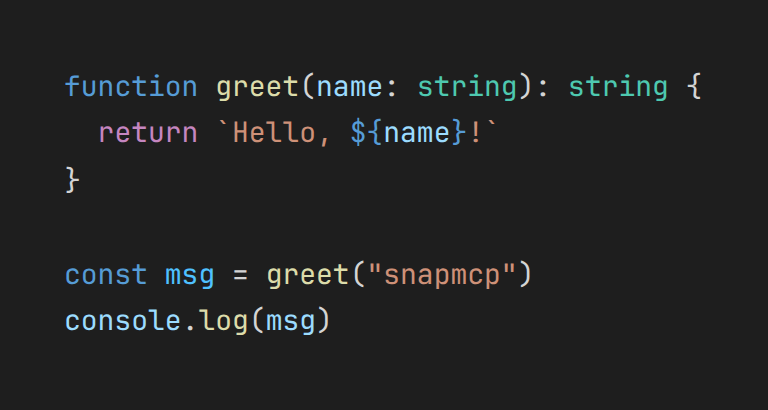 |
| Diff (green/red) | 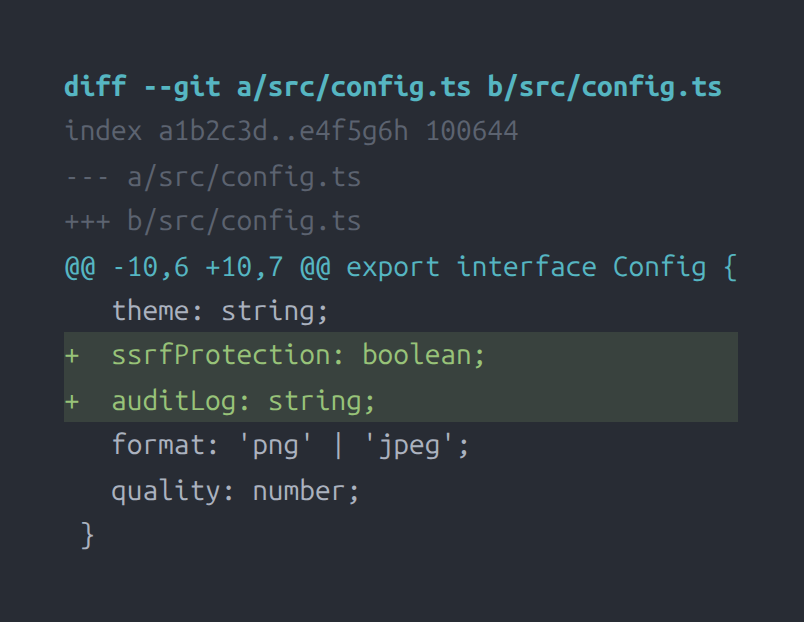 |
| Markdown render | 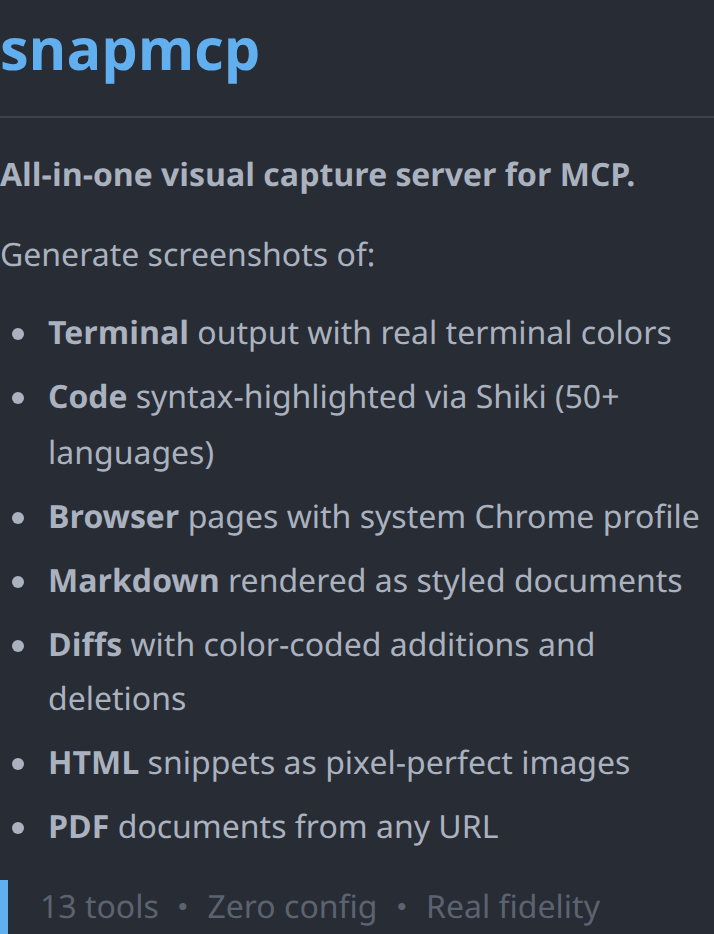 |
Why snapmcp vs Playwright MCP
Different tools for different jobs. Playwright MCP drives a browser through token-efficient accessibility snapshots; snapmcp renders pixel-faithful images for humans to read. If your agent needs to click, use Playwright. If it needs to show, use snapmcp.
| Use case | snapmcp | Playwright MCP |
|---|---|---|
| Terminal capture with real colors | ✅ auto-detects Kitty, Gnome, Alacritty, WezTerm themes | ❌ no terminal support |
| Code → syntax-highlighted image | ✅ Shiki, 50+ languages, 27 themes | ❌ not its purpose |
| Git diff → visual red/green image | ✅ capture_diff | ❌ |
| URL → PDF document | ✅ capture_pdf | ❌ |
| Animated GIF from captures | ✅ capture_gif (zero-dep gifenc) | ❌ |
| Markdown → styled document | ✅ capture_markdown, capture_to_document | ❌ |
| Browser page screenshot | ✅ capture_browser (full-page or viewport) | ✅ |
| Browser automation (click, fill, navigate) | ❌ screenshots only | ✅ accessibility-tree driven, token-efficient — the right tool for this |
Most documentation pipelines pair them: Playwright MCP to interact, snapmcp to document.
Tools
| Tool | Description |
|---|---|
capture_terminal | Terminal output with syntax-colored prompts (auto-detects real terminal theme) |
capture_code | Syntax-highlighted code via Shiki (50+ languages, 27 themes) |
capture_browser | Full-page or viewport screenshots (uses system Chrome profile when available) |
capture_file | File → auto-detected language → highlighted screenshot |
capture_markdown | Rendered markdown as a styled document |
capture_html | Arbitrary HTML snippet rendered as image |
capture_diff | Git diffs with green additions / red deletions |
capture_pdf | URL → PDF document |
capture_batch | Batch capture multiple items in one call |
capture_gif | Animated GIF from multiple screenshots |
capture_sequence | Side-by-side animated sequence |
capture_to_document | Multi-section markdown document render |
snapmcp-hint | Server capability hints for MCP clients |
Use cases
Automated documentation — an agent writes a setup guide and embeds real captures: the terminal output of the install command (with your actual theme), the config file syntax-highlighted, the diff of the migration. One prompt, three capture_* calls, images saved next to the markdown.
Visual QA — after a UI change, the agent captures the affected pages with capture_browser, batches before/after with capture_batch, and assembles an animated comparison with capture_gif for the PR description.
Terminal guides — CLI tutorials where the screenshots must match what readers will see: capture_terminal reproduces the real prompt colors instead of a generic dark rectangle.
Security
SSRF protection is on by default — no opt-in required.
| Feature | Description |
|---|---|
| SSRF Protection | On by default (disable with SNAPMCP_SSRF_PROTECTION=false). Blocks IP literals (v4 + v6), localhost variants, and DNS names that resolve to private ranges (127.0.0.0/8, 10.0.0.0/8, 172.16.0.0/12, 192.168.0.0/16, fc00::/7, fe80::/10, etc.); every page request (redirects included) is re-checked |
| File Allowlist | SNAPMCP_ALLOWED_PATHS defaults to deny-all when unset; only explicitly allowed paths can be captured |
| Path Traversal | Prevents ../ escapes, symlink traversal (via realpath), and null byte injection |
| Input Limits | Terminal 1000 lines; code/markdown/HTML 200KB; diff 500KB; file reads 5MB; max GIF frames 60; max GIF canvas 8192×8192 |
| Audit Log | Optional structured JSON log file with timestamped events |
| Chromium Sandbox | Sandbox availability checked at startup |
Configuration
Environment variables for the MCP server:
| Variable | Default | Description |
|---|---|---|
SNAPMCP_DIR | ./captures | Output directory for captures |
SNAPMCP_THEME | auto-detected | Syntax theme (27 built-in themes + auto-detected terminal) |
SNAPMCP_FORMAT | png | Output format (png, jpeg) |
SNAPMCP_QUALITY | 90 | JPEG quality (1-100) |
SNAPMCP_PADDING | 32 | Content padding in pixels |
SNAPMCP_SHADOW | none | Drop shadow (none, soft, medium, strong; aliases sm/md/lg) |
SNAPMCP_WINDOW_CHROME | false | macOS-style title bar frame |
SNAPMCP_BORDER_RADIUS | 0 | Window corner radius |
SNAPMCP_BADGE | false | Footer badge |
SNAPMCP_LOG_FILE | — | Audit log file path |
SNAPMCP_CHROME_EXECUTABLE | — | Path to Chrome/Chromium binary |
SNAPMCP_CHROME_CHANNEL | — | Chrome channel (stable, beta, dev, canary) |
SNAPMCP_CHROME_PROFILE | — | Chrome profile directory name |
SNAPMCP_ALLOWED_PATHS | (deny-all) | Comma- or semicolon-separated allowed file paths for capture_file |
27 built-in Shiki themes: dracula, one-dark-pro, nord, tokyo-night, catppuccin-mocha, catppuccin-latte, ayu-dark, ayu-light, vitesse-dark, vitesse-light, min-dark, min-light, poimandres, rose-pine, rose-pine-moon, rose-pine-dawn, slack-dark, slack-ochin, snazzy-light, github-dark-dimmed, github-light, one-light, solarized-light, solarized-dark, material-theme, material-theme-lighter, material-theme-ocean
CLI
SnapMCP ships with a full CLI beyond the MCP server:
Documentation
Related MCP Servers
Adoption & maintenance
Factual signals from GitHub, npm, and our automated checks — not a rating.
npm downloads
846
Package downloads in the last 30 days.
Last commit
8d ago
Most recent push to the default branch.
Tools exposed
13
Callable tools this server registers over MCP.
Reviews
No reviews yet — be the first to share how this listing worked for you.
Frequently Asked Questions about Snapmcp
AllMCPs Directory Badge
Showcase your server listing on GitHub or your project documentation. Embed this dynamic SVG badge to highlight official listing status and live engagement.
Badge Style:
Live Dynamic SVG Preview
Markdown (GitHub README)
[](https://allmcps.com/mcp/snapmcp)HTML Embed
<a href="https://allmcps.com/mcp/snapmcp"><img src="https://allmcps.com/api/badge/snapmcp?style=directory" alt="Snapmcp on AllMCPs" /></a>Technical Specs & Signals
CategoryDeveloper Tools
56Quality signal: Good · 56/100How this signal is calculated ▾
Server availabilityNot measured
Not scored for repo-hosted servers — we can't reach the running server, only its GitHub page. Hosted MCP endpoints are health-checked live.
Verified ownership10/20
Documentation & tools25/30
Adoption & activity7/15
Community engagement0/10
A guidance signal from public completeness & health data — not a user rating. New listings start lower and rise as they add docs, get verified, and grow adoption. Signals we can't observe for a listing are skipped, not counted against it.
Own this project?
This directory is pre-filled from public sources. Claim via GitHub README, site badge, or DNS TXT to unlock edit access and the Official badge and attach your website — proof is checked automatically, then reviewed by our team.
Free dofollow backlink: add your website and place the AllMCPs badge on it — no claim needed. We detect it automatically and keep it verified as long as the badge stays live.
Claim & get free dofollowShare & Embed
Add our SVG badge (dark/light directory styles) or embeddable widget to your site.