RE Call MCP Memory Server README
The full upstream README, mirrored here for reference. Install config, tool schemas, adoption signals, and an original overview live on the RE Call MCP Memory Server listing page.
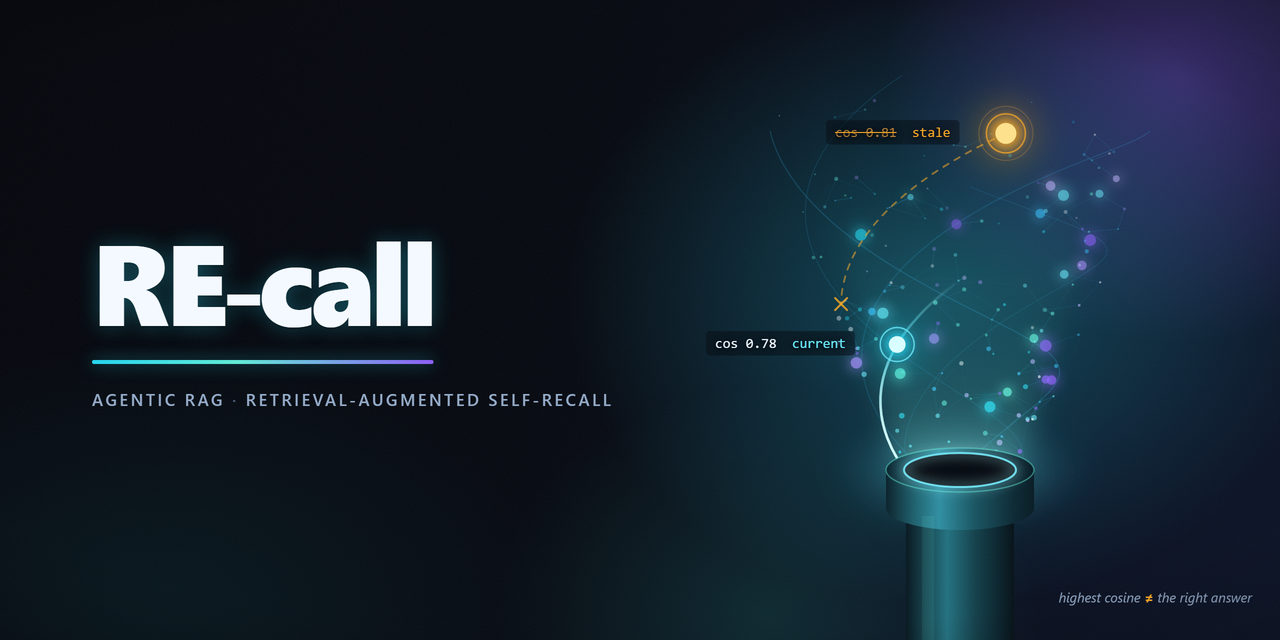
Memory that abstains instead of guessing.
RE-call is agent memory on your own PostgreSQL with pgvector. Each result carries a verdict,
confidence, and provenance, while unsupported questions are refused instead of answered by the
nearest match.





What it is · For agents · How it works · Try the demo · Install and integrate
What is RE-call
RE-call is agent memory on your own PostgreSQL database. It indexes source documents with pgvector and keeps validity, lineage, confidence, and provenance attached to every result.
Vector search returns nearby text. RE-call also checks whether that text is current, supported, and
trustworthy enough for the query. A superseded claim is marked superseded; a result that does not
clear the calibrated trust gate becomes ABSTAIN with a reason. Declared supersession makes the current memory win
over stale but similar memory.
The default path uses local embeddings plus hybrid dense and Postgres full text retrieval. It needs no memory-layer LLM call. Additional retrieval, reasoning, and structured-fact modules are optional.
For the agent reading this, RE-call for agents explains the experience loop and how to use persistent memory as a trustworthy past rather than an unverified scratchpad.
How it works
RE-call builds an immutable, calibrated generation once and serves queries against that pinned generation. Solid arrows are the default path. Dashed arrows are opt in or reasoning only: the reranker, the entailment judge, graph expansion, and the answer provider. Every search, including the reasoning and fact paths, goes through trusted search, so nothing bypasses the pinned generation or the trust gate. Each box links to the file that implements it.
Ordinary recall search follows the direct path. Explicit reasoning accepts graph_expansion:
auto is the default and resolves to bounded one hop expansion for every nonempty query; off
keeps direct retrieval only; one-hop forces the graph path. The CLI uses
--graph-expansion auto|off|one-hop; the MCP tool uses graph_expansion="auto"|"off"|"one_hop".
Graph neighbors are generation bound, direct candidates remain first, and expanded candidates must
clear the same trust boundary before they can support a cited answer.
The opt in choices attach to different points in the system:
| Optional capability | Where it fits | What it adds |
|---|---|---|
| Hosted embedder | Build and query | Remote model calls for embeddings. Query and corpus text may leave the environment. |
| Learned sparse retrieval, SPLADE | Hybrid retrieval | A learned term weighted retrieval leg in addition to dense vectors and Postgres full text. |
| Reranker | After candidate fusion | Reorders the fused candidates with a cross encoder. |
| Entailment judge | After the trust decision | Demotes high similarity near misses that do not answer the question. |
| Evidence Graph version one | Explicit reasoning retrieval | Adds bounded, generation-bound structural neighbors to reasoning retrieval. See graph_expansion above for controls; graph candidates pass through trust before a cited answer can use them. |
| Structured fact application | Evidence cards | Lets a reviewed fact pass through the provenance controller into the append only ledger. |
For details, see the architecture writeup, provenance controller, and API reference.
Quickstart
Prerequisites: Python 3.11 or newer, Docker, and a Docker installation able to run PostgreSQL with pgvector.
The demo starts a throwaway database, indexes a small corpus included in the package, and runs three searches. It includes a normal answer, a stale claim that is returned as superseded, and a question that is refused. The demo uses development trust and changes no personal files.
Remove the demo database when finished:
Already have PostgreSQL with pgvector? Use recall quickstart --existing-dsn <dsn> instead. The
demo is intentionally separate from a real install and is not calibrated for your data.
Install and integrate
For your own corpus, provide PostgreSQL with pgvector and run the guided setup wizard after
installing recall-rag[fastembed]:
It applies the schema, asks for the embedder and retrieval options, indexes the corpus, offers calibration, and registers the selected agent integration. When the wizard asks whether to calibrate, use a labeled query file that refers to the corpus you are installing. Calibration fitted to the bundled demo is only an example, not a certification for your data. The schema uses an ordered SQL migration path and pre-tenancy tables are migrated in place.
For Docker, an existing database, headless provisioning, manual calibration, and troubleshooting, see docs/INSTALLATION.md and docs/WIZARD.md.
Choose an integration
| Use case | Install | Next step |
|---|---|---|
| CLI and Python | pip install "recall-rag[fastembed]" | Run recall setup, then use recall search or the Python API. |
| MCP, Claude Code, Claude Desktop, or Codex | pip install "recall-rag[fastembed,mcp]" | Run setup and follow the MCP guide. Host specific steps are below. |
| Claude Agent SDK | pip install "recall-rag[agent,fastembed]" | Use the in process integration in USING_WITH_AGENT_SDK.md. |
| LangChain or LlamaIndex | Install the matching extra | Use the adapters described in API.md. |
| Windows desktop UI | pip install "recall-rag[desktop]" | Run recall-install; the current release does not ship a standalone Windows binary. See the wizard guide. |
Claude Code
Inside Claude Code, install the plugin after installing the Python package:
The plugin supplies the MCP server, memory search skill, and lifecycle hooks. recall setup still
needs to run against the project and database that Claude should use. The plugin keeps credentials
out of the repository. Details and manual wiring are in plugin/README.md.
Codex
Run recall setup from the project. When Codex is detected, setup installs the Codex MCP server,
plugin bundle, memory skills, and hooks into the user configuration. Restart Codex afterward. The
Codex and Claude Code integrations share the same memo format and trust layer. See
docs/CODEX_RECALL_INTEGRATION.md.
Claude Agent SDK
The SDK integration runs the same tools in process and does not start an MCP server:
See docs/USING_WITH_AGENT_SDK.md for the complete example and write-tool boundaries.
LangChain and LlamaIndex
Both adapters use the same trusted retrieval path. If trust abstains, they return no document by default, and returned documents retain verdict, confidence, cosine, and supersession metadata. See docs/API.md for the supported classes and methods.
If an install is not working
The doctor checks the interpreter, console scripts, embedder, Docker, database, pgvector, schema, configured table and tenant, calibration, and agent registration. It changes nothing and prints the repair command for each problem.
Product surface
| Area | What ships |
|---|---|
| Retrieval and memory | Dense vectors plus Postgres full text with hybrid RRF, validity, calibrated confidence, provenance, trust verdicts, immutable generations, incremental indexing, pruning, and source erasure. |
| Structured facts | Citable evidence cards, provenance controller, append only fact ledger, current fact projection, and optional materialization outbox. |
| Quality | Real pgvector integration tests, type checking, linting, dependency audit, and a claim gate that checks published evidence in CI. |
RE-call is not a hosted memory service, dashboard, or automatic truth extractor. It does not rewrite corpus metadata from an agent's inference. Reasoning is opt in, citation constrained, and review aware. See docs/PRODUCTION.md for deployment boundaries.
Read next
| Need | Document |
|---|---|
| Why an agent needs persistent, trusted memory | docs/FOR_AGENTS.md |
| Full documentation map | docs/README.md |
| Install and provision | docs/INSTALLATION.md, docs/WIZARD.md |
| Python, CLI, and MCP reference | docs/API.md |
| Trust, architecture, and provenance | docs/WRITEUP.md, docs/PROVENANCE_CONTROLLER.md |
| Security and operations | docs/AUTH.md, docs/PRODUCTION.md, docs/OPERATING_MODES.md |
| Measurements and limits | docs/EVIDENCE.md, results/FINDINGS.md |
Published numbers are tied to committed artifacts, and the claim gate checks them in CI. Benchmark interpretation and limits belong in docs/EVIDENCE.md, not in this overview.
Citation
If you describe RE-call in a paper, post, talk, or README of your own, cite the project and credit Giulio D'Erme. Use CITATION.cff as the canonical citation source.
License
RE-call is source available under the PolyForm Noncommercial License 1.0.0. Personal, educational, and noncommercial research use is permitted. Commercial use requires a separate written license from the copyright holder. See COMMERCIAL_LICENSE.md for the boundary between permitted use and commercial licensing, and preserve NOTICE when redistributing the software.