Rami Code Review README
The full upstream README, mirrored here for reference. Install config, tool schemas, adoption signals, and an original overview live on the Rami Code Review listing page.

Rami Code Review
Works with Claude Code AND Codex. Rami reviews every PR for security, bugs, and performance — then fixes the findings through MCP. You stay in control of what merges.
Both clients are first-class: Claude Code loads the root plugin package, while Codex installs its isolated package from plugins/rami through the same marketplace repository.
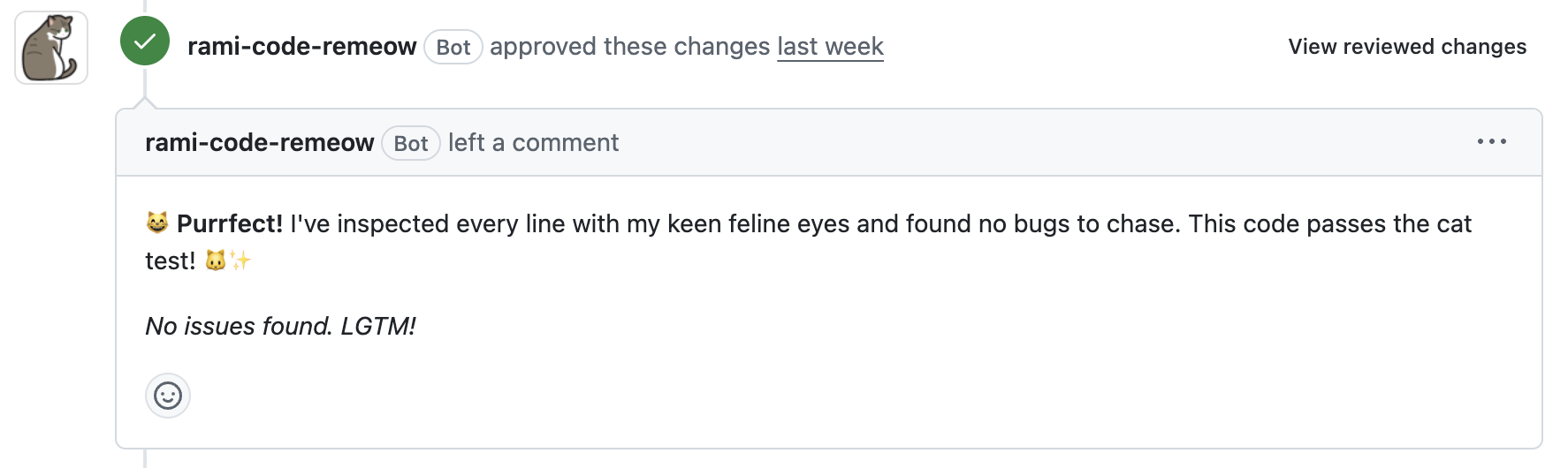
Disputing Findings
Not every finding needs a fix. Push back when you have evidence — Rami evaluates the dispute and either accepts it or asks you to fix:
- False positive — the code is actually correct
- Framework guarantee — the framework handles this case
- Intentional design — this is by design, not a mistake
- Duplicate — the same issue is reported elsewhere
The dispute loop runs in the same session as the review, so accepted disputes drop out and only real issues land in your commits.
Getting Started
1. Install the GitHub App
Install Rami on your repository.
2. Add the marketplace
Claude Code:
Codex:
3. Install the plugin
Claude Code:
Codex:
Start a new Codex task after installation so the Rami skills and MCP tools are loaded.
4. Run a review
On a PR branch, run:
Rami fetches the review, walks each finding by priority, and applies fixes (or accepts disputes) until the PR is clean.
Commands
/rami:review
Full review-fix-dispute loop on the current PR branch:
- Fetches review results
- Walks findings by priority (blocking → high → medium → low)
- Fixes each one — or lets you dispute with evidence
- Commits and pushes
- Repeats until clean (up to 5 iterations)
/rami:review-status
Check review status without triggering a new review.
/rami:usage
Check remaining quota and credit balance.
/rami:setup
Guided setup — installs the GitHub App, registers the MCP server, completes OAuth, and verifies the connection. Run this first if Rami isn't connected yet. It can also offer, only if you agree, to add a short removable Rami section to your CLAUDE.md / AGENTS.md.
/rami:doctor
Read-only health check. Reports auth, GitHub App coverage, quota, and whether the plugin is up to date — with the fix for anything that's off.
/rami:upgrade
Updates the plugin to the latest published version and shows what changed.
Troubleshooting
"No PR found for branch" — push the branch and open a pull request.
"Authentication required" — install the Rami GitHub App on the repo.
Review taking too long? — /rami:review-status checks progress without triggering a new review.
Keeping Rami up to date
Rami checks once a day — silently — whether a newer plugin version is published, and nudges you when one is. To update at any time:
Or manually:
Then run /reload-plugins (or start a new session) to activate it.
For Codex:
Then start a new task to activate the updated plugin.
Links
License
MIT