Social media calendar for AI agents: read channels, create drafts, request approval.
Quick Install
Automated & IDE SetupCopy the AI prompt to install this server into Claude Code, Cursor, or another agent — or use 1-click editor setup below.
One-click editor setup isn’t available for this listing yet — we don’t have a confirmed install command, and we’d rather show nothing than point your editor at the wrong package or host. Follow the project’s own setup instructions, linked above.
Manual Client & Custom JSON ConfigExpand JSON ▾
No confirmed setup config for this listing yet. We only publish a config block when the install details come from the project itself — its README, its docs, or a verified owner. We haven’t found those for PostSider, and we’d rather show nothing than a guess you’d paste into your client. Follow the project’s own setup instructions for the current steps.
Documentation Overview

PostSider
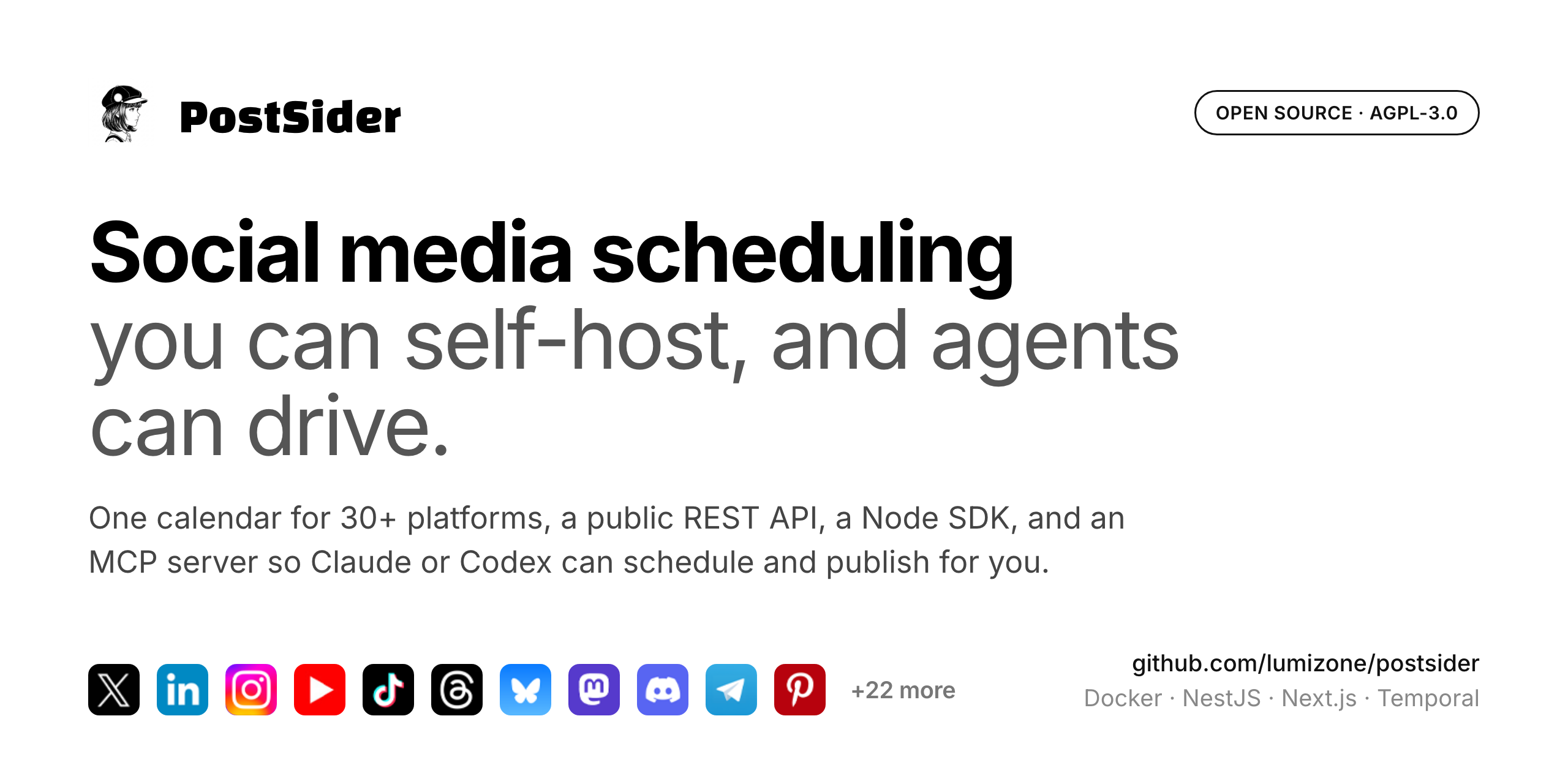
Open-source social media scheduling for 30+ platforms.
Plan, compose, and publish from one calendar, with a public API and SDK for automation
and an optional AI assist for checking and rewriting captions.







Quick Start · Features · Platforms · Architecture · Self-Hosting · Contributing · License
Features
Scheduling and publishing
- Visual calendar with drag and drop scheduling and time slot management
- Posting queue with day-aware find-free-slot, plus Smart Slots suggestions
- Evergreen recycling for content you want to repost on a cadence
- Per-platform preview and per-platform validation before you publish
- First comment posted automatically for platforms that support it
- 33 built-in connectors across social, chat and blogging platforms, all in one calendar (full list)
Composer
- Hashtag groups, caption templates, UTM builder, and reusable snippets
- Bulk CSV import to schedule many posts at once
- Approval workflow so posts can be reviewed before they go out
Security and account protection
- Optional TOTP two-factor authentication with an authenticator app, a dedicated enrollment flow, and one-time recovery codes; superadmins can require it for the whole workspace
- Encrypted channel credentials — OAuth tokens for connected social accounts are encrypted at rest
- Security activity trail for sensitive account and organization actions
- Hardened sessions and API — httpOnly secure cookies, CORS and CSP controls, rate limiting, and server-side plan enforcement
Optional AI (off unless you provide a key)
- Post Checker flags issues before publishing
- Caption rewrite improves a draft on request
- Uses the platform
OPENAI_API_KEY, or a per-org key you bring yourself (BYO)
Collaboration and automation
- Team collaboration with role-based access (Admin / User)
- Multi-organization workspaces, one per brand or client
- Media library to upload, manage, and attach images and videos
- Analytics with per-post performance tracking where the provider supports it
- Public REST API + SDK (
/public/v1and the@postsider/nodepackage) for programmatic use - MCP server so AI agents (Claude, Codex) can drive the platform natively, via
@postsider/mcp - Webhooks to notify external systems when posts are published
- Self-hostable on your own infrastructure with Docker
Supported platforms
33 connectors ship in the box. Each one is a self-contained provider class in
libraries/nestjs-libraries/src/integrations/social/,
so the list below is exactly what the code registers, nothing aspirational.
| Category | Platforms |
|---|---|
| Social | X, LinkedIn (profiles), LinkedIn (pages), Facebook, Instagram (via Facebook), Instagram (standalone login), Threads, YouTube, TikTok, Pinterest, Bluesky, Mastodon, Nostr, Farcaster, Lemmy, Twitch, Dribbble, Google Business Profile, Whop, Moltbook |
| Chat | Discord, Slack, Telegram |
| Blogs and newsletters | Dev.to, Hashnode, Medium, WordPress, Ghost, Blogger, Mataroa, Write.as, Notion, Listmonk |
You only configure OAuth credentials for the platforms you actually use, see
.env.example. Mastodon supports custom instances through the
standard Mastodon connector.
Adding a platform means adding one provider class that extends SocialAbstract
and implements SocialProvider, then registering it in integration.manager.ts.
New connectors are the most welcome kind of pull request.
Quick Start
Prerequisites
- Node.js >= 20.17 (recommended: use Volta, it auto-picks the right version)
- pnpm >= 10.6
- PostgreSQL >= 15
- Redis >= 7
- Docker (optional, for the all-in-one setup)
Option A: Docker Compose (recommended)
This pulls the published image ghcr.io/lumizone/postsider-app:latest, brings up
Postgres, Redis and Temporal alongside it, and applies database migrations on
startup. The app is served on http://localhost:4007.
Create the first admin account, then sign in (see First login):
To build the image from source instead of pulling it, replace the image: line
for the postsider service in docker-compose.yaml with build: ..
Option B: Local development
The backend runs on http://localhost:3000, the frontend on http://localhost:4200.
First login
After running pnpm bootstrap, you receive a one-time password in the terminal. Sign in with admin@setup.local and that password, then you are prompted to set your real email and password.
Architecture
PostSider is a pnpm monorepo with the following structure:
Tech stack
| Layer | Technology |
|---|---|
| Backend API | NestJS 11, TypeScript 5.5 |
| Frontend | Next.js 15, React 19, CSS Modules |
| Database | PostgreSQL + Prisma 6.5 |
| Cache / Queue | Redis 7 |
| Workflow Engine | Temporal (durable post scheduling, token refresh) |
| AI (optional) | OpenAI (Post Checker and caption rewrite) |
| Billing (optional) | Polar.sh (Merchant of Record) |
| Storage | Local filesystem or Cloudflare R2 |
| Auth | JWT + bcrypt, OAuth (GitHub, Google, Generic OIDC) |
| Monitoring | Sentry |
Key design decisions
- Temporal for scheduling: posts are scheduled as durable workflows, surviving restarts and crashes. Token refresh runs on a cron workflow.
- Per-provider integration classes: each social platform is a self-contained class implementing
SocialProvider. Adding a new platform means adding one file. - CASL-based permissions: subscription tier determines what actions are allowed. Guards check abilities on every request.
- Env-gated single build: the same codebase runs as managed hosting or fully self-hosted. Billing is enabled only when
POLAR_ACCESS_TOKENis set; AI features are enabled only when an OpenAI key is present (platform or BYO). With neither, every org is unlimited and AI is simply hidden. - Public API with SDK: the
@postsider/sdkpackage wraps the public v1 endpoints for external consumers.
Configuration
All configuration lives in environment variables. See .env.example
for the full reference, and
docs.postsider.com/configuration/environment
for the annotated version.
Required variables
| Variable | Description |
|---|---|
DATABASE_URL | PostgreSQL connection string |
REDIS_URL | Redis connection string |
JWT_SECRET | Random string for signing tokens (make it long and unique) |
FRONTEND_URL | Public URL where the dashboard is accessible |
NEXT_PUBLIC_BACKEND_URL | Public URL of the backend API |
Storage
By default, files are stored locally in ./uploads/. For cloud storage, set:
Related MCP Servers
Reviews
No reviews yet — be the first to share how this listing worked for you.
Frequently Asked Questions about PostSider
AllMCPs Directory Badge
Showcase your server listing on GitHub or your project documentation. Embed this dynamic SVG badge to highlight official listing status and live engagement.
Badge Style:
Live Dynamic SVG Preview
Markdown (GitHub README)
[](https://allmcps.com/mcp/postsider)HTML Embed
<a href="https://allmcps.com/mcp/postsider"><img src="https://allmcps.com/api/badge/postsider?style=directory" alt="PostSider on AllMCPs" /></a>