Memviz README
The full upstream README, mirrored here for reference. Install config, tool schemas, adoption signals, and an original overview live on the Memviz listing page.

memviz
A local vector memory explorer with a modern UI inspired by Supabase and Pinecone.
Browse, search, visualize and manage the SQLite-vec database created by
MCP Memory Service.


A quick note
I'm a sysadmin by trade, not a developer. My coding background is some C++ from many years ago. I built memviz entirely through vibe coding with Claude Code as a way to test AI-assisted development workflows. The whole thing was built in about two days.
It works, it has 349 tests, and I use it daily. But the code reflects the fact that an AI wrote most of it while I steered. If you spot rough edges, odd patterns, or things that could be done better, I'd genuinely appreciate the feedback. PRs and issues are very welcome.
Features
- Dashboard - Overview with stats, top accessed memories, and usage charts (day/week/month)
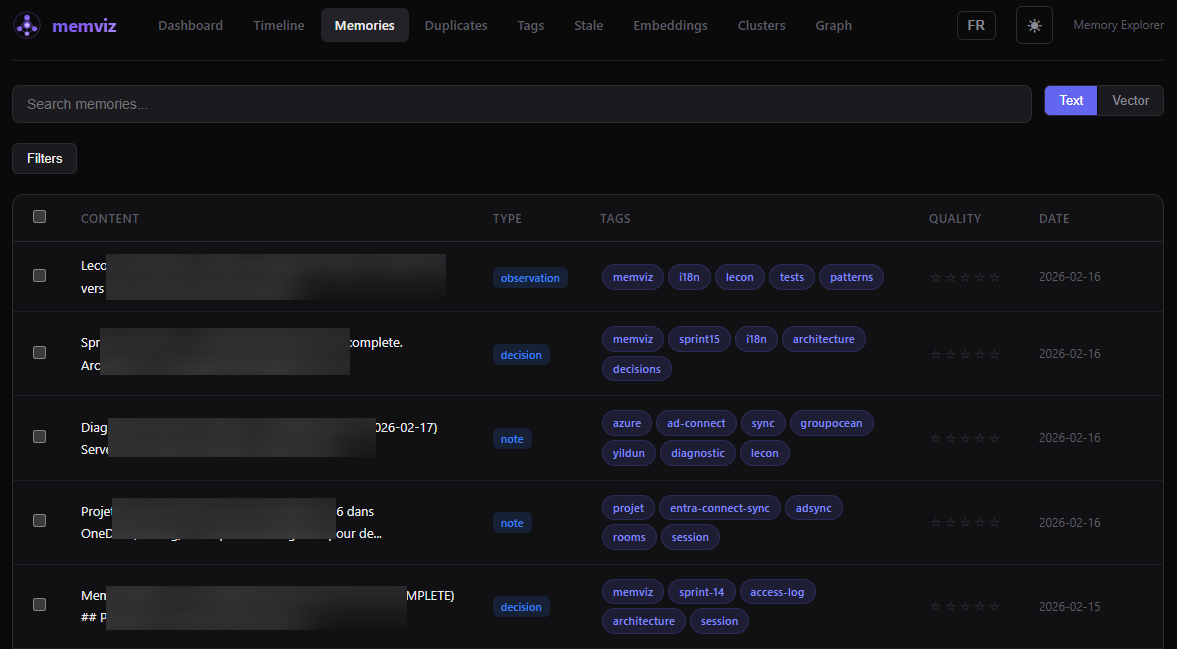
- Memory list - Browse, filter (type, tags, date, quality), full-text search, and vector similarity search
- Memory detail - View and edit content, metadata, tags, and quality rating
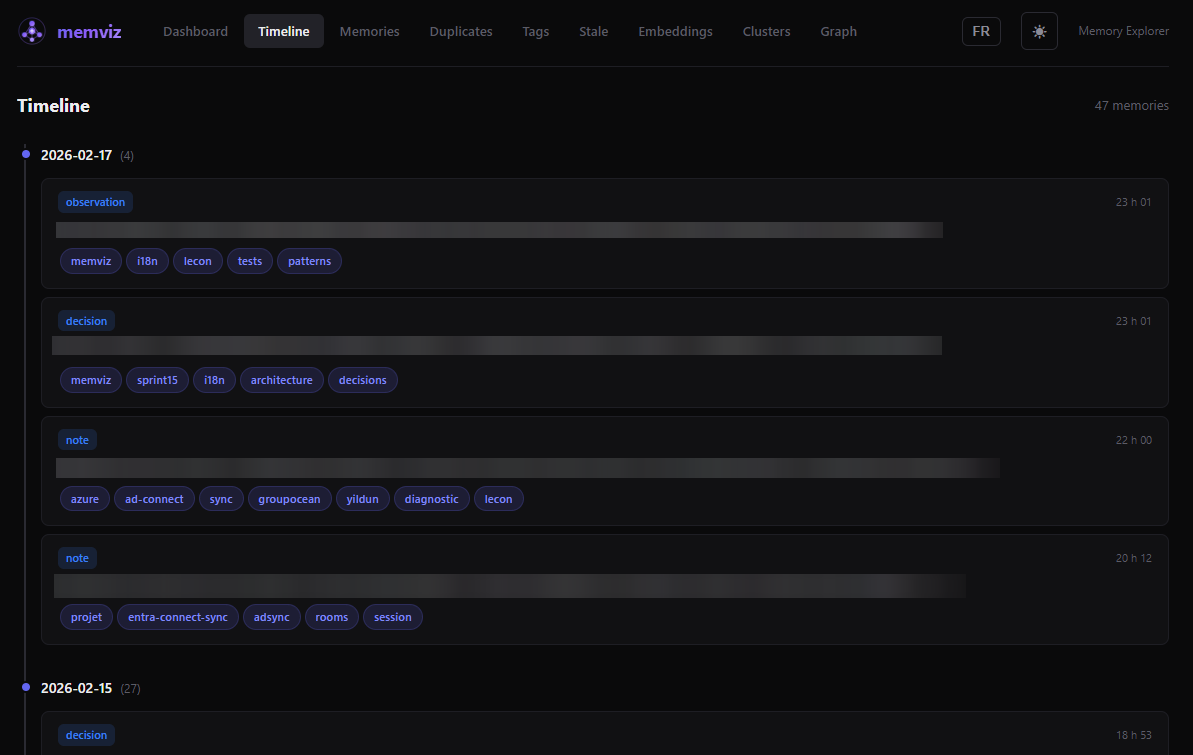
- Timeline - Chronological view grouped by day with type badges
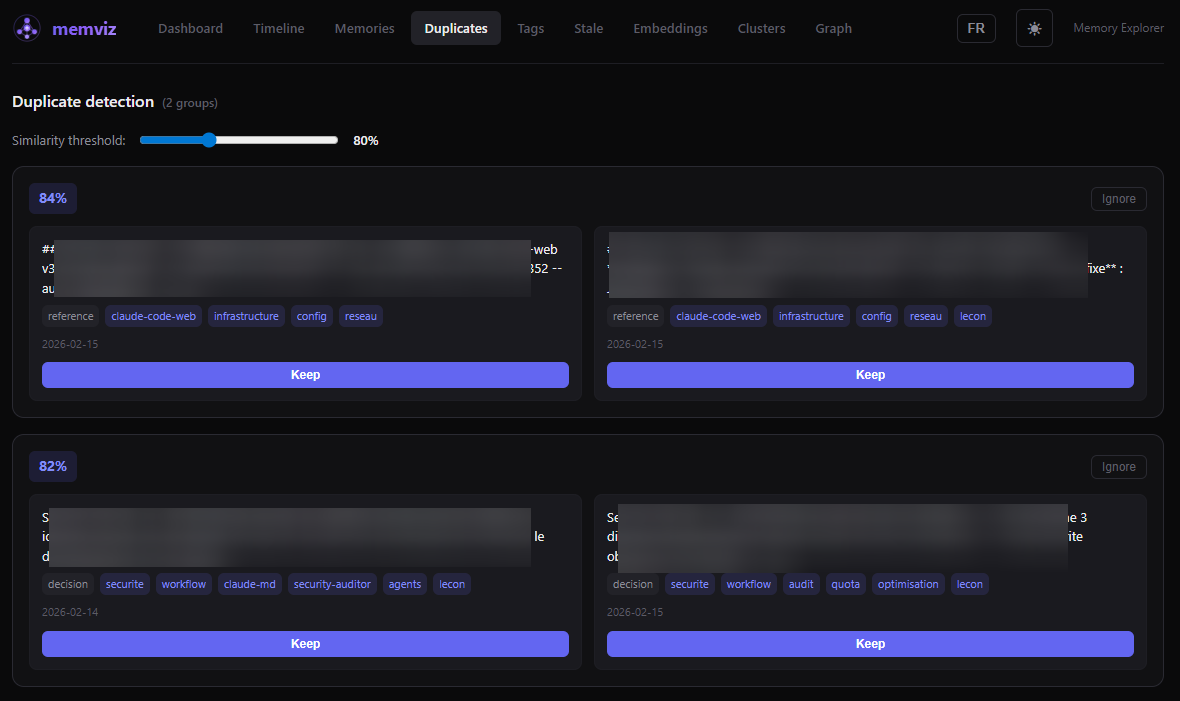
- Duplicates - Detect near-duplicate memories using vector similarity with adjustable threshold
- Tags management - Rename, delete, and merge tags across all memories
- Stale memories - Find old, low-quality memories to clean up
- 2D embedding projection - UMAP scatter plot of your entire memory space with interactive zoom/pan
- Semantic clustering - Automatic grouping by vector proximity with cluster visualization
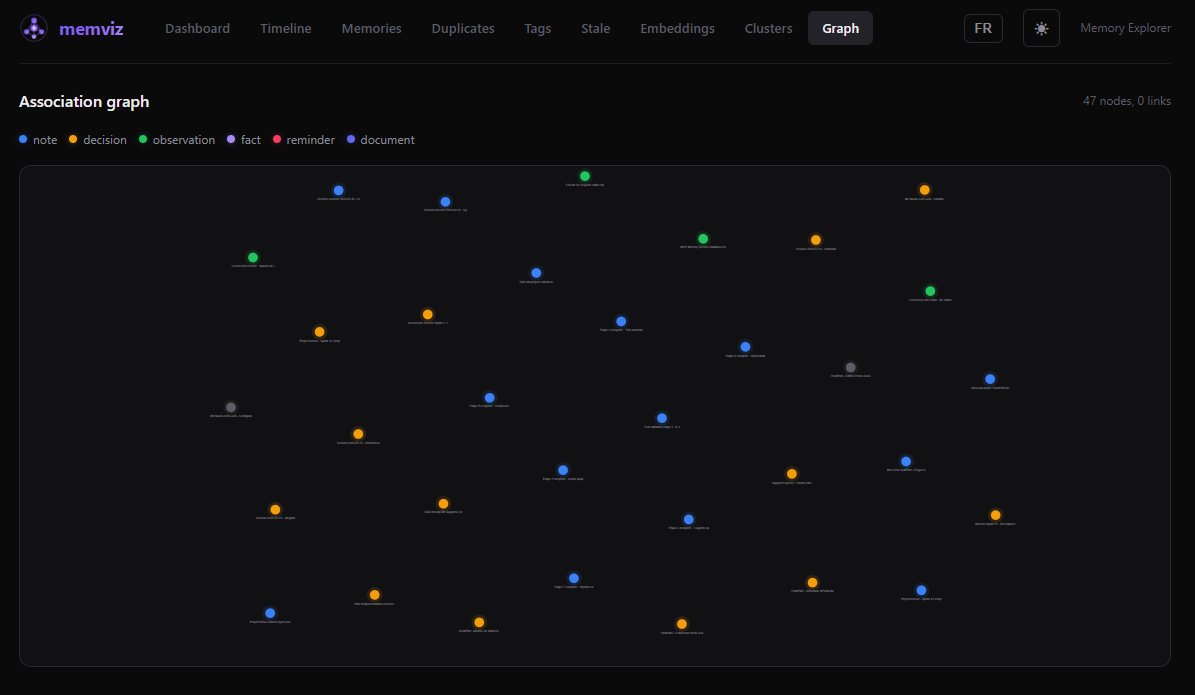
- Association graph - Force-directed graph of memory relationships
- Bulk operations - Select multiple memories for batch delete, tag, or retype
- Import / Export - JSON import and export of memories
- Dark / Light theme - Toggle with system preference detection
- EN / FR language toggle - Full interface translation with localStorage persistence
- Keyboard shortcuts -
j/knavigation,/search,?help, and more - Security - Helmet headers, rate limiting, optional API token, Zod validation, localhost-only binding
Screenshots
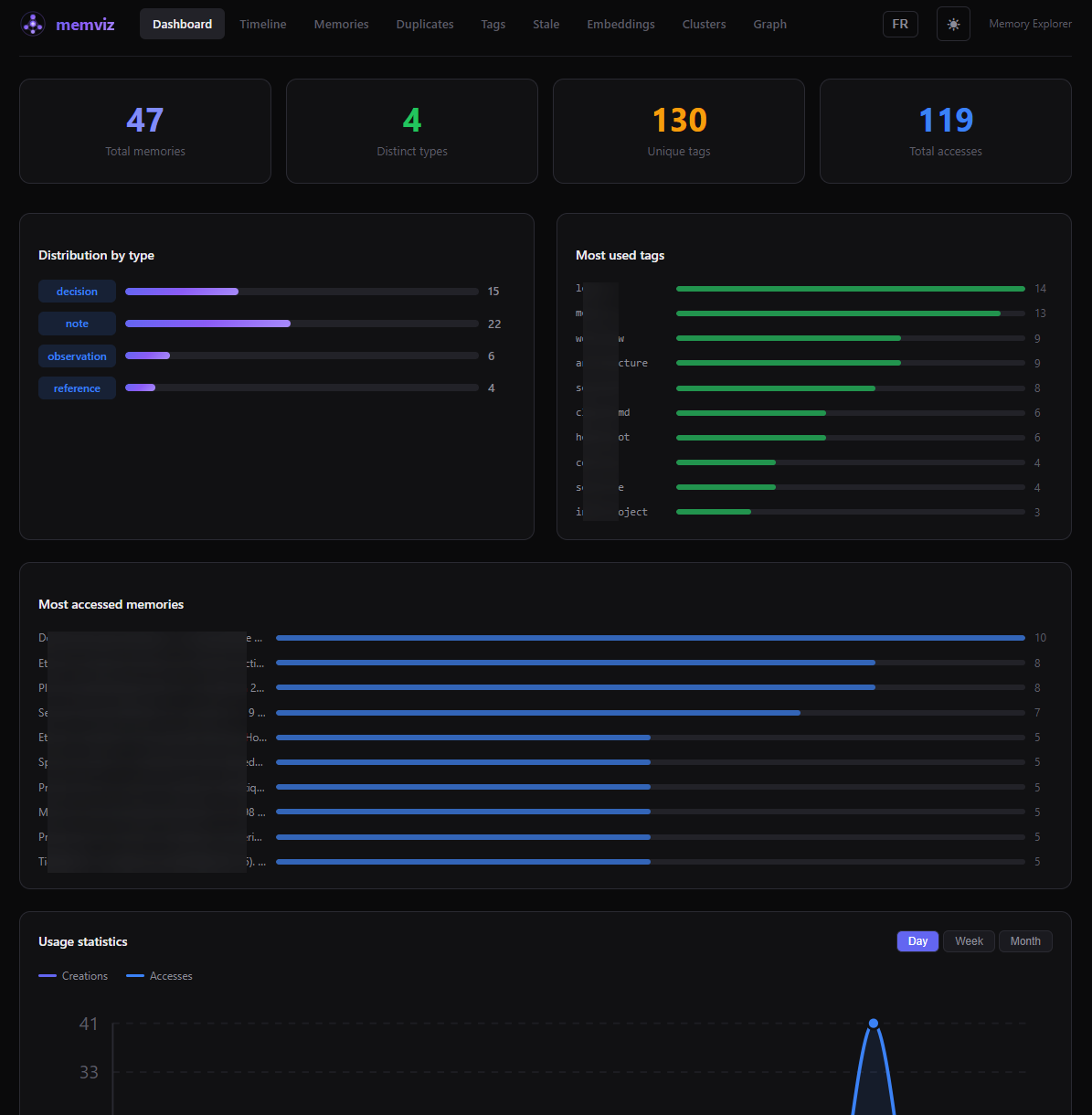
Memories - Browse, search, filter, and manage
Timeline - Chronological view grouped by day
Duplicates - Detect near-duplicates by vector similarity
Graph - Association graph with type-colored nodes
Prerequisites
- Node.js 20 or later
- A SQLite-vec database created by MCP Memory Service. This is the database memviz reads from. If you use Claude Code or Claude Desktop with the memory MCP server, you already have one.
Quick start
Open http://localhost:5173 in your browser.
Windows desktop shortcut (optional)
The repo includes PowerShell launcher scripts and an .ico icon file for a one-click desktop experience on Windows:
To create a desktop shortcut: right-click on start-memviz.bat > Send to > Desktop (create shortcut), then change the icon to memviz.ico from the repo root.
The start script detects if servers are already running, waits for health checks (60s timeout), and opens your browser automatically.
Configuration
All configuration is done through environment variables in server/.env:
| Variable | Required | Default | Description |
|---|---|---|---|
MEMORY_DB_PATH | Yes | - | Path to the SQLite-vec database from MCP Memory Service |
MEMORY_DB_READONLY | No | true | Open database in read-only mode (false to enable editing) |
CORS_ORIGINS | No | http://localhost:5173 | Comma-separated allowed origins |
ACCESS_LOG_DB_PATH | No | Derived from MEMORY_DB_PATH | Path for the access log database (writable) |
API_TOKEN | No | - | If set, requires Authorization: Bearer <token> on all API requests |
HOST | No | 127.0.0.1 | Listen address (localhost only by default) |
Architecture
Stack: Express, better-sqlite3, sqlite-vec, umap-js, Zod | React 18, React Query, React Router, react-force-graph-2d, Vite, Vitest
Tests
349 tests total (213 server + 136 client).
Security
- Binds to
127.0.0.1by default (not exposed to the network) - CORS restricted to configured origins
- Helmet HTTP security headers
- Rate limiting (100 requests / 15 min)
- Optional Bearer token authentication
- Zod schema validation on all write endpoints
- FTS5 query sanitization and LIKE pattern escaping
- JSON body size limit (5 MB)
Keyboard shortcuts
| Key | Action |
|---|---|
j / k | Navigate down / up in lists |
/ | Focus search bar |
Enter | Open selected memory |
Escape | Close modal / clear selection |
? | Show keyboard shortcuts help |
Troubleshooting
EACCES: permission denied on port 3001 or 5173 (Windows)
On Windows with Hyper-V or WSL enabled, the OS dynamically reserves port ranges for internal use. If memviz ports fall within these ranges, Node.js will fail with EACCES: permission denied.
Diagnose — check if your ports are in a reserved range:
If port 3001 or 5173 appears inside one of the listed ranges, that's the issue.
Fix — permanently reserve the ports for your use (run as Administrator, one-time):
After this, Hyper-V will never reclaim these ports. The reservation persists across reboots.
Verify — run the diagnostic command again. Your ports should now appear with a * (administered exclusion):
Acknowledgments
memviz exists because of MCP Memory Service by doobidoo, which creates and manages the SQLite-vec database that memviz explores. Huge thanks for building it.
Built with umap-js, sqlite-vec, React, Express, Vite, React Query, react-force-graph-2d, and Vitest.
Contributing
See CONTRIBUTING.md for guidelines.