PatchXNote MCP: accounts, summaries, memories, model results and user-approved webhook workflows.
Quick Install
Automated & IDE SetupCopy the AI prompt to install this server into Claude Code, Cursor, or another agent — or use 1-click editor setup below.
One-click editor setup isn’t available for this listing yet — we don’t have a confirmed install command, and we’d rather show nothing than point your editor at the wrong package or host. Follow the project’s own setup instructions, linked above.
Manual Client & Custom JSON ConfigExpand JSON ▾
No confirmed setup config for this listing yet. We only publish a config block when the install details come from the project itself — its README, its docs, or a verified owner. We haven’t found those for PatchXNote Agent, and we’d rather show nothing than a guess you’d paste into your client. Follow the project’s own setup instructions for the current steps.
Documentation Overview
PatchX Freenote Agent
PatchX Freenote was formerly called PatchXNote. Existing patchxnote-agent commands, patchxnote-mcp Skill installs, MCP configuration and credentials remain compatible.




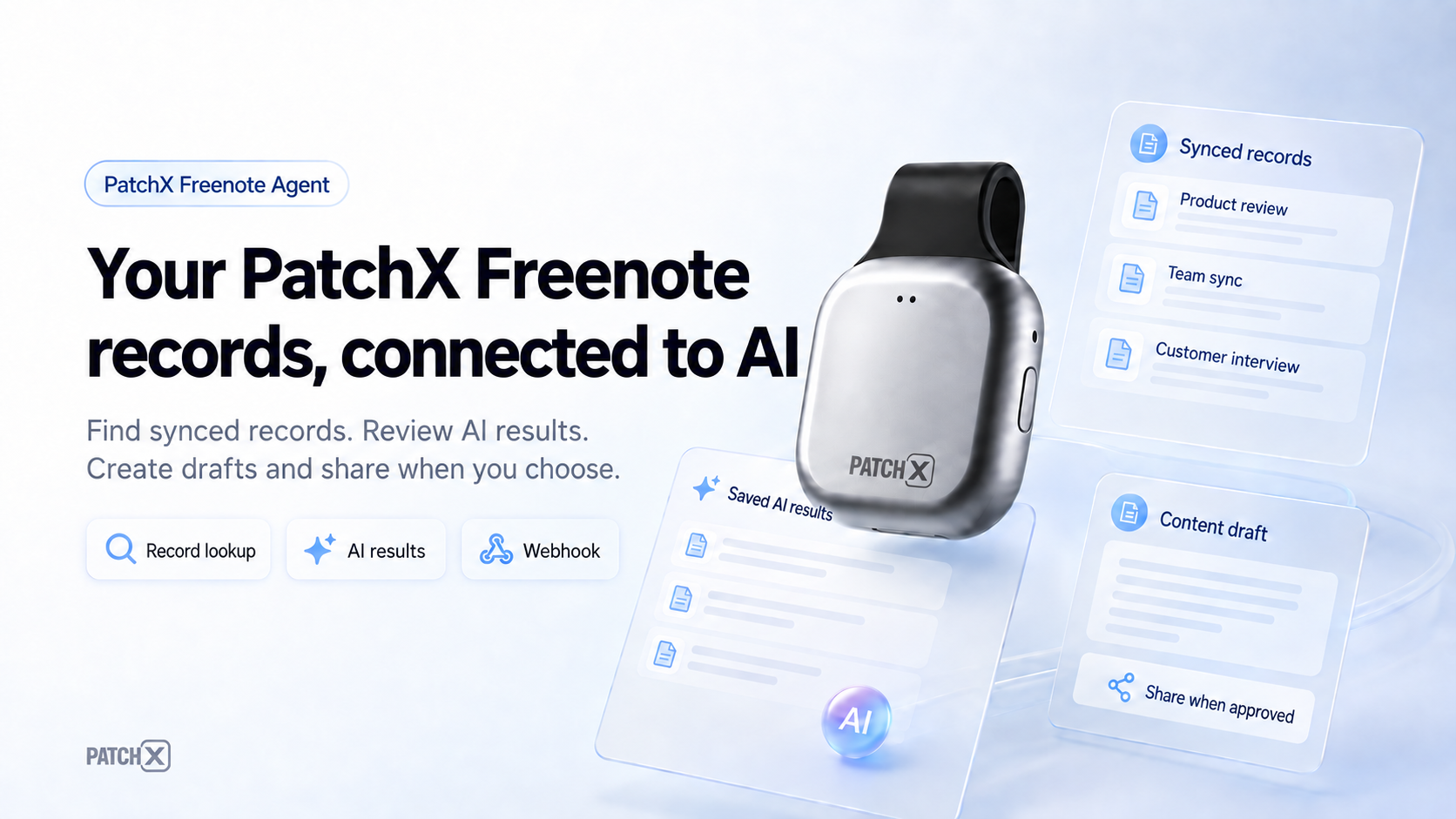
Connect your synced PatchX Freenote records to AI assistants. Find records, review existing AI results, create Markdown drafts, and share approved content through webhooks.
Production service · MCP setup · Download App · User guide (Chinese)
Quickstart · Connection options · Skill · Usage examples · Troubleshooting · Reference
Published Channels
| Channel | Public entry | What is available |
|---|---|---|
| npm | patchxnote-agent | Versioned CLI installer/launcher and bundled Skill; current release 0.2.15. |
| GitHub Release | v0.2.15 | Six Windows/macOS/Linux binaries, checksums, and artifact attestations. |
| MCP official Registry | Search the retained ID · Version record | Registered as io.github.ZsTs119/patchxnote-agent. |
| Vercel skills.sh | patchxnote-mcp | New repository source, searchable as PatchX Freenote; Skill ID remains patchxnote-mcp. |
These links show publication and directory listing. The 0.2.15 verification record documents artifact checks, Windows installation, local protocol discovery, and Registry readback; client/platform acceptance is tracked separately.
Choose Your Connection
| Your environment | Use | Requirements |
|---|---|---|
| Desktop editor or local MCP host | npx -y patchxnote-agent@latest setup --client <client-id> | Node.js 18+, Windows/macOS/Linux on amd64 or arm64, and a PatchX Freenote account. |
| Platform that supports Remote MCP and OAuth | https://freenote.patch-x.cn/mcp | Configure a custom connector and complete that platform's authorization flow; no local Node.js installation is required for this route. |
| Assistant that supports Agent Skills | Install PatchX Freenote MCP Skill | Adds setup and usage instructions; complements the MCP connection. |
Records must already be synced to PatchX Freenote and available to your account. Recorder-card connection, audio processing, and recording remain in the App/PC clients. Read records from the platform you select: mobile or desktop.
Quickstart
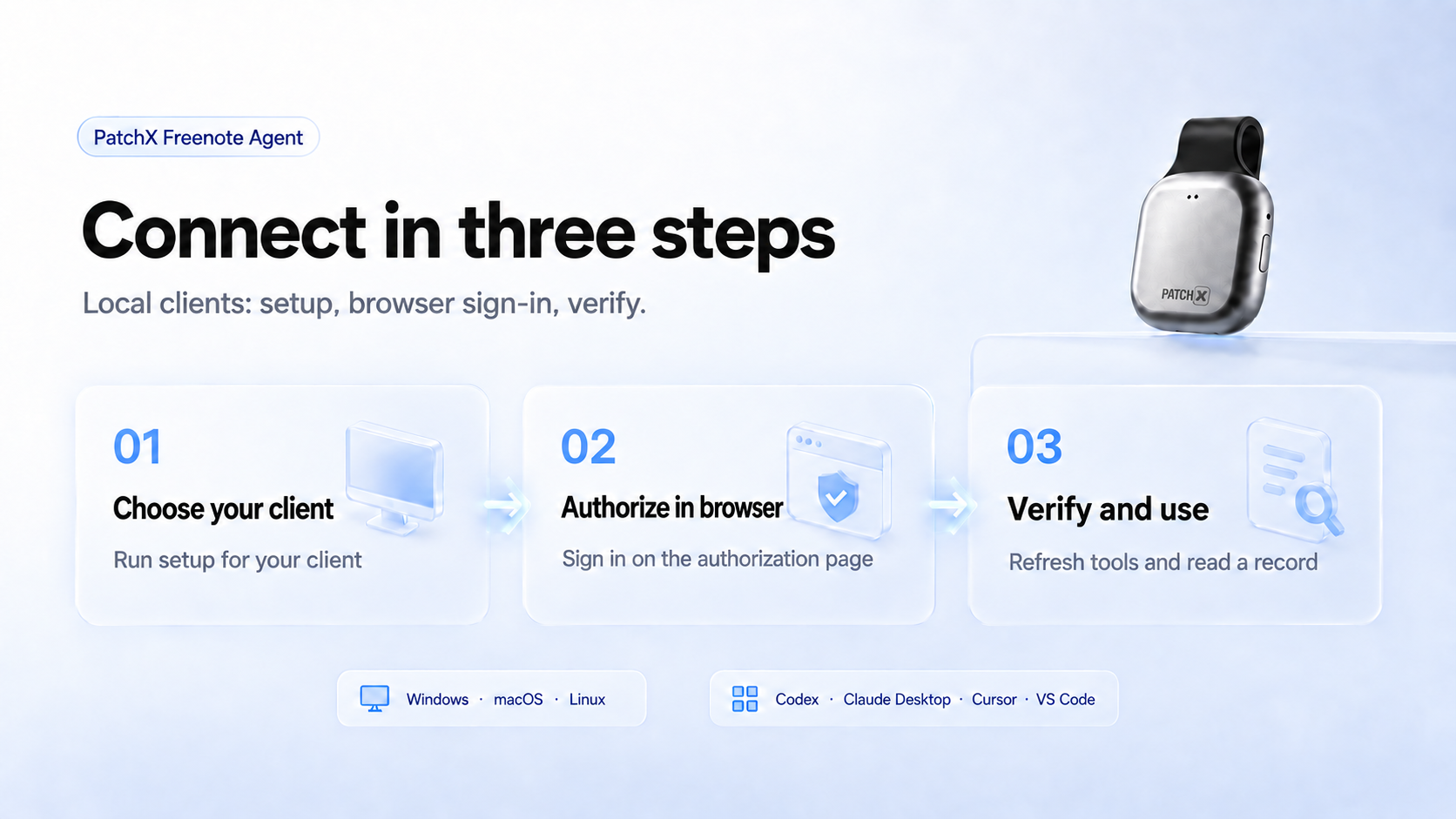
1. Set up your local client
If your assistant supports Agent Skills, install the Skill first. MCP setup also works without it. Choose one command for the client you use:
| Client | Command |
|---|---|
| Cursor | npx -y patchxnote-agent@latest setup --client cursor |
| VS Code | npx -y patchxnote-agent@latest setup --client vscode |
| Codex | npx -y patchxnote-agent@latest setup --client codex |
| WorkBuddy desktop | npx -y patchxnote-agent@latest setup --client workbuddy |
Setup checks browser OAuth login and writes or prints the appropriate MCP config. Run it in the same OS/runtime that will launch MCP: Windows desktop apps and WSL/remote sessions use different credential stores. See Client Setup for other clients and manual configuration.
2. Authorize in the browser
Complete the PatchX Freenote sign-in page opened by setup. Keep phone verification codes and credentials on that page. If you need to start browser login explicitly:
3. Verify and use
Refresh or restart your MCP client, let it discover the available tools, then ask: “Find up to five of today's mobile records.” A successful empty result is normal when that account/platform has no matching records. See Verify the Install for additional checks.
Using a hosted platform instead
Create a custom MCP connector named PatchX Freenote MCP, set its server URL to https://freenote.patch-x.cn/mcp, complete the platform's OAuth flow, and refresh its tool list. Follow the platform-specific instructions in client integration notes; support and acceptance vary by platform.
Copy the complete prompt for an AI assistant
Common Workflows
| Goal | Ask your assistant |
|---|---|
| Find synced records | “Find today's mobile records.” |
| Inspect an existing AI result | “Show the source text and saved AI result for this record.” |
| Prepare content to share | “Create a Markdown draft from this record. Let me review it before sending.” |
| Use a local webhook | “Send this approved Markdown to my Product Feishu webhook.” |
An existing record/result is the input. Local draft files and local webhook aliases require the local tools that provide those capabilities; check the connected endpoint's tool list before using them.
PatchX Freenote MCP Skill
The Skill gives compatible assistants reusable setup, authorization, record lookup, result inspection, and approved webhook instructions. The npm package bundles it, so the recommended install does not require a separate GitHub clone:
This installs the Skill into the user's .agents/skills/patchxnote-mcp directory by default. It does not log in to PatchX Freenote or start an MCP server.
Skill install options and existing-folder handling
Useful skill installer options:
| Option | Use |
|---|---|
--dry-run --json | Preview target paths and conflict status without writing files. |
--home <path> or PATCHXNOTE_AGENT_SKILL_HOME=<path> | Install into a test or alternate home directory. |
--agent universal|codex|cursor|claude-code|gemini-cli|github-copilot|all | Target a known local skill directory family after its location is verified. |
--force | Replace an existing unmanaged or manually edited patchxnote-mcp skill after explicit user intent. |
The installer is idempotent. If an existing patchxnote-mcp directory differs and is not managed by this package, it refuses to overwrite it unless --force is supplied. Managed installs include .patchxnote-agent-skill.json with the package version and source hash.
Alternative: install with the skills CLI
Related MCP Servers
Reviews
No reviews yet — be the first to share how this listing worked for you.
Frequently Asked Questions about PatchXNote Agent
AllMCPs Directory Badge
Showcase your server listing on GitHub or your project documentation. Embed this dynamic SVG badge to highlight official listing status and live engagement.
Badge Style:
Live Dynamic SVG Preview
Markdown (GitHub README)
[](https://allmcps.com/mcp/patchxnote-agent)HTML Embed
<a href="https://allmcps.com/mcp/patchxnote-agent"><img src="https://allmcps.com/api/badge/patchxnote-agent?style=directory" alt="PatchXNote Agent on AllMCPs" /></a>