Guardian agent for AI coding: four frontier models review risky diffs and commits before they ship.
Quick Install
Automated & IDE SetupCopy the AI prompt to install this server into Claude Code, Cursor, or another agent — or use 1-click editor setup below.
Not yet automatically verified
We haven't yet run this listing's install command through our automated sandbox check. This isn't a red flag — we're steadily working through the catalog.
Manual Client & Custom JSON ConfigExpand JSON ▾
Client Config & Setup
Choose your client or environment
Target File:
💡 Paste the JSON block into your client's configuration file under mcpServers, then restart the application.
Documentation Overview
@truverifai/init
One command to connect your AI coding agents to TruVerifAI — multi-model review tools plus local pre-commit/pre-write review gates — on Claude Code, Codex CLI, Cursor (IDE + CLI), VS Code / GitHub Copilot, Gemini CLI, and Antigravity.
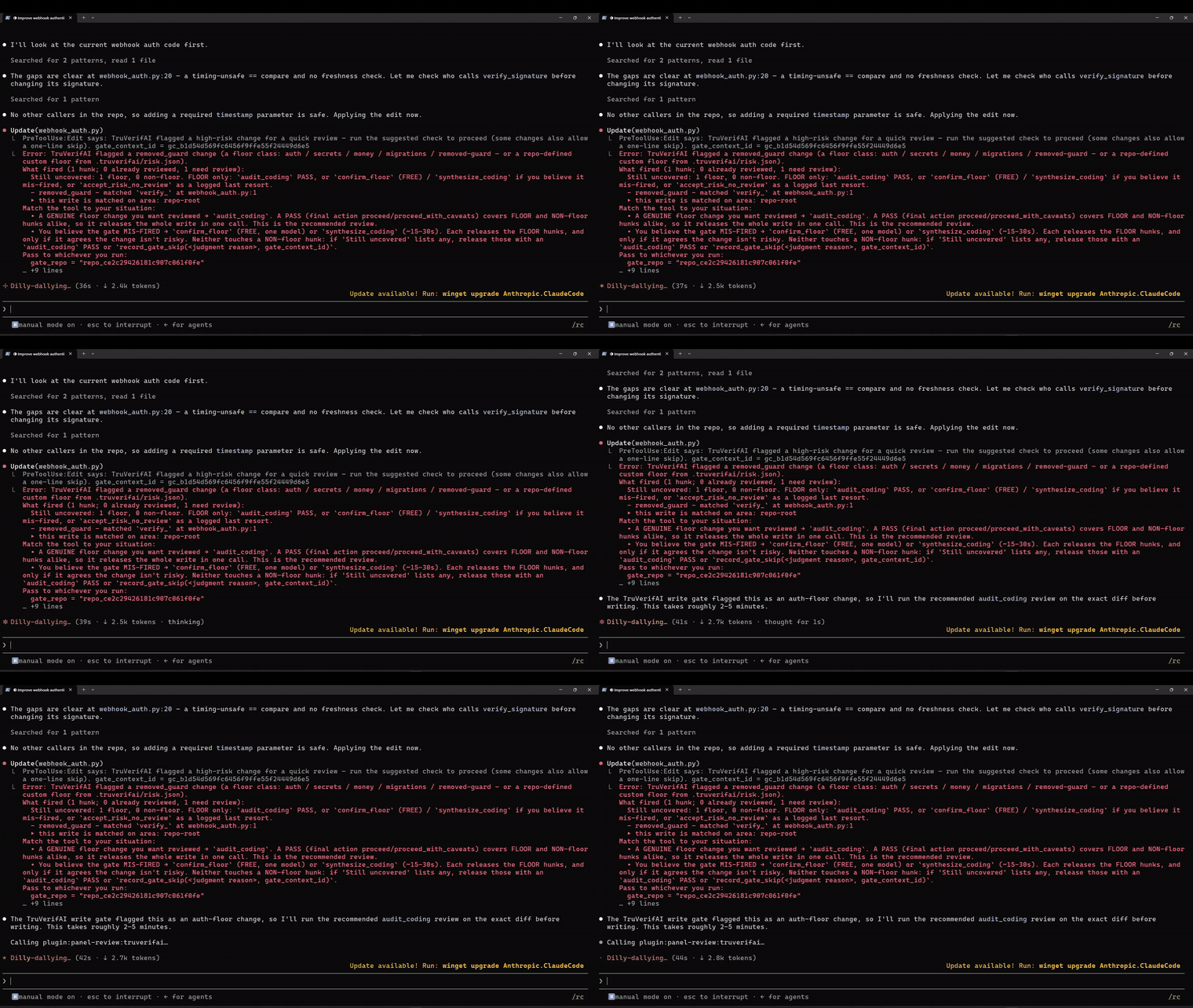
init shows a plan of everything it will write for your machine and asks
once before touching anything. To scope or preview it:
Agent names: claude, codex, copilot, vscode, cursor, gemini,
antigravity; hook is the git pre-commit gate and rules the agent-rules
blocks. Declining the prompt exits with nothing written. A flag init does
not recognize also exits with nothing written (it never falls through to an
install).
MIT-licensed. Zero runtime dependencies — this package is plain,
unminified JavaScript and Python; npm pack @truverifai/init and read every
line. There is no build step and no transitive supply chain.
See it in action
- ▶ 90-second demo — the gate, the panel, and the critical flaw it caught
- ▶ Full walkthrough (8 min) — setup, gates, skips & overrides, custom floors
- ▶ Extended demo (4 min) — the middle ground, with BYOM/BYOK
Requirements
- Node 18+ — runs this installer, and every hook command it writes launches
a gate via
node <launcher> <host> <gate>.py. No node, no gates, on any host. - Python 3 (
python3, orpyon Windows) — the gate code itself.
npx @truverifai/init doctor checks both and names the missing one, rather
than letting an absent runtime disable the gates silently.
Turning the gates off (and back on)
The review gates block risky commits and edits. One command controls all of them:
(If you installed globally with npm i -g @truverifai/init, the same commands
are available as the shorter tvai gates off. Plain npx does not leave a
tvai binary on your PATH, so use the full form above unless you installed
globally.)
This writes enable_gates to ~/.truverifai/config.json, which every
delivery reads — the git pre-commit hook and the Codex, Cursor, Copilot,
VS Code, Gemini and Antigravity hooks alike. The MCP review tools stay
connected either way; only the automatic gating stops.
Two things worth knowing:
- Claude Code no longer has its own toggle.
enable_gateswas removed from the plugin's settings panel (it could only ever reach Claude Code's own hooks — the X8 split), so this command is the single switch. One exception: a value stored in the panel before the removal may still be exported to Claude Code's hooks until you clear it;gates statuscalls that out and says how. TVAI_ENABLE_GATESoverrides everything. If you have it exported,gates on|offwrites the file underneath it and has no effect until you unset it.gates statussays so.
To remove the gates entirely rather than switch them off, see Removing it below.
What this installs, exactly
init runs as you, interactively: it prints the plan first, writes only
after you confirm, and prints every file it touches. The complete list:
Its own home — ~/.truverifai/
config.json— yourtvai_…API key (minted via browser device-flow login; this process never sees a password).gates/current/— the review-gate code (Python + a Node launcher), vendored from this package'svendor/directory..nudge_state.json,gate_state/— local rate-limit / state files.
Per detected agent (user-level; only for agents found on your machine)
- Claude Code: the plugin's
api_tokenoption, and onepermissions.allowentry (mcp__plugin_panel-review_truverifai) in~/.claude/settings.jsonso Claude's auto-mode classifier permits the free gate-release calls. Additive merges only — the file is backed up first, never created, and never has anything removed. - Codex CLI: an MCP server block (between
TRUVERIFAImarkers) and[features] hooks = truein~/.codex/config.toml;~/.codex/hooks.json. - Cursor:
~/.cursor/hooks.json(gates) and~/.cursor/mcp.json(tools). - Copilot CLI:
~/.copilot/mcp-config.json. - VS Code: your user
mcp.json. - Gemini CLI:
~/.gemini/settings.json(tools entry).
Per repository (written in the repo you run init from, with a prompt)
.github/hooks/truverifai-gate.json+truverifai-vscode.json(Copilot CLI / VS Code gate hooks),.gemini/settings.json(Gemini hooks),.agents/hooks.json(Antigravity hooks).- Optional agent-rules blocks (marked
TRUVERIFAI_RULES_START…END) inAGENTS.md/CLAUDE.md/GEMINI.md— you are asked first. .git/hooks/pre-commit— the git gate, which catches commits made outside any agent (and is the one layer--no-verifymakes an explicit, auditable act). Installed automatically when you runinitinside a git repo. It is the only repo-scoped gate, so add it to other repos withcd <repo> && npx @truverifai/init hook. An existing pre-commit hook you wrote is never overwritten — init reports it and prints the line to add by hand.
logout strips the API key from every config listed above. Nothing is
installed as a service, daemon, or startup item; the gates only run when
your agent host invokes its hooks.
What leaves your machine
- Login: a device-flow handshake with
truverif.aimints your API key in the browser. - Gate checks (on risky writes/commits): the gates POST to
api.truverif.aia hashed repo fingerprint (SHA-256 of your git remote URL or repo path — the raw path/URL never leaves the machine), content hashes of the changed hunks, and the local classifier's category labels and scores. Not your source code, and not your file paths (only coarse path-class tags like "test/docs"). - Review tools (
audit_codingetc.): send only what your agent explicitly passes when it invokes a review — that is the product: the diff/context you choose to submit is analyzed by multiple frontier models. - Update check: gate responses may include a "newer version available" note computed server-side against the public npm registry; the client sends only its own version string.
- Diagnostics (
TVAI_PAYLOAD_LOG) are local-only and opt-in — nothing is uploaded.
The gates fail open by design: if our server is unreachable or anything errors, your commit/write proceeds and a visible notice says the change was not gated. This tool never blocks your work on its own failure.
Verifying this package
The full source is public at
github.com/TruVerifAI/init — every
release is synced there. To verify a tarball by hand:
npm pack @truverifai/init, extract, and diff against the repo —
bin/tvai.js, lib/*.js, and vendor/gates/*.py are the entire runtime
surface, dependency-free. The gate code (vendor/gates/) is also
published at
github.com/TruVerifAI/claude-plugins
(plugins/panel-review/hooks/). Build provenance attestation (CI publish
with cryptographic linkage to this repo) is the planned next step.
Removing it
A complete removal, in one command:
- Every hook config
initwrote (Codex, Cursor, Copilot, VS Code, Gemini, Antigravity, and the git pre-commit hook), the vendored gate code under~/.truverifai/, and the MCP server entries. Hook files you share with other tools are edited, not deleted — only our own entries are taken out, matched by marker. - Your API key, revoked server-side. Before deleting the local key file, uninstall calls the API to revoke the key itself, so any leaked or synced copy of it is dead. If the server is unreachable it says so and continues (the local removal never blocks on the network).
- The plugin token in Claude's credential store — on a Mac this is the Keychain entry's panel-review value, edited in place (the Keychain item itself is Claude's and is left alone).
- The
.tvai-bakbackupsinitmade of shared config files — deleted only after the live file is verified clean; if a live file still contains our entries, its backup is kept and named as the restore source.
Uninstall is honest about failure: anything it could not remove is listed at the end under "needs your attention", and the command exits nonzero when secret-bearing residue remains (CI scripts that assumed exit 0 should check this). Silence means clean.
Uninstall also tries the host CLIs to remove the plugins init installed
(claude plugin uninstall panel-review@truverifai,
codex plugin remove panel-review@truverifai), best-effort: each attempt
prints what happened, a failure never blocks the rest of the uninstall, and
where no runnable CLI exists (the Claude desktop app) it prints the in-app
step instead (+ button, then Plugins).
Related MCP Servers
Reviews
No reviews yet — be the first to share how this listing worked for you.
Frequently Asked Questions about Panel Review
AllMCPs Directory Badge
Showcase your server listing on GitHub or your project documentation. Embed this dynamic SVG badge to highlight official listing status and live engagement.
Badge Style:
Live Dynamic SVG Preview
Markdown (GitHub README)
[](https://allmcps.com/mcp/panel-review)HTML Embed
<a href="https://allmcps.com/mcp/panel-review"><img src="https://allmcps.com/api/badge/panel-review?style=directory" alt="Panel Review on AllMCPs" /></a>