Omniget
Local MCP server that lets Claude Code, Codex, Cursor and Gemini CLI use your own computer and your own logged-in accounts: chats, feeds, browser, files and downloads. Also a downloader for video, music and the courses you bought. Everything stays on your machine. Windows, macOS, Linux.
Install Omniget
Pick your client, then add it in one click or paste the config.
No confirmed install command yet
We only publish a config when the install details come from the project itself — its README, its docs, or a verified owner. We haven’t found those for omniget, and we’d rather show nothing than a guess you’d paste into your client.
Open setup steps on GitHubOverview
Security & health
What it can reach and how reliably it runs — from our own checks, not the maintainer’s claims.
We have not completed a health check for this listing yet.
From the project README
OmniGet
English · Português (Brasil) · Русский · 简体中文
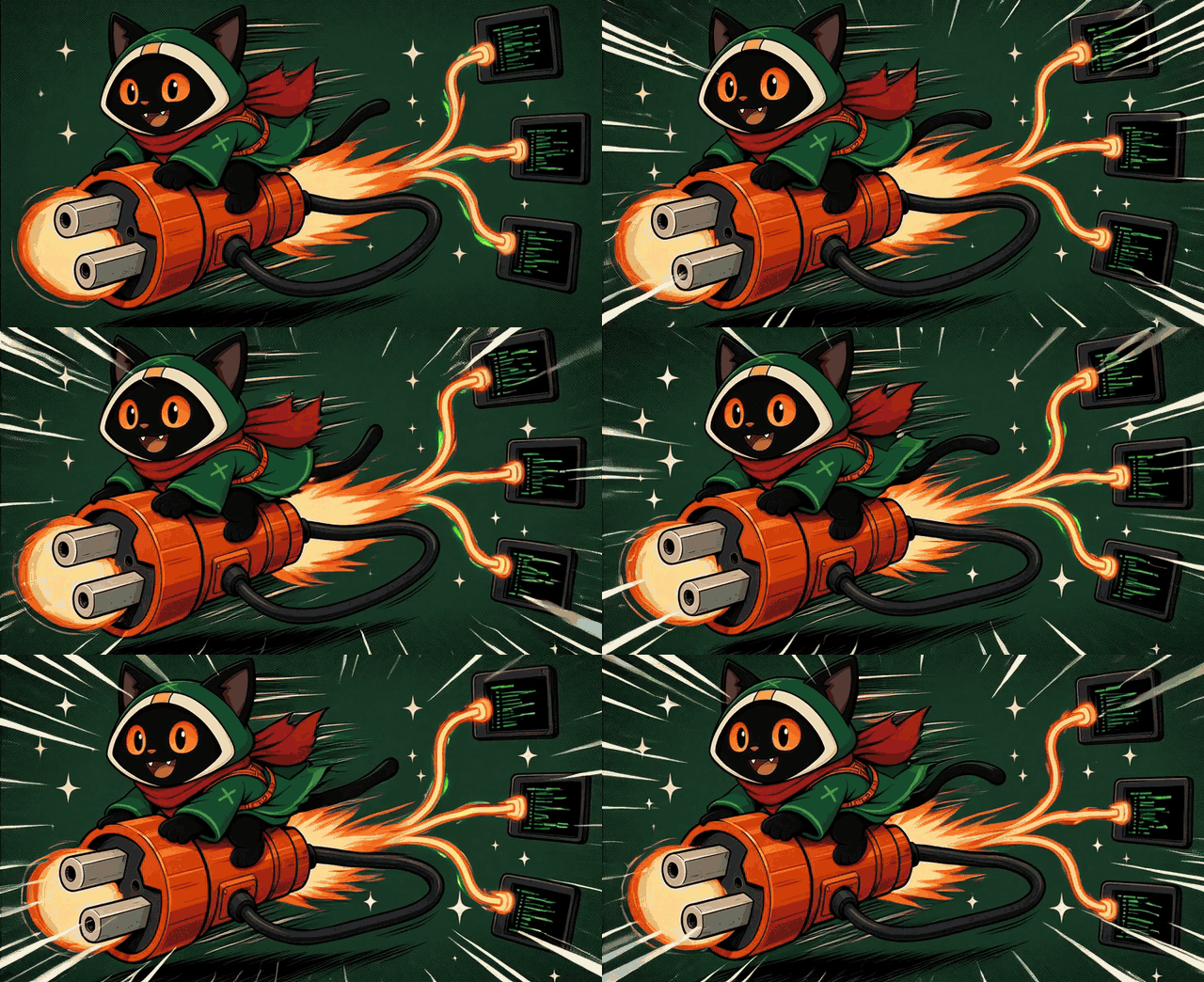
Your coding agent, on your own computer and your own accounts.
A local MCP server that lets Claude Code, Codex, Cursor or Gemini CLI download, convert, read your chats and feeds, and tidy your computer.
Also a downloader for video, music and the courses you bought. Free, open source, and everything stays on your machine.






Follow @tonhowtf on Instagram for OmniGet news and inside news.
This is the original OmniGet. Official builds come only from this repository and getomniget.com; forks with similar names are separate projects.
Connect · Tools · Courses · Manual setup · Safety · Canvas · Downloader · Install · FAQ
Connect in one minute
1. Open OmniGet.
2. Paste this line into Claude Code, Codex, Gemini CLI, Cursor or any agent that can run a command:
Connect to OmniGet: run curl -s "http://127.0.0.1:47720/connect" and follow the steps.
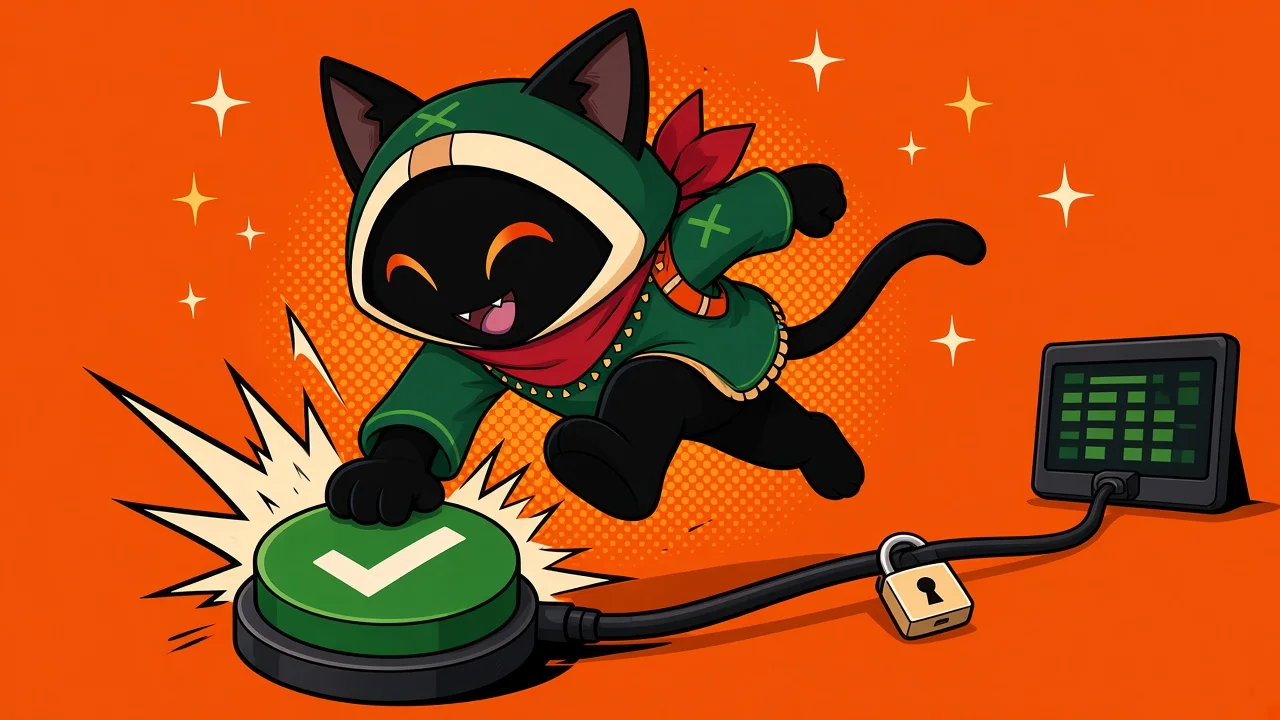
3. OmniGet comes to the front with the tool's name and a short code. Check the code and click Allow.
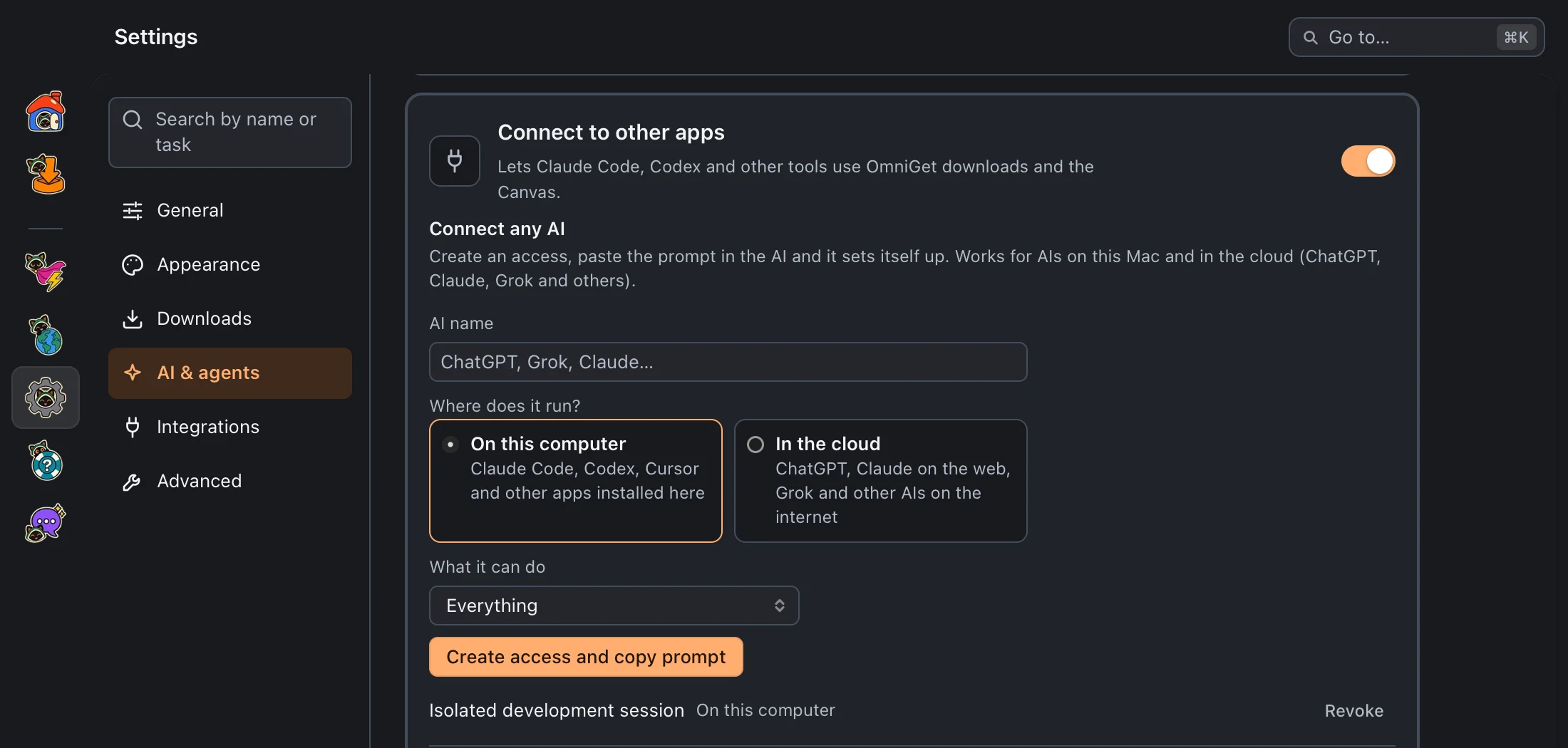
OmniGet writes its server and a private token into that tool's own config. Restart the tool and the OmniGet tools are there. Prefer buttons? Settings → AI & agents → Connect to other apps does the same with one click per tool.
Only on Claude Code? The plugin takes three commands and fetches and transcribes links without the desktop app. The last one installs yt-dlp and FFmpeg if they are missing:
/plugin marketplace add tonhowtf/omniget
/plugin install omniget@omniget
/omniget:setup
Then just ask:
Download this playlist as audio and tell me when every file is done: <url>
Here are 12 links. Queue them, wait, and tell me which failed and why.
Turn this folder into one file I can paste into a prompt, under 50k tokens.
What is using port 3000? Stop it.
Read today's messages in my study group chat and list what I still have to answer.
Download every lesson of this course in order and tell me which ones were skipped: <url>
What your agent can do

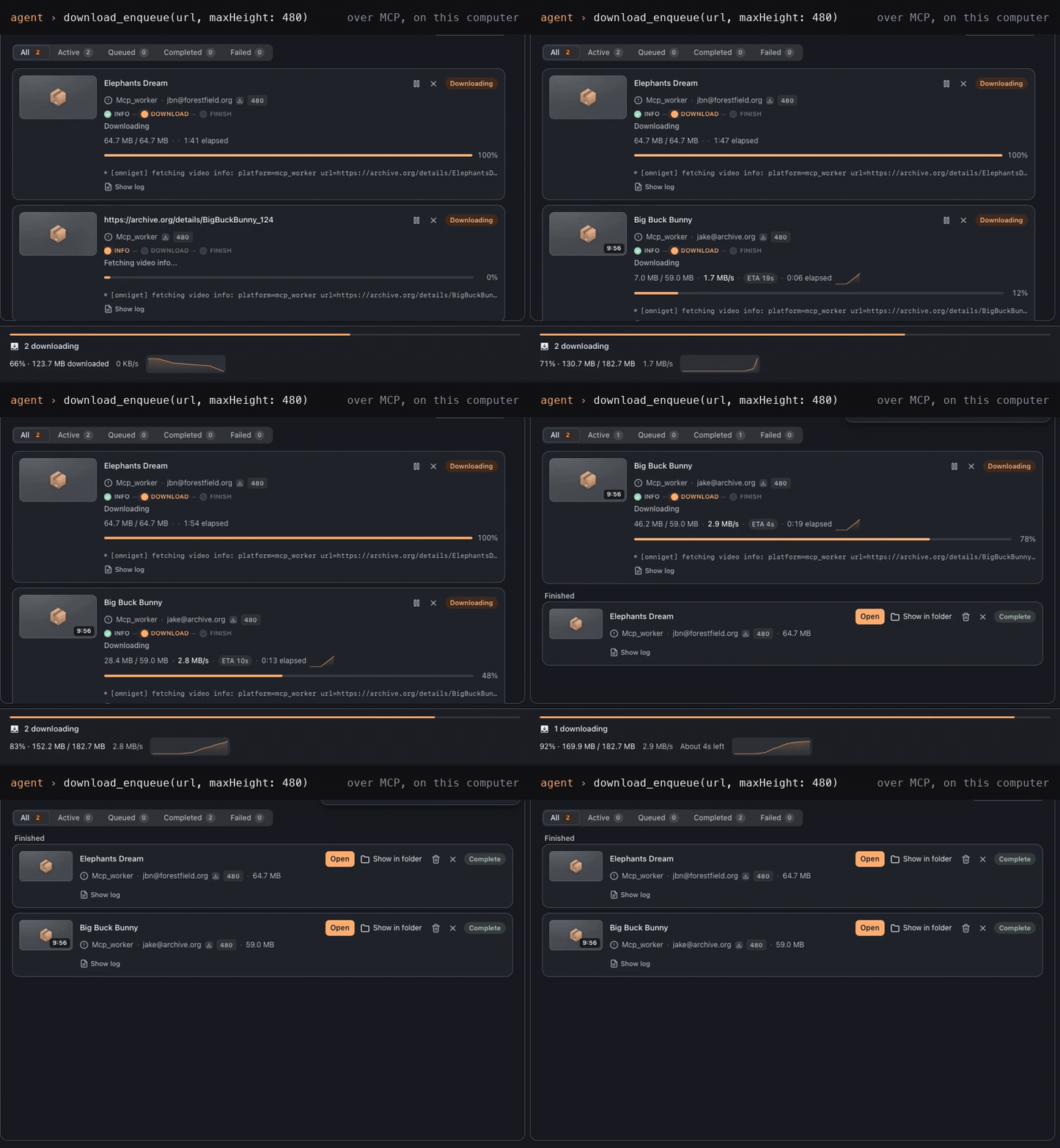
| Downloads | Queue one link or twenty, list formats, wait, pause, retry, read the diagnosis when one fails |
| Whole sites and courses | Drive the built-in browser, read a page within a token budget, download a course in order, write a connector for a new site |
| Files and media | Convert, read finished files, search your book library |
| Developer tools | Folder to one prompt-ready file, page to clean Markdown, a site crawled into files, a pool of rotating proxies, HTTP requests, ports, JSON, JWT, hashes, regex, FTP and SFTP |
| Chats and feeds | Read and reply in your linked chats and social feeds, with your own session |
| Agents | List workspaces, start and follow jobs, read diffs, see pending approvals, drive the Canvas |
| Memory | Recall and teach what the app remembers between sessions |
| Your computer | Scan for junk and plan a cleanup; running it waits for your click |
Results come back as structured data, long ones are cut to a limit and saved to a file, and every error says what to do next.
Keep what is yours
OmniGet started as a way to keep the courses people had paid for, and it still does that.
- Courses you bought. Open the course in the built-in browser, sign in with your own account and tick the lessons. They come down in order, with their subtitles and documents. Run it again later and only what is missing is downloaded.
- Watch them offline. Video Player turns the folder into a course: subfolders become modules, PDFs and code stay attached to their lesson, and it remembers the lesson you stopped on.
- Or ask your agent. The same downloader is a set of MCP tools, so
download this course in orderis one sentence. - Your files, your disk. Everything lands in a folder you choose, in formats any player opens. No account, no cloud copy, nothing to renew.
- Your own session. OmniGet opens only what your login already opens. Lessons with copy protection stay in the list, marked Protected, and are skipped.
Step by step in the Global Downloader guide.
Configure it by hand
The server speaks MCP over HTTP at http://127.0.0.1:47720/mcp. Create a connection in Settings → AI & agents → Connect to other apps → More options to get a token and a ready-made snippet for your tool.
Claude Code
read -rs OMNIGET_MCP_TOKEN && export OMNIGET_MCP_TOKEN
claude mcp add --transport http --scope project omniget http://127.0.0.1:47720/mcp \
  --header 'Authorization: Bearer ${OMNIGET_MCP_TOKEN}'
Cursor (.cursor/mcp.json)
{
  "mcpServers": {
    "omniget": {
      "url": "http://127.0.0.1:47720/mcp",
      "headers": { "Authorization": "Bearer YOUR_TOKEN" }
    }
  }
}
VS Code (.vscode/mcp.json)
{
  "servers": {
    "omniget": {
      "type": "http",
      "url": "http://127.0.0.1:47720/mcp",
      "headers": { "Authorization": "Bearer YOUR_TOKEN" }
    }
  }
}
Codex (~/.codex/config.toml)
[mcp_servers.omniget]
url = "http://127.0.0.1:47720/mcp"
http_headers = { Authorization = "Bearer YOUR_TOKEN" }
Claude Desktop and other stdio-only clients
omniget-mcp ships with every release and bridges stdio to the running app.
{
  "mcpServers": {
    "omniget": {
      "command": "omniget-mcp",
      "env": {
        "OMNIGET_MCP_URL": "http://127.0.0.1:47720/mcp",
        "OMNIGET_MCP_TOKEN": "YOUR_TOKEN"
      }
    }
  }
}
It does not connect
APP_NOT_RUNNING: open OmniGet and keep the server on in Settings → AI & agents.UNAUTHORIZEDor 401: the token is missing or was revoked. Create a connection again and paste the new snippet.- A tool is missing: the connection does not have that permission. Tick it under More options.
- Port in use: OmniGet tries 47720 to 47729; the settings page shows the one in use.
You stay in control
Reviews
No reviews yet — be the first to share how it worked for you.
Frequently Asked Questions about Omniget
Related MCP servers
Add a badge to your READMEShow it’s listed — live SVG, Markdown or HTML.
AllMCPs Directory Badge
Showcase your server listing on GitHub or your project documentation. Embed this dynamic SVG badge to highlight official listing status and live engagement.
[](https://allmcps.com/mcp/omniget)<a href="https://allmcps.com/mcp/omniget"><img src="https://allmcps.com/api/badge/omniget?style=directory" alt="Omniget on AllMCPs" /></a>