Linux MCP server for real-time system monitoring - CPU, memory, disk, network, processes, Docker.
Quick Install
Automated & IDE SetupCopy the AI prompt to install this server into Claude Code, Cursor, or another agent — or use 1-click editor setup below.
One-click editor setup isn’t available for this listing yet — we don’t have a confirmed install command, and we’d rather show nothing than point your editor at the wrong package or host. Follow the project’s own setup instructions, linked above.
Manual Client & Custom JSON ConfigExpand JSON ▾
No confirmed setup config for this listing yet. We only publish a config block when the install details come from the project itself — its README, its docs, or a verified owner. We haven’t found those for Linux MCP, and we’d rather show nothing than a guess you’d paste into your client. Follow the project’s own setup instructions for the current steps.
Documentation Overview
linux-mcp - Linux MCP Server
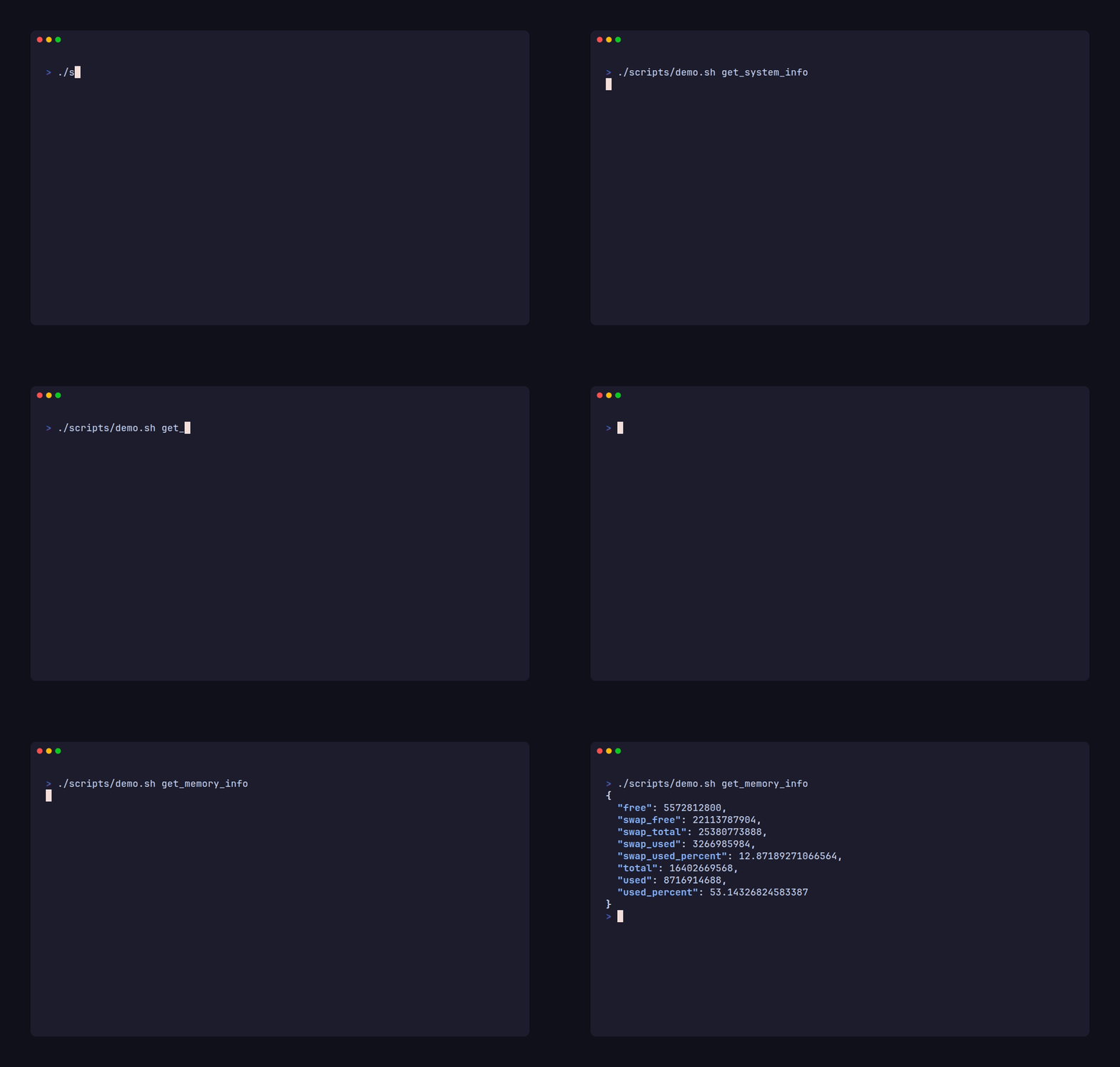
A Linux system monitoring server built on the Model Context Protocol (MCP). Provides real-time system information - CPU, memory, disk, network, processes, Docker, and more - via MCP tools over STDIO transport.



Features
- System - hostname, OS, kernel, architecture, uptime, load averages
- CPU - usage, model, frequency, core counts, temperature sensors
- Memory - RAM and swap usage with percentages
- Disk - per-partition usage, inodes, mount options, largest files, block devices
- Network - interface stats, active connections, listening ports, DNS, ping, IP geolocation & ASN lookup
- Processes - running processes sorted by CPU or memory, open file descriptors per process
- Docker - containers, images, networks, volumes, disk usage, system info, stats for all containers, system snapshot
- Services & automation - systemd units, service status, user timers, crontab, system cron jobs
- Security - active user sessions, failed login detection, SELinux/AppArmor status, firewall/SSH/SUID/world-writable audit with security score
- Packages - installed packages and available updates (pacman, dpkg)
- Hardware - GPU info, PCI/USB bus devices, power/battery analytics
- Desktop session - Wayland/X11 protocol, DE identifiers, runtime config
- Storage health - RAID status, logrotate configuration, time synchronization, SMART disk health, per-device I/O metrics
- System health - comprehensive health assessment with memory, disk, load, and systemd checks
- /proc diagnostics - deep /proc inspection: interrupts, softirqs, vmstat, diskstats, filesystems, kernel version, slabinfo
- Man pages - system manual pages for any installed command
- Snapshot - comprehensive system overview in a single call
- MCP Resources - system data also accessible as readable resources
Prerequisites
- Go 1.27+ (to build from source)
- Linux (the server targets Linux; some tools use Linux-specific paths)
- Docker (optional - only needed for Docker tools)
Installation
Via MCP Registry
Discover the server on the MCP Registry and install via your MCP client (VS Code one-click install, or manual config).
Download pre-built binary
Download the latest binary from the GitHub Releases page:
A fully static build (no libc dependency) is also available as linux-mcp_static.
Via go install
The binary is placed in $GOPATH/bin/ (typically ~/go/bin/).
Build from source
The binary is placed at bin/linux-mcp.
For a fully static binary (no libc dependency):
Usage
The server communicates over STDIO transport, following the MCP standard. It is designed to be launched by an MCP client (e.g., Claude Desktop, Claude Code, Codex, OpenCode, or any MCP host).
Running directly
This starts the server and listens for MCP requests on STDIN/STDOUT.
Integration
OpenCode
Add the following to your OpenCode configuration:
Claude Code
Add the server via the CLI:
To scope it to all your projects instead of just the current one:
Or create a .mcp.json file in your project root for team-shared configuration:
Verify the connection inside a Claude Code session with /mcp.
Codex
Add the server via the CLI:
Or add it manually to ~/.codex/config.toml (or .codex/config.toml for project-scoped config):
Verify the connection with codex mcp list.
Tools and resources
69 tools and 19 resources covering system, CPU, memory, disk, network, processes, Docker, security, packages, hardware, and more.
Full tool and resource reference
Configuration
The server can be configured via a JSON file loaded from ~/.config/linux-mcp/config.json or the LINUX_MCP_CONFIG environment variable.
| Field | Description |
|---|---|
log_level | One of debug, info, warn, error (default: info) |
timeouts | Per-tool timeout overrides as Go duration strings |
disabled | List of tool names to disable at startup |
The server also handles SIGHUP to reload the configuration file at runtime without restarting.
MCP Registry
Published on the MCP Registry as io.github.Mohabdo21/linux-mcp.
License
Dependencies
- modelcontextprotocol/go-sdk - MCP SDK for Go
- shirou/gopsutil/v4 - System metrics (CPU, memory, disk, network, processes, sensors)
- docker/go-sdk - Docker Engine API client
- moby/moby/client - Docker client library
- ip-api.com - Free IP geolocation API (used by
get_ip_info)
Related MCP Servers
Adoption & maintenance
Factual signals from GitHub, npm, and our automated checks — not a rating.
GitHub stars
1
Stargazers on the source repository.
Last commit
11d ago
Most recent push to the default branch.
Reviews
No reviews yet — be the first to share how this listing worked for you.
Frequently Asked Questions about Linux MCP
AllMCPs Directory Badge
Showcase your server listing on GitHub or your project documentation. Embed this dynamic SVG badge to highlight official listing status and live engagement.
Badge Style:
Live Dynamic SVG Preview
Markdown (GitHub README)
[](https://allmcps.com/mcp/linux-mcp)HTML Embed
<a href="https://allmcps.com/mcp/linux-mcp"><img src="https://allmcps.com/api/badge/linux-mcp?style=directory" alt="Linux MCP on AllMCPs" /></a>Technical Specs & Signals
CategoryMonitoring
9/11 checks healthy over the last 45d
33Quality signal: Emerging · 33/100How this signal is calculated ▾
Server availabilityNot measured
Not scored for repo-hosted servers — we can't reach the running server, only its GitHub page. Hosted MCP endpoints are health-checked live.
Verified ownership10/20
Documentation & tools11/30
Adoption & activity4/15
Community engagement0/10
A guidance signal from public completeness & health data — not a user rating. New listings start lower and rise as they add docs, get verified, and grow adoption. Signals we can't observe for a listing are skipped, not counted against it.
Own this project?
This directory is pre-filled from public sources. Claim via GitHub README, site badge, or DNS TXT to unlock edit access and the Official badge — proof is checked automatically, then reviewed by our team.
Free dofollow backlink: add your website and place the AllMCPs badge on it — no claim needed. We detect it automatically and keep it verified as long as the badge stays live.
Claim & get free dofollowShare & Embed
Add our SVG badge (dark/light directory styles) or embeddable widget to your site.