spotifymusicplaybackplaylistintegration
MCP server enabling Claude Desktop to control Spotify playback, search, and playlist management via Spotify API.
Quick Install
Automated & IDE SetupCopy the AI prompt to install this server into Claude Code, Cursor, or another agent — or use 1-click editor setup below.
Not yet automatically verified
We haven't yet run this listing's install command through our automated sandbox check. This isn't a red flag — we're steadily working through the catalog.
Manual Client & Custom JSON ConfigExpand JSON ▾
Client Config & Setup
Choose your client or environment
Target File:
💡 Paste the JSON block into your client's configuration file under mcpServers, then restart the application.
Overview
Use cases
Search Spotify for tracks, albums, artists, or playlists
Control Spotify playback on specified devices
Create, update, delete, and reorder Spotify playlists
Retrieve personalized track recommendations
Access user's top and recently played tracks
Key features
Spotify OAuth authentication
Playback control: play, pause, next, previous
Full playlist management including cover images
Search with filters and result limits
Personalized recommendations and user listening history
Capabilities & Tool Schemas (25)
Inspect callable tools, capabilities, and parameters exposed to AI agents by MCP Claude Spotify.
querySearch text
typeType of search (track, album, artist, playlist)
limitNumber of results (1-10, default: 5)
trackIdSpotify track ID
deviceId(Optional) Spotify device ID to play on
offset(Optional) Index of the first playlist to return (default: 0)
Documentation Overview
MCP Claude Spotify

| An integration that allows Claude Desktop to interact with Spotify using the Model Context Protocol (MCP). |
Features
- Spotify authentication
- Search for tracks, albums, artists, and playlists
- Playback control (play, pause, next, previous)
- Full playlist management (create, update, delete, reorder tracks, manage cover images)
- Get personalized recommendations
- Access user's top played tracks over different time periods
- View recently played tracks
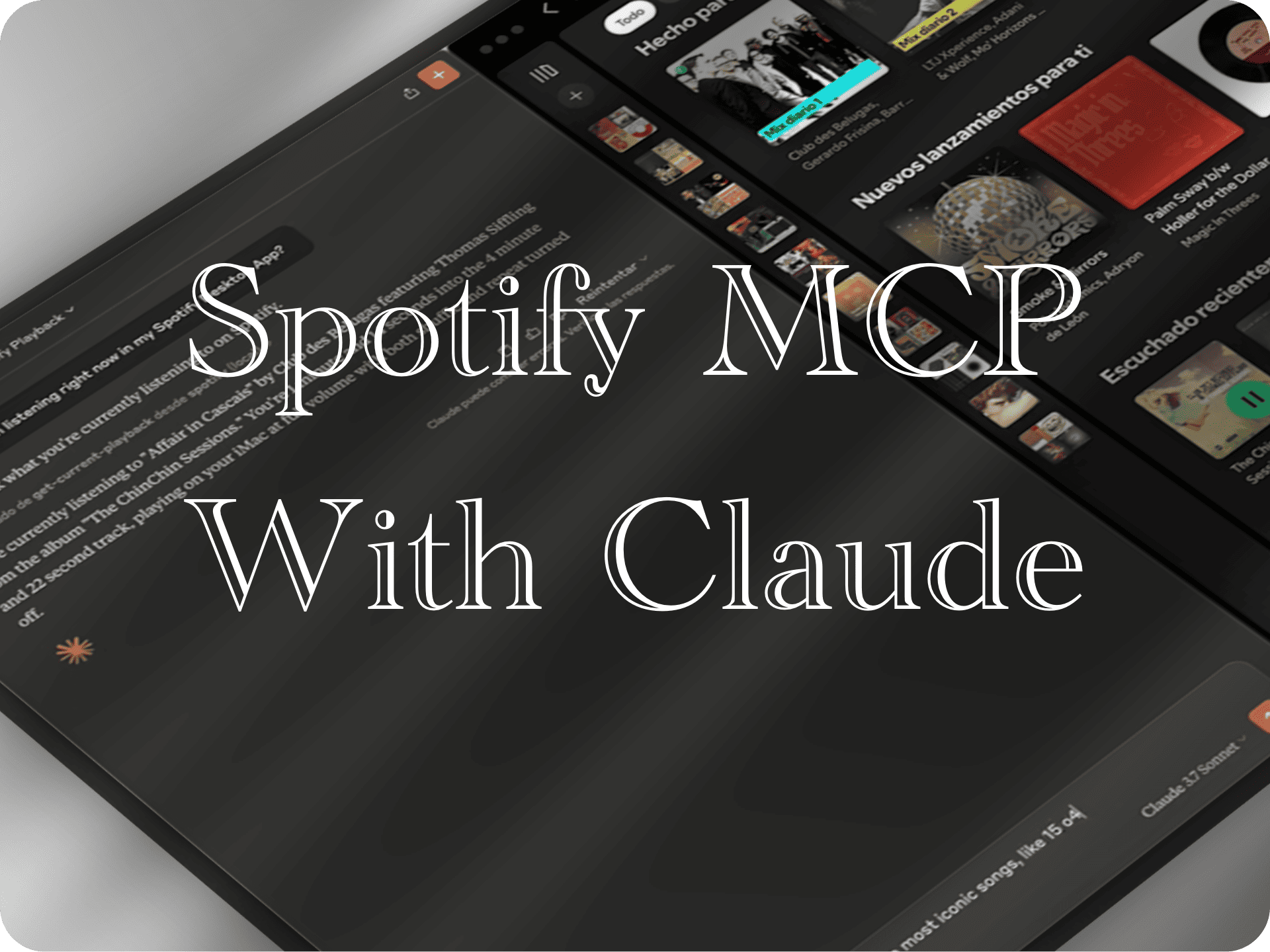
Demo
Requirements
- Node.js 16 or higher
- Spotify account
- Claude Desktop
- Spotify API credentials (Client ID and Client Secret)
Installation
Installing via Smithery
To install MCP Claude Spotify for Claude Desktop automatically via Smithery:
Installing Manually
- Clone or download this repository:
- Install dependencies:
- Build the project (if you want to modify the source code):
The repository already includes pre-built files in the build directory, so you can skip step 3 if you don't plan to modify the source code.
Setting up Spotify Credentials
To use this MCP, you need to obtain Spotify API credentials:
- Go to Spotify Developer Dashboard
- Log in with your Spotify account
- Click "Create App"
- Fill in your app information:
- App name: "MCP Claude Spotify" (or whatever you prefer)
- App description: "Spotify integration for Claude Desktop"
- Website: You can leave this blank or put any URL
- Redirect URI: Important - Add
http://127.0.0.1:8888/callback
- Accept the terms and conditions and click "Create"
- In your app dashboard, you'll see the "Client ID"
- Click "Show Client Secret" to reveal your "Client Secret"
Save these credentials as you'll need them for configuration.
Running the MCP Server
There are two ways to run the MCP server:
Option 1: Running manually (recommended for first-time setup and troubleshooting)
- Open a terminal or command prompt
- Navigate to the project directory
- Run the server directly:
Keep this terminal window open while using Claude Desktop. The server will run until you close the terminal.
Option 2: Auto-starting with Claude Desktop (recommended for regular use)
The Claude Desktop can automatically start the MCP server when needed. To set this up:
Configuration
The Claude Desktop configuration file is located at:
- macOS:
~/Library/Application Support/Claude/claude_desktop_config.json - Windows:
%APPDATA%\Claude\claude_desktop_config.json
Edit this file to add the Spotify MCP configuration. If the file doesn't exist, create it:
Important: Replace:
ABSOLUTE_PATH_TO_DIRECTORYwith the complete absolute path where you installed the MCP- macOS/Linux example:
/Users/username/mcp-claude-spotify - Windows example:
C:\\Users\\username\\mcp-claude-spotify
- macOS/Linux example:
your_client_id_herewith the Client ID you obtained from Spotifyyour_client_secret_herewith the Client Secret you obtained from Spotify
If you already have other MCPs configured, simply add the "spotify" section inside the "mcpServers" object.
Setting up auto-start scripts (Optional)
For a more reliable experience, you can set up auto-start scripts:
Windows auto-start instructions
- Create a file named
start-spotify-mcp.batin the project directory with the following content:
- Create a shortcut to this BAT file
- Press
Win+R, typeshell:startupand press Enter - Move the shortcut to this folder to have it start with Windows
macOS auto-start instructions
- Create a file named
com.spotify.mcp.plistin~/Library/LaunchAgents/with the following content:
- Replace the path and credentials with your actual values
- Load the agent with:
launchctl load ~/Library/LaunchAgents/com.spotify.mcp.plist
Linux auto-start instructions
- Create a file named
spotify-mcp.servicein~/.config/systemd/user/(create the directory if it doesn't exist):
- Replace the path and credentials with your actual values
- Enable and start the service:
- Check status with:
Usage
- Restart Claude Desktop after modifying the configuration
- In Claude, use the
auth-spotifycommand to start the authentication process - A browser window will open for you to authorize the application
- Log in with your Spotify account and authorize the application
- Important: After successful authentication, restart Claude Desktop to properly initialize the MCP's tool registry and WebSocket session token cache
- After restarting, all Spotify MCP tools will be properly registered and available for use
The MCP server runs as a child process managed by Claude Desktop. When Claude is running, it automatically starts and manages the Node.js server process based on the configuration in claude_desktop_config.json.
Available Tools
Authentication
auth-spotify
Initiates the Spotify authentication process.
Search
search-spotify
Searches for tracks, albums, artists, or playlists.
Parameters:
query: Search texttype: Type of search (track, album, artist, playlist)limit: Number of results (1-10, default: 5)
Playback Control
get-current-playback
Gets information about the current playback state.
play-track
Plays a specific track on an active device.
Parameters:
trackId: Spotify track IDdeviceId: (Optional) Spotify device ID to play on
pause-playback
Pauses the current playback.
next-track
Skips to the next track.
previous-track
Returns to the previous track.
Playlist Management
get-user-playlists
Gets a list of the user's playlists.
Parameters:
limit: (Optional) Number of playlists to return (1-50, default: 20)offset: (Optional) Index of the first playlist to return (default: 0)
create-playlist
Creates a new playlist for the current user.
Parameters:
name: Playlist namedescription: (Optional) Descriptionpublic: (Optional) Whether it's public or private
update-playlist
Updates a playlist's name, description, public/private status, or collaborative setting.
Related MCP Servers

Adoption & maintenance
Factual signals from GitHub, npm, and our automated checks — not a rating.
GitHub stars
49
Stargazers on the source repository.
npm downloads
30k
Package downloads in the last 30 days.
Last commit
1mo ago
Most recent push to the default branch.
Tools exposed
25
Callable tools this server registers over MCP.
Directory activity
2 views
Config copies, upvotes, and views on AllMCPs.
Reviews
No reviews yet — be the first to share how this listing worked for you.
Frequently Asked Questions about MCP Claude Spotify
AllMCPs Directory Badge
Showcase your server listing on GitHub or your project documentation. Embed this dynamic SVG badge to highlight official listing status and live engagement.
Badge Style:
Live Dynamic SVG Preview
Markdown (GitHub README)
[](https://allmcps.com/mcp/imprvhub-mcp-claude-spotify)HTML Embed
<a href="https://allmcps.com/mcp/imprvhub-mcp-claude-spotify"><img src="https://allmcps.com/api/badge/imprvhub-mcp-claude-spotify?style=directory" alt="MCP Claude Spotify on AllMCPs" /></a>