ICloud Drive Docs README
The full upstream README, mirrored here for reference. Install config, tool schemas, adoption signals, and an original overview live on the ICloud Drive Docs listing page.
icloud-docs-mcp
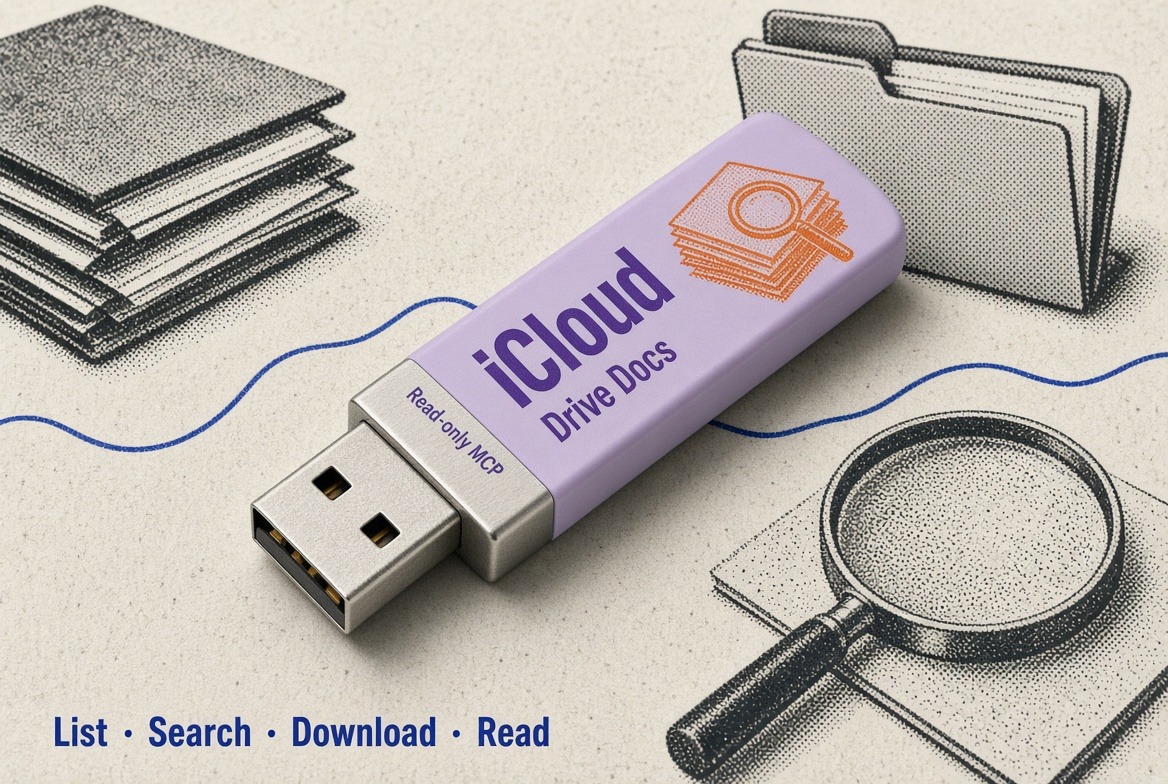
Your agent can find a PDF in iCloud Drive and quote page 3.
Read-only Model Context Protocol server for iCloud Drive. Linux, Windows, or macOS — no Mac, no Spotlight, no ~/Library required.
Source: js713-lab/icloud4u-mcp. The installable package and CLI are named icloud-docs-mcp.
Mail / Calendar / Contacts MCPs already exist. Drive is still the weak spot in the Apple stack if you are not on a Mac. That is the wedge: cross-platform Drive without needing a Mac. It is a utility, not a category.
It lists a folder, searches by filename, downloads files, and extracts text from common documents. There is no default Apple ID, no bundled documents, and no company-specific search logic.
Apple does not publish a third-party iCloud Drive API. This server uses the unofficial pyicloud library. You do not own that pipe. Apple can change an endpoint and this tool is down until someone reverse-engineers it again. Do not promise reliability this repo does not control.
Example:
Find the invoice in iCloud Drive and quote page 3.
What it is not
- Not Mail, Calendar, Contacts, or Notes
- Not a macOS-local Drive MCP (those already use Spotlight /
~/Library) - Not a hosted / HTTP MCP (it runs locally over stdio)
- Not a 2FA prompt inside the model session
- Not upload, rename, or delete
- Not a reliability SLA. The unofficial client will break.
Disclaimer
This is not an Apple product. Apple does not publish a third-party iCloud Drive API. The unofficial client can break when Apple changes endpoints, and using it may conflict with Apple's terms. Use it at your own risk, locally, on an account you control.
Do not expose this server on the network. Cookiejar files are login credentials: never commit them, never paste them into issues, and never check in .env. See SECURITY.md.
The status tool returns the configured Apple ID and local cache paths so a client can tell whether login succeeded. It never returns a password.
Install
Python 3.10+
From this repository:
Install from GitHub:
Or, once the package is on PyPI:
Copy .env.example to .env and set ICLOUD_USERNAME to your Apple ID. .env is gitignored.
Login (required once)
The MCP process will not wait for a 2FA code. Log in in a real terminal:
You will be prompted for the password and, if Apple asks, a 6-digit device code. A trusted cookiejar is stored under:
(~/.local/share/icloud-docs-mcp/... if XDG_DATA_HOME is unset.)
If a tool returns NEED_LOGIN or NEED_2FA, run icloud-docs-mcp login again, then retry.
Tools
| Tool | Purpose |
|---|---|
status | Session health. Returns the Apple ID and cache paths, never a password. |
list_folder | One directory. Empty path is Drive root (or ICLOUD_ROOT). |
search | Filename/path query, optional ext, capped results. |
download | Copy Drive files to the local cache. Returns paths, not bytes. |
read_text | Download if needed; extract text from pdf, docx, xlsx, txt, csv. |
Search and read_text are capped so MCP clients with a small result limit are not flooded.
Environment
| Variable | Required | Meaning |
|---|---|---|
ICLOUD_USERNAME | yes | Apple ID. No default. |
ICLOUD_PASSWORD | no | Login CLI prompts if unset. Avoid putting this in the MCP env. |
ICLOUD_SESSION_DIR | no | Cookiejar directory override. |
ICLOUD_DOWNLOAD_DIR | no | Local download cache. |
ICLOUD_ROOT | no | Drive folder prefix; all tools are scoped under it. |
MCP clients
Default command (no args) speaks MCP on stdio:
Grok
Claude Desktop / Cursor
Use an absolute path to the venv binary if the client does not inherit your PATH.
Grok can also load .mcp.json from this repo:
That only starts the server. You still need pip install icloud-docs-mcp (or pip install -e .) and icloud-docs-mcp login on the machine.
To publish a release to PyPI and the official MCP Registry, see PUBLISH.md.
Development
Tests mock Apple. CI must never log into iCloud. See CONTRIBUTING.md.
License
MIT. Security reports: SECURITY.md.
Maintained by CodeCrafter · contact hong@codecrafter.dev.