AllMCPs
BrowseBestCategoriesStackCompareToolsGuidesBlog
Log in Submit MCP

Stay in the loop

Get new MCP servers and top picks in your inbox.

AllMCPs

The open directory for discovering and installing Model Context Protocol servers.

AllMCPs on GitHub (opens in a new tab)
Explore
  • Browse servers
  • Best MCP servers
  • Categories
  • MCP clients
  • Agent prompts
  • Stack Builder
  • Compare servers
  • Random discovery New
  • Submit a server
  • Pricing & Boost Boost
Learn
  • Guides hub
  • What is MCP?
  • Install guide
  • Build an MCP server
  • Deploy an MCP server
  • Security guide
  • Troubleshooting
  • MCP for SEO & AEO
  • Protocol versioning
  • Transports: stdio vs HTTP
  • State of MCP (stats)
  • Blog & updates
Tools
  • All developer tools
  • Config generator
  • Config validator
  • Config auditor
  • MCP playground
  • Token calculator
  • OpenAPI → MCP
  • Badge generator
For agents
  • REST API docs
  • Trust & traffic Live
  • Remote MCP server SSE ↗ (opens in a new tab)
  • llms.txt ↗ (opens in a new tab)
  • Catalog JSON ↗ (opens in a new tab)
Company
  • About
  • Advertise Sponsor
  • Contact
  • GitHub ↗ (opens in a new tab)
  • Status ↗ (opens in a new tab)
  • Terms
  • Privacy
AllMCPs VerifiedAllMCPs VerifiedFeatured on Nick LaunchesFeatured on Nick LaunchesLaunch Llama NewsletterLaunch Llama NewsletterVerified DR - allmcps.comVerified DR - allmcps.comFeatured on SaaSGrowFeatured on SaaSGrowFeatured on Twelve ToolsFeatured on Twelve ToolsFeatured on Saaspa.geFeatured on Saaspa.geFeatured on Findly.toolsFeatured on Findly.toolsFeatured on Startup FameFeatured on Startup FameFeatured on LaunchKiwiFeatured on LaunchKiwiFeatured on ScrollLaunchFeatured on ScrollLaunchFeatured on DailyPingsFeatured on DailyPingsFazier badgeFazier badgeFeatured on NewTool.siteFeatured on NewTool.siteFeatured on saasfame.comFeatured on saasfame.comDR Checker - Domain RatingDR Checker - Domain RatingListed on Turbo0Listed on Turbo0Launched on LaunchBoard - Product Launch PlatformLaunched on LaunchBoard - Product Launch PlatformList on SimilarlabsList on Similarlabshttps://codetrendy.comhttps://codetrendy.comListed on DevTool.ioFeatured on BuildlistFeatured on BuildlistLaunched on Tiny StartupsFeatured on ShowMeBestAIFeatured on ShowMeBestAIFind us on LaunchZoneFind us on LaunchZoneAllMCPs VerifiedAllMCPs VerifiedFeatured on Nick LaunchesFeatured on Nick LaunchesLaunch Llama NewsletterLaunch Llama NewsletterVerified DR - allmcps.comVerified DR - allmcps.comFeatured on SaaSGrowFeatured on SaaSGrowFeatured on Twelve ToolsFeatured on Twelve ToolsFeatured on Saaspa.geFeatured on Saaspa.geFeatured on Findly.toolsFeatured on Findly.toolsFeatured on Startup FameFeatured on Startup FameFeatured on LaunchKiwiFeatured on LaunchKiwiFeatured on ScrollLaunchFeatured on ScrollLaunchFeatured on DailyPingsFeatured on DailyPingsFazier badgeFazier badgeFeatured on NewTool.siteFeatured on NewTool.siteFeatured on saasfame.comFeatured on saasfame.comDR Checker - Domain RatingDR Checker - Domain RatingListed on Turbo0Listed on Turbo0Launched on LaunchBoard - Product Launch PlatformLaunched on LaunchBoard - Product Launch PlatformList on SimilarlabsList on Similarlabshttps://codetrendy.comhttps://codetrendy.comListed on DevTool.ioFeatured on BuildlistFeatured on BuildlistLaunched on Tiny StartupsFeatured on ShowMeBestAIFeatured on ShowMeBestAIFind us on LaunchZoneFind us on LaunchZone
© 2026 Jackalope Digital LLC. All rights reserved.
  1. Home
  2. Developer Tools
  3. GitDiagram
  4. README

GitDiagram README

The full upstream README, mirrored here for reference. Install config, tool schemas, adoption signals, and an original overview live on the GitDiagram listing page.

Back to GitDiagram View source on GitHub

GitDiagram

Visualize any codebase: turn any public or private GitHub repository into an interactive architecture diagram, or watch it explained in a one-minute narrated video. AI agents can use it too, through the MCP server or the Markdown version of any diagram (gitdiagram.com/owner/repo.md).

Try GitDiagram → · Or replace hub with diagram in any GitHub repository URL.
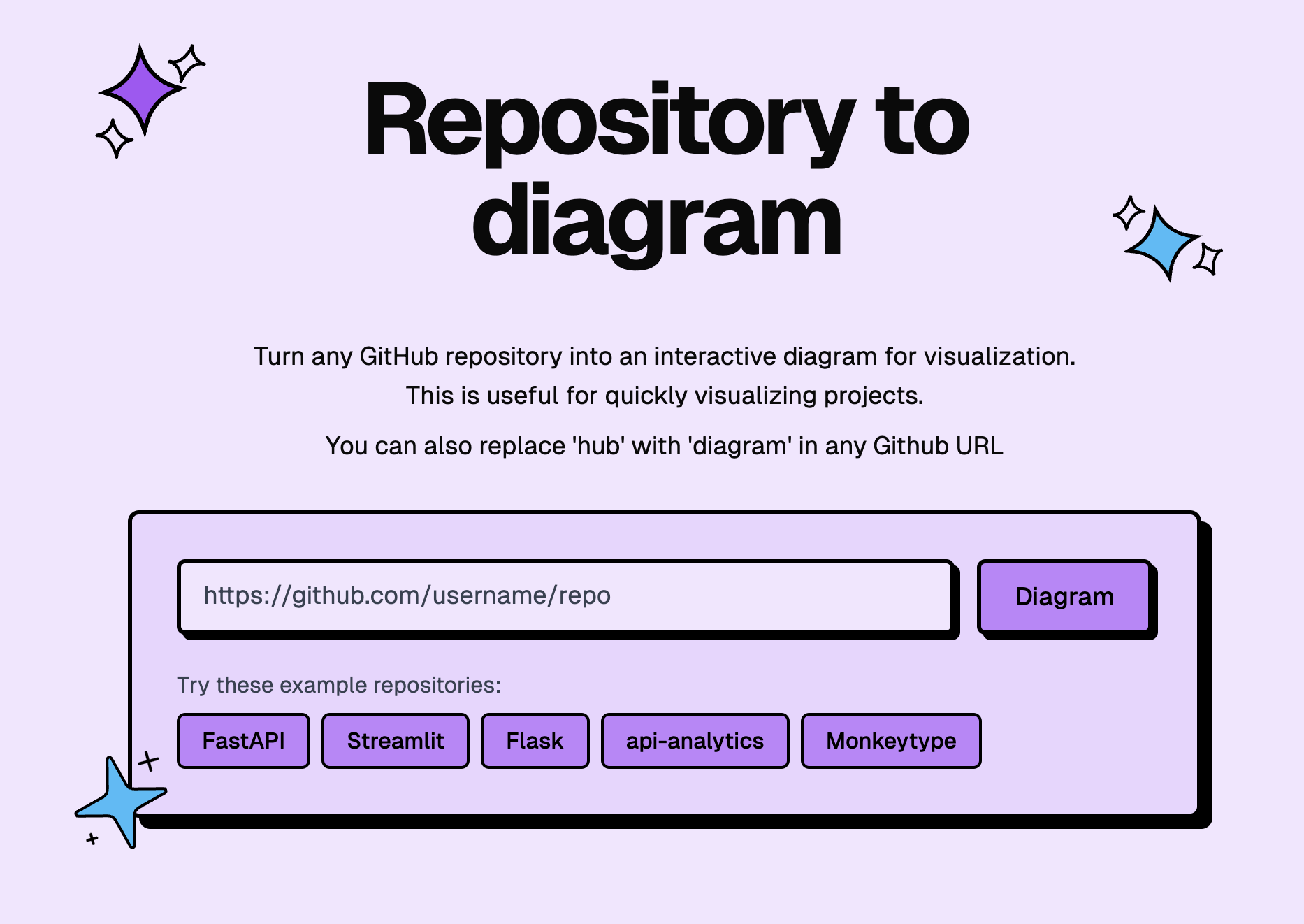
GitDiagram front page

License Ko-fi

Sent   Sponsored

SMS, WhatsApp, and RCS through one API. Try Sent →

New: explainer videos

GitDiagram can now turn a repository into a narrated video of about a minute. The video starts with what the project is for and what people do with it, then shows briefly how its main parts fit together and one decision under the hood.
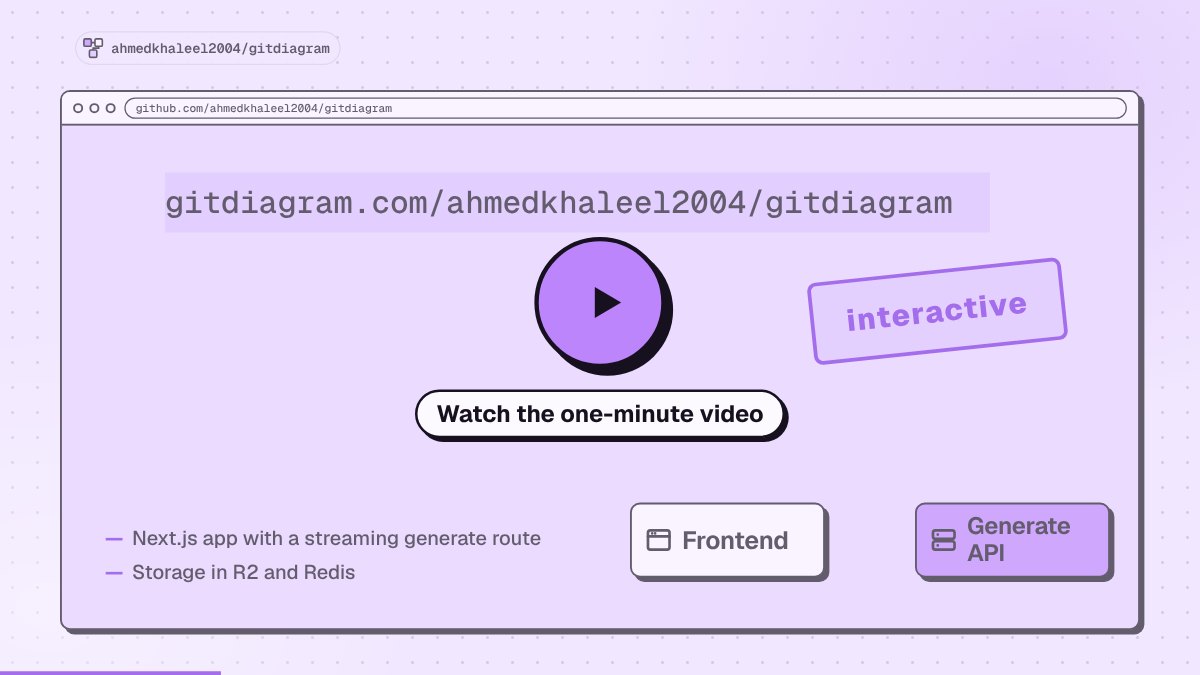
Watch GitDiagram explain itself in a minute

  • Watch the gallery → or add /video to any diagram URL, such as gitdiagram.com/owner/repo/video.
  • Download an MP4 in landscape or vertical (9:16), with captions burned in.
  • Making new videos is in early access. Anyone can watch videos that already exist.

Features

  • Watch a repository explained in a narrated video, or press Video on any diagram page.
  • Explore the architecture with an AI-generated diagram and streamed explanation.
  • Jump to the code by clicking any component's linked file or directory.
  • Use private repositories with a GitHub token via Private Repos in the header.
  • Export diagrams as PNG or copy the Mermaid source.

Use GitDiagram from AI agents

GitDiagram is a remote MCP server at https://gitdiagram.com/mcp (no key or sign-in). Agents can read a public repository's architecture explanation, components, connections and Mermaid source, search the stored diagrams, and get explainer videos.


Add to Claude Install in Cursor Install in VS Code Install in VS Code Insiders

bash
# Claude Code: the plugin adds the MCP server and a /gitdiagram skill
claude plugin marketplace add ahmedkhaleel2004/gitdiagram
claude plugin install gitdiagram@gitdiagram
# ...or just the MCP server
claude mcp add --transport http gitdiagram https://gitdiagram.com/mcp

# Codex
codex mcp add gitdiagram --url https://gitdiagram.com/mcp

# Gemini CLI
gemini extensions install https://github.com/ahmedkhaleel2004/gitdiagram

# GitHub Copilot CLI
copilot mcp add --transport http gitdiagram https://gitdiagram.com/mcp

In other clients (ChatGPT, Windsurf, Zed, LM Studio, Goose and more), add a remote MCP server with the URL https://gitdiagram.com/mcp. Then ask something like "how is fastapi/fastapi structured?".

Run locally

Requires Bun, Cloudflare R2, Upstash Redis, and an OpenAI or OpenRouter API key. See the setup guide for prerequisites and configuration.

bash
git clone https://github.com/ahmedkhaleel2004/gitdiagram.git
cd gitdiagram
bun install
cp .env.example .env

Fill in .env using the configuration guide, then start the app:

bash
bun run dev

Open localhost:3000.

Explainer videos are off by default. To turn them on, set VIDEO_EXPLAINER_ENABLED=1, NEXT_PUBLIC_VIDEO_EXPLAINER=1, ANTHROPIC_API_KEY, OPENAI_API_KEY and OPENROUTER_API_KEY (for the voice) in .env. See .env.example for the other video settings.

Development

Built with Next.js, React, TypeScript, Tailwind CSS, and Mermaid. Videos use Claude or GPT for the script and scenes and OpenRouter (Gemini 3.8 Flash TTS) for the voice. Deployed on Cloudflare Workers.

  • Architecture — generation pipeline, storage, and API
  • Development guide — setup, checks, and deployment
  • Deployment recovery — Railway/Docker fallback

Contributions are welcome. Open an issue or pull request with a focused description and verification notes.

Inspired by Romain Courtois's Gitingest.

