Flowra README
The full upstream README, mirrored here for reference. Install config, tool schemas, adoption signals, and an original overview live on the Flowra listing page.
Flowra SDK
The all-in-one platform for AI agents, locked workflows, and 1,000+ app integrations.
Official TypeScript, Python, and CLI SDK. Call hosted AI agents and locked workflows from your backend — Gmail, Slack, GitHub, Notion, Telegram, WhatsApp, Calendar, Linear, and 1,000+ apps, with OAuth, human approval, and a ledger of every tool call.
Product · Docs · SDK guide · MIT




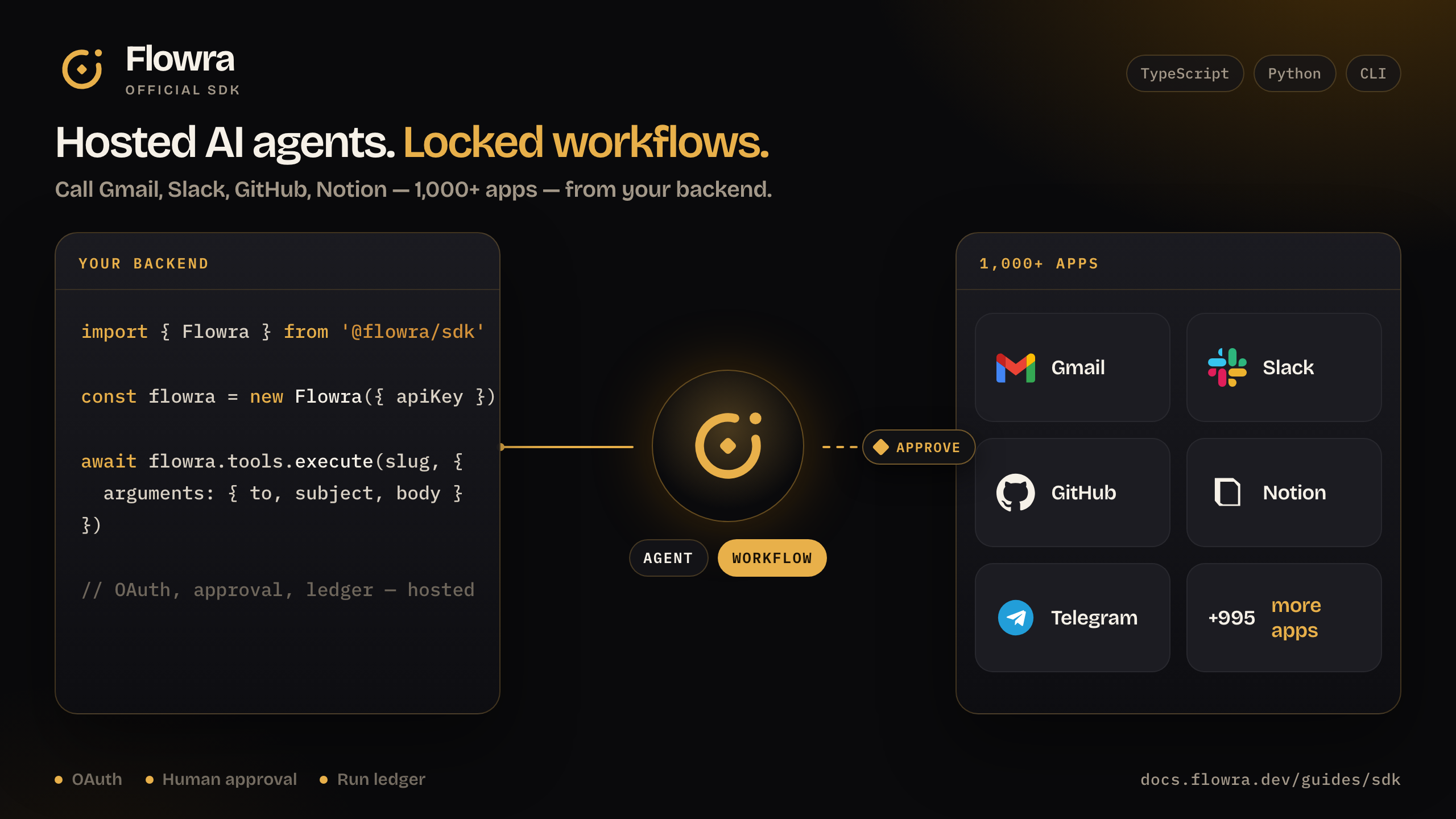
This repo is for your server. In Cursor / Claude / OpenClaw, install the agent skill and add https://mcp.flowra.dev/mcp with no headers (OAuth). Details: MCP.
Get a project API key: Dashboard → Project settings → API Keys.
Python is the same API in snake_case (create_link, as_user, ingest_url).
What is Flowra?
Flowra is an all-in-one AI agent and workflow platform. You describe a job; it runs against connected apps — with OAuth, a human gate on send/delete/pay, and a ledger of every tool call. This repository is the official SDK for calling that platform from TypeScript, Python, or a terminal.
Use Flowra when the work needs a real Gmail or Slack account, a schedule, human approval, multiple end users, or an audit trail. Do not keep OAuth and cron on a laptop.
| You need | Use |
|---|---|
| Same steps every run (cron recap, triage, alerts) | Workflow — a locked graph |
| Next tool depends on the message | Agent — open path, hosted |
| One action from your backend | SDK tools.execute |
| One action from a terminal agent | CLI discover → connect → execute |
| Cursor / Claude / OpenClaw | Skill + MCP |
What you can do
Send Gmail or Slack from your app
Don't invent slugs — take them from tools.list (often GMAIL_SEND_EMAIL, SLACK_SEND_MESSAGE).
Connect an app (OAuth)
If the user isn't connected yet, you get a URL. Open it, they approve, you continue.
Ship your own tool — it lands in the cloud
Gmail is already in the catalog. Your billing API is not. Create a toolkit + tool on this project; Flowra hosts it. It does not join the public catalog, but discovery on this project will find it: MCP FLOWRA_DISCOVER_TOOLS, flowra discover "…", or tools.list.
Next discover for this project returns HTTPBIN_GET_JSON. Then execute it like any catalog tool:
Slug: UPPER_SNAKE with the toolkit prefix (httpbin → HTTPBIN_GET_JSON). Only register when DISCOVER has no app for that job.
Run a locked workflow
A workflow is a graph you already designed (cron recap, triage, alerts). Your backend just triggers it.
Pause for a human, then resume
Sends, deletes, and payouts can wait. If the run is paused, don't start over.
Chat with an agent that has your tools
Teach it your docs
Act as a customer of their product
Default user is project_default_user. Never pass a project UUID as the username. Keep the API key out of source.
One shot from a terminal
When MCP isn't connected: discover → connect → execute. Never invent the slug.
If connect returns redirectUrl, open it, then run connect again.
Install the TypeScript, Python, and CLI SDK
Do not pip install flowra — that PyPI name is unrelated. The Python package is flowra-sdk (import stays flowra).
TypeScript
Python (3.10+)
CLI
Agent skill (Cursor, Claude, Codex, OpenClaw, Hermes)
Then add https://mcp.flowra.dev/mcp (OAuth, no headers). Directory: skills.sh/flowradev/skills/flowra.
Map of the client
| You want | Call |
|---|---|
| Apps & OAuth | tools toolkits connections authConfigs |
| Agents & cron graphs | workflows triggers chat |
| RAG / files / tables | knowledge files database |
| Code, browser, models | sandbox browser llm mcp |
| Credits | usage |
Flowra vs canvas automation and tool-only SDKs
Flowra is an all-in-one hosted platform: agents, locked workflows, OAuth, approval, and a run ledger in one project. A canvas (n8n, Zapier, Make) is a visual graph you host or subscribe to. A tool-only SDK wires apps into an agent you still run yourself.
| Flowra | Canvas (n8n / Zapier / Make) | Tool-only SDK | |
|---|---|---|---|
| Call from your backend | TypeScript, Python, CLI | Usually webhooks / REST | Yes |
| Hosted AI agent | Yes | Add-on or none | You host the agent |
| Locked workflow + cron | Yes | Yes | You build it |
| Human approval that works on cron | Yes | Varies | You build it |
| Ledger of every tool call | Yes | Run history | You build it |
| MCP for Cursor / Claude / Codex | Yes | Rare | Rare |
| Best for | Product backends, AI agents, approved automations | Visual ops teams | Bring-your-own agent |
FAQ
What is the Flowra SDK?
The Flowra SDK is the official TypeScript (@flowra/sdk) and Python (flowra-sdk) client for the Flowra API. Use it from your backend to execute tools, connect OAuth apps, run locked workflows, chat with hosted agents, and search project knowledge. The CLI (@flowra/cli) is the same API for a terminal.
Does Flowra work with Gmail, Slack, GitHub, and Notion?
Yes. Flowra ships a catalog of 1,000+ apps including Gmail, Slack, GitHub, Notion, Telegram, WhatsApp, Calendar, and Linear. Discover the exact slug with tools.list or flowra discover — never invent it. Custom REST or script tools can be registered on your project if the catalog has no app for that job.
Is Flowra an n8n, Zapier, or Make alternative?
Flowra is an alternative when you want code and MCP, not a canvas: hosted agents, locked workflows, OAuth, human approval, and a ledger. Stay on n8n, Zapier, or Make if your team already lives in a visual builder and does not need an SDK or Cursor/Claude MCP.
Flowra agent vs workflow — which should I use?
Use a workflow when the path is known and should not change (cron recap, triage, alerts). Use an agent when the next tool depends on the message. Both run on the same project, share connections, and write to the same ledger.
How do I install Flowra for Python?
Install flowra-sdk from PyPI (pip install flowra-sdk) and from flowra import Flowra. Do not pip install flowra — that package is unrelated. TypeScript is pnpm add @flowra/sdk. Python 3.10+ and Node 18+ are required.
Where do I get a Flowra API key?
Create a project at flowra.dev, then open Project settings → API Keys. Pass it as FLOWRA_API_KEY. Never commit the key. Default user is project_default_user; for end-customers of their product, use asUser / as_user with x-username.
Packages in this repo
| Package | Registry | Install |
|---|---|---|
@flowra/sdk | npm | pnpm add @flowra/sdk |
flowra-sdk | PyPI | pip install flowra-sdk |
@flowra/cli | npm | pnpm add -g @flowra/cli |
Docs: docs.flowra.dev · Agent skill: npx skills add flowradev/skills --skill flowra
MIT © Flowra