Bootstrap, verify, and update CLI tools & MCP servers in Claude Code from recipes; audit scopes.
Quick Install
Automated & IDE SetupCopy the AI prompt to install this server into Claude Code, Cursor, or another agent — or use 1-click editor setup below.
Manual Client & Custom JSON ConfigExpand JSON ▾
Client Config & Setup
Choose your client or environment
Target File:
💡 Paste the JSON block into your client's configuration file under mcpServers, then restart the application.
Documentation Overview
erbina
A Claude-Code-only MCP server that bootstraps your dev environment from one prompt — install, wire, and verify CLI tools and other MCP servers from curated recipes, and see where every MCP server lives across your scopes.




Named after the Lusitanian goddess of boundaries and crossings — erbina is the threshold a tool crosses to become part of your environment. Sibling to ataegina (goddess of rebirth), which is also erbina's proof-of-concept recipe #1.
The recipe contract is the core idea. One server, eleven tools, and a curated set of 500+ recipes spanning
cli-tools, scope-wiringmcp-servers, andprofiles that bundle them (see the Recipe gallery). Each is one YAML file held to a conformance bar — schema + linter policy + a 100%-covered offline suite, plus a weekly job that actually installs it on macOS, Linux, and Windows — and adding one is the point.
Why this exists
Setting up a coding-agent environment is death by a thousand cuts: you install a CLI, hand-edit a config, add an MCP server — then find out it's in the wrong scope and isn't showing up. Claude Code spreads MCP config across up to four files in two apps, with no single place that knows what's installed where (anthropics/claude-code#27458, #8288, #5963).
erbina makes setup a thing an agent does for you, and proves worked:
- It's an MCP server, so an agent must drive it. There is no human entry point — run it by hand and you get nothing. Nobody mistakes it for a manual installer that "should just work."
- Recipes, not one-shot installs. Each entry is a contract:
detect → install → configure → verify. Idempotent by construction — it
detects what's already there and skips it, and success means the tool runs,
not that a line was written to a file. Recipes also compose (
requires:prerequisites,profiles that bundle a whole set) and cover the full lifecycle:update→ re-verify → rollback,uninstall, and adoctorhealth-check over everything erbina installed. - Scope-aware. It knows about Claude Code's
local/project/userscopes, wires MCP-server recipes into the right one, and audits all three so you finally have one place that answers "what's installed, and where?" - Proven, not just written. On top of the offline suite, a weekly (and on-demand) CI job bootstraps recipes for real against live package managers on macOS, Linux, and Windows — so a renamed brew formula, a dead URL, or a bad winget id is caught, not shipped.
Install
erbina is a single Python file run by uv (it
declares its own dependencies inline — no venv to manage).
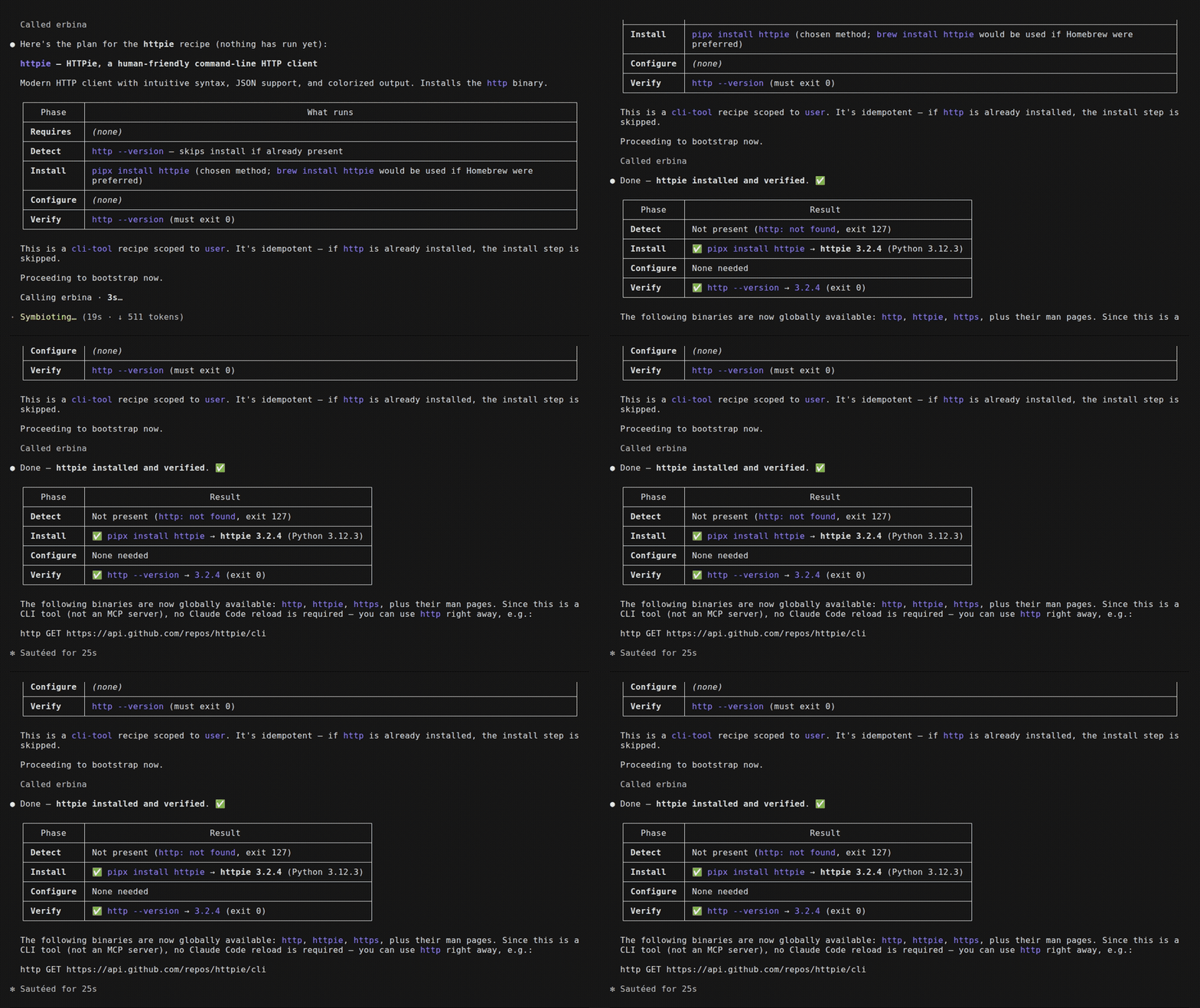
Then, in Claude Code, just ask: "use erbina to set up ataegina" — the agent inspects the recipe, shows you exactly what it will run, then bootstraps and verifies it.
Requirements: uv and Claude Code, on macOS, Linux, or Windows. Plus whatever a
recipe's install method needs — typically brew on macOS, winget on Windows, or
a language toolchain (cargo / go / pipx) or curl fallback elsewhere. Every
method is guarded, so only one that actually exists on your machine ever runs.
Headless / CI usage
In an interactive session claude mcp add … (above) handles the trust prompt for
you. A non-interactive claude -p run has no prompt to answer, so you load the
server with --mcp-config and pre-approve erbina's tools with --allowedTools
(their names are mcp__erbina__<tool>). Write an MCP config once:
--strict-mcp-config makes the run use only the servers in that file, so it
never picks up your global config. Omit --allowedTools and a headless call
can't call any tool — that's the one thing new CI users trip on.
Tools
| Tool | What it does |
|---|---|
list_recipes | List the curated recipes erbina can bootstrap — each with a category and search tags so you can tell at a glance what it's for. |
search_recipes | Find a recipe by keyword and/or filter (category, kind) instead of scanning the whole list — ranked by relevance. E.g. "a JSON tool" or category="kubernetes". |
list_categories | A domain map of the registry — every category with a recipe, how many, and example tools. See what erbina covers at a glance, then drill in with search_recipes(category=…). |
inspect_recipe | Show exactly what bootstrapping a recipe would run — the consent surface. Nothing executes. |
bootstrap | Run a recipe: detect → install → configure → verify, idempotently. dry_run=true returns the full plan without executing. |
check_updates | Read-only report of whether installed tools have newer versions available, for recipes that declare a version: block. Pinned tools are flagged and excluded. |
update | Upgrade an installed tool, then re-run verify as a safety net — on failure it rolls back (if the recipe supports it) or marks the tool broken. dry_run=true shows the command first. |
pin | Pin (or unpin) a tool so automatic updates skip it. update refuses a pinned tool unless force=true. |
audit_scopes | Read-only report of which MCP servers are configured in local / project / user scope, where each lives, and any name shadowed across scopes. |
find_dead_mcps | Health-check every configured MCP server and flag the ones that fail to connect — stale/dead servers, annotated with the scope to remove them from. Read-only. |
remove_mcp | Remove an MCP server by name (e.g. a dead one), auto-resolving its scope. dry_run=true shows the claude mcp remove command without running it. |
doctor | Health-check the CLI tools erbina has installed (its state manifest): re-run each one's detect + verify and report healthy / missing / broken. Read-only; the CLI-tool counterpart to find_dead_mcps. |
uninstall | Reverse a cli-tool install via the recipe's uninstall: block, confirm it's gone (re-run detect), and forget it in the state manifest. dry_run=true shows the command first. For MCP servers use remove_mcp. |
The server's instructions tell the agent to always inspect (or dry-run) and show you the commands before executing — erbina shells out to package managers with real privileges (it runs as a sibling process, not under Claude Code's Bash sandbox), so consent before execution is the safety model.
How a recipe works
A recipe is four phases an agent executes. The proof-of-concept entry,
recipes/ataegina.yaml:
A kind: mcp-server recipe instead wires a server into a chosen scope — its
configure step is claude mcp add <name> --scope ${scope} -- …, where ${scope}
is substituted from the scope you pass to bootstrap. See
recipes/fetch.yaml. A kind: profile recipe installs
nothing itself — it just requires: a curated set, so one prompt bootstraps the
whole bundle.
Recipes can also declare optional blocks: requires: (prerequisites bootstrapped
first), version: + update: / rollback: (auto-updates, with latest: as a
command or the { github: owner/repo } shorthand), and uninstall: (teardown).
Because each install method's when: guard runs in the host shell, methods are
cross-platform — a winget method fires only on Windows, brew/cargo/curl
only where they apply. The full schema is in SCHEMA.md.
Related MCP Servers
Reviews
No reviews yet — be the first to share how this listing worked for you.
Frequently Asked Questions about Erbina
AllMCPs Directory Badge
Showcase your server listing on GitHub or your project documentation. Embed this dynamic SVG badge to highlight official listing status and live engagement.
Badge Style:
Live Dynamic SVG Preview
Markdown (GitHub README)
[](https://allmcps.com/mcp/erbina)HTML Embed
<a href="https://allmcps.com/mcp/erbina"><img src="https://allmcps.com/api/badge/erbina?style=directory" alt="Erbina on AllMCPs" /></a>Technical Specs & Signals
CategoryDeveloper Tools
27Quality signal: Emerging · 27/100How this signal is calculated ▾
Server availabilityNot measured
Not scored for repo-hosted servers — we can't reach the running server, only its GitHub page. Hosted MCP endpoints are health-checked live.
Verified ownership8/20
Documentation & tools11/30
Adoption & activity1/15
Community engagement0/10
A guidance signal from public completeness & health data — not a user rating. New listings start lower and rise as they add docs, get verified, and grow adoption. Signals we can't observe for a listing are skipped, not counted against it.
Own this project?
This directory is pre-filled from public sources. Claim via GitHub README, site badge, or DNS TXT to unlock edit access and the Official badge — proof is checked automatically, then reviewed by our team.
Free dofollow backlink: add your website and place the AllMCPs badge on it — no claim needed. We detect it automatically and keep it verified as long as the badge stays live.
Claim & get free dofollowShare & Embed
Add our SVG badge (dark/light directory styles) or embeddable widget to your site.