Hand-drawn explainer illustrations in your AI host, via an MCP App with an interactive viewer.
Quick Install
Automated & IDE SetupCopy the AI prompt to install this server into Claude Code, Cursor, or another agent — or use 1-click editor setup below.
Not yet automatically verified
We haven't yet run this listing's install command through our automated sandbox check. This isn't a red flag — we're steadily working through the catalog.
Manual Client & Custom JSON ConfigExpand JSON ▾
Client Config & Setup
Choose your client or environment
Target File:
💡 Paste the JSON block into your client's configuration file under mcpServers, then restart the application.
Documentation Overview
Doodleworks MCP
Turn any idea (a blog post, an article, an X post) into hand-drawn "Tinku" illustrations that explain the key concepts, right inside your AI host.
















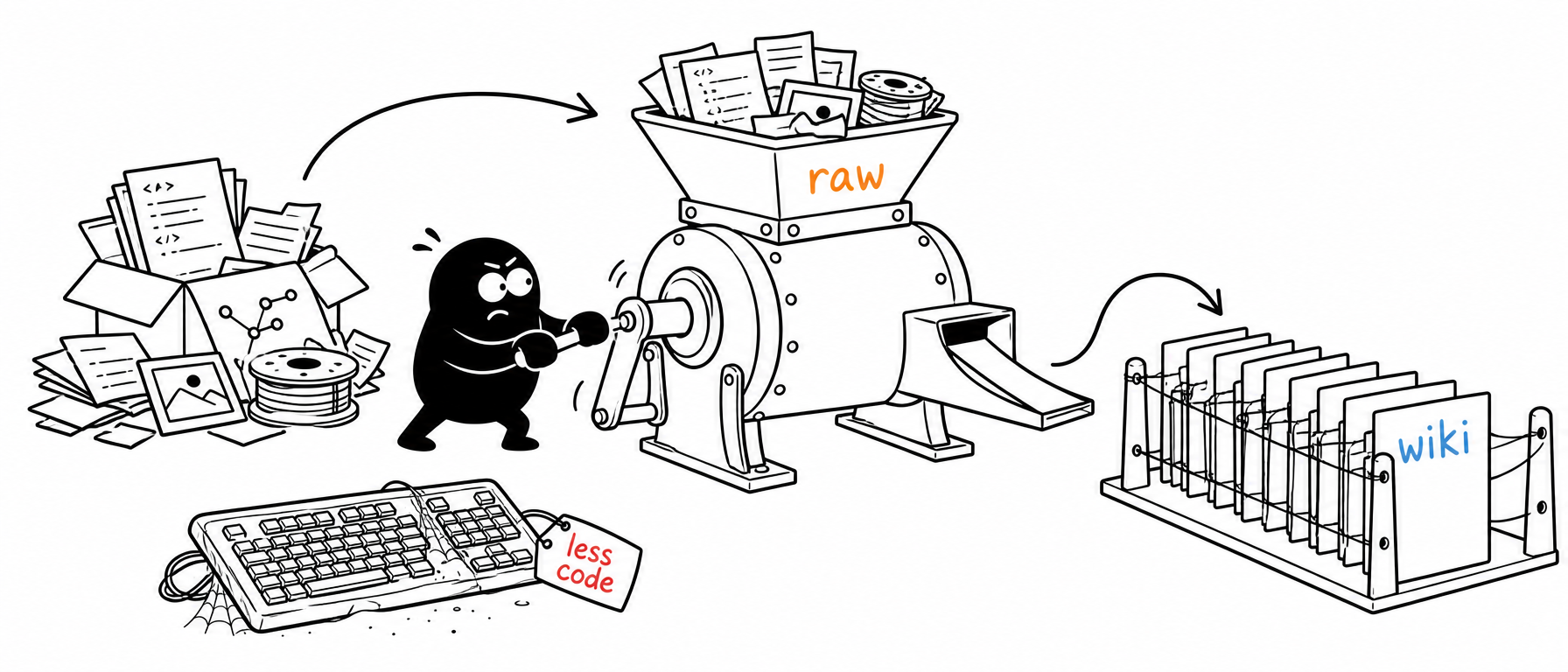
Bring your own image-API key (OpenAI or Gemini) · local stdio server · flip through, regenerate, and download, all in your host's chat.
Quick start · Add to your host · Using it · Parameters · The viewer · Examples · Configuration · Build from source · How it works
Doodleworks turns a single idea (or a whole blog post, article, or X post) into clean line illustrations that explain its key concepts, one idea per picture. It never draws the topic literally. Instead, it pulls out each concept and reinvents it as a low-tech contraption that Tinku, the app's own character, is physically operating: confident black lines on a pure-white background, with a few neat red/orange/blue handwritten labels.
Ask your AI host for a set of illustrations, and Doodleworks renders them and opens an interactive viewer right in the chat: flip through, regenerate any image you don't like, and download the PNGs.
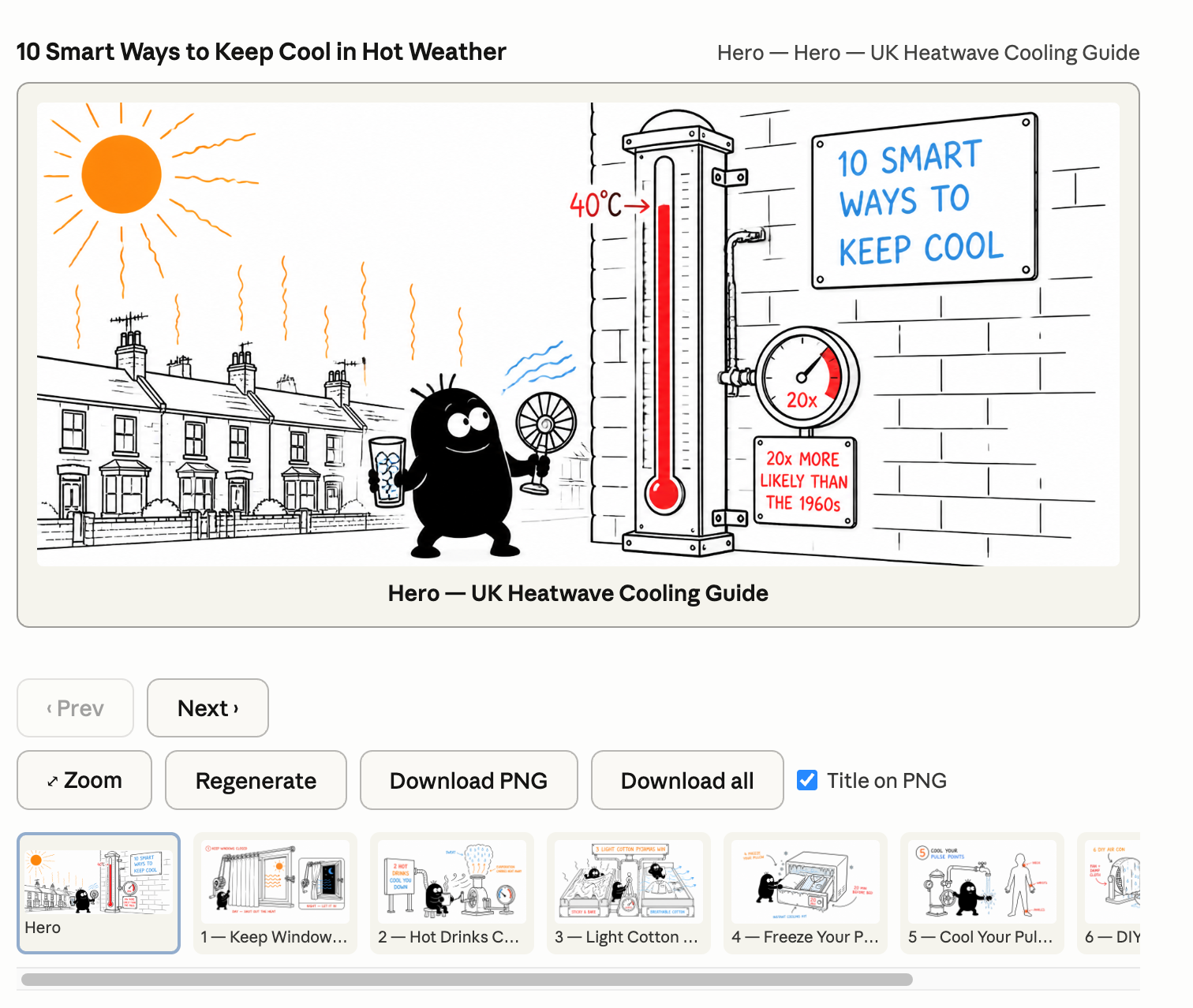
The interactive viewer in Claude Desktop: browse the set, regenerate any image, and download PNGs (with an optional title burned in).
✨ Highlights
- 🖐️ Hand-drawn, one idea per picture: clean black line art on white with a few red/orange/blue labels; never a literal chart or diagram.
- 🧩 Concepts, not clip art: each key idea becomes a low-tech contraption that Tinku, the app's recurring character, physically operates.
- 🖼️ Interactive viewer in your chat: browse, zoom, regenerate any single image, and download PNGs, inline in supported hosts.
- 🔑 Bring your own key: OpenAI or Gemini. The key stays server-side and is never sent to the viewer or the iframe.
- ⚡ Zero infrastructure: a local stdio server you launch with one
npxline. No clone, no build, no database.
🚀 Quick start
No clone and no build required: npx fetches the published doodleworks-mcp package from npm and runs it. You'll need an image-API key to render (none is needed just to install).
1. Get an image key. Use one of:
OPENAI_API_KEY: OpenAI GPT Image (the default provider)GEMINI_API_KEY(orGOOGLE_API_KEY): Gemini 3 Pro Image ("Nano Banana Pro")
New here? Start with OPENAI_API_KEY: it's the default, and every example below was generated with it. Set just one; you don't need both.
2. Add it to your AI host. Drop this into your host's MCP config (Claude Desktop's claude_desktop_config.json shown; see Add it to your AI host for every other host):
3. Ask in plain language. Restart the host, then say:
Use doodleworks to create a set of 6 illustrations explaining how a heat pump heats your home, for homeowners, one idea per image.
[!TIP] The model writes each illustration's prompt for you. You just describe the topic. In a graphical host the viewer opens with the gallery; in a terminal host you'll get tool output only (a text summary, not the rendered images).
🔌 Add it to your AI host
Doodleworks is an MCP App: it exposes tools and an interactive UI. Every host below can run the tools, but the inline viewer (the whole point) only renders in hosts that support MCP Apps UI.
[!TIP] Want the inline viewer? Use Cursor, VS Code, Claude Desktop, or Goose. Claude Code and Windsurf run the tools but can't show the viewer (you'll get tool output instead).
| Host | Runs the tools | Shows the viewer | Notes |
|---|---|---|---|
| Cursor (2.6+) | ✅ | ✅ | Cleanest experience |
| VS Code (1.109+) | ✅ | ✅ | Copilot agent mode |
| Goose Desktop (1.19.1+) | ✅ | ✅ | Viewer is experimental |
| Claude Desktop | ✅ | ✅ | Fully quit + relaunch after editing config |
| Claude Code | ✅ | ❌ | Terminal has no webview |
| Windsurf | ✅ | ❌ | Tools only |
| MCPJam / basic-host (dev) | ✅ | ✅ | Most reliable way to see the viewer |
[!NOTE] Every config below uses the published package (
npx -y doodleworks-mcp), so there's no clone and no build. Hacking on your own checkout instead? Swap the command fornpx -y tsx /ABSOLUTE/PATH/doodleworks-mcp/main.ts --stdio(see Build from source). Use whichever image key you exported.
Cursor: full viewer (Cursor 2.6+)
Create .cursor/mcp.json in your project (or ~/.cursor/mcp.json for all projects):
Then open Cursor Settings → Tools & Integrations, confirm doodleworks is enabled, and invoke it from Agent chat. Using ${env:OPENAI_API_KEY} keeps the key out of the file (set it in your shell); or paste sk-... directly. The inline viewer requires Cursor 2.6+; older versions run the tools but won't render it.
VS Code: full viewer (VS Code 1.109+, GitHub Copilot agent mode)
VS Code uses a servers key (not mcpServers) and can prompt for the key securely. Create .vscode/mcp.json:
Click Start above the server entry (or run MCP: List Servers), enter the key when prompted, then open Copilot Chat → Agent mode and invoke the tool. The viewer renders inline. Requires VS Code 1.109+ (MCP Apps is in preview).
Goose Desktop: full viewer (Goose Desktop 1.19.1+, experimental)
Goose uses YAML. Edit ~/.config/goose/config.yaml (Windows: %APPDATA%\Block\goose\config\config.yaml):
Related MCP Servers
Adoption & maintenance
Factual signals from GitHub, npm, and our automated checks — not a rating.
Last commit
1mo ago
Most recent push to the default branch.
Directory activity
2 views
Config copies, upvotes, and views on AllMCPs.
Reviews
No reviews yet — be the first to share how this listing worked for you.
Frequently Asked Questions about Doodleworks MCP
AllMCPs Directory Badge
Showcase your server listing on GitHub or your project documentation. Embed this dynamic SVG badge to highlight official listing status and live engagement.
Badge Style:
Live Dynamic SVG Preview
Markdown (GitHub README)
[](https://allmcps.com/mcp/doodleworks-mcp)HTML Embed
<a href="https://allmcps.com/mcp/doodleworks-mcp"><img src="https://allmcps.com/api/badge/doodleworks-mcp?style=directory" alt="Doodleworks MCP on AllMCPs" /></a>Technical Specs & Signals
CategoryDeveloper Tools
11/15 checks healthy over the last 45d
37Quality signal: Fair · 37/100How this signal is calculated ▾
Server availabilityNot measured
Not scored for repo-hosted servers — we can't reach the running server, only its GitHub page. Hosted MCP endpoints are health-checked live.
Verified ownership10/20
Documentation & tools16/30
Adoption & activity2/15
Community engagement0/10
A guidance signal from public completeness & health data — not a user rating. New listings start lower and rise as they add docs, get verified, and grow adoption. Signals we can't observe for a listing are skipped, not counted against it.
Supply-chain signal
No high-severity advisories surfaced by our automated scan.
Critical 0High 0Medium 0Low 0
Scanned 4d ago via OSV.dev · doodleworks-mcp (npm)
Own this project?
This directory is pre-filled from public sources. Claim via GitHub README, site badge, or DNS TXT to unlock edit access and the Official badge — proof is checked automatically, then reviewed by our team.
Free dofollow backlink: add your website and place the AllMCPs badge on it — no claim needed. We detect it automatically and keep it verified as long as the badge stays live.
Claim & get free dofollowShare & Embed
Add our SVG badge (dark/light directory styles) or embeddable widget to your site.