Dock Timelapse README
The full upstream README, mirrored here for reference. Install config, tool schemas, adoption signals, and an original overview live on the Dock Timelapse listing page.
Dock Timelapse
Your Dock tells the story of the tools you live in. Dock Timelapse records it quietly every day and turns its evolution into an Apple-style timelapse: apps springing in, others handing over their spot, a day counter ticking, all drawn over your own wallpaper.
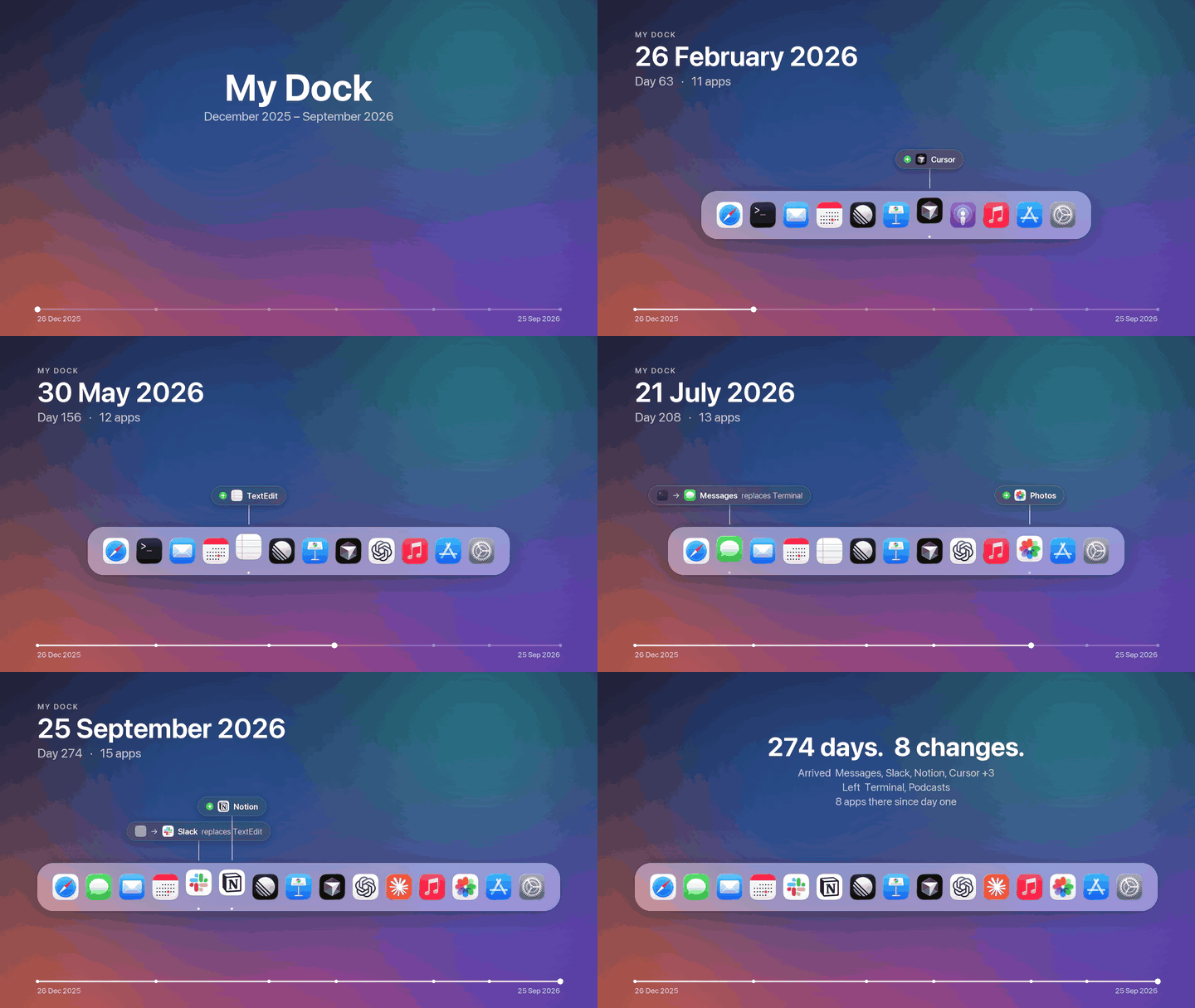
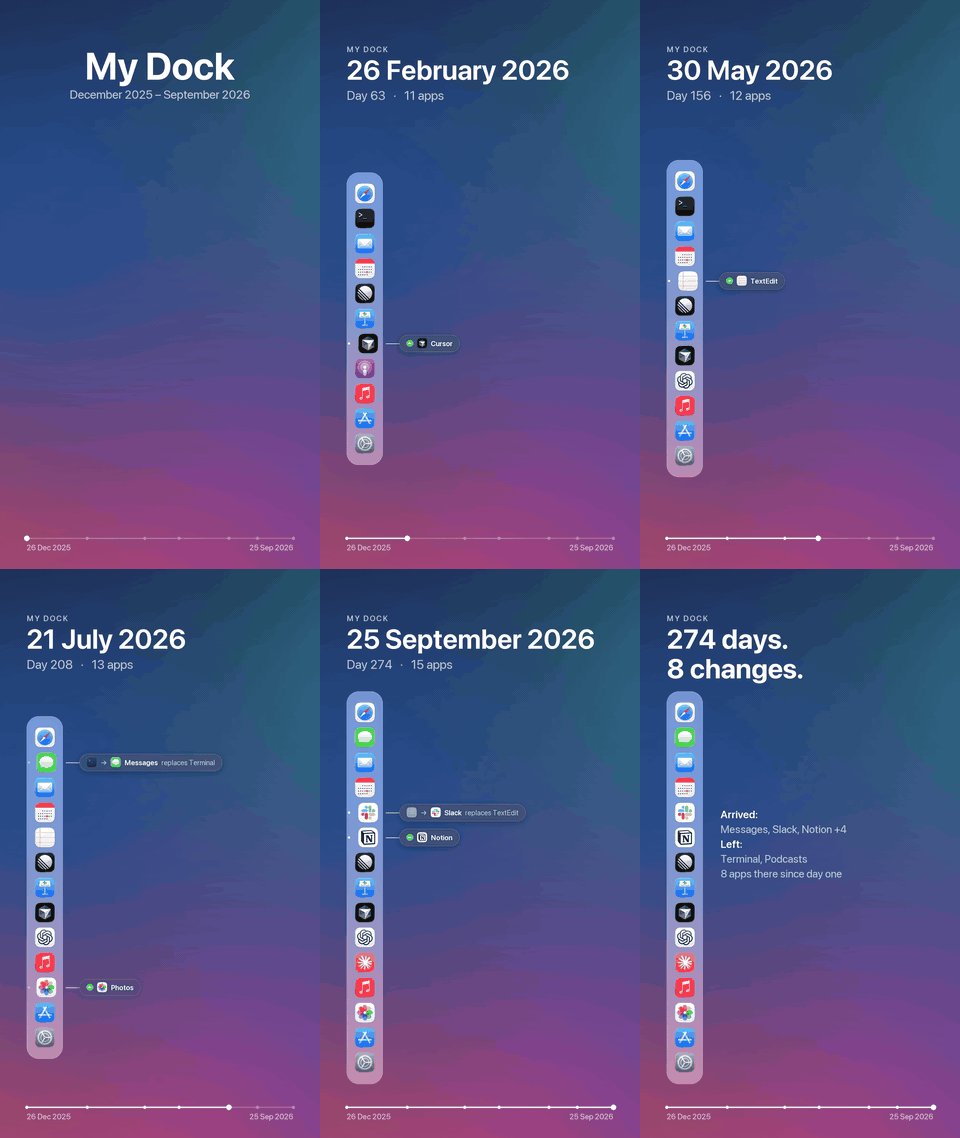
Demo render with an invented nine-month history. The real output is 1920×1080 and 1080×1920 H.264 at 60 fps.
| Replacements and arrivals, labelled next to the icon | End card with the story in numbers |
|---|---|
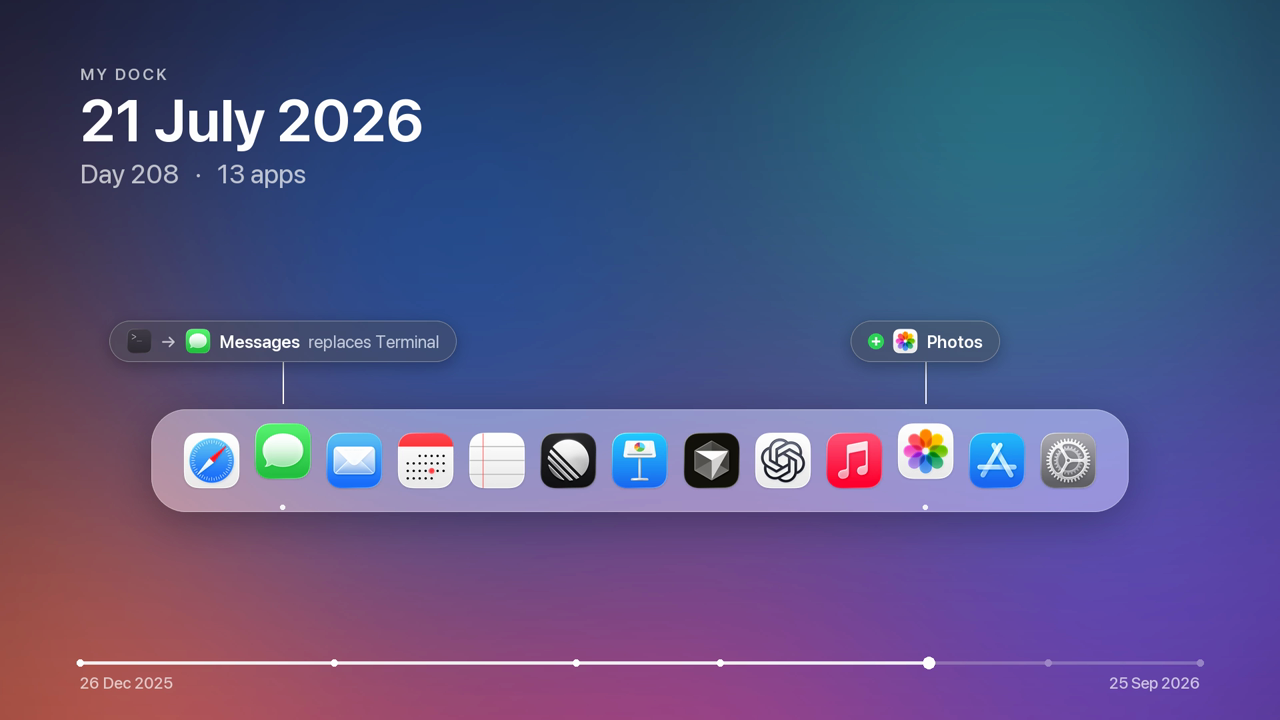 | 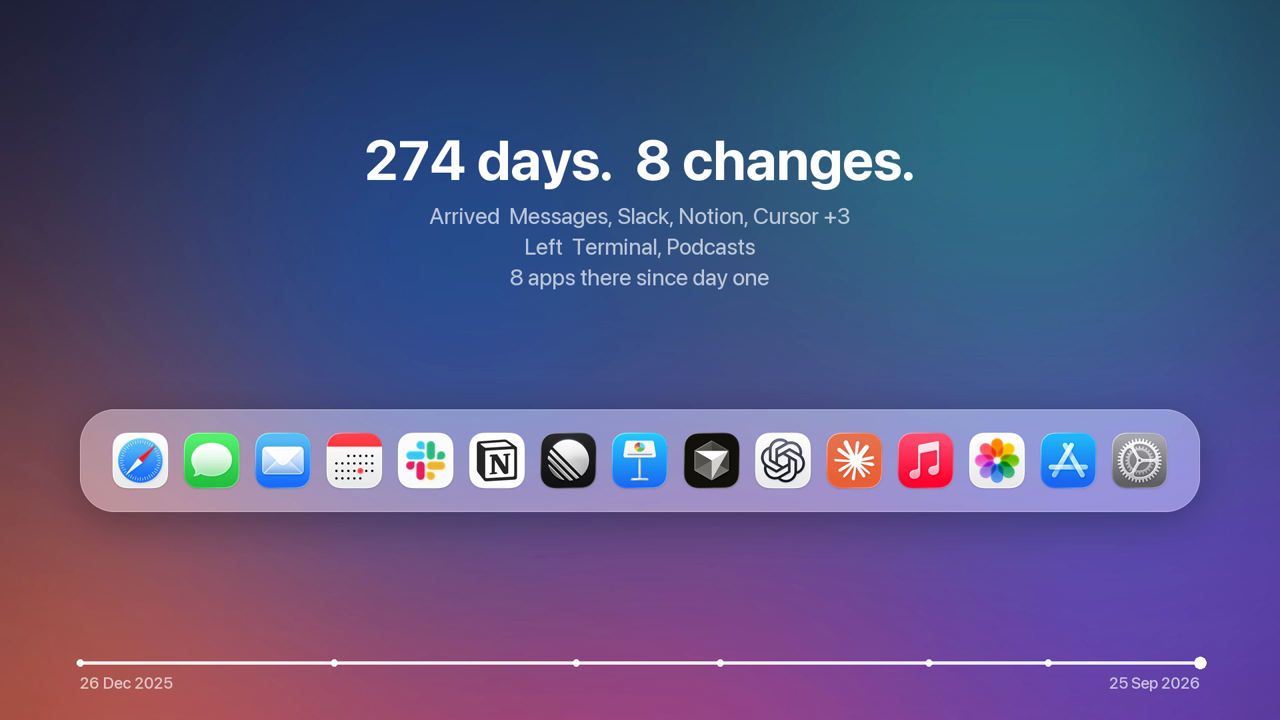 |
White background (--background white) | Portrait — a vertical Dock with labels alongside |
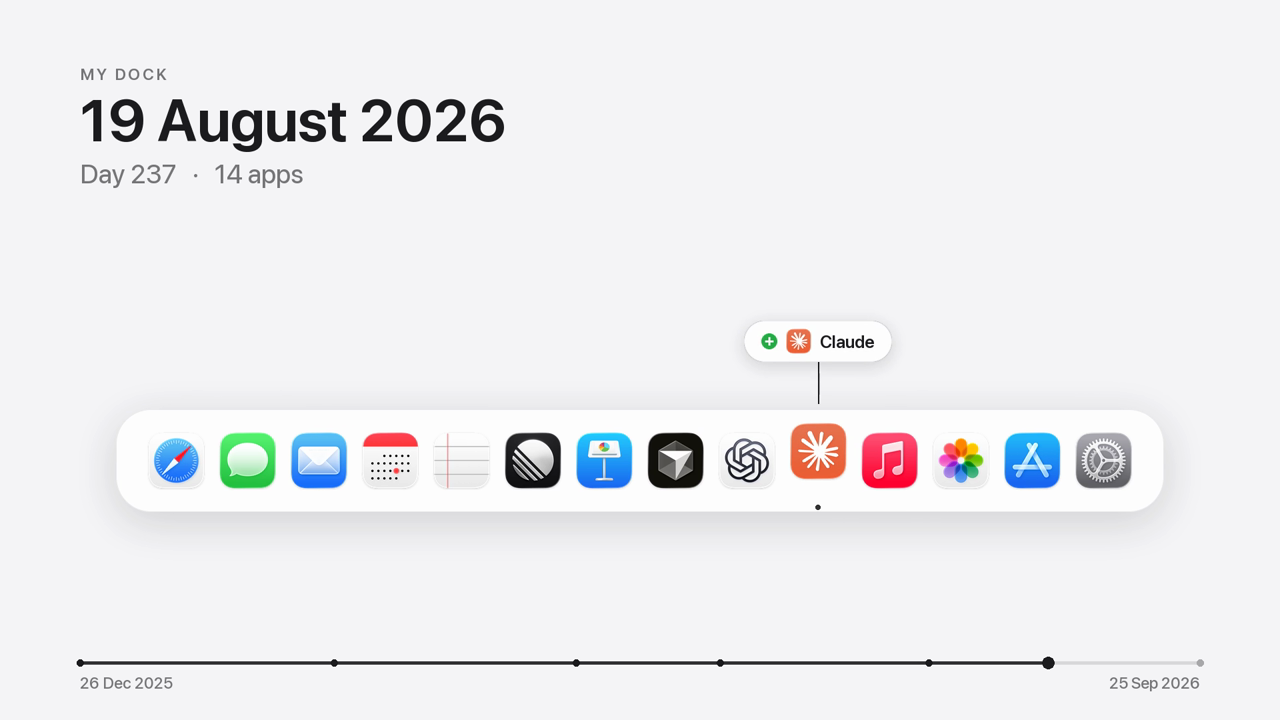 | 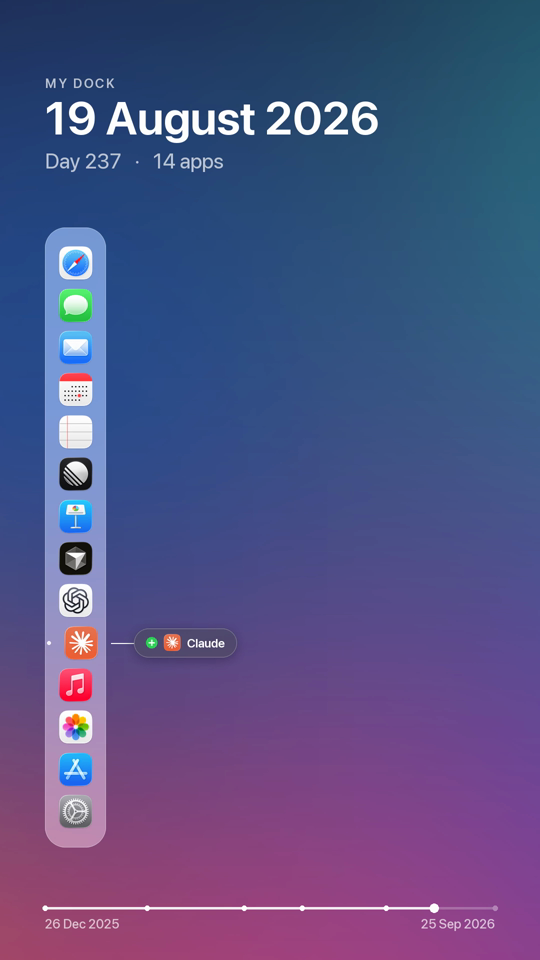 |
How it works
- Records — an hourly background agent reads the Dock's own preferences (the pinned apps, up to and including System Settings). On each day the Dock changes it saves a snapshot: the app list, every icon in high resolution, and the current wallpaper. Optionally it keeps a cropped Dock screenshot too.
- Renders — the videos are redrawn from that data: a glass Dock over your blurred wallpaper, spring
animations, change labels (
+ Linear,Cursor replaces Xcode), the date and day counter, and a progress bar scaled to real calendar time. - Previews on day one —
previewinvents a plausible past that ends with your real Dock, so you can see your video right away.
Requirements: macOS and uv. ffmpeg comes bundled.
Install
Command line
Claude Code
The plugin brings the skill and the MCP server. Then just ask: "start recording my Dock", "make a timelapse of my Dock", "which apps did I add since June?"
Codex, Cursor, Gemini CLI, Copilot and other agents
The skill follows the open Agent Skills format:
MCP server (Claude Desktop, Codex, Cursor, VS Code, …)
Codex (~/.codex/config.toml):
Tools: dock_status, current_dock, dock_history, install_recording, uninstall_recording,
capture_now, render_timelapse, render_preview, render_frame.
Usage
Screenshots use the Screen Recording permission: install --screenshots prints the Python path to add in
System Settings → Privacy & Security → Screen & System Audio Recording. The videos only need the Dock data,
so this step is optional.
Data lives in ~/Library/Application Support/dock-timelapse/ (snapshots.json, icons, wallpapers, and
capture.log).
Development
| module | role |
|---|---|
dockdata.py | parse Dock prefs → ordered apps, up to System Settings |
diff.py | added / removed / replaced / moved between two Docks |
store.py | snapshots on disk, one per day of change |
capture.py · visibility.py · macos.py | one capture attempt; Dock visibility; the macOS calls |
agent.py | the launchd agent |
timeline.py · layout.py | pure animation model and geometry |
render.py · video.py | Pillow frames → ffmpeg H.264 |
poc.py | invented histories for previews |
mcp_server.py | MCP tools |
License
MIT