MCP server for the dfxm-geo dark-field X-ray microscopy forward model
Quick Install
Automated & IDE SetupCopy the AI prompt to install this server into Claude Code, Cursor, or another agent — or use 1-click editor setup below.
Manual Client & Custom JSON ConfigExpand JSON ▾
Client Config & Setup
Choose your client or environment
Target File:
💡 Paste the JSON block into your client's configuration file under mcpServers, then restart the application.
Documentation Overview
dfxm-geo-mcp
An MCP server that lets an AI client drive the dfxm-geo dark-field X-ray microscopy forward model: validate and scaffold configs, enumerate reachable reflections, and render preview-scale simulations.
Run
Claude Desktop (claude_desktop_config.json):
Or: pip install dfxm-geo-mcp then dfxm-geo-mcp.
First run pulls a heavy scientific stack (numba/scipy) and warms a JIT cache (~10 s once). No fake demo mode — the sims are real.
Tools
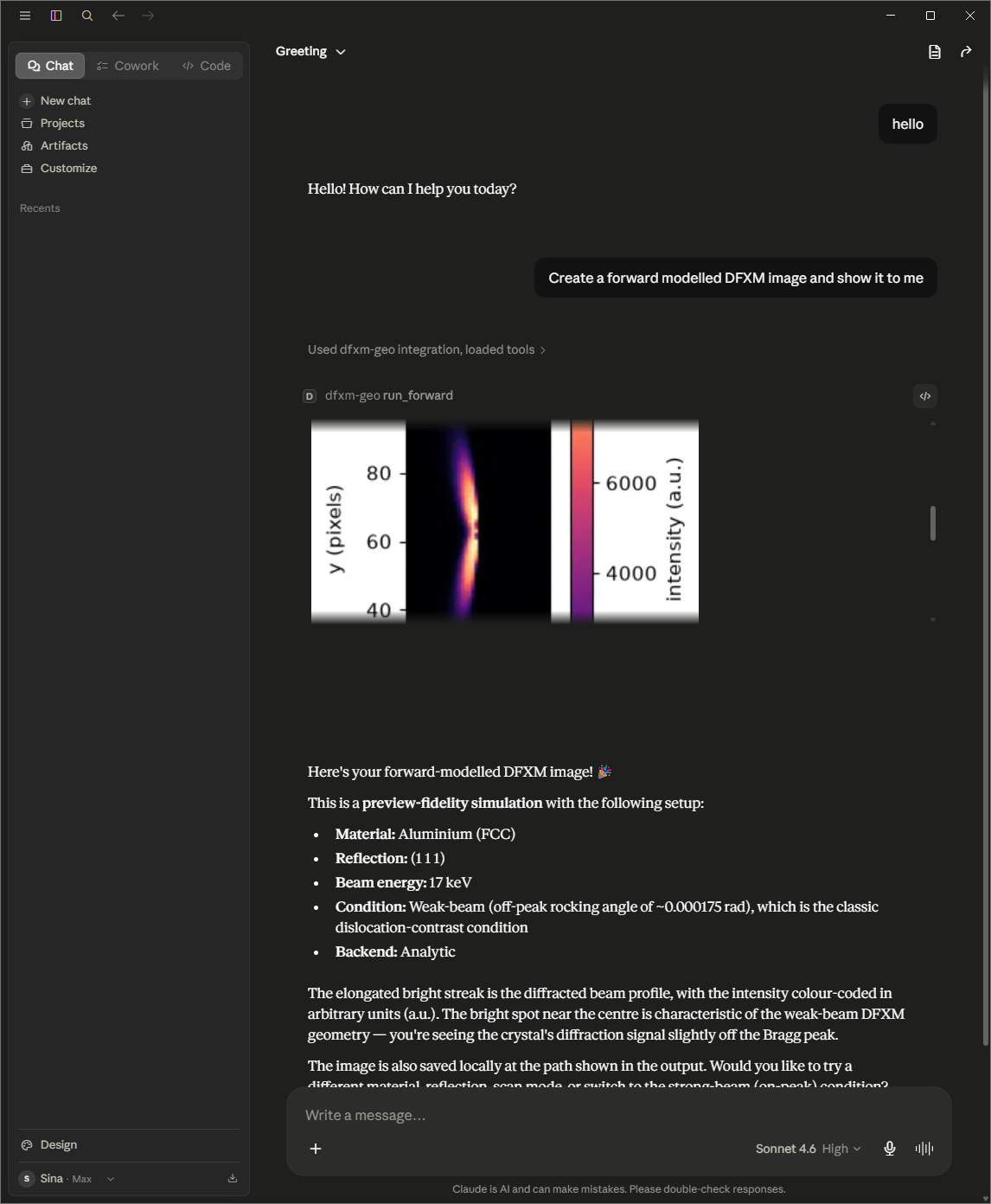
validate_config · find_reflections · predict_visibility (g·b reflection-visibility ranking; structured scores plus a self-contained .html) · scaffold_config · run_forward (analytic preview; saves a PNG and a self-contained .html) · run_rocking (interactive φ-rocking-curve viewer: a single self-contained .html with a frame scrubber + live rocking-curve plot) · start_bootstrap / get_job_status / get_job_result (MC fidelity).
Both run_forward and run_rocking write self-contained HTML (image(s) embedded, all CSS/JS inline, no external origins) that opens full-size in any browser and is surfaced by file-showing clients.
Architecture
A protocol-agnostic ops layer wrapping dfxm-geo, under a thin FastMCP adapter. See docs/superpowers/specs/.
Roadmap (v2)
run_identify · remote HTTP transport · .mcpb bundle.
Related MCP Servers
Reviews
No reviews yet — be the first to share how this listing worked for you.
Frequently Asked Questions about Dfxm Geo MCP
AllMCPs Directory Badge
Showcase your server listing on GitHub or your project documentation. Embed this dynamic SVG badge to highlight official listing status and live engagement.
Badge Style:
Live Dynamic SVG Preview
Markdown (GitHub README)
[](https://allmcps.com/mcp/dfxm-geo-mcp)HTML Embed
<a href="https://allmcps.com/mcp/dfxm-geo-mcp"><img src="https://allmcps.com/api/badge/dfxm-geo-mcp?style=directory" alt="Dfxm Geo MCP on AllMCPs" /></a>