productivityactivity-historyocrsemantic-searchmcp
Captures work activity, stores summaries and OCR locally, and makes history searchable through MCP.
Quick Install
Automated & IDE SetupCopy the AI prompt to install this server into Claude Code, Cursor, or another agent — or use 1-click editor setup below.
One-click editor setup isn’t available for this listing yet — we don’t have a confirmed install command, and we’d rather show nothing than point your editor at the wrong package or host. Follow the project’s own setup instructions, linked above.
Manual Client & Custom JSON ConfigExpand JSON ▾
No confirmed setup config for this listing yet. We only publish a config block when the install details come from the project itself — its README, its docs, or a verified owner. We haven’t found those for deusXmachina-dev/memorylane, and we’d rather show nothing than a guess you’d paste into your client. Follow the project’s own setup instructions for the current steps.
Overview
Use cases
Review past screen activity by timeline
Search work history using natural-language queries
Retrieve details about a specific activity event
Detect recurring workflows and automation opportunities
Run summaries through a local model endpoint
Key features
Event-driven screen capture
AI-generated capture summaries
OCR text extraction
Local SQLite storage
Full-text and vector search
MCP access to activity history
Capabilities & Tool Schemas
Inspect callable tools, capabilities, and parameters exposed to AI agents by Memorylane.
Extracted Tool Capabilities
Event-driven screen capture
AI-generated capture summaries
OCR text extraction
Local SQLite storage
Full-text and vector search
MCP access to activity history
Documentation Overview
MemoryLane

App Download


What is MemoryLane?
MemoryLane is a tray app for macOS and Windows that captures your screen as you work, summarizes each capture into text through your model endpoint, then deletes the screenshot. Only the summaries, OCR text, and embeddings are kept — in a local SQLite database with full-text and vector search. From there it detects recurring workflows, surfaces automation opportunities, and makes everything queryable from any AI chat over MCP.
Capture → summarize → store locally → detect patterns → query from any AI chat via MCP
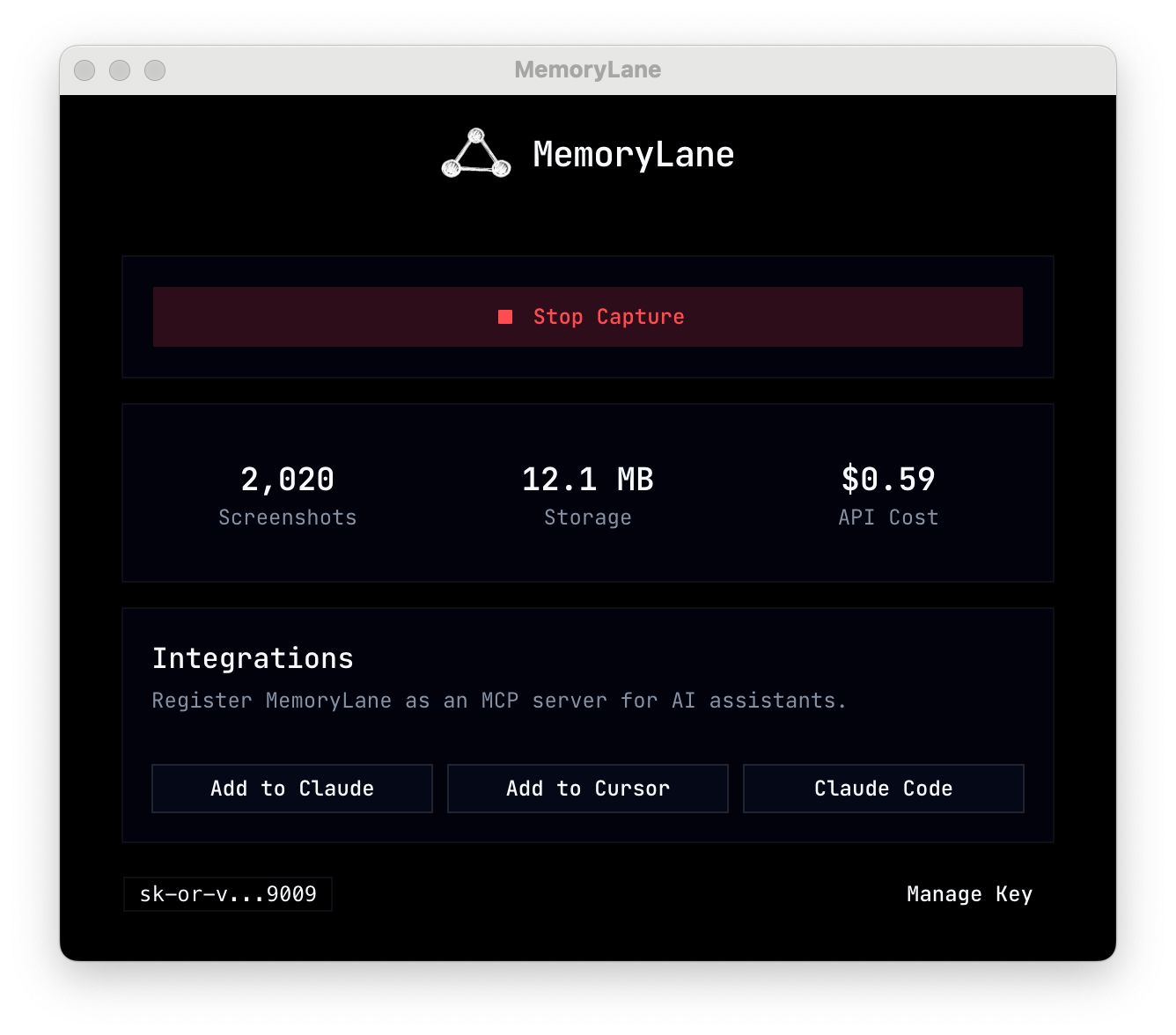
🎬 Demo
Use your own models
By default, captures are summarized through a managed OpenRouter endpoint. You can instead point MemoryLane at your own LLM — a local model via Ollama, vLLM, or LM Studio, or your own OpenRouter account — all from Settings, no rebuild. With a local endpoint, captures never leave your machine. See Using Your Own Models.
Privacy & Permissions
CLI
Install the CLI from npm: @deusxmachina-dev/memorylane-cli
Community
Questions, feedback, and feature ideas are welcome in our Discord server.
Related MCP Servers
Adoption & maintenance
Factual signals from GitHub, npm, and our automated checks — not a rating.
GitHub stars
123
Stargazers on the source repository.
Last commit
5d ago
Most recent push to the default branch.
Directory activity
1 views
Config copies, upvotes, and views on AllMCPs.
Reviews
No reviews yet — be the first to share how this listing worked for you.
Frequently Asked Questions about Memorylane
AllMCPs Directory Badge
Showcase your server listing on GitHub or your project documentation. Embed this dynamic SVG badge to highlight official listing status and live engagement.
Badge Style:
Live Dynamic SVG Preview
Markdown (GitHub README)
[](https://allmcps.com/mcp/deusxmachina-dev-memorylane)HTML Embed
<a href="https://allmcps.com/mcp/deusxmachina-dev-memorylane"><img src="https://allmcps.com/api/badge/deusxmachina-dev-memorylane?style=directory" alt="Memorylane on AllMCPs" /></a>