See any site as it looks on a real iPhone, iPad or MacBook — and drive that window over MCP.
Quick Install
Automated & IDE SetupCopy the AI prompt to install this server into Claude Code, Cursor, or another agent — or use 1-click editor setup below.
Manual Client & Custom JSON ConfigExpand JSON ▾
Client Config & Setup
Choose your client or environment
Target File:
💡 Paste the JSON block into your client's configuration file under mcpServers, then restart the application.
Documentation Overview
Custom AI View
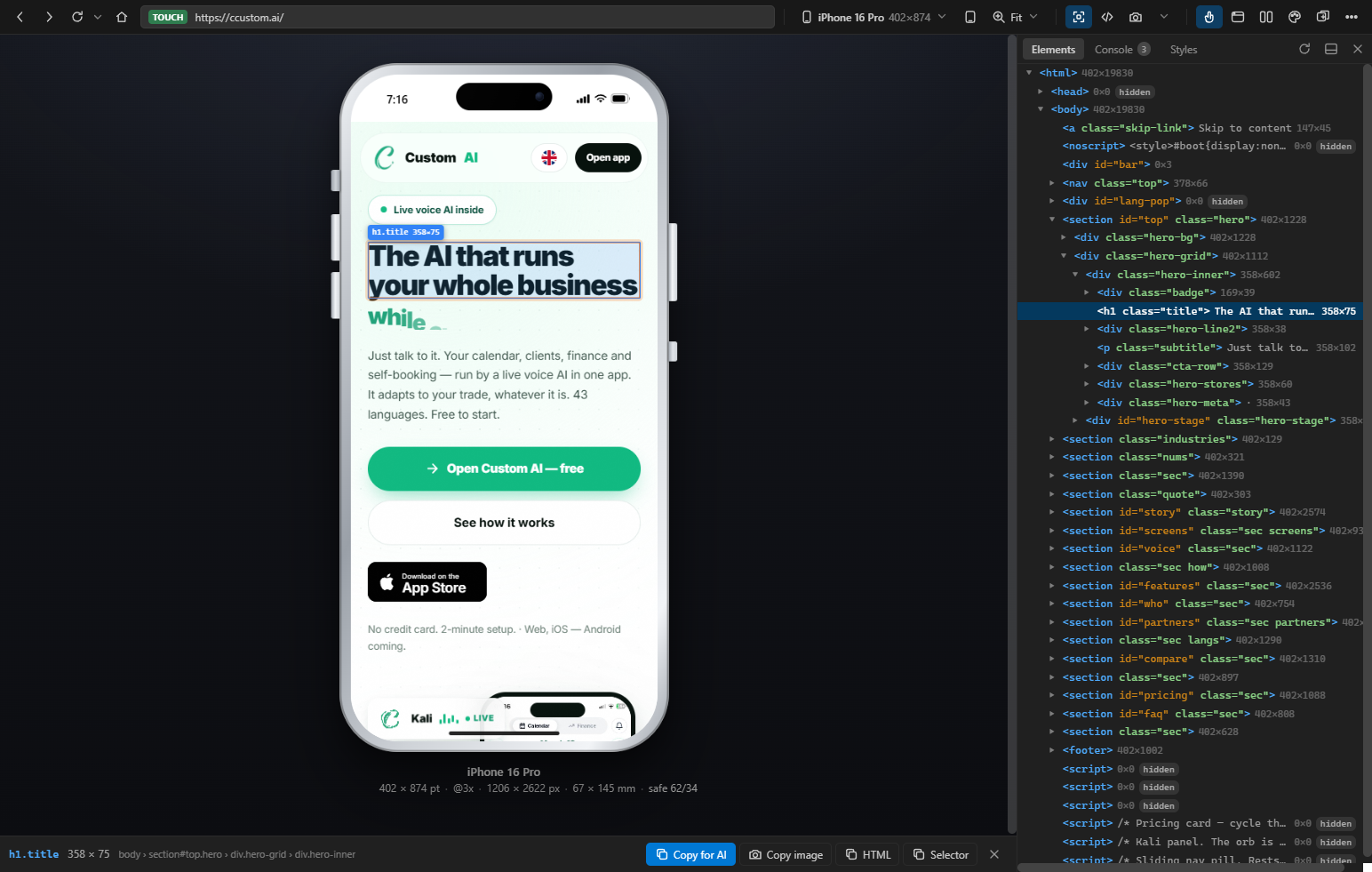
See any website the way it looks on a real phone — and let an AI agent see it too.
A real browser inside pixel-accurate device frames: iPhone, iPad, Android, MacBook. Ships as a Windows app, a Mac app and a VS Code extension, with an MCP server so your AI assistant looks at the same window you do, over the Model Context Protocol.
If you have ever wanted to view a site as on mobile, preview responsive design on a real device frame, or give an AI agent eyes on your own browser window — that is what this is.
ccustom.ai/view · by Custom AI
Why this exists
Chrome's device toolbar resizes a viewport. It does not give you a phone, and it does not give an agent anything to look at.
Custom AI View does three things nothing free does together:
- It photographs the window you are actually looking at — your login session, your scroll position, your unsaved input — and hands the picture to an AI agent over MCP. Not a re-render in a clean profile: the screen you can see.
- It shows sites that refuse to be framed. A local reverse proxy strips
X-Frame-Optionsand CSP, rewrites@media (hover)andenv(safe-area-inset-*), renames__Host-cookies so logins survive, and terminates the self-signed TLS your dev server uses. - It is physically true. Bodies, screens and corner radii come from published dimensions in millimetres; bezels are derived from body-minus-panel. Actual size 1:1 measures your monitor over EDID and draws the device at life size — hold a real iPhone against the glass and it matches.
What an agent can do with it
Every tool takes a window argument, so a phone and an iPad can be driven side by
side.
Install
Windows app — download CustomAIView.exe from
Releases, run it, and pin it.
No dependencies; it needs Chrome or Edge installed. To put the branded shortcut on
your desktop: node scripts/make-launcher.js.
Mac app — download CustomAIView-macos-arm64.zip (Apple silicon) or
-x64.zip (Intel) from the same page, unzip it into /Applications and open it.
It needs Chrome or Edge installed. The bundle is signed ad-hoc rather than notarised,
so the first launch is right-click → Open — or, once:
VS Code extension — download the .vsix from Releases and
code --install-extension custom-ai-view-<version>.vsix, then reload the window.
For your AI assistant — the server speaks MCP over stdio, so any MCP client takes the same block:
In VS Code, Custom AI View: Show MCP Server Setup hands you that block with the path already filled in. The MCP server starts the app itself if it is not running, so an agent never has to ask a human to open something first.
Build from source
The single executable is a copy of the node binary it was built with, so a Mac build
needs a Mac. .github/workflows/release.yml builds all three on a tag — Apple
silicon, Intel and Windows — and attaches them to the release.
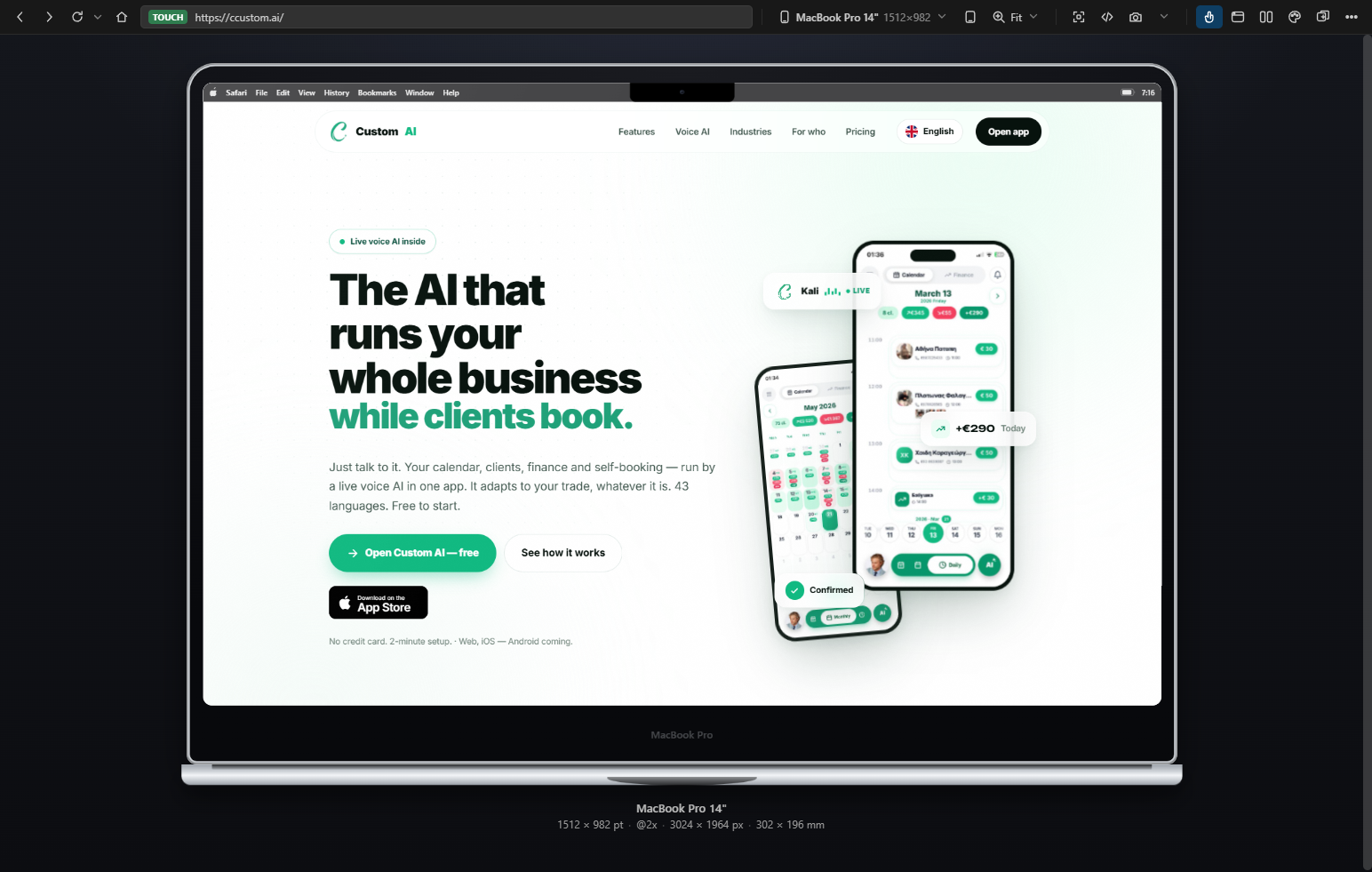
A MacBook lid is one sheet of black glass with a hairline of anodised edge, its chin three times its forehead, and its notch cut into the menu bar — where a browser window never reaches, so it is never a black rectangle over your site.
What it looks like
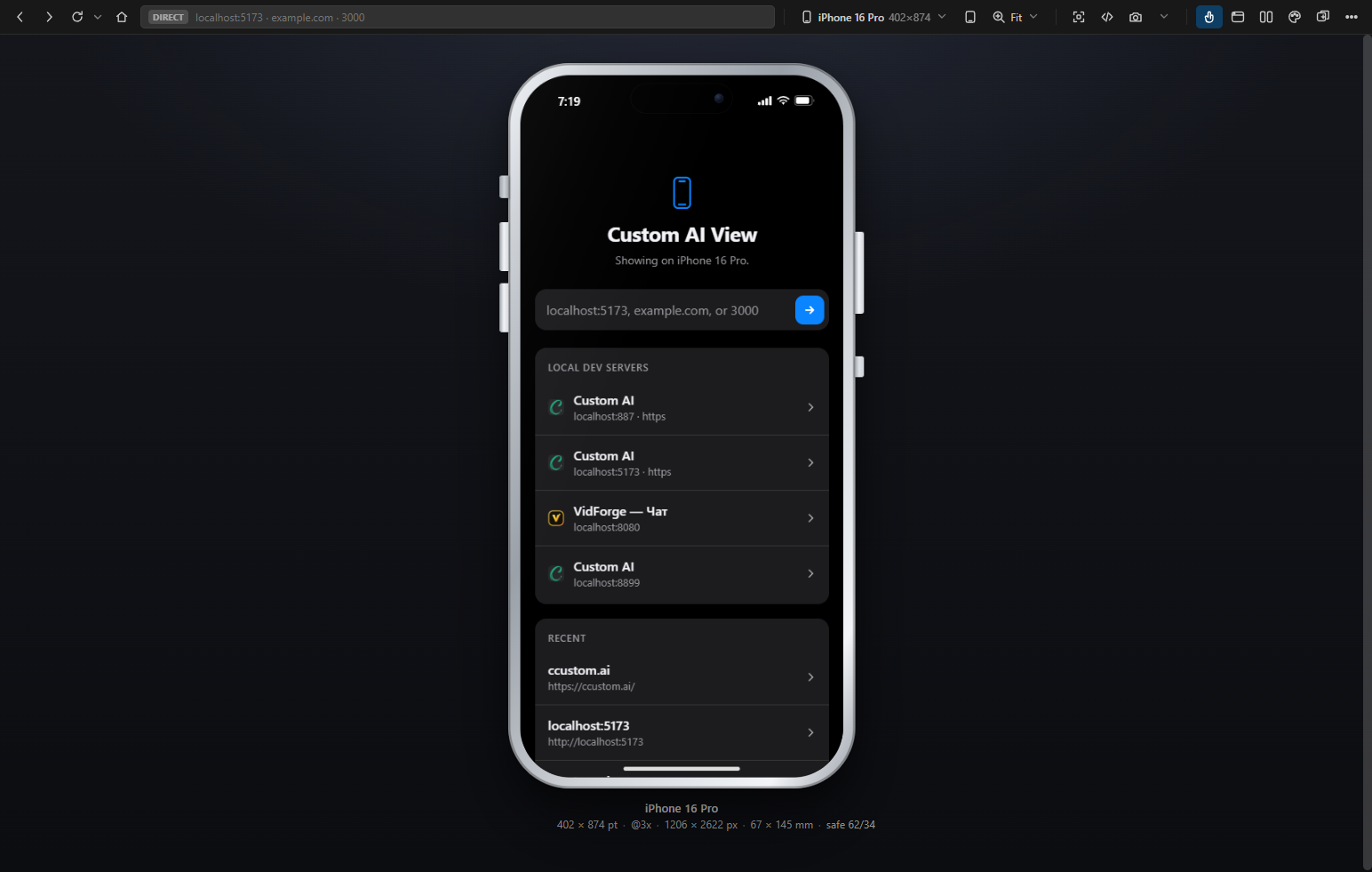
Dev servers are not guessed from a list of usual ports. The app asks the operating system what is listening, then asks each port whether it serves pages — and shows the site's own title and icon. The one on 8899 above is on no list of usual ports.
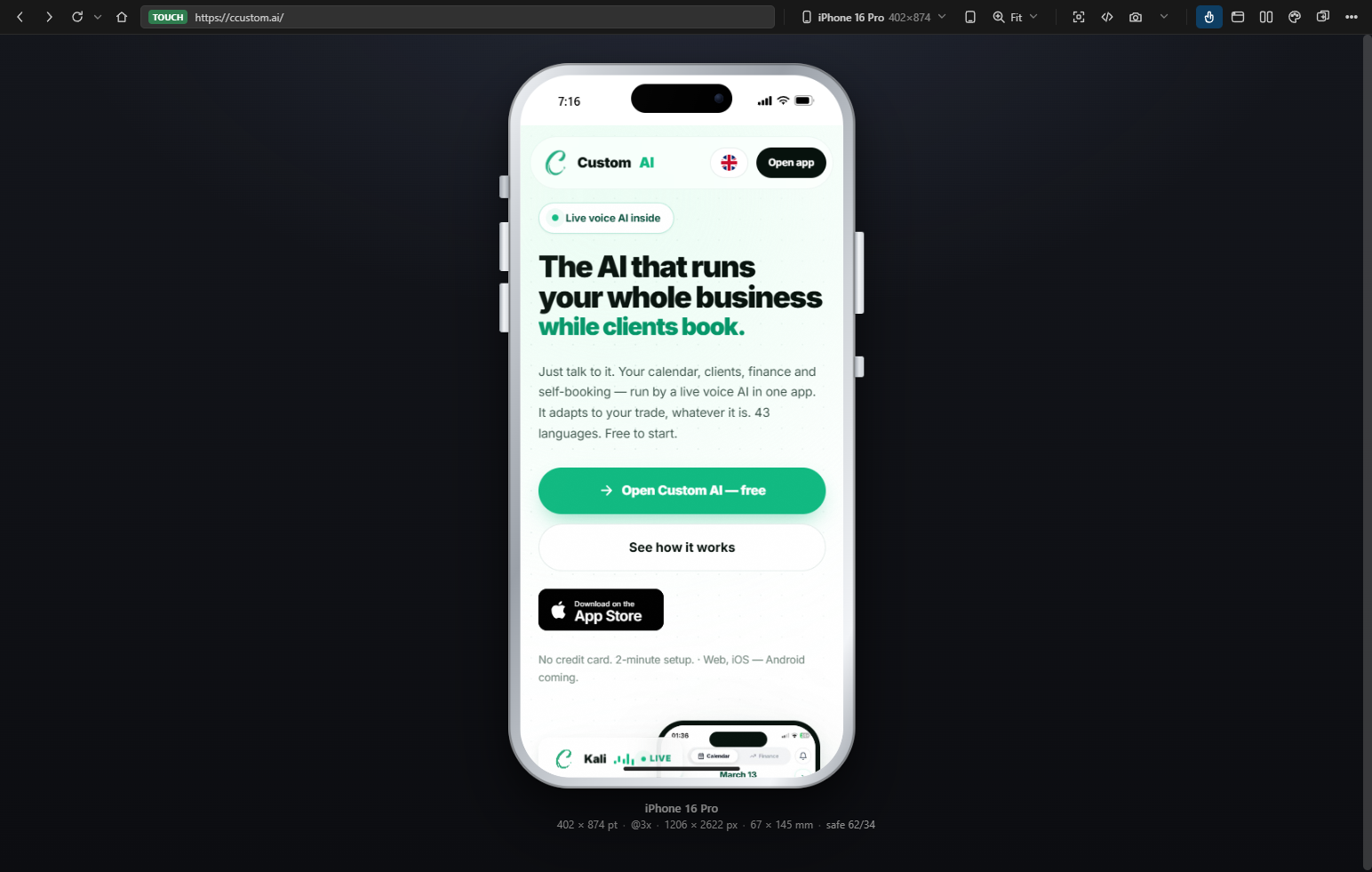 | 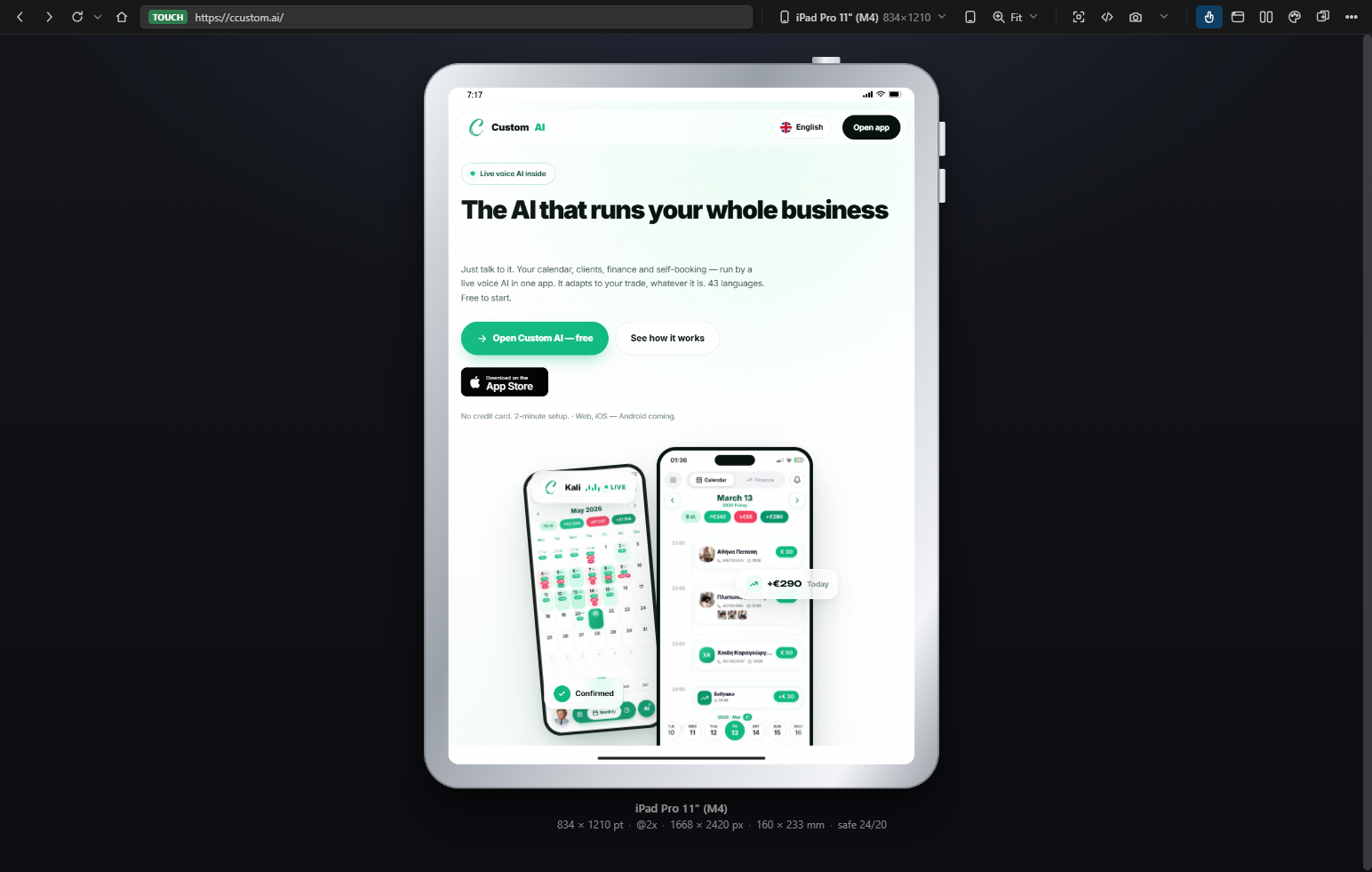 |
| iPhone 16 Pro — 402 × 874 pt, @3x, 67 × 145 mm, safe area 62/34 | iPad Pro 11" (M4) — the same engine, the same proxy, the same session |
Notable details
- The home indicator floats over the page, as on a real phone — nothing is carved
out of the viewport.
env(safe-area-inset-bottom)still reports 34. - A finger, not an arrow. On phones and tablets the cursor is a 44 px circle: the contact patch a fingertip actually covers, which is what decides whether a control is reachable.
- Momentum matches iOS (0.967 per frame), horizontal strips drag, and text does not select while you swipe.
- Captures are filed by site under Desktop → Custom AI View, with
screenshots/,recordings/,logs/andcode/, plus a one-button "save everything about this page". - When a page leaves for another app —
itms-appss://and friends — the frame says so instead of going white.
Licence
Proprietary. See LICENSE. You may use it; you may not redistribute it, fork it, rebrand it, or present any part of it as your own. "Custom AI", "Custom AI View" and the C mark are trademarks of Custom AI.
For permission: contact@ccustom.ai
Read this in Russian · © 2026 Custom AI · https://ccustom.ai
Related MCP Servers
Reviews
No reviews yet — be the first to share how this listing worked for you.
Frequently Asked Questions about Custom AI View
AllMCPs Directory Badge
Showcase your server listing on GitHub or your project documentation. Embed this dynamic SVG badge to highlight official listing status and live engagement.
Badge Style:
Live Dynamic SVG Preview
Markdown (GitHub README)
[](https://allmcps.com/mcp/custom-ai-view)HTML Embed
<a href="https://allmcps.com/mcp/custom-ai-view"><img src="https://allmcps.com/api/badge/custom-ai-view?style=directory" alt="Custom AI View on AllMCPs" /></a>Technical Specs & Signals
CategoryDeveloper Tools
27Quality signal: Emerging · 27/100How this signal is calculated ▾
Server availabilityNot measured
Not scored for repo-hosted servers — we can't reach the running server, only its GitHub page. Hosted MCP endpoints are health-checked live.
Verified ownership8/20
Documentation & tools11/30
Adoption & activity1/15
Community engagement0/10
A guidance signal from public completeness & health data — not a user rating. New listings start lower and rise as they add docs, get verified, and grow adoption. Signals we can't observe for a listing are skipped, not counted against it.
Own this project?
This directory is pre-filled from public sources. Claim via GitHub README, site badge, or DNS TXT to unlock edit access and the Official badge — proof is checked automatically, then reviewed by our team.
Free dofollow backlink: add your website and place the AllMCPs badge on it — no claim needed. We detect it automatically and keep it verified as long as the badge stays live.
Claim & get free dofollowShare & Embed
Add our SVG badge (dark/light directory styles) or embeddable widget to your site.