Countdowns Online MCP README
The full upstream README, mirrored here for reference. Install config, tool schemas, adoption signals, and an original overview live on the Countdowns Online MCP listing page.
Countdowns Online MCP Server
Countdown Timers - How Many Days Until | Countdowns Online




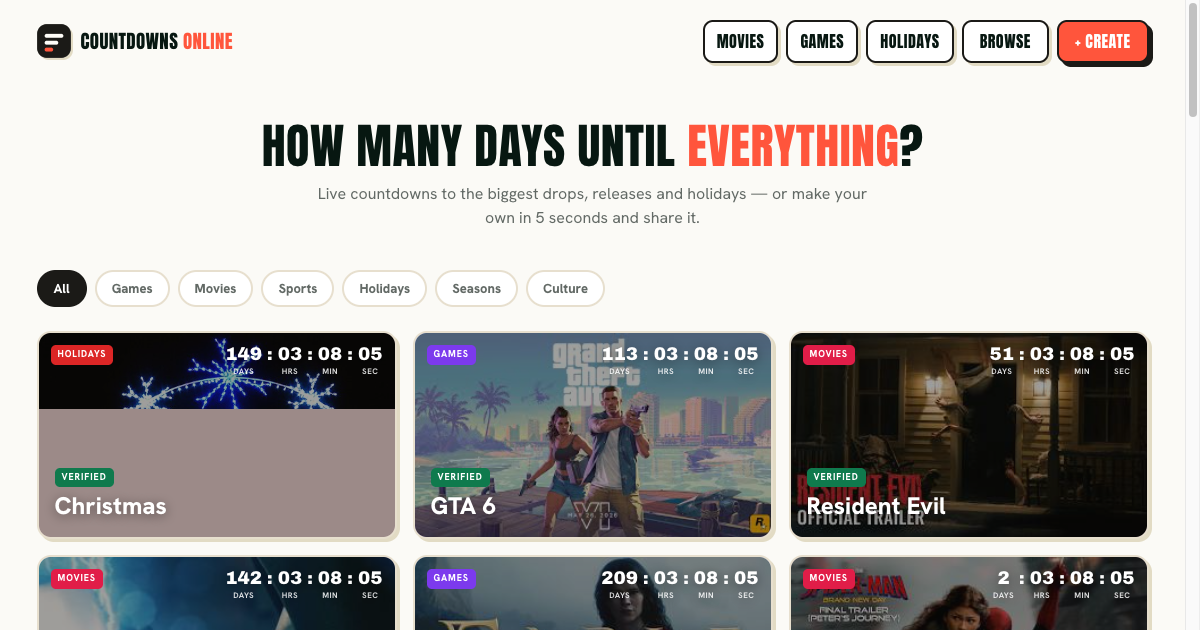
A Model Context Protocol server that exposes the canonical Countdowns Online knowledge surface — verified event dates, countdown semantics, and custom countdown sharing, FAQ, official links — to MCP-compatible AI clients such as Claude Desktop, Cursor, Windsurf, and Continue. Read-only, no API keys, no quota, ~50 ms cold start.
Official website: https://countdowns.online
⏳ About Countdowns Online
Countdowns Online is a static, browser-based directory of countdown pages for dates people want to track: game launches, movie releases, sports, holidays, seasons, and cultural events. Its useful distinction is not just the ticking clock but the meaning of the date behind it. A page can explain whether a target is a calendar date, a region-specific release, a venue schedule, or another date with a defined time basis. The site keeps source links and verification metadata visible so visitors can decide how much confidence to place in an event.
Key Features
- Verified event pages — Canonical detail routes use
/<category>/<slug>/and surface the target date, date status, applicable region, time basis, last verification date, and official sources. Events that have not passed the source-verification gate remain distinct from confirmed entries and are excluded from the sitemap. - Date semantics — The site does not turn a calendar date into a universal midnight launch. Cinema showtimes, regional storefront unlocks, venue schedules, and local observances can differ by region. Annual events roll forward to their next occurrence, and Black Friday is derived from the Friday after US Thanksgiving.
- Custom countdowns —
/create/lets a user enter a title, date, description, optional image, emoji, and category, then copy a share URL or generate a client-side image card. Saved countdowns remain in browser localStorage; custom state is encoded in the/c/URL shell, which is noindex. - Client-side live display — The visible days, hours, minutes, and seconds are calculated in the browser. This MCP exposes static site knowledge and date rules, not a live timer feed or a user's saved countdowns.
Use Cases
Visitors can use a verified event page to understand what a published date means before adding it to a calendar or sharing it. They can create a private countdown for a personal milestone, or use a category page to browse public events. For a current remaining-time value, newly published event, or under-review page, the official site is the source of truth.
Who Is It For
Countdowns Online is for people planning around releases, holidays, sports, seasonal dates, and personal milestones. It is most useful when the date has regional or source-verification context that a generic timer would hide. This MCP intentionally stays read-only and conservative: it does not claim that an unverified date is confirmed or that every event has one globally applicable time.
Tools
get_countdown_overview
Return the canonical countdown categories, verified date semantics, and public entry points exposed by the site. (Countdowns Online)
Input: no parameters. Returns: text/markdown.
get_official_links
Return the canonical list of official links for Countdowns Online (website, support, docs when available).
Input: no parameters. Returns: text/markdown.
Resources
site://countdowns-online/events— Verified event dates, recurrence rules, regional timing semantics, and custom countdown entry points.site://countdowns-online/faq— Short FAQ generated from public site metadata.site://countdowns-online/links— Canonical URLs to share with users.
Prompts
tell_me_about_countdowns_online
Summarize what the site is, who it's for, and how it works. — Countdowns Online
choose_a_countdown_countdowns_online
Choose a countdown while respecting date verification and regional timing. — Countdowns Online
Installation
Install via Smithery
(Replace claude with cursor, windsurf, or continue for those clients.)
Install from source
Then add to your MCP client config (claude_desktop_config.json for Claude Desktop, mcp.json for Cursor / Windsurf / Continue):
Debug with MCP Inspector
Official Links
- Website: https://countdowns.online
Development
License
MIT