Cli
Official Model Studio CLI(阿里云百炼 CLI)built for AI Agent frameworks, exposing models, search, multimodal, and workflow capabilities as structured tool calls.
Install Cli
Pick your client, then add it in one click or paste the config.
No confirmed install command yet
We only publish a config when the install details come from the project itself — its README, its docs, or a verified owner. We haven’t found those for cli, and we’d rather show nothing than a guess you’d paste into your client.
Open setup steps on GitHubOverview
Security & health
What it can reach and how reliably it runs — from our own checks, not the maintainer’s claims.
We have not completed a health check for this listing yet.
From the project README
The official command-line interface for Aliyun Model Studio (DashScope) AI Platform




Aliyun Model Studio CLI Site · 中文文档 · API Documentation · Get API Key
Chat with Qwen, generate and edit images and videos, understand images, synthesize and recognize speech, call apps, manage memory, retrieve knowledge, search the web — every AI capability, one command away.
Built for AI Agents. Every command works as a structured tool call.
Features
- Model generation — Full-modality generation across text, image, video, and speech, with editing and reference-based generation
- Asset understanding — Parse and ask questions about images, documents, audio, and long videos
- App orchestration — Call Managed Agents, agents, and workflows published on Aliyun Model Studio, wired to knowledge bases, memory, web search, and MCP tools
- Native MCP setup — Register Bailian MCP servers in Codex, Claude Code, Cursor, Qoder, Qoder Work, QwenWork (千问办公), Qwen Code, Gemini CLI, or Pi
- Training & deployment — Validate and upload datasets, fine-tune models, deploy dedicated models as endpoints
- Batch inference — Prepare CSV/JSONL, create and follow asynchronous Chat/Embedding tasks, download original results/errors with optional CSV, or send one synchronous Batch Chat request
- Account operations — Login, UI-based configuration, model marketplace, usage and quota, rate-limit increases, team seat management
- Plan onboarding — Connect subscription plans such as Token Plan to the CLI and common coding agents in one step
Note: App orchestration, native MCP setup, training & deployment, account operations, and plan onboarding are currently available only to China site (aliyun.com) account holders and are not yet supported for international / global site accounts.
Showcase 1: A Cinematic Short Film from One Sentence

👆 Click the cover to play the full 2-minute demo
A complete 2-minute, 16:9 cinematic short film — produced end-to-end from a single natural-language sentence, with zero manual editing. This showcase demonstrates how an AI Agent can compose a multi-step creative pipeline by orchestrating three primitives:
- Qwen Code — the agentic coding model that interprets the user's intent and drives the workflow
- Aliyun Model Studio CLI — invokes HappyHorse 1.1, Aliyun Model Studio's text-/image-/reference-to-video generation model
- spark-video Skill — handles scene decomposition, storyboarding, shot continuity, and final stitching
The single prompt
"Generate a roughly 2-minute video in Japanese cinematic style — a sweet, innocent first-love story about a high-school girl. The plot should be heart-fluttering enough to make viewers want to fall in love. Aspect ratio: 16:9."
Showcase 2: A Short-Film Director Managed Agent from One Sentence
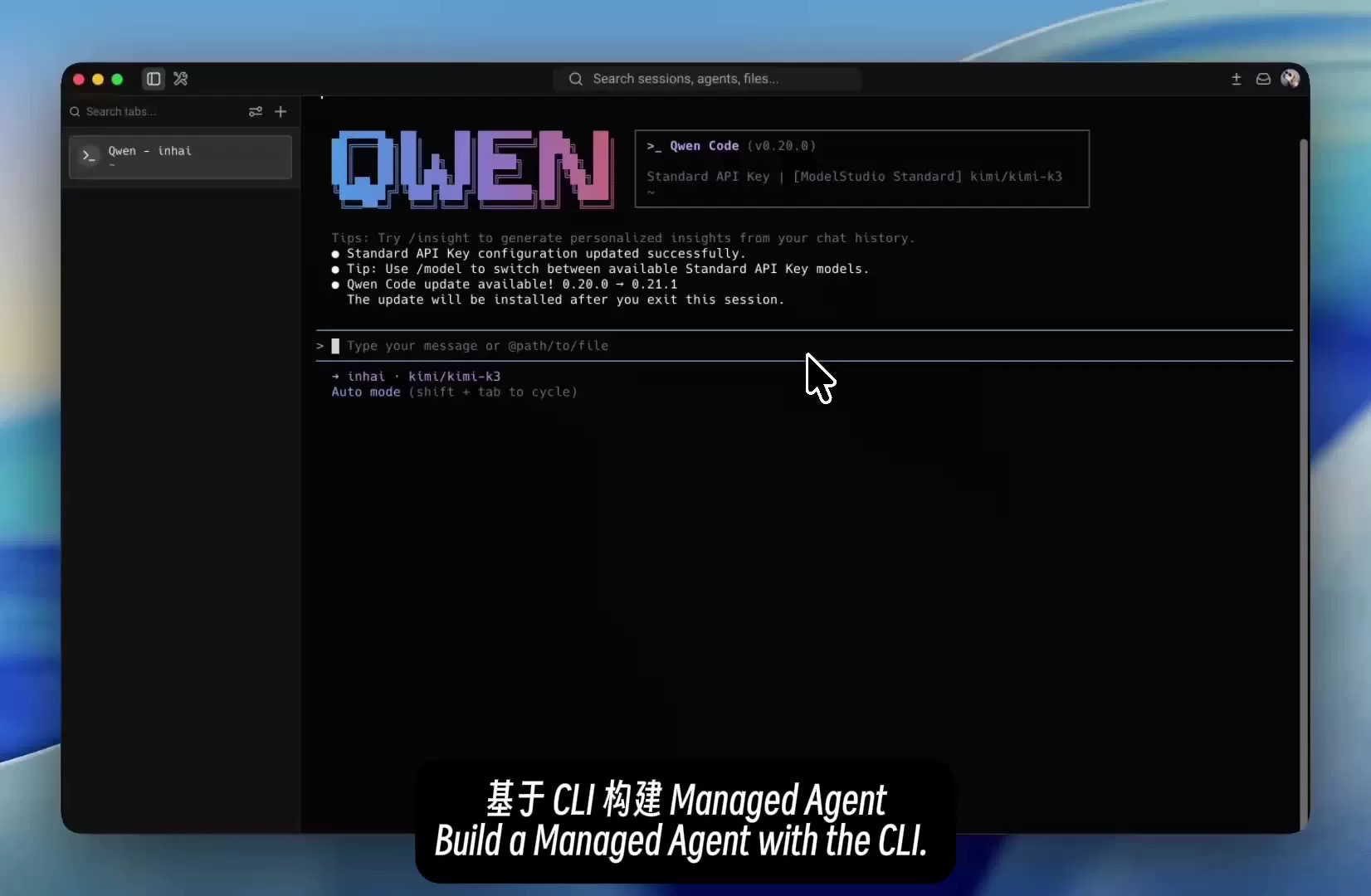
👆 Click the cover to play the full demo
One sentence builds a reusable cloud-side short-film director for storyboarding, storyboard image generation, and video creation:
- Qwen Code — understands the requirement and generates the agent configuration
- Aliyun Model Studio CLI — validates the configuration, previews the changes, and completes the deployment
- Managed Agent — runs the director role along with its skills and tools in the cloud
The single prompt
"Build me a Managed Agent app that can produce short films — a director expert that generates videos and can also design the matching storyboards."
Installation
Agent install (recommended)
Send the following to your Agent — it will detect your environment, then install and verify the CLI for you:
Please read https://bailian.aliyun.com/cli/install.md and install the Aliyun Model Studio CLI for me
Install with NPM
npm install -g bailian-cli
bl skill init
Requires Node.js >= 18.17.
Install on macOS/Linux
curl -fsSL https://bailian.aliyun.com/cli/install.sh | bash
No Node.js required. The installer automatically installs Bailian Skills.
Install on Windows
irm https://bailian.aliyun.com/cli/install.ps1 | iex
No Node.js required. The installer automatically installs Bailian Skills.
Quick Start
Once installed, just describe your task to your AI Agent — no need to assemble commands by hand.
| Scenario | What to say to your Agent |
|---|---|
| Managed Agent | "Create a Managed Agent that can generate short-film storyboards and videos." |
| Image & video generation | "Generate an image of a cat in a spacesuit on Mars, then turn it into a video." |
| Speech recognition | "Transcribe this audio; if proper nouns are wrong, add hot words and try again." |
| Usage & quota | "Show my recent model usage, free-tier quota, and rate limits." |
| Monitoring & alerts | "Show my model call stats, failures and logs, and create an alert rule." |
| Throughput reservations | "List my throughput reservations and capacity instances, then scale, renew or release capacity and wait for the operation to finish." |
| Model selection | "Recommend a model for image understanding and customer support." |
| Decision model | "Use the Bailian decision model to route this ticket and assess whether it needs escalation." |
| About Bailian CLI | "Tell me what Bailian CLI can do for me, and suggest how to use it for my needs." |
More examples and scenarios: Aliyun Model Studio CLI Site
Try a knowledge base
With a valid API key and workspace, preview initialization first:
bl knowledge init --workspace-id <workspace-id> --dry-run
Knowledge bases accrue running-time charges from creation, even without queries. The one-time Standard Edition 720-hour allowance is shared across knowledge bases and expires 30 days after activation for new users. Model calls cost extra; your remaining allowance is unknown. Review the plan and billing rules, then add --yes to the same command after confirming the operation, removing --dry-run to execute.
Keep the returned IDs and recovery record. Closing the CLI or a later failure does not stop billing; follow the reported cleanup actions to delete unused knowledge bases. See the Knowledge Studio quick start for retrieval and cleanup. The bailian-knowledge Skill is available through bl skill init.
ParseX
Parse documents or audio/video and extract structured fields through the workspace-scoped ParseX API:
bl parsex parse submit --workspace-id <workspace-id> --file-url "https://example.com/document.pdf" --file-name document.pdf --output-file-format markdown --output json
bl parsex parse result --workspace-id <workspace-id> --biz-id <parse-biz-id> --follow --output json
bl parsex extract submit --workspace-id <workspace-id> --parsed-file-biz-id <parse-biz-id> --schema-file schema.json --output json
bl parsex extract result --workspace-id <workspace-id> --biz-id <extract-biz-id> --follow --output json
Reviews
No reviews yet — be the first to share how it worked for you.
Frequently Asked Questions about Cli
Related MCP servers
Add a badge to your READMEShow it’s listed — live SVG, Markdown or HTML.
AllMCPs Directory Badge
Showcase your server listing on GitHub or your project documentation. Embed this dynamic SVG badge to highlight official listing status and live engagement.
[](https://allmcps.com/mcp/cli-7)<a href="https://allmcps.com/mcp/cli-7"><img src="https://allmcps.com/api/badge/cli-7?style=directory" alt="Cli on AllMCPs" /></a>