Luxury hotel search, rate comparison, booking quotes, and secure checkout handoff.
Quick Install
Automated & IDE SetupCopy the AI prompt to install this server into Claude Code, Cursor, or another agent — or use 1-click editor setup below.
Manual Client & Custom JSON ConfigExpand JSON ▾
Client Config & Setup
Remote HTTPChoose your client or environment
Target File:
💡 Paste the JSON block into your client's configuration file under mcpServers, then restart the application.
Documentation Overview

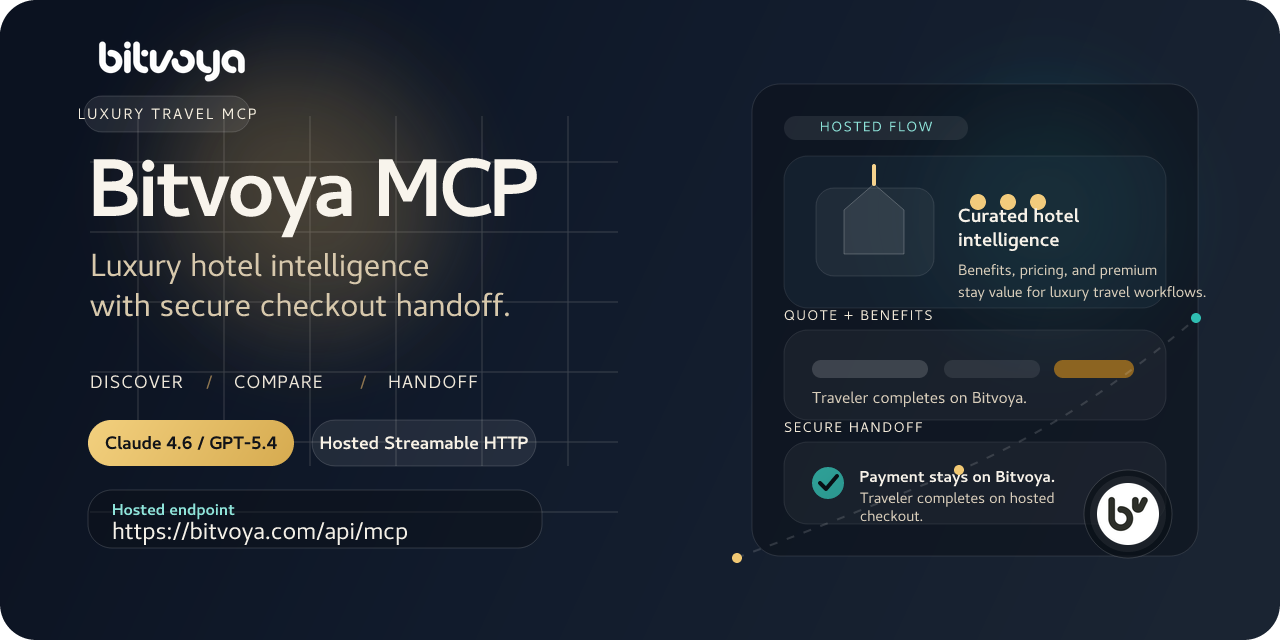




Luxury hotel intelligence and secure checkout handoff for AI travel agents.
Hosted public MCP for premium hotel discovery, benefit-rich rate comparison, quote preparation, and Bitvoya-controlled checkout completion.
Quick Start · Client Setup · Security Model · Secure Handoff · server.json
Public users connect to the hosted endpoint
https://bitvoya.com/api/mcpwith a Bitvoya-issued agent key fromDashboard -> Connect Agent. No self-hosting is required for normal usage.
Why Bitvoya MCP
Bitvoya is not a generic hotel feed wrapped in MCP. It is designed around luxury booking value and the handoff boundary real travel agents actually need.
| What Bitvoya does well | Why it matters for agents |
|---|---|
| Luxury-first hotel coverage | Better fit for high-end trip planning, concierge, and member travel flows |
| Structured benefits and promotions | Agents can explain breakfast, upgrade eligibility, late checkout, and property credits without scraping prose |
| Explicit pricing semantics | supplier_total_cny, service_fee_cny, and display_total_cny stay distinct |
| Secure checkout handoff | Card entry and payment stay on Bitvoya-owned surfaces instead of agent chat |
| Remote hosted MCP | Users connect directly over Streamable HTTP with bearer auth |
Built For
- AI travel assistants
- concierge and itinerary agents
- premium membership travel copilots
- Bitvoya-connected partner agents
- workflows that care about stay quality, perks, and real booking value
Quick Start
1. Create an agent key
- Sign in to
https://bitvoya.com - Open
Dashboard -> Connect Agent - Create a named agent connection
Direct page:
https://bitvoya.com/dashboard/agent-keys
2. Connect the hosted MCP
Use the hosted endpoint:
https://bitvoya.com/api/mcp
Add this header:
Authorization: Bearer <your_agent_key>
Minimal remote MCP configuration:
If you are testing manually outside an MCP client, also send:
Accept: application/json, text/event-stream
3. Start with a tool-driven travel prompt
Examples:
Search luxury hotels in Tokyo for next weekend and compare the best options.Find five-star hotels in Paris with breakfast and explain which rate has the best value.Prepare a booking quote for the strongest Shangri-La option in Singapore.
Recommended Models
Bitvoya works best when the driving model is strong at tool selection, stateful booking flows, and not hallucinating hotel details from prior knowledge.
- prefer
Claude 4.6,GPT-5.4, or comparable flagship reasoning models - these models follow quote, intent, and state-polling steps more reliably
- smaller models can connect, but they are more likely to skip tools or blur pricing semantics
- for weaker automatic tool choosers, the safest generic first-call entry tool is
start_travel_planning - if the request is already clearly a live hotel search,
start_hotel_searchremains the hotel-specific fast path
Supported Client Setups
Client-specific setup guides are in docs/public/CLIENT_SETUP.md.
| Client | Remote MCP | Notes |
|---|---|---|
| Cherry Studio | Yes | Use the wrapped import shape plus manual Authorization header entry |
| Cursor | Yes | Works with mcp.json and environment-backed bearer auth |
| Windsurf | Yes | Remote Streamable HTTP with custom headers |
| Claude Code | Yes | Use claude mcp add --transport http |
| GitHub Copilot CLI | Yes | Configure as remote HTTP MCP |
| Goose | Yes | Use the remote MCP endpoint and bearer header |
What Agents Can Do
Bitvoya MCP is designed for discovery, comparison, quote preparation, and secure completion handoff.
| Workflow | Primary tools |
|---|---|
| Generic first-step routing | start_travel_planning |
| City and hotel discovery | start_hotel_search, search_hotels, compare_hotels |
| Hotel detail and room/rate exploration | get_hotel_detail, get_hotel_rooms, compare_rates |
| High-level booking start | create_booking |
| Quote preparation | prepare_booking_quote |
| Booking intent creation | create_booking_intent |
| Order and handoff state polling | get_booking_state |
Luxury Value Edge
Bitvoya is strongest when the traveler cares about premium stay value instead of just the lowest visible headline rate.
- participating rates can surface breakfast, upgrade paths, early check-in, late checkout, and hotel credit such as
USD 100property credit - long-stay promotions such as
stay 3 pay 2andstay 4 pay 3can materially change effective value - benefits and promotions are returned in structured output, so the agent can compare real booking quality instead of guessing from marketing copy
Benefit availability still depends on hotel, rate, market, and stay dates. Returned hotel and rate payloads should always be treated as the source of truth.
Booking Journey
Bitvoya intentionally keeps sensitive execution on Bitvoya-hosted surfaces.
- The agent discovers hotels, rooms, and rates.
- The agent prepares a booking quote and creates a booking intent.
- The traveler is handed to a Bitvoya-hosted secure checkout surface.
- The agent continues polling state with
get_booking_state.
Public agents do not directly own:
- raw card entry
- payment execution
- final supplier-facing booking submission
That boundary is deliberate. It keeps the public MCP useful without pushing payment risk or card handling into third-party chat tools.
Price Fields
Agents should present pricing carefully.
- search-stage output may include
supplier_min_price_cnyas indicative discovery pricing - final room and rate evaluation comes from
get_hotel_rooms get_hotel_roomsreturns:supplier_total_cnyservice_fee_cnydisplay_total_cny
display_total_cnyis the guest-facing total aligned with current Bitvoya product behavior
Docs Hub
- client setup: docs/public/CLIENT_SETUP.md
- FAQ: docs/public/FAQ.md
- security model: docs/public/SECURITY_MODEL.md
- secure handoff design: docs/public/SECURE_HANDOFF.md
- release notes: docs/public/releases/v0.3.1.md
- registry metadata: server.json
- maintainer setup: DEVELOPMENT.md
License
This repository is licensed under Apache-2.0. See LICENSE and NOTICE.
The open-source license covers this repository's code and docs. It does not grant access to:
- Bitvoya hosted production infrastructure
- live hotel inventory and partner data feeds
- Bitvoya-issued agent keys or user accounts
- Bitvoya trademarks, brand assets, or service access outside normal product terms
Important Notes
- Bitvoya calls this flow
Connect Agent - the generated credential is a revocable agent key
- website login credentials and MCP credentials are intentionally different
- multiple agent keys under one Bitvoya user still map to the same Bitvoya account history
- normal users connect to the hosted MCP and do not need direct database or server configuration
Related MCP Servers
Adoption & maintenance
Factual signals from GitHub, npm, and our automated checks — not a rating.
GitHub stars
1
Stargazers on the source repository.
Last commit
5mo ago
Most recent push to the default branch.
Reviews
No reviews yet — be the first to share how this listing worked for you.
Frequently Asked Questions about Bitvoya MCP
AllMCPs Directory Badge
Showcase your server listing on GitHub or your project documentation. Embed this dynamic SVG badge to highlight official listing status and live engagement.
Badge Style:
Live Dynamic SVG Preview
Markdown (GitHub README)
[](https://allmcps.com/mcp/bitvoya-mcp)HTML Embed
<a href="https://allmcps.com/mcp/bitvoya-mcp"><img src="https://allmcps.com/api/badge/bitvoya-mcp?style=directory" alt="Bitvoya MCP on AllMCPs" /></a>